How do I get photos of my glasses on a model without a photoshoot?
Upload a plain product photo of the glasses to Herofab's Eyewear studio, select eyeglasses or sunglasses and choose a model. Herofab puts the pair on the model in a head-and-shoulders close-up and is briefed to keep the frame shape, the colour and the lenses.
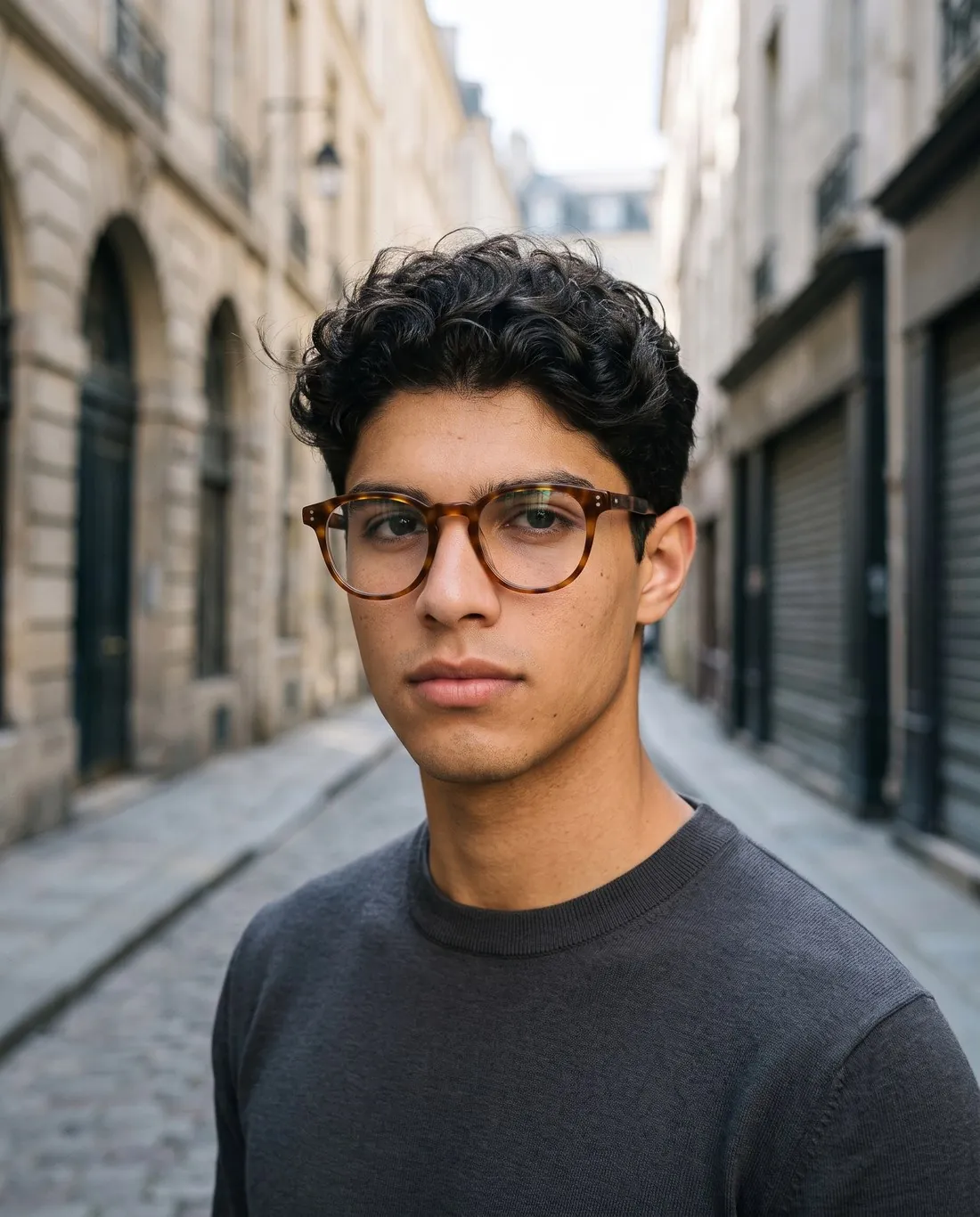
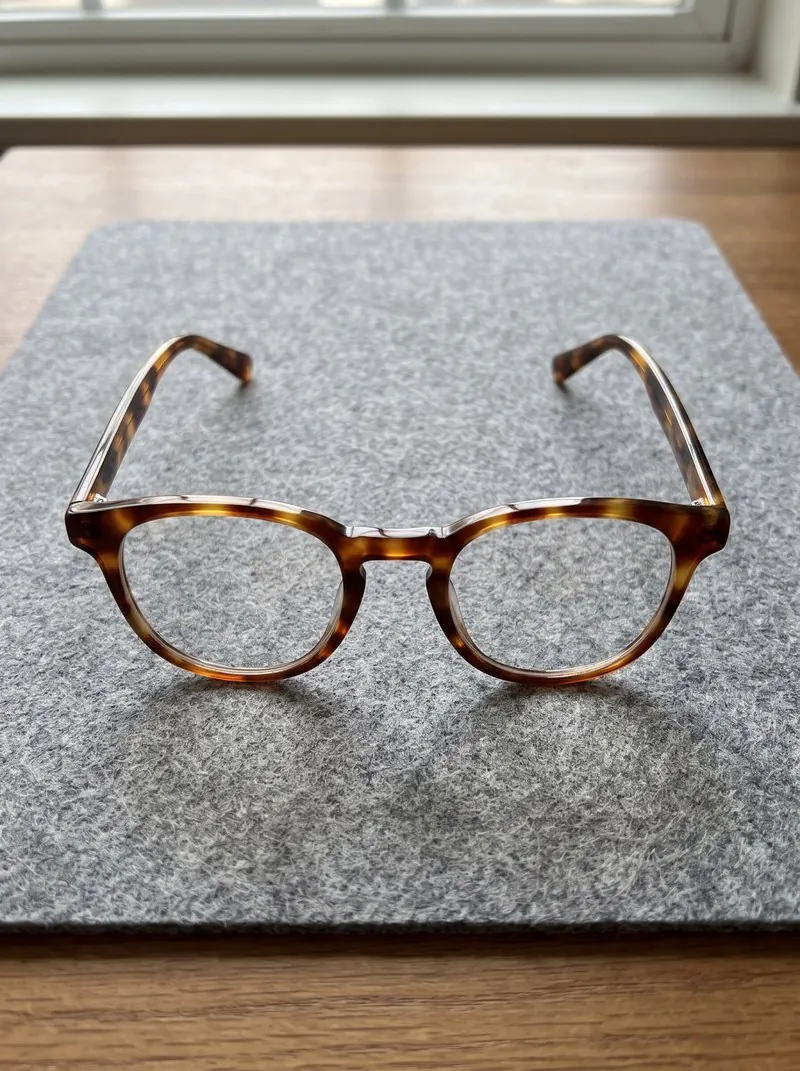
From one product photo to glasses on a face.
- 1
Upload the pair on its own
Photograph the glasses alone and sharp, with the whole frame and both temples in view, and upload that photo to Eyewear studio. The input is the product itself: no model and no studio are needed for the source photo.
- 2
Choose the type, model and background
Select eyeglasses or sunglasses, then a ready-made model, a model you created, or a photo of a model you have permission to use. The background can be studio white or grey, outdoor, lifestyle, a location or your own image.
- 3
Receive a close portrait
The glasses arrive on the model in a head-and-shoulders close-up with a slight three-quarter turn. Eyeglasses keep clear lenses with the eyes visible behind them; sunglasses are briefed to keep the lens tint and any gradient or mirror finish.
The glasses photo that works as the input.
- Clean the lenses and open both temples until the hinges stop, so the frame rests on its temple tips and lower rims and faces the camera.
- Stand a sheet of white card in front of the glasses so the lenses reflect it, then move the phone until its own reflection leaves the glass.
- Keep the whole frame and both temples in the picture; for sunglasses, a white surface behind the lenses in daylight shows the true tint.
Glasses on a model photos, answered.
Does it work for sunglasses as well as optical frames?
Yes. Eyewear studio takes eyeglasses and sunglasses. Sunglasses are briefed to keep the lens tint and any gradient or mirror finish as in your photo; eyeglasses keep clear lenses, so the eyes of the model show through.
Can the same frame be shown on several models?
Yes. Every image is ordered from the same product photo, so one frame can be shown on several models for a listing. A model created once and saved to your library keeps the same face across a whole collection.
What should I check before I publish the photos?
The hinges, the temples and any logo on the frame: thin metal parts and small lettering are the details to compare with the real pair. Pose and back view are not offered for eyewear, so every image is a close portrait.
How much does it cost?
5 credits per image, plus one credit for 4K. In US dollars that is $0.20 to $0.60 per image before tax, from the largest plan to the smallest credit pack. The cost is shown before you generate, and if a job fails the credits are returned. The 20 free credits at sign-up cover 4 images with this tool.
Your next collection, shot this week.
20 credits at sign-up, no card required. Images made with free credits carry a watermark.