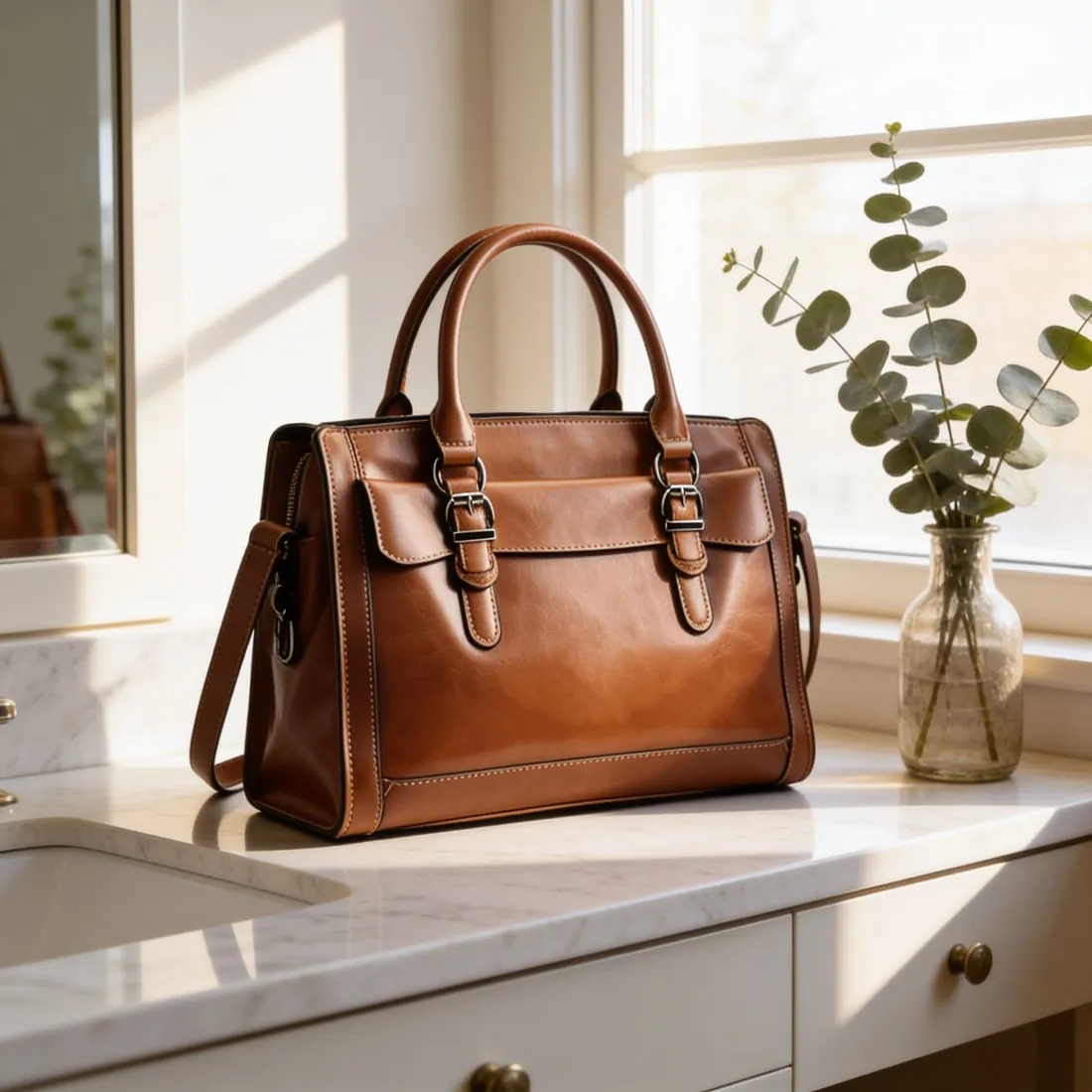
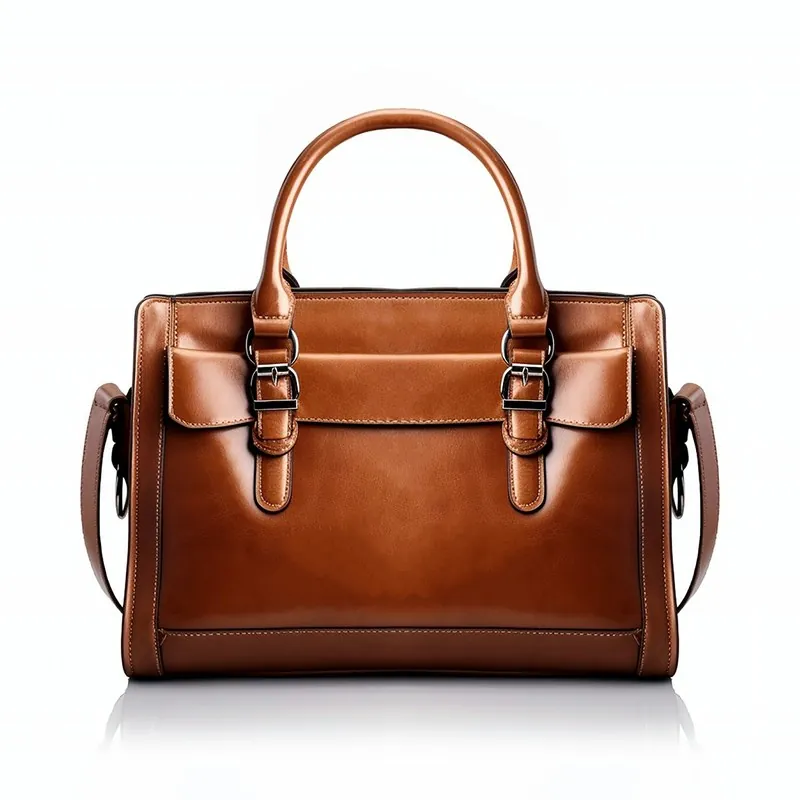
What is the difference between removing and replacing a background?
Removing a background deletes everything around the product and leaves the product on transparency or a flat colour. Replacing a background puts a new surface and setting around the product, which also needs a new shadow and matching light.
The difference matters for accuracy. A cut-out masks the photographed pixels of the product and leaves them as they were. A generated scene can touch the product as well: Shopify's September 2026 guide to ChatGPT Images warns that AI models can alter logos, typography, dimensions, stitching and packaging details, and advises comparing results with the actual product before customer use.
| Route | Example tools | Cost basis | Best for | Main risk |
|---|---|---|---|---|
| Manual editor | Photoshop Remove Background; GIMP Foreground Select | Paid subscription; GIMP is free | Hair, glass, hero images, full control | Minutes per image; shadows are built by hand |
| Free one-click cut-out | Apple photo cut-outs; Paint on Windows 11; Adobe Firefly; rembg | Free | Single items with a clear outline | Rough edges; no shadow; no marketplace sizing |
| General AI generator | ChatGPT, Gemini | Free tier or subscription | Mood images and social posts | The product can be redrawn |
| Dedicated product tool | Herofab, Photoroom, Claid, Modelia, Pic Copilot (background removal listed, checked 13 October 2026) | Credits or a monthly plan | Catalogues that need sizing for each channel | Generated scenes still need a visual check |
| Studio reshoot | A product photographer | From $40 per on-white photo at ProductPhoto.com (checked 31 October 2026) | Reflective goods and campaign images | Cost and lead time |
Cut a product out with Remove background
How do I change a product photo background in Photoshop?
Photoshop changes a background in five steps, according to Adobe's guide. Open the image and make sure the layer is not locked. In the Properties panel, click Remove Background under Quick Actions, or use the Contextual Task Bar. Clean up leftover bits around the edges with the Brush tool. Drag a new image onto the canvas and resize it with the Transform tool. Move it beneath the subject layer.
The Refine Edge Brush handles fine edges such as hair. Generative Fill, described in Adobe's help page updated on 15 September 2026, alters a selected area from a text prompt, so it can create a new setting around a product. A selection that includes the product hands the product to the generator too, so keep the selection on the background only.
Can I change a product photo background for free?
Yes, a product photo background can be changed for free with the five tools below, all available on 31 October 2026. Each one cuts the product out; only some can then place it on something new.
Free options that run on your own device
Apple's photo cut-outs work in iOS 16 and later on iPhone XS, iPhone XR and later models: touch and hold the subject, then copy or share it. Apple states that subjects cannot be pasted onto another photo, so a second app is needed to add a new background.
Microsoft began rolling out one-click background removal in Paint on Windows 11 in September 2023, and a later update added layers and transparency. GIMP, a free editor, has a Foreground Select tool for extracting a subject. The open-source rembg project, under an MIT licence, removes backgrounds from the command line and suits a technical user with a folder of files.
Free options in the browser
Adobe Firefly offers a free background remover and lets the user continue editing in Firefly. Free tiers of general AI tools can also create a scene, with usage limits and rights that differ by tool. Read those terms before commercial use.
Compare free AI product photo generators
How do I keep shadows and reflections realistic on a new background?
A cut-out loses the contact shadow that anchored the product to the surface, so the product appears to float until a new shadow is added. The new shadow should be darkest where the product touches the ground and fall in the direction of the light in the new scene.
Three checks catch most false shadows. The light direction on the product must agree with the shadow it casts. A hard-edged product in soft room light needs a soft shadow. A polished surface needs a faint mirrored reflection under the product, fading with distance.
Reflections inside the product are harder than shadows under it. Glass, chrome, a watch crystal and glossy packaging carry the room they were photographed in, and those reflections stay when the background changes. A bottle shot beside a window keeps that window on a beach. These products usually need a reshoot or manual retouching, and eBay's guidance notes that a darker backdrop may work better for shiny or reflective items.
Herofab's own measurement of 303 generated images found 6 of 30 Product studio images flagged (20.0%), most often for anatomy or an invented detail. Background removal has no model judge and is not part of that count. In the product, a flagged image is not delivered, but the figure shows why generated scenes need a human check. The check covered images made between 24 September and 12 October 2026, before Herofab's late-October image engine change.
Choose a soft shadow, no shadow or a reflection in Product studio
What background does a marketplace main image need?
Most marketplaces want a white or neutral background on the main image, and some measure it. White in this sense is a number: RGB 255, 255, 255. A background at 245 or 250 looks white on screen and still fails a measured check. Several marketplaces also ask for no visible shadow on the first image, so a shadow-free main image is the cautious choice.
The table below lists the rule at each channel. Google's row was read on 31 October 2026; the others come from the Herofab rule guides, which carry their own check dates. Clothing has separate rules on some channels: Amazon asks for adult clothing on a model on its main image.
| Channel | Main image background | Related rule |
|---|---|---|
| Amazon | White in most cases (RGB 255, 255, 255) | The product fills 85% or more of the frame |
| Walmart | Seamless white (RGB 255/255/255) | In focus and professionally lit |
| eBay | A neutral backdrop; white is generally best | A darker backdrop may suit shiny items |
| Facebook and Instagram Shops | A white backdrop is recommended | No text over the product, promo codes or watermarks |
| Google Merchant Center | No background colour set on the image link page | The product takes up 75% to 90% of the image; no promotional overlays |
Check whether a background is pure white
When do I need a transparent PNG instead of a white background?
A transparent PNG is needed when the product has to sit on something that is not white: a coloured web page, a banner, a slide or a composite made later. The file stores transparency in an alpha channel, which JPEG does not support.
A white background is the safer file for a marketplace upload, because the white is fixed in the file and does not depend on how the channel displays transparency. Keep one transparent master and export white versions from it, so a later scene or banner needs no second cut-out. Check every transparent cut-out on a dark colour first: a light halo around the product is invisible on white and obvious on navy.
Transparent backgrounds for product photos
When is changing the background the wrong method?
Changing the background is the wrong method when the rules or the product work against it. Vinted's photo rules ask for photos taken by the seller, showing the item as it is, with no image editing allowed. eBay does not accept a catalogue or stock photo for an item listed as used.
Four product types are better reshot: reflective goods, clear liquids, sheer fabric and fine hair or fringe against a busy background. The edge of a sheer sleeve contains the old background, so it cannot be cleanly separated from it.
A scene can also mislead. A setting that makes a product look larger, or suggests a use it does not support, changes what the buyer expects to receive. Display advertising has its own view: Google's best-practice guide for responsive display ads says to avoid showing products over digital composite backgrounds, including an all-white background, and recommends physical settings with natural shadows and lighting. That guidance is a recommendation rather than a requirement.
How to check an AI product photo before you publish it
Checklist
- Main image on RGB 255, 255, 255, checked with a tool rather than by eye.
- No visible shadow on the first image where the marketplace asks for that.
- Edges checked on a dark colour: hair, fringes, lace, straps and glass.
- Shadow direction agrees with the light on the product.
- Colour, logos, labels and outline compared with the real item.
- Transparent master saved as PNG; channel versions exported from it.
- AI metadata still in the file after any resizing or re-saving.
Sources
- Adobe — Remove Background with AI in Photoshop
- Adobe Help — Use Generative Fill in Photoshop on desktop
- Adobe — Free image background remover in Firefly
- Apple Support — Create and share photo cutouts on your iPhone
- Windows Insider Blog — Background removal in Paint
- Windows Insider Blog — Layers and transparency in Paint
- GIMP documentation — Foreground Select
- rembg on GitHub
- Shopify — ChatGPT Images guide
- Google Merchant Center Help — Image link
- Google Ads Help — Best practices for responsive display ads
- ProductPhoto — Product photography services and pricing
Checked 31 October 2026. Rules change; the official pages are the final reference.