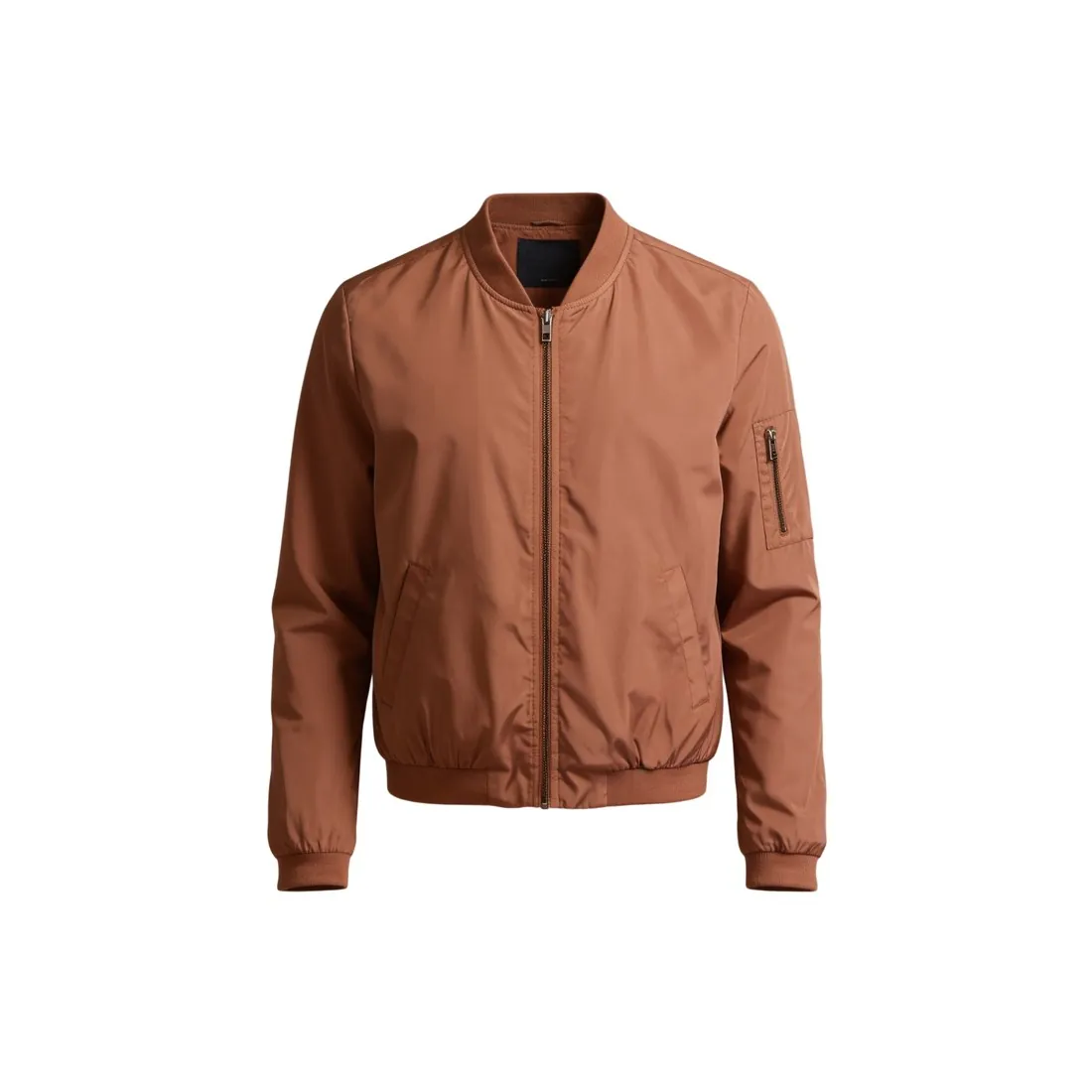
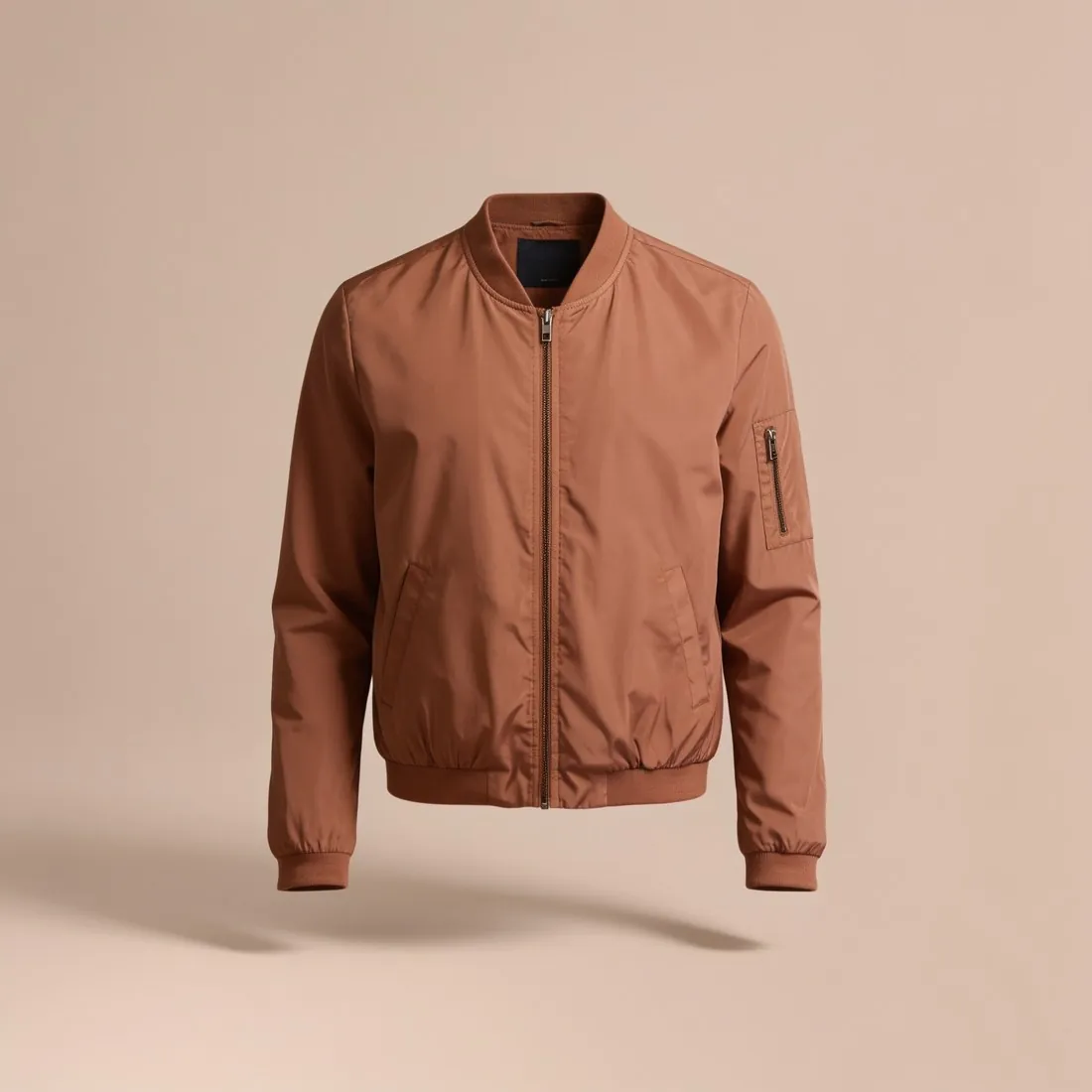
1. Why white
The main photo appears next to dozens of others in search results. A white background makes every product comparable and keeps the eye on the item — which is why many marketplaces ask for it on the first image.
2. Pure white, not almost white
White is a number: RGB 255, 255, 255 (#FFFFFF). Studio light and camera processing often leave a background at 245 or 250 — it looks white on screen, but not to a marketplace that measures it. The free white background checker shows which one you have.
3. No shadow on the first photo
Several marketplaces ask for no visible shadow on the main image. A shadow-free first photo is the safe choice; soft shadows and styled scenes suit the images that follow.
4. Let the product fill the frame
Leave only a slim margin: marketplace rules range from about three quarters of the image to nearly all of it. Crop close, keep the whole product in view, and never cut an edge off.
Getting the background white in the camera
A large sheet of matt white paper, curved up from the table to the wall, gives a ground with no seam: there is no line where the two meet. Glossy card mirrors the lamp, and cloth shows its weave and every crease as grey lines. Set the product well forward of the upright part of the paper, or its shadow falls onto the background.
Light the product from one side and place a white card on the other. Exposure then decides the white. A camera darkens a mostly white scene towards mid-grey, so the paper comes out grey until the exposure is raised. Raised too far, a white collar or a lace hem burns into the background and the outline is gone. A slightly grey ground can be corrected later; a burnt edge cannot.
After the shoot: replacing the background
When the photo is sound but the ground is grey or uneven, replacing the background is the more accurate fix: brightening the whole photo until the ground turns white shifts the colour of the product too. Remove background cuts the product out without redrawing it and delivers it on a transparent, white or light grey ground. Herofab lays the white in as one flat colour; it is not drawn by an image model.
The edge is the harder part. A pale product on a white ground leaves little contrast at the outline, so it is better photographed on a darker plain surface and the cut-out checked on a dark background. Clear glass and sheer fabric let the old background show through. Where the product needs new light as well, Product studio renders it again on a white studio ground with a soft shadow, a reflection or no visible shadow.
Measuring the white: what the checker reads
The eye adapts to the brightest area in view and calls it white, so a light grey ground passes at a glance. White background checker reads the pixels in a thin band along all four edges of the photo and reports how many are exactly pure white, how many are close to it, and the average colour of the band. The verdict is pure white only when nearly the whole band has that value.
The band is also the limit of the measurement. The middle of the picture is not read: the ground around the product, a shadow beneath it and the share of the frame it fills are not part of the result, and a product that reaches the edge puts its own pixels into the band. Product photo checker measures fill, cut-off edges and shadow. Either verdict is a measurement, not a marketplace's approval.
Checklist
- Background at exactly #FFFFFF
- No visible shadow on the first photo
- The whole product in frame, cropped close
- No text, logo or watermark added
Updated 24 September 2026