1. Colour comes from the product, not the light
A shadow, a warm lamp or a reflection in the original photo can make part of a product look darker than it is. The AI image should show the true colour of each material. Where the original is unevenly lit, judge the colour on the part that is evenly lit.
2. Repeated parts match each other
Rivets, buttons, snaps, eyelets and buckles that are identical on the product must be identical in the image: the same colour, the same finish and the same number. A tote bag whose rivets came out in two tones was one of the images Herofab replaced before publication.
3. The item is built the way it is built
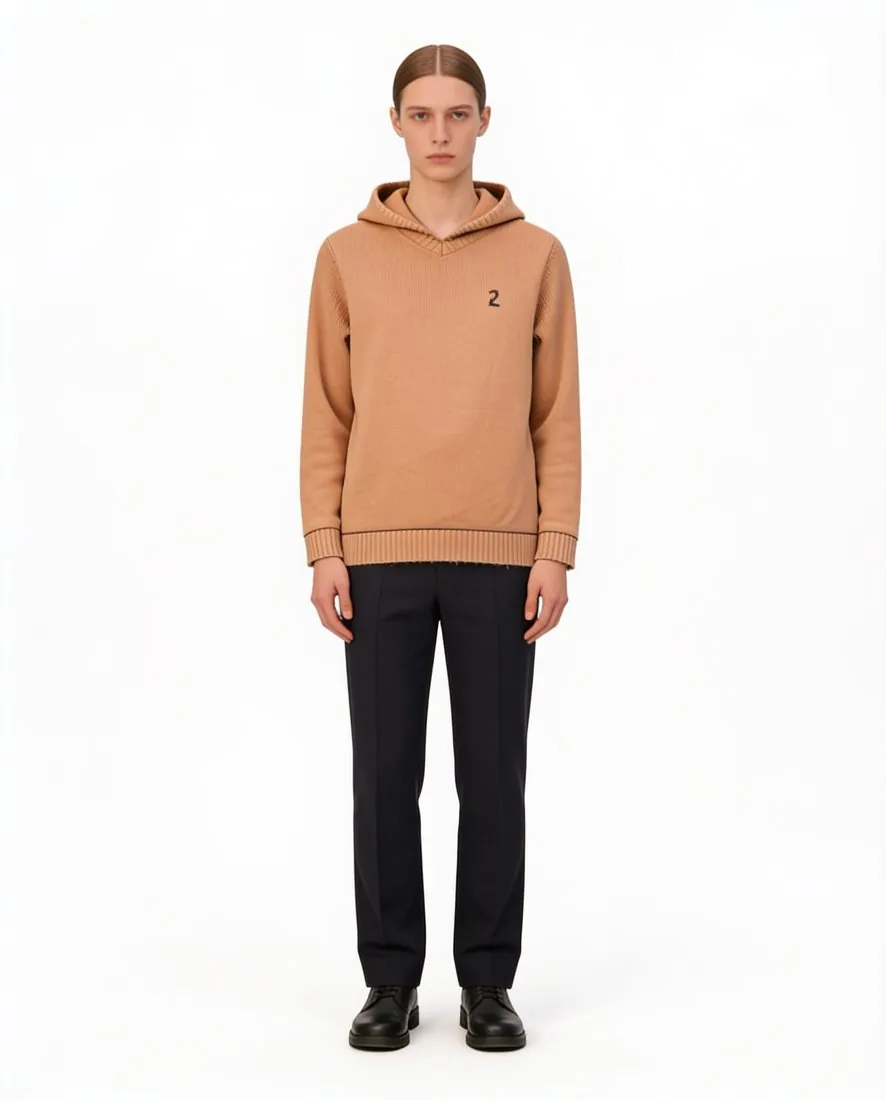
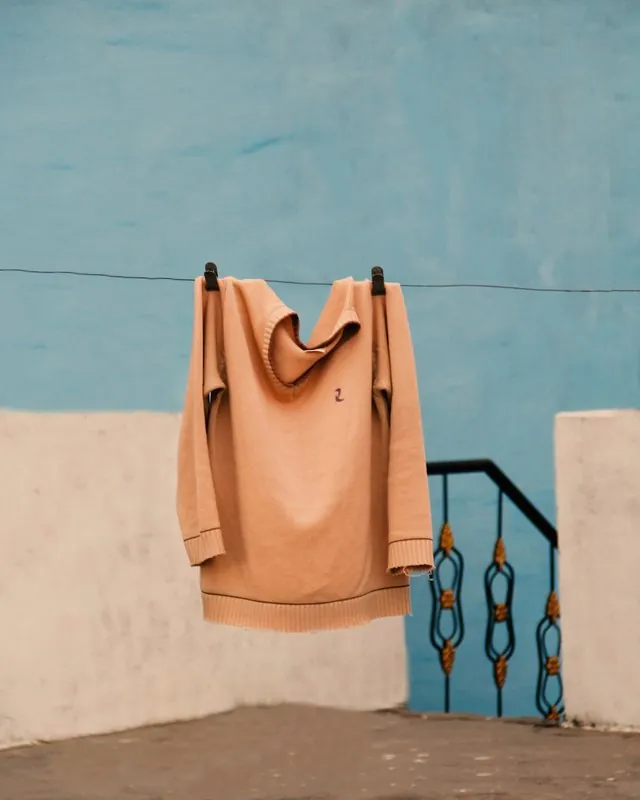
Image models lean towards common designs. A crew-neck sweater can gain a hood, and a necklace can be re-routed into a V it does not have. Compare the construction: neckline, closure, collar, and how a chain is linked and where its clasp sits.
4. The material stays the same material
A sherpa collar is not a knitted collar, and suede is not smooth leather. Materials are easiest to lose in a close-up, where the texture fills the frame. When the texture matters, a close-up photo of the material helps the image keep it.
5. Print, numbers and text are exact
Numbers, letters, logos and stripe counts are small, and they change easily. Read every character in the AI image against the original, at full size.
6. The model suits the item
An item cut for men belongs on a male model, and the rest of the outfit should be styled for the same person. When an item is cut for one gender, state it rather than leaving the choice open.
7. Hands and body are possible
For rings and bracelets, look at the wrist and the arm: they should enter the frame in one natural line with the hand. A hand resting on a shoulder it could not reach draws the buyer's eye to the mistake instead of the product.
Checklist
- Compare at full size, next to the original photo, not as a thumbnail.
- Check identical parts against each other, not only against the original.
- Read every number, letter and logo.
- Check the neckline, the closure and any chain before the colour.
- When the material matters, upload a close-up photo of it too.
- The product in the image must match the product that ships.
Sources
Checked 30 September 2026. Rules change; the official pages are the final reference.