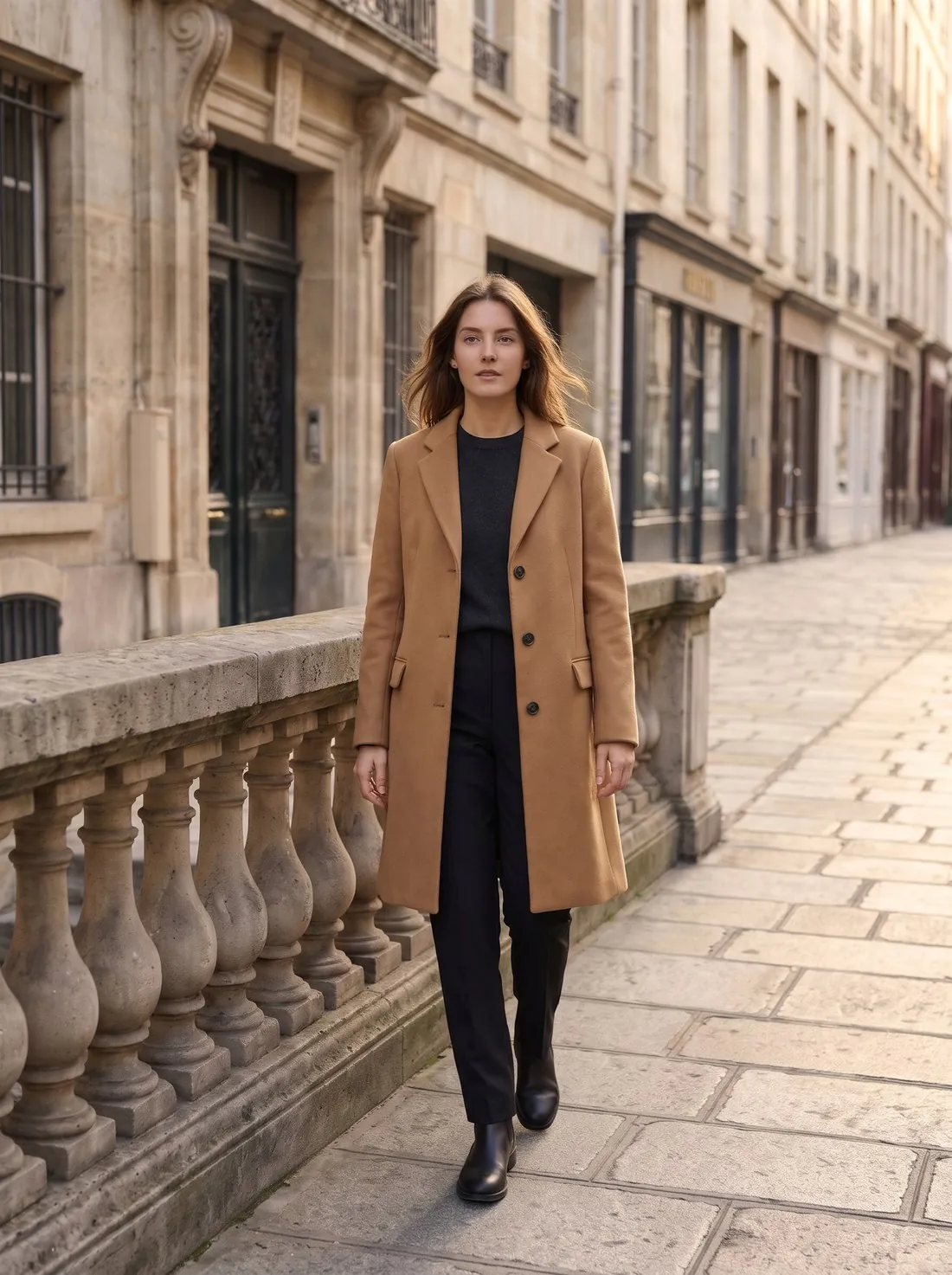
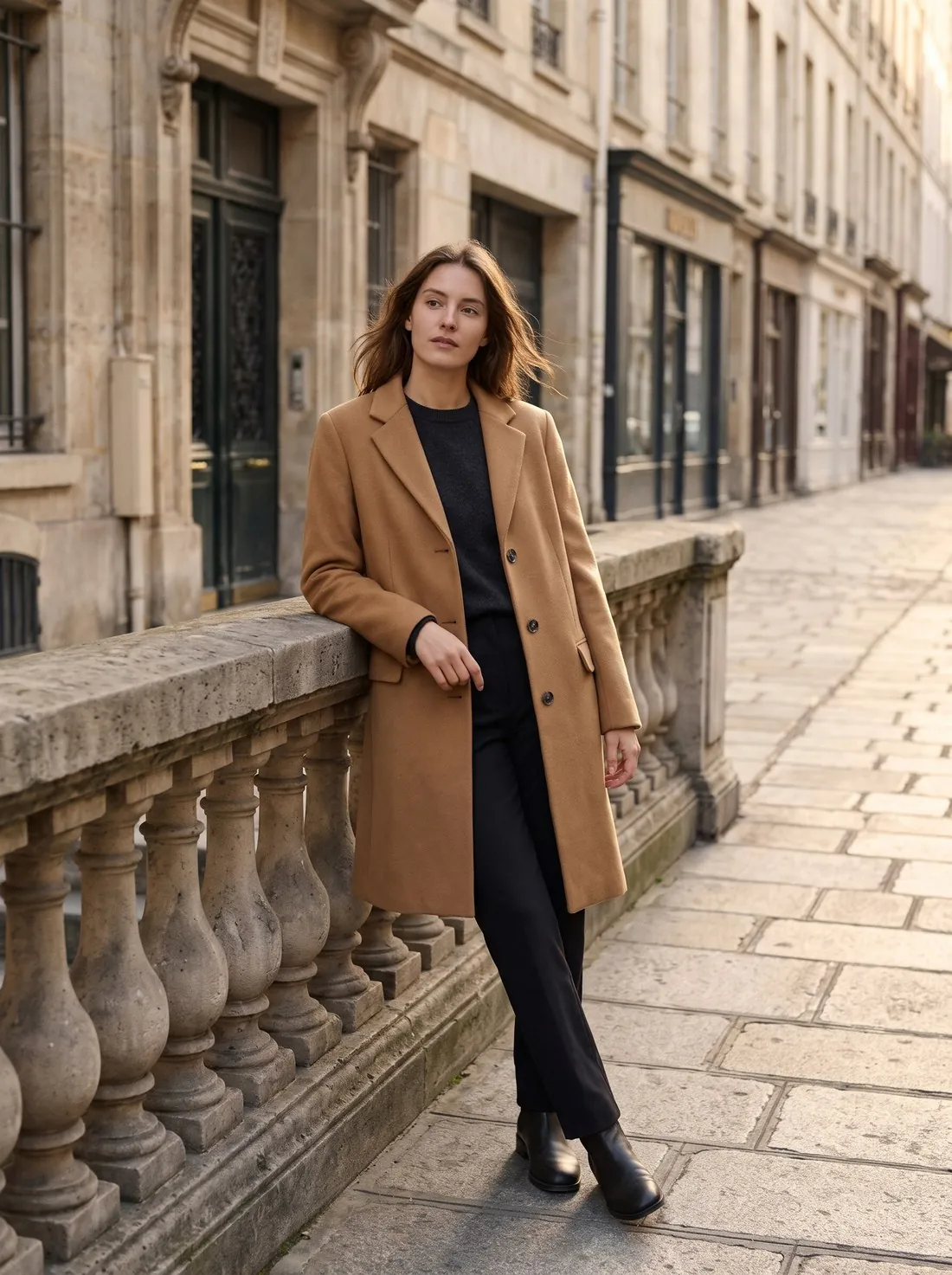
Why do AI photos look fake?
AI photos look fake because the model imitates how photographs look without working out light, weight or anatomy. A study accepted to ACM CHI 2025 (Kamali et al.) sorted the giveaways into five kinds of artifact, using 749,828 observations from 50,444 participants on 450 generated and 149 real images.
The study covers general images, not product photos, so the right-hand column below is Herofab's reading of how each kind appears in product work.
| Kind of artifact | Example in the study | How it appears in a product photo |
|---|---|---|
| Anatomical implausibilities | Hands with extra or missing fingers | Fingers that merge with a bag handle; a wrist that does not join the arm |
| Stylistic artifacts | Plastic-like skin, an overly polished look | Glassy fabric; a surface with no grain or creases |
| Functional implausibilities | Objects or text that would not work | A zip that leads nowhere; a buckle that cannot close; garbled label text |
| Violations of physics | Shadows pointing in diverging directions; misaligned reflections | A product with no contact shadow; a reflection that does not match it |
| Sociocultural implausibilities | Scenes unlikely to match social norms | An outfit or setting that does not suit the season or the market |
Can people tell an AI photo from a real one?
People do better than chance, but the published rates differ. Kamali et al. report that participants correctly identified AI-generated images in 76% of observations and real photographs in 74%. A Microsoft-led study of about 287,000 evaluations by over 12,500 participants found an overall success rate of 62%, and called it slightly above chance.
The studies used different images and formats, so neither figure is a general rule. Kamali et al. also found that longer viewing improves detection, which is why a full-zoom check catches what a thumbnail hides.
How often do AI product photos look unnatural?
In one tool's measurement, 5.6% of AI product images were flagged for an unnatural look: 17 of the 303 images Herofab's automated check read between 24 September and 12 October 2026. That fault covers a plastic or glassy surface, a visible mannequin or an obvious edit seam. Anatomy faults appeared in 2.6%, the wrong number of people in 2.3%, and a collage instead of one photo in 0.7%. The check covered images made between 24 September and 12 October 2026, before Herofab's late-October image engine change.
The fault clusters by job. Ghost mannequin had 7 of 18 images flagged for an unnatural look, and Extend frame 4 of 8. Both groups are too small to carry a percentage. The set is Herofab's own test cases, including deliberately hard inputs, and is not an industry average.
Looking real and being accurate are separate tests: invented detail, at 9.6%, was more common than unnatural look.
How to stop AI changing your product's exact details
How do I make AI product photos look professional?
AI product photos look professional when a set shares one light, one background treatment and one crop, and the product is shown whole and fills the frame. A buyer sees the images together, so a set that changes light or crop from one image to the next reads as assembled rather than shot.
Start with the source. Google says of its own try-on tool that the result's quality depends on the quality of the images provided, and the same logic applies to any tool that works from a photo. A sharp photo in soft daylight, with the whole item in frame, is the cheapest improvement available.
Then fix the set's rules before generating: background, angle, aspect ratio and the same model. Zalando's image guidelines reject “inconsistent facial features, body proportions and skin tones across the same model image set”, which makes this a listing requirement on Zalando as well as a matter of style.
Product studio: 4 credits, $0.16–$0.48 per image
How do I get the lighting right in an AI product photo?
Lighting looks right when one named light source, with a direction and a quality, explains every highlight and shadow in the image. Mood words leave the model to guess. Google's Gemini prompting guidance gives a working example: “a three-point softbox setup designed to create soft, diffused highlights and eliminate harsh shadows.” OpenAI's guide advises naming materials, lighting and colours.
Camera terms help less than they appear to. OpenAI says to treat camera specifications “as cues for appearance, not a guarantee of exact physical simulation”, so a lens name changes the look without making the light correct.
Match the product's light to the scene. A product lit from the left in a scene lit from the right is one of the fastest ways to look pasted in, and this matters most for a cutout, which keeps the source photo's light. Zalando lists “Unrealistic background and lighting, unnatural reflections, wrong shadows angles or proportion errors” among implausible settings it rejects.
Virtual try-on: scene light, morning, golden hour or overcast, 5 credits, $0.20–$0.60 per image
How do I make shadows and reflections believable?
A believable shadow touches the product, falls away from the light and softens with distance. The darkest part sits where the product meets the surface. Without that contact shadow, a product appears to float, and this is a common reason a cutout looks unfinished.
Check that every shadow in the image points the same way, including those of a model's feet and any props. Kamali et al. give shadows pointing in diverging directions as a typical violation of physics, and reflections that do not align with their surroundings as another.
Keep reflections simple: a soft reflection under a bottle reads as studio work, while a mirrored scene in a watch crystal rarely holds up at zoom.
Packshot studio: contact shadow, no shadow or a reflection, 4 credits, $0.16–$0.48 per image
How do I fix plastic skin and wrong hands?
Plastic skin and wrong hands are fixed by asking for real texture, simplifying the pose and regenerating, rather than by retouching over the fault. Kamali et al. describe plastic-like skin as a stylistic artifact. OpenAI's guide shows the opposite instruction in its examples: “real skin texture, worn materials, and everyday detail” and “No glamorization, no heavy retouching.”
For hands, count the fingers, check which arm each hand belongs to, and look closely wherever fingers grip something. A simpler pose removes much of the risk: hands in pockets, or an arm relaxed by the side, leaves less to go wrong than fingers wrapped around a bag handle.
Jewelry needs extra care, because the hand or neck is in close-up. In Herofab's measurement, anatomy appeared in 2 of the 3 flagged images among 20 jewelry try-on images, too few to carry a percentage.
Change pose: 4 credits, $0.16–$0.48 per image
What should I check at full zoom before publishing?
Check an AI product photo at 100% zoom beside the original, because the faults that give an image away are invisible at thumbnail size. Work around the image in a fixed order so nothing is skipped.
Frame edges need a person's eye. In Herofab's check, 9 of 19 scene images cut the product off at the edge of the frame, and the automated check flagged none of them.
| Area | What to look for at full zoom |
|---|---|
| Frame edges | A sleeve, leg, strap or corner cut off |
| Product outline | Halos, soft seams, or a line where new image meets old |
| Material | Grain, weave and creases that match the real item; no glassy surface |
| Shadows | Contact at the base; every shadow in one direction |
| Reflections | Metal, glass and polished leather reflect something plausible |
| Skin | Pores and natural variation; no wax-like smoothing |
| Hands | Five fingers each, a natural grip, the right arm |
| Text | Every label, tag and background sign is readable or absent |
The seven product checks in detail
Why should upscaling come last?
Upscaling should come last because an upscaler enlarges every fault in the image, and any later regeneration throws the upscaled file away. Approve the image first, then raise the resolution once.
An upscaled image needs a second look. Upscaling sharpens what the photo holds and cannot bring back detail the photo never recorded, so a blurred label or soft weave stays soft. Herofab's published measurement had no automated judge on upscaling or background removal, so zoom into fabric, text and edges again by eye.
Resolution does not fix realism: plastic skin stays plastic at 4K, only sharper. Herofab's Upscale works at 2× or 4×, up to 8,000 px on the long edge.
Upscale: 2 credits, $0.08–$0.24 per image
When is a real photo the better choice?
A real photo is the better choice when the image has to prove something: wear on a pre-owned item, an exact finish, or how a garment fits. Mirrored surfaces such as chrome and polished watch cases are also easier to control on a real set, and a campaign built around named talent cannot be generated.
Buyers notice low quality. In its 2020 apparel research, Baymard found that testers harshly judged images that appeared cheap, and advised virtually rendered models only as a last resort. That guidance predates photorealistic AI models, but the risk still applies to an image that reads as fake.
A common middle route is a real hero image with AI for secondary shots. A phone photo in soft daylight, cut out cleanly, can look more professional than a flawed generated scene. For a studio, ProductPhoto.com lists on-white photos from $40 per photo, as low as $30 with volume (checked 31 October 2026).
AI product image rules for 2026
Checklist
- One light source explains every highlight and shadow.
- The product has a contact shadow, or a plain background that needs none.
- Skin and fabric keep their texture at 100% zoom.
- Hands have the right fingers, grip and arm.
- Frame edges were checked by eye, with nothing cut off.
- The whole set shares background, angle, crop and model.
- Upscaling was the last step, and the upscaled file was checked again.
Sources
- Kamali et al.: Characterizing Photorealism and Artifacts in Diffusion Model-Generated Images (2025)
- Roca et al.: How good are humans at detecting AI-generated images? (2025)
- Herofab: AI product photo errors, 303 generated images checked
- Herofab: measurement data file
- Google Gemini API: Image generation
- OpenAI: Image prompting guide
- Google Merchant Center Help: How Google's Try-on tool works
- Zalando Partner University: Image guidelines
- Baymard Institute: Provide Images of Accessory, Apparel, and Cosmetic Products on a Human Model (2020)
- ProductPhoto.com: Pricing
Checked 31 October 2026. Rules change; the official pages are the final reference.