A style in a new cloth, before it is sewn.
A made-to-order range or a pre-order offers a style in fabrics that have not been cut yet. Fabric studio takes a photo of the existing garment and a photo of a swatch, and delivers the same garment in that fabric. The cut, the seams, the trims, the pose and the background are briefed to stay.
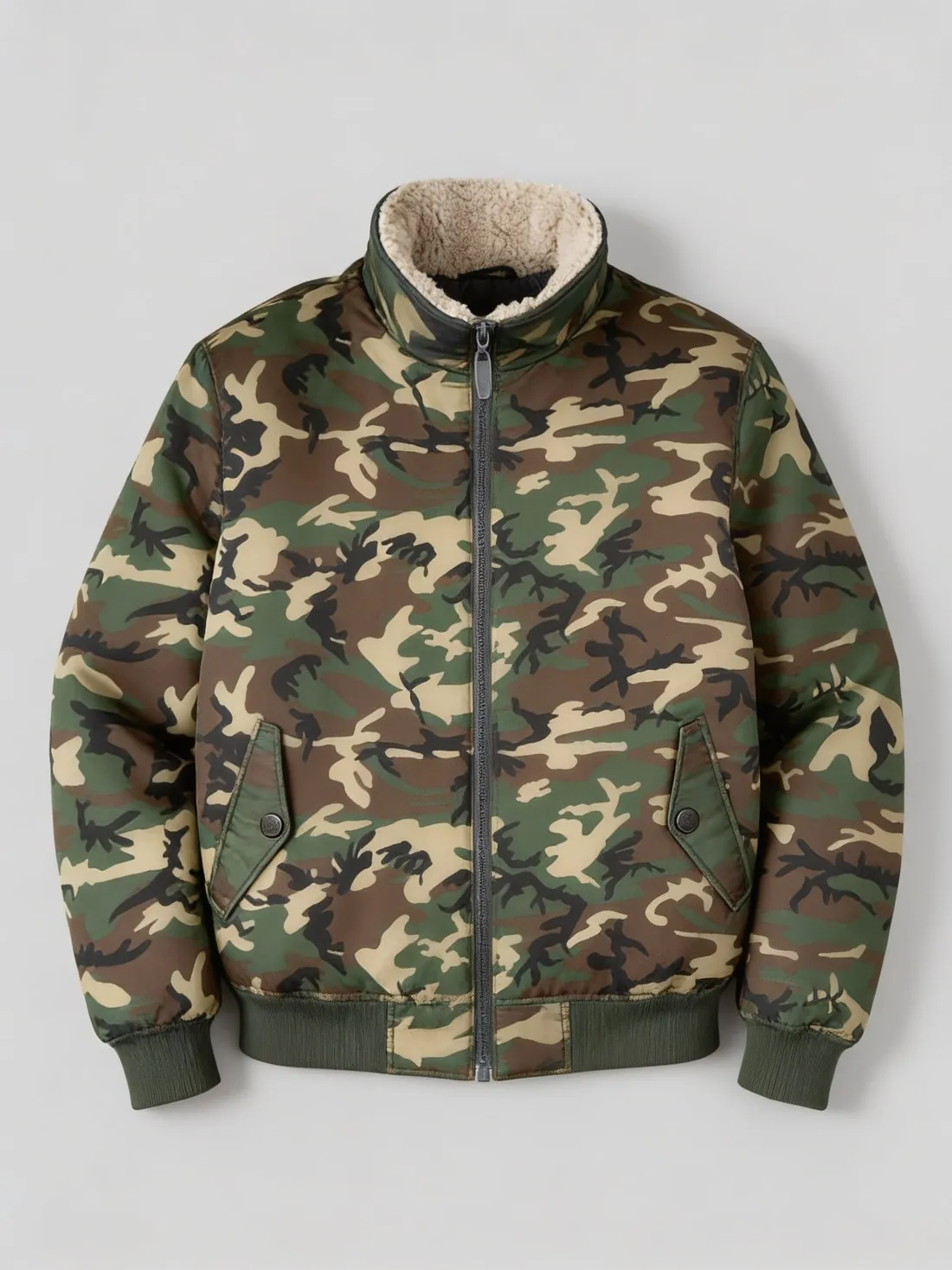
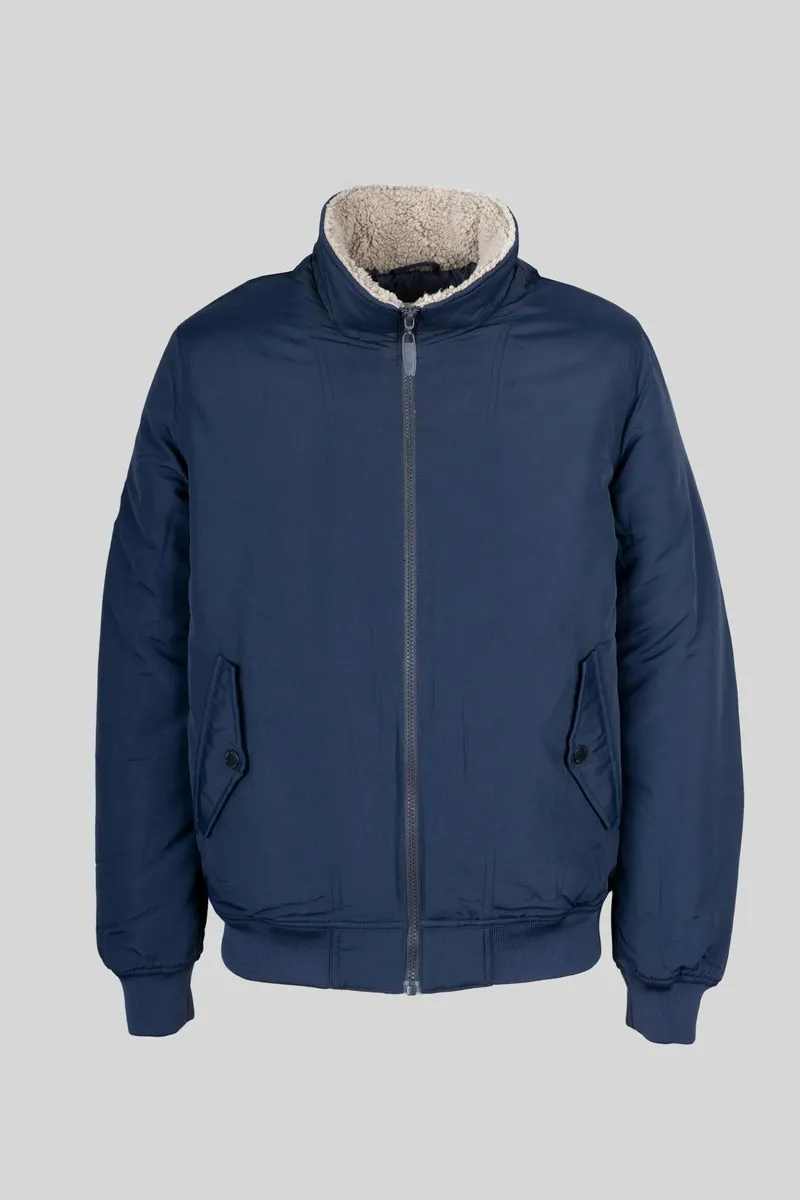
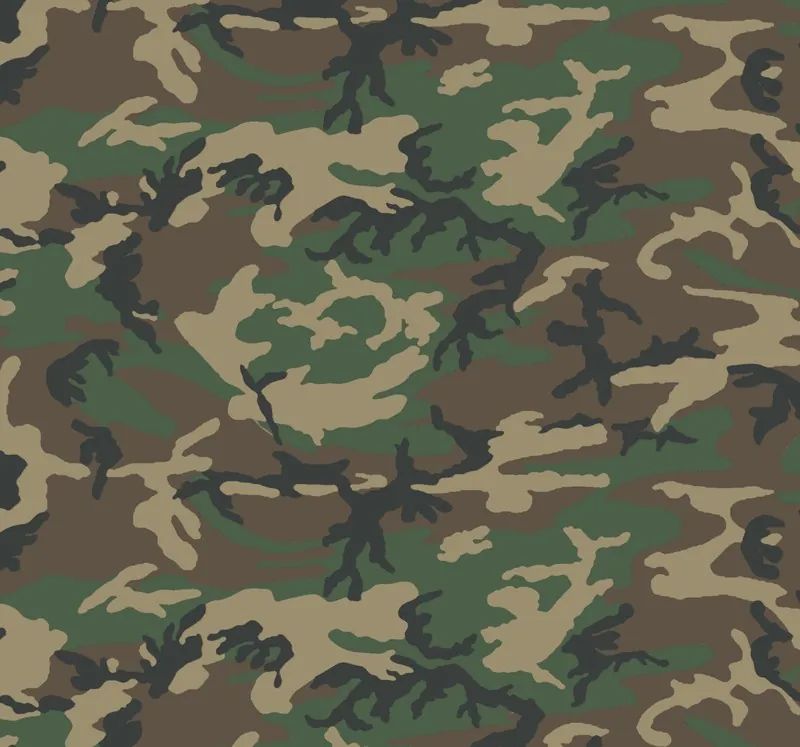
What a swatch preview can and cannot show.
- 1
One sample, many cloths
A workshop that has sewn a jacket once can show it in every fabric on its swatch card. Each preview starts from the same garment photo, so the collar, the pocket positions and the hem are briefed to match from one cloth to the next, and a buyer compares fabrics on a constant shape.
- 2
Colour, texture and drape
Colour and pattern are read from the swatch photo. Texture is harder: the weave of a tweed, the nap of a corduroy or the sheen of a satin shows only if the photo captured it. The shape is briefed to stay as in the garment photo, so a stiff canvas previewed on a soft viscose dress still falls like viscose.
- 3
Against the physical swatch
Screens, light and fabrics differ. Hold the real swatch next to the delivered image in daylight and compare shade and pattern size before the preview is shown to customers. On a pre-order page, state that the image previews the fabric on the style, and offer a physical swatch where the exact shade matters to the buyer.
The garment photo and the swatch photo to prepare.
- Photograph the swatch flat and straight on in even daylight, filling the frame, with no folds, pins, shadows or selvedge lettering across the cloth.
- Include at least one full repeat of any pattern in the swatch photo, and choose whether its scale stays as on the swatch or becomes smaller or larger.
- For the garment, use a clear photo on a hanger, laid flat or on a model, in a plain mid-tone cloth where possible, so seams and folds are easy to read.
Fabric swatch on a garment, answered.
Can I show a garment in a fabric I have not sewn yet?
That is the purpose. One sewn sample is photographed once, and each fabric on offer is added as a swatch photo. Herofab delivers the sample's image in that cloth. The result is a preview made from two photos, not a photograph of a finished garment, and it carries a machine-readable AI marker in the file.
How small can the swatch be?
The swatch needs to be large enough to fill the photo in sharp focus and, for a pattern, to show the whole motif. A small cutting photographed close up works for a plain cloth. For a large check or a wide floral, photograph a bigger piece of the fabric so that the repeat is complete.
Does the lining or the trim change with the new fabric?
The brief is to change the fabric of the garment and to keep the cut, the seams, the buttons and the trims as in the garment photo. Check contrast parts on the result, such as a collar in another cloth, ribbed cuffs, a visible lining or piping, and see that each is as the made garment will be.
How much does it cost?
5 credits per image, plus one credit for 4K. The cost is shown before you generate, and if a job fails the credits are returned. The 20 free credits at sign-up cover 4 images with this tool.
Your next collection, shot this week.
20 credits at sign-up, no card required. Images made with free credits carry a watermark.