Amazon main images, pure white and whole in frame.
Amazon's main image shows the whole product on a pure white background, filling most of the picture with nothing cut off. Herofab's packshot studio makes that image from a phone photo taken on any surface, and when the result is sized for Amazon its background is brought to pure white.
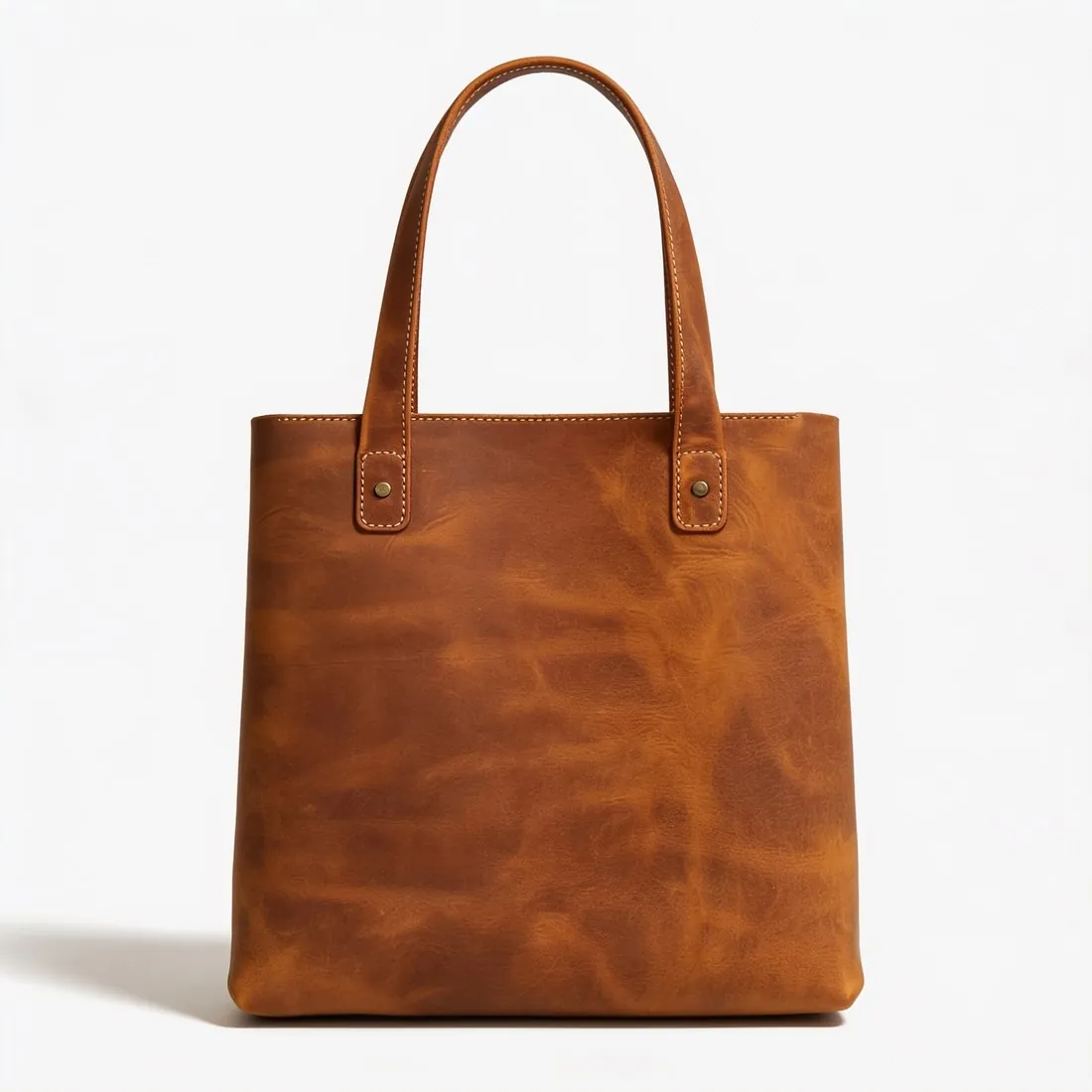

What Amazon measures in a main image.
- 1
Pure white, not near white
Amazon names a single background for the main image: pure white. A studio white that looks clean on a screen can still sit a shade below it. The packshot studio delivers an evenly lit white, and the download sized for Amazon brings that background to pure white, so the Amazon file is the one to use as the main image.
- 2
Large in the frame, nothing cut off
The product has to fill most of the image and stay entirely inside it. A strap, a heel or a handle that runs out of the picture is a cut-off edge. Every packshot shows the product once, centred and filling most of the frame; a long strap spread wide makes the product itself small, so look at the margins before uploading.
- 3
Pixels for zoom, and more than one image
Zoom on Amazon is enabled only above a certain size on each side, and the image has to be clear, with no pixelation or jagged edges. The Amazon download is above that threshold on both sides. One image per product is the minimum and Amazon recommends several more, so further angles from the same source photo are worth planning.
What Amazon asks for.
Source: Amazon — Sell on Amazon: product photos. Checked 24 September 2026.
- Size
- 500 to 10,000 pixels on the longest side
- Zoom
- Images larger than 1,000 pixels on each side enable zoom
- Formats
- JPEG, TIFF, PNG or non-animated GIF; JPEG is preferred
- Quality
- Clear, unpixellated, with no jagged edges
- Number
- At least one image per product; at least six are recommended
The source photo behind an Amazon main image.
- Keep the entire product inside the photo, straps and handles included; a part outside the frame cannot be added back faithfully, and Amazon wants nothing cut off.
- Arrange the product compactly, a strap tucked in or laid close to the body, so that it can fill most of a square image instead of leaving wide empty margins.
- Focus on the product and use even daylight: Amazon's zoom enlarges the picture, and a soft label or a blurred line of stitching is what a shopper sees first when zooming in.
Product photos for Amazon, answered.
Is the file for Amazon different from the delivered image?
Yes. After delivery, Amazon is chosen as the marketplace and a new file is made from the delivered image without cropping the product. Its size is within the limits Amazon publishes and above the zoom threshold, and for a packshot the background is brought to pure white.
What goes into the other image slots of an Amazon listing?
Amazon recommends several images per product, and the white-background requirements on this page are written for the main one. The rest can come from the same upload: another packshot angle, a scene, or on-model images made with Virtual try-on. Images that show an AI-generated person carry the keyword Amazon asks for, and the models are synthetic, not photographed people.
How is a photo tested against Amazon's rules before upload?
Herofab's free Amazon checker reads the file in the browser and tests it against the published rules; the image is not uploaded. It does not replace the seller's own look at the product, small label text first, and it does not speak for Amazon, which decides whether a listing image is accepted.
How much does it cost?
4 credits per image, plus one credit for 4K. The cost is shown before you generate, and if a job fails the credits are returned. The 20 free credits at sign-up cover 5 images with this tool.
Your next collection, shot this week.
20 credits at sign-up, no card required. Images made with free credits carry a watermark.