Jewelry on white, small pieces shown large.
Jewelry is the smallest product a seller photographs and the one shown largest on the page. Herofab takes a phone photo of the piece on a plain surface and delivers it alone on a white studio background, briefed to keep the metal colour, the stones, the setting and the chain.
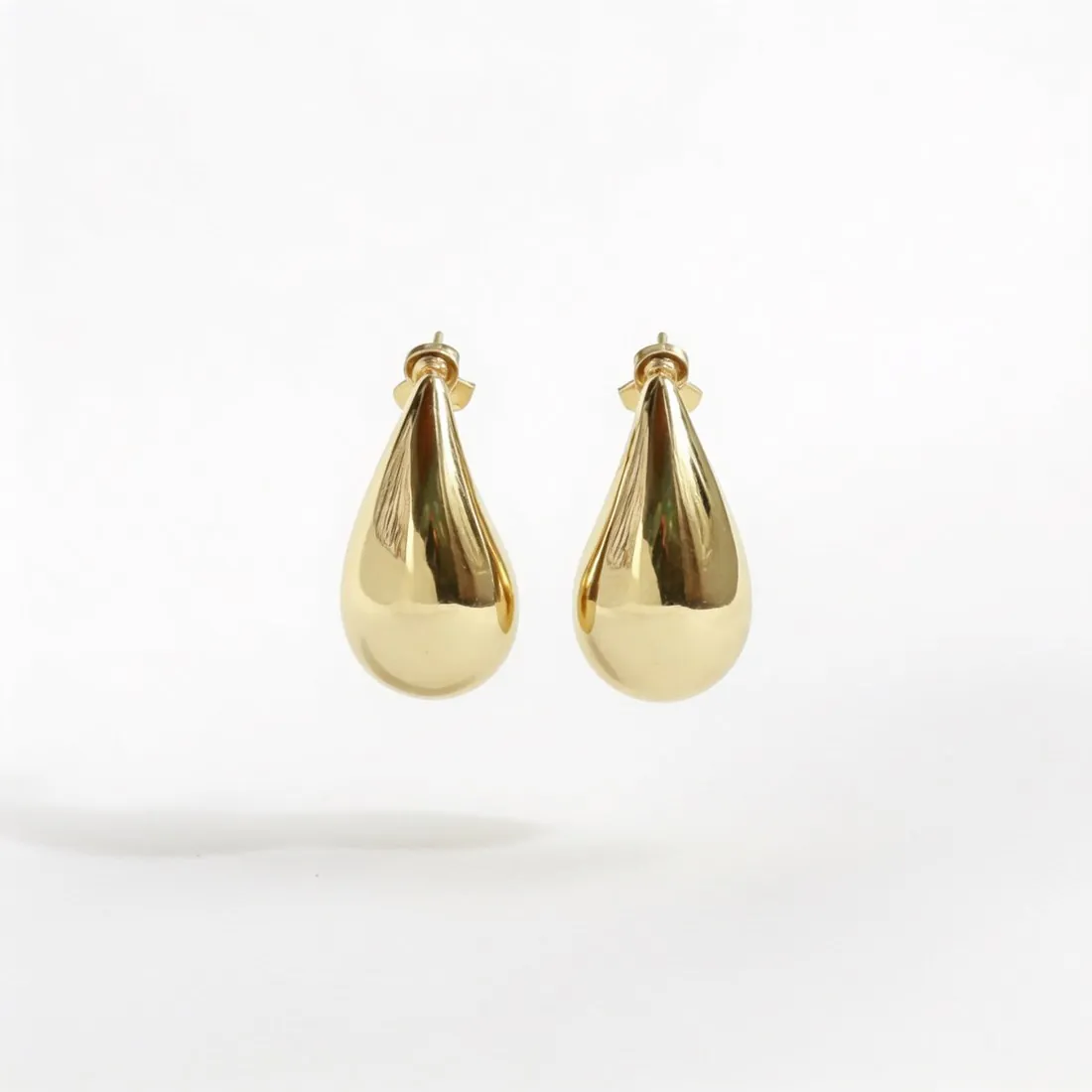
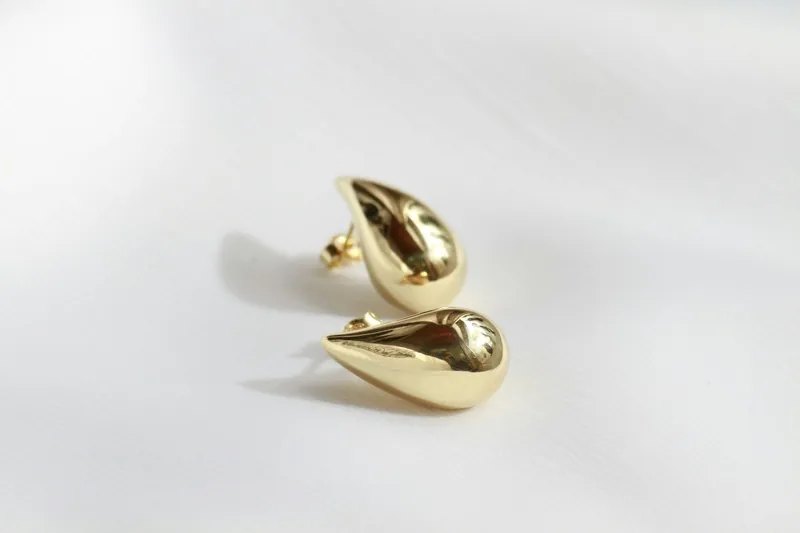
What a jewelry packshot is judged on.
- 1
Fine chains and thin edges
A fine chain is a very thin line in a phone photo, and each link is smaller still. Look along the whole chain in the delivered image: the link pattern, the clasp, the jump ring and the point where a pendant hangs. Lay the chain in an open curve, because a tangled or crossed chain reads as a knot.
- 2
Stones, facets and reflections
Polished metal and cut stones show whatever surrounds them. Even light on a white studio background suits them, but a flash burns the facets to white and a coloured wall tints the metal. Compare the stone colour and the number of stones in a row or a halo with the piece before publishing.
- 3
Scale and pairs
On white, with nothing beside it, a stud and a statement earring can fill the frame alike. The packshot shows the form; the listing text and an on-model image carry the size. For earrings, photograph both, set apart and facing the same way, so the pair is delivered as a pair.
Photographing jewelry with a phone.
- Place the piece on a plain matt surface, such as paper or cloth without a pattern, and photograph it from close enough that it fills most of the frame and stays sharp.
- Use window light or shade and no flash, and move a step sideways if the phone or a hand shows in the metal.
- Stand a ring upright or lay it at a slight angle so the stone and the band both show, and lay a necklace with the clasp closed and the pendant centred.
White background for jewelry, answered.
Does a very thin chain survive on a white background?
It is the hardest part of the piece and the first place to look. Herofab is briefed to keep the chain as photographed, but links that are blurred in the source have no detail to carry over. Photograph it sharp, on a surface that contrasts with the metal, and compare the delivered chain link by link.
How do I photograph a pair of earrings for the main image?
Both earrings, side by side on a plain surface, not overlapping, with the hooks or posts visible. Drop earrings can lie flat with the drops pointing the same way. Hanging them from a card or a stand also works, as the tool is briefed to place only the earrings on white.
Which shadow suits silver and gold pieces?
A soft contact shadow keeps a ring or a pendant from floating and is the usual choice. A reflection underneath gives the look of a polished surface and suits high-shine metal. No shadow leaves the piece free on white, which is useful when the image will be set into another layout.
How much does it cost?
4 credits per image, plus one credit for 4K. The cost is shown before you generate, and if a job fails the credits are returned. The 20 free credits at sign-up cover 5 images with this tool.
Your next collection, shot this week.
20 credits at sign-up, no card required. Images made with free credits carry a watermark.