A first collection, photographed from its samples.
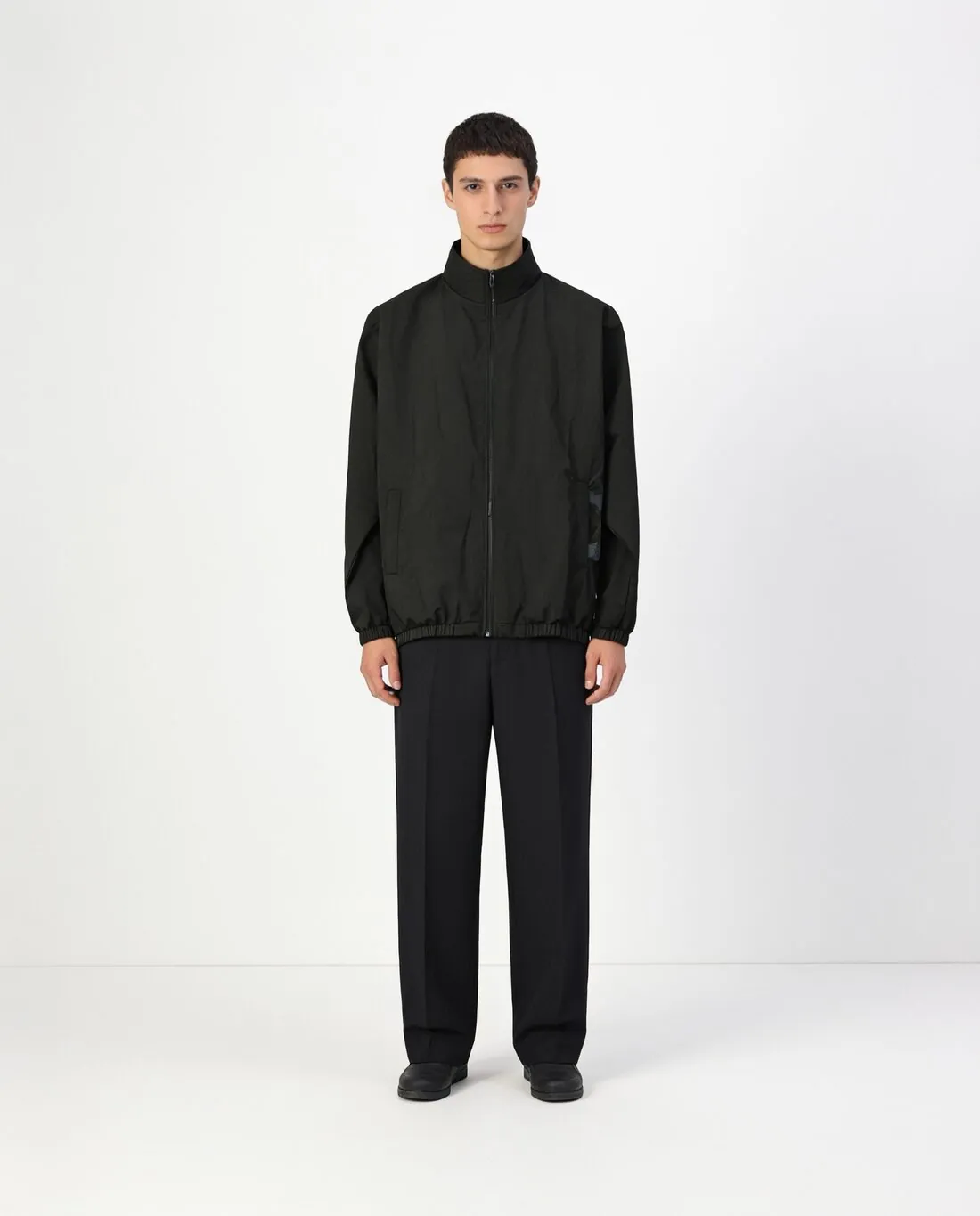
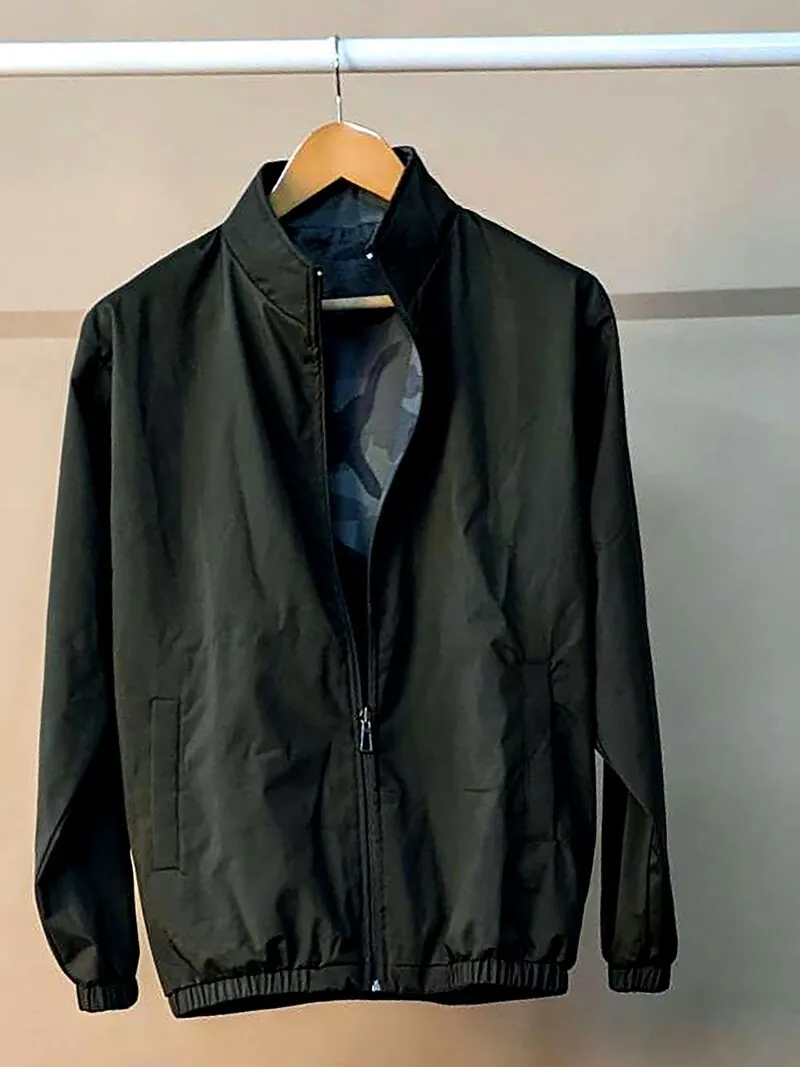
A new label often has a handful of samples and no budget for a studio day. Herofab makes the first product images from phone photos of those samples: a studio model wearing each piece, and the garment alone as a ghost mannequin or a clean flat lay.
What a first collection needs before launch.
- 1
Two images per product come first
Start with a plain on-model image on studio white or studio grey, which shows how the piece is worn, and one image of the garment alone: a 3D invisible-mannequin shape or a clean flat lay made from the hanger photo already taken. Locations, further poses and other formats can follow from the delivered images.
- 2
One brand model, kept
A new brand has no recognisable look yet, and the model becomes part of it. Describe a synthetic studio model by gender, age range, ethnicity, body type and hair, save it to the model library and select it for every product. The first product pages then read as one shoot, and a later collection can continue it.
- 3
The limits to check on a small range
Herofab is briefed to keep the fabric, the shape, the colours, the buttons, the print and the logo; it makes no promise of an exact copy. In a first collection every piece carries the new logo, so read it in each image, count the buttons and compare the print with the sample before anything is published.
Photographing first samples with a phone.
- Hang each sample up or lay it flat on a bed, front to the camera and fully inside the frame; a phone photo is enough, and no mannequin is needed.
- Photograph the final sample, not an early prototype: the image follows the photo, including a placeholder label or a button that was changed later.
- Add a close-up of the logo, whether printed, embroidered or woven into a tab, and a back photo for any piece with a print or a detail behind.
AI product photos for new fashion brands, answered.
What can a new brand try out on the free credits?
New accounts start with free credits, and each tool shows its fixed credit cost before generation. They allow a first sample to be put on a model, to judge how the fabric, the print and the logo come out before the collection is run. Images made on free credits carry a watermark.
Can the model created for a first collection be used again next season?
Yes. A created model is saved to the model library and can be selected in any later try-on. The model is synthetic, not a photographed person, so new products can be added to the range with the face the brand started with, whenever they are ready.
Can the first images serve the brand's own shop and other sales channels?
The images are delivered in 2K, with 4K as an option, in a square, portrait or landscape ratio, and each one can also be downloaded in marketplace sizes without cropping. Each sales channel sets its own image rules, so compare the file with the rules of the channel before publishing. Every image carries a machine-readable AI marker in the file.
How much does it cost?
5 credits per image, plus one credit for 4K. The cost is shown before you generate, and if a job fails the credits are returned. The 20 free credits at sign-up cover 4 images with this tool.
Your next collection, shot this week.
20 credits at sign-up, no card required. Images made with free credits carry a watermark.