Plus-size garments, on a body type that matches.
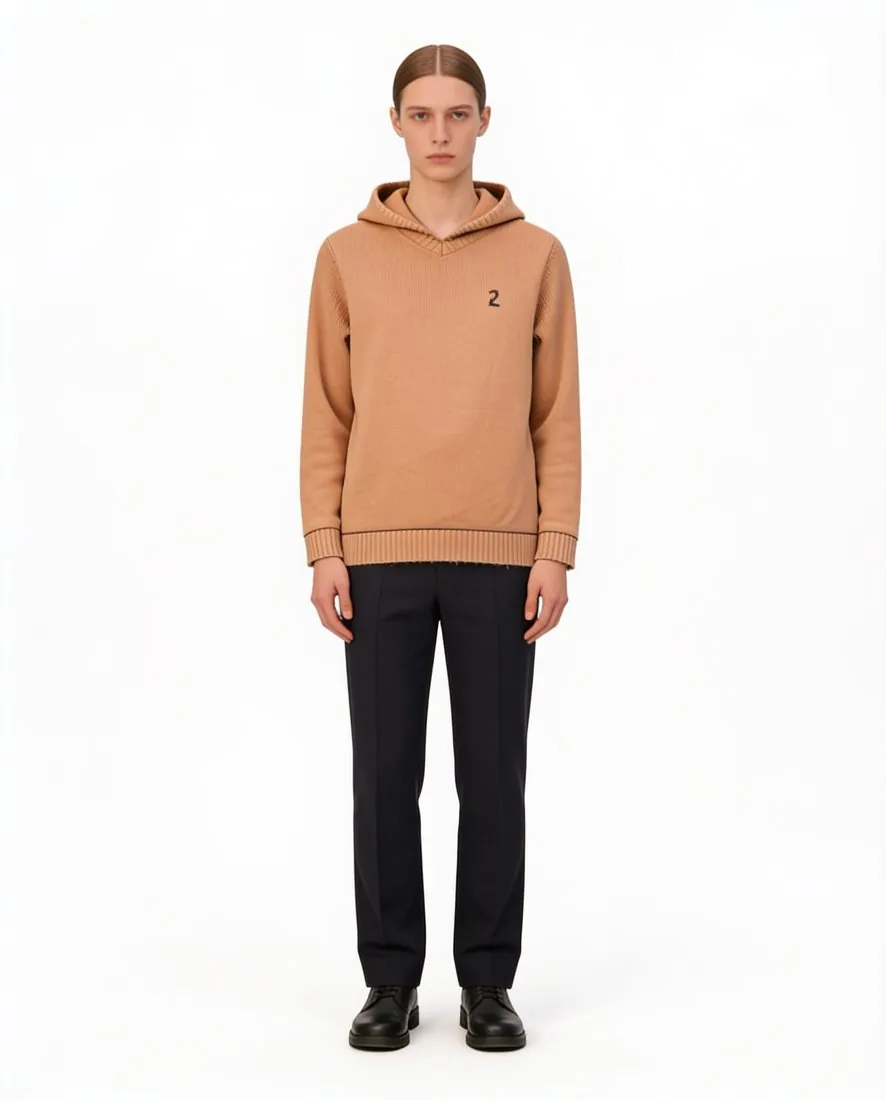
A garment cut for a larger size has proportions of its own: a longer rise, a wider hem, seams placed for the body it was made for. Herofab dresses a studio model with a plus or curvy body type in that garment, in a size chosen from a list that runs from XS to XXL.
What a plus-size image shows, and what it does not.
- 1
A body type that matches the range
A plus-size range shown on a slim model in a small size tells the customer little about the garment on offer. When a model is created for the brand, its body type can be set to curvy or plus, and the model is saved to the library and selected for the whole range.
- 2
The size setting is not a fit prediction
The fit in the image follows the size chosen. It is not a measurement of how the garment fits a real body, and it does not predict how the piece will fit an individual customer. The image shows the style on a matching body type; the measurements and the size chart remain the place where fit is decided.
- 3
Proportions to compare with the garment
Herofab is briefed to keep the shape, the fabric and the print of the garment as photographed. Before publishing, compare the length of the hem, the width of the sleeve, the neckline and the placement of a print with the real piece in the larger size, since those are the proportions that pattern grading changes.
Photographing the larger size as the source.
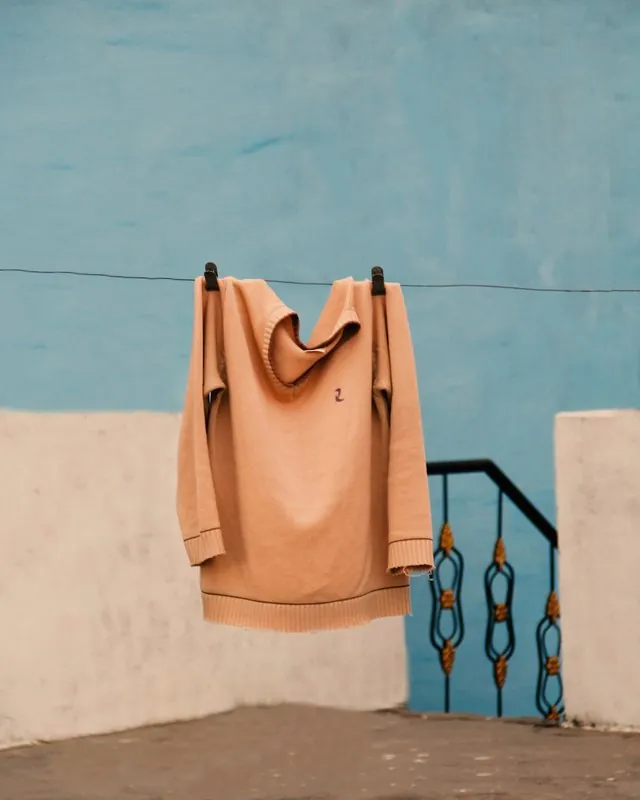
- Photograph the garment in the larger size itself, not a small sample of the style: grading changes the proportions, and the image follows the photo.
- Lay it flat on a bed, or hang it on a wide hanger so the shoulders do not collapse, with the full width and the whole hem inside the frame.
- Fasten wrap fronts, belts and buttons as they are worn, and add a back photo where the back has a zip, a seam detail or a print.
AI product photos for plus-size brands, answered.
Does the image show how a garment will fit a plus-size customer?
No. The fit on the model follows the size chosen for the image and is not a measurement of how the garment fits a real body. The image shows the cut, the length and the fabric on a plus or curvy body type. Bust, waist, hip and length measurements in the listing are what a customer needs in order to choose a size.
Can a brand keep one plus model for its whole range?
Yes. When a model is created, the brand sets its gender, age range, ethnicity, hair and body type, with curvy and plus among the body types, and saves the result to the model library. Selected for every product, that one model carries the range. The models are synthetic, not photographed people.
What if the range goes beyond the largest size on the list?
The size list for a try-on ends at XXL, and the body type is set separately, to curvy or plus. For garments made in larger sizes, choose the largest setting, photograph the actual garment and state its real size and measurements in the listing. The image does not stand for a size that the list does not contain.
How much does it cost?
5 credits per image, plus one credit for 4K. The cost is shown before you generate, and if a job fails the credits are returned. The 20 free credits at sign-up cover 4 images with this tool.
Your next collection, shot this week.
20 credits at sign-up, no card required. Images made with free credits carry a watermark.