A mixed accessories range, each piece on the same model.
An accessories range mixes products that are shown in different ways: a bag is carried, a hat is worn, jewelry and eyewear are framed close up, and shoes from the knee down. Herofab places each accessory with a studio model from one product photo, and one model can serve the whole range.
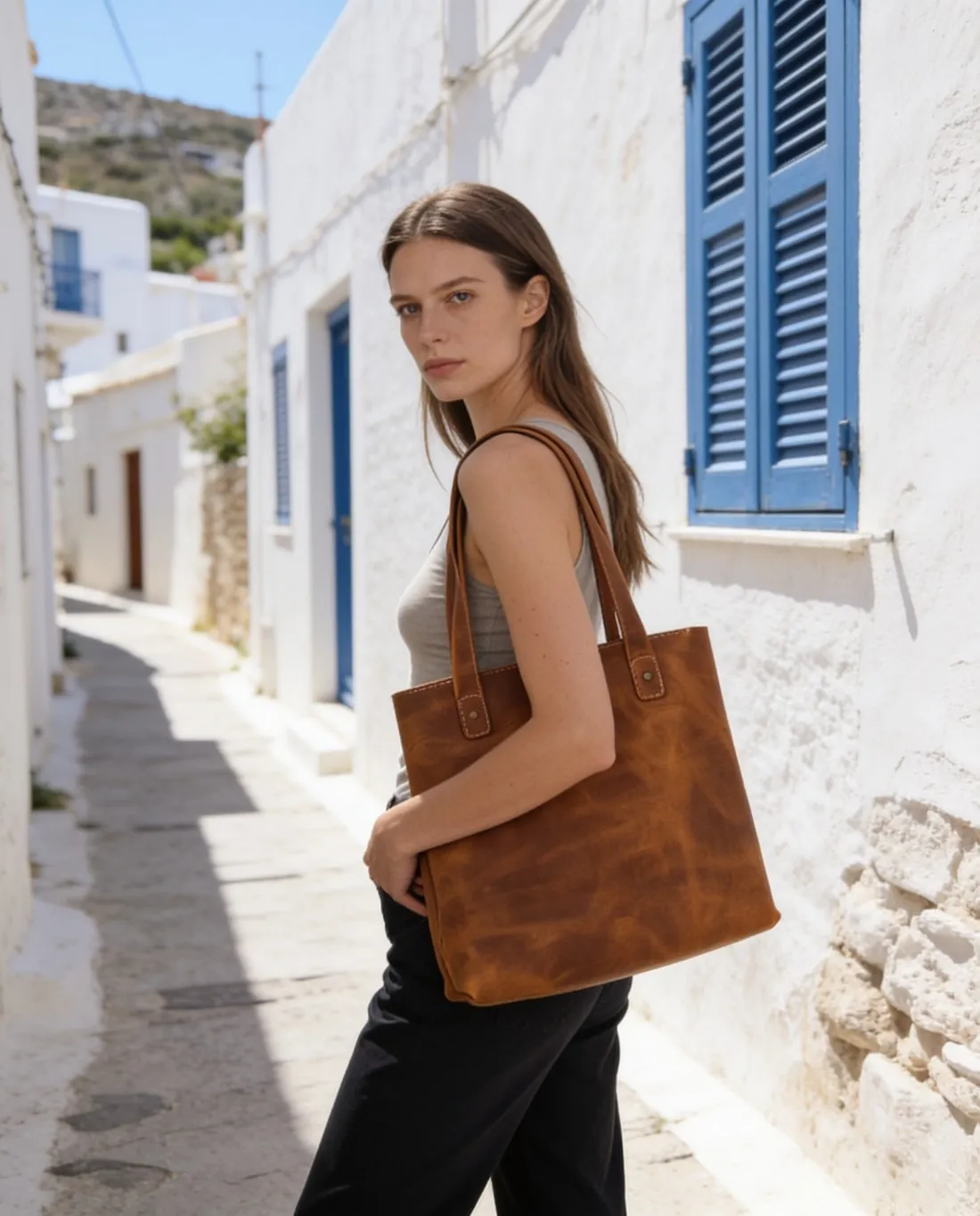

What a mixed range asks of each image.
- 1
A framing for each kind of accessory
The product category chosen from the list decides how an accessory is shown. Bags are carried, not worn; headwear sits on the head; jewelry and eyewear are framed close up; footwear is framed from the knee down. A range of several kinds therefore yields images at several distances, held together by one model and one background.
- 2
One accessory per image
Each source photo shows one item, and each accessory becomes an image of its own. A bag with a scarf tied to its handle, or earrings lying across a necklace, gives overlapping items, and a part hidden behind another cannot be added back faithfully. A matching set is shown as separate images with one model.
- 3
Hardware, lettering and the pose
Buckles, clasps, zip pulls, hinges and stamped logos are small and bright. Herofab is briefed to keep them as photographed, and small lettering is the first thing to read. The pose matters too: hands in pockets or arms crossed can hide a bracelet, a ring or a hand-held bag, so standing, walking or a close-up suits those products.
Photographing accessories one item at a time.
- Place shoes, glasses and jewelry on a plain surface that contrasts with the product, one item or one pair per photo, shot straight on and fully inside the frame.
- Stand a bag upright with its strap in view and turn a hat front to the camera; take off tags and tissue, since a product still in its packaging is flagged.
- Add a close-up of the smallest marked part, an engraved clasp, a logo plate or the lettering on a temple arm, so that it is recorded at upload.
AI product photos for accessories brands, answered.
Can one model show bags, hats, shoes, eyewear and jewelry?
Yes. A ready-made model, or one created for the brand and saved to the model library, can be selected for every product category. The framing changes with the category, from a close-up for earrings to a view from the knee down for shoes, while the model and the background remain one choice across the range.
Can a bag and a pair of sunglasses appear together in one image?
Each try-on starts from a source photo of one item in one product category, so a bag and a pair of sunglasses are two uploads and two images. With one model and one background chosen for both, the two images sit together on a page as a pair, and each product keeps a frame in which it is the subject.
Which poses keep a hand-held bag or a bracelet in view?
Standing, three-quarter and walking leave the arms and the hands open to the camera, and a close-up brings a small piece near. Hands in pockets and arms crossed can cover a wrist, a ring or the hand that holds a bag. When several poses are ordered together, look for the accessory in each one before it is published.
How much does it cost?
5 credits per image, plus one credit for 4K. The cost is shown before you generate, and if a job fails the credits are returned. The 20 free credits at sign-up cover 4 images with this tool.
Your next collection, shot this week.
20 credits at sign-up, no card required. Images made with free credits carry a watermark.