Work for several fashion clients, from the studio's own shots.
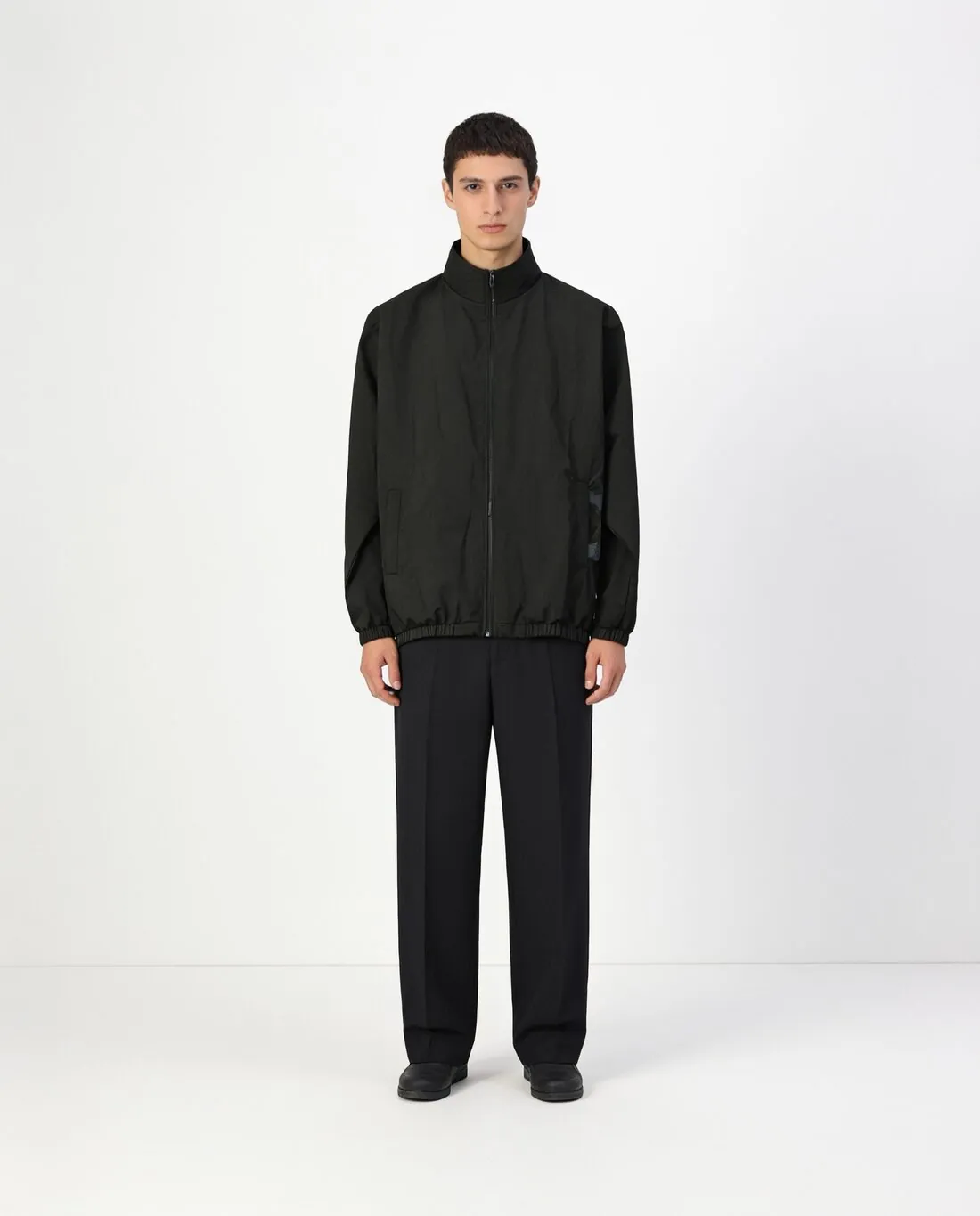
A studio or an agency produces for several fashion clients at once, each with its own look and its own approvals. Herofab's virtual try-on dresses a synthetic studio model in the client's product from the photographer's own shot, and a model saved for each client keeps one label's images apart from another's.
What client production needs from the tool.
- 1
A model per client in the library
Each client can have its own created model: described once by gender, age range, ethnicity, body type and hair, saved to the model library and selected for that client's products only. A model photo supplied by the client can be used where the client has permission to use it. The right entry for each job keeps the labels distinct.
- 2
Seats, batches and the API
The larger plans include several team seats, so more than one person can work in the account. For volume, the Herofab API runs the same product photo tools from the studio's own system: upload a photo, create a job with a tool name and its settings, poll it or receive a signed webhook, then download the image. Jobs can be sent in batches.
- 3
Review before the client sees it
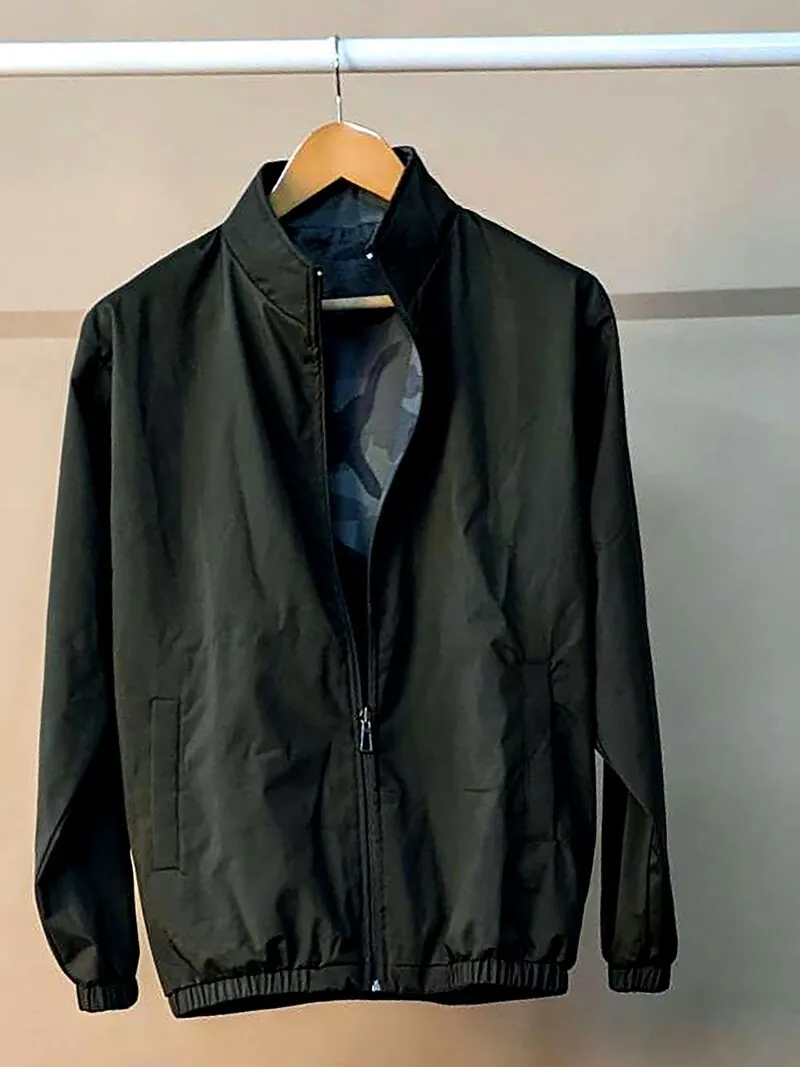
Herofab is briefed to keep the garment as shot: its cloth and shape, its colours, buttons, print and logos. The studio remains the reviewer: read small lettering, fine logos and detailed prints on every image and compare the garment with the source shot. Each file carries a machine-readable AI marker, and the client should be told so.
The studio's source shots of a client's products.
- Shoot each product alone and whole, straight on, on a hanger, on a mannequin or laid flat; the front is required, and a back shot and a detail close-up can be added.
- Light the product evenly and expose for the cloth, since a highlight burnt out in the source shot holds no weave, print or stitching to carry over.
- Use only photos and model photos that the client has the right to use, and sort each client's sources apart before a batch of jobs is sent.
AI photos for agencies and photographers, answered.
Can one Herofab account serve several fashion clients?
Yes. The model library can hold a created model for each client, and the larger plans include several team seats. Every tool has a single fixed credit cost that is displayed before generation. That cost is held when the job starts, charged once the image is delivered and returned if the job fails, so the credits a client job will use can be worked out before it is run.
How does a studio connect Herofab to its own production system?
Through the Herofab API. The studio's system uploads a photo, creates a job with a tool name and its settings, then polls the job or receives a signed webhook and downloads the image. Authentication is by API key, jobs can be sent in batches, and an OpenAPI description is available for the integration.
In what form are the images handed over to the client?
As delivered images in 2K, or 4K as an option, in square, portrait or landscape ratios. Any of them can be downloaded in marketplace sizes without cropping, or sent on to the next tool first, for example for a further pose of the same model. Each image should be reviewed against the product before it leaves the studio.
How much does it cost?
5 credits per image, plus one credit for 4K. The cost is shown before you generate, and if a job fails the credits are returned. The 20 free credits at sign-up cover 4 images with this tool.
Your next collection, shot this week.
20 credits at sign-up, no card required. Images made with free credits carry a watermark.