Blouses, shown worn instead of hanging.
A blouse on a hanger says little about how it falls; the gathers, the sleeve volume and the neckline only make sense on a body. Herofab dresses a studio model in the blouse from a single photo, and the image is briefed to keep its fabric, trims and print.
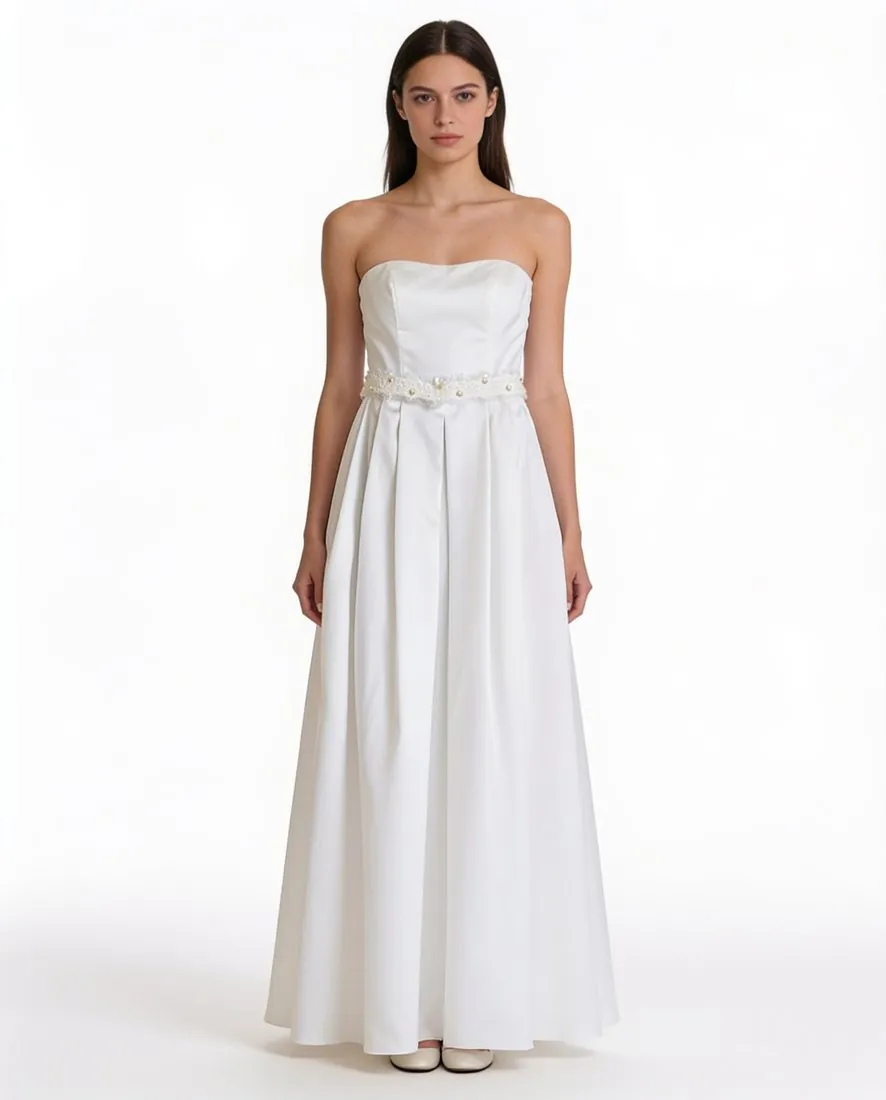
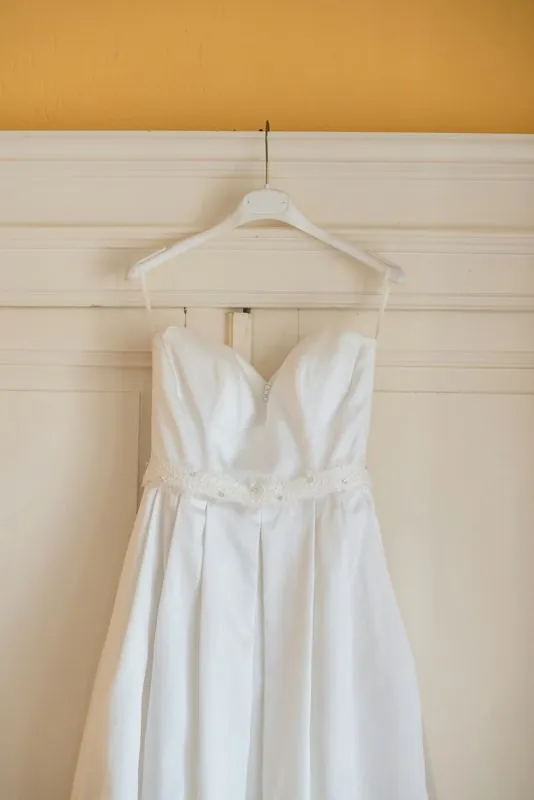
What buyers look for in a blouse image.
- 1
Neckline, ties and ruffles
A pussy bow, a keyhole, a ruffled front or a plain V defines the blouse. Make sure a tie is still a tie and has not turned into a collar, and that ruffles have the same number of tiers and the same width as on the piece in front of you.
- 2
Sleeve volume and cuffs
Bishop, puff, flutter or straight sleeves change the silhouette more than any other part. Compare where the fullness gathers, where the sleeve ends on the arm, and whether an elasticated or buttoned cuff is drawn the way it is made.
- 3
Sheer fabric, lace and print
Chiffon, georgette and lace inserts have fine edges, the kind of detail to inspect first. Study how see-through panels are rendered and whether a floral or dot print has kept its scale; a print that cannot be matched from the photo is redrawn.
Photographing a blouse before upload.
- Prefer a hanger to a flat lay when the fabric is light, so gathers and sleeves hang open instead of collapsing into creases.
- Do up the buttons, tie the bow the way it is meant to be worn, and lift each sleeve clear of the body so its full width is visible.
- Hang sheer blouses in front of a plain surface whose colour differs from the fabric, then take a close-up of lace, embroidery or a row of covered buttons.
Virtual try-on for blouses, answered.
How are sheer or semi-transparent blouses handled?
See-through fabric is one of the details named as worth checking before publishing. The image is briefed to keep the fabric as it is, but how much shows through chiffon or lace on a model is the tool's reading of the photo. Inspect those areas at full size and compare the opacity with the blouse itself.
Can a wrap blouse be photographed untied?
It is better tied. A wrap front left open hangs as two loose panels, and the overlap that gives the blouse its neckline is missing from the photo. What the picture does not show cannot be added back faithfully, so close the wrap, knot the ties as intended and shoot it straight on.
Can the blouse go onto a photo of a model I already work with?
Yes. Besides ready-made and created models, a model photo can be uploaded, provided that person has given permission for it to be used. The background can then be the model photo's own or a studio one. The blouse is briefed to stay unchanged; check the neckline and the cuffs, where fabric meets skin.
How much does it cost?
5 credits per image, plus one credit for 4K. The cost is shown before you generate, and if a job fails the credits are returned. The 20 free credits at sign-up cover 4 images with this tool.
Your next collection, shot this week.
20 credits at sign-up, no card required. Images made with free credits carry a watermark.