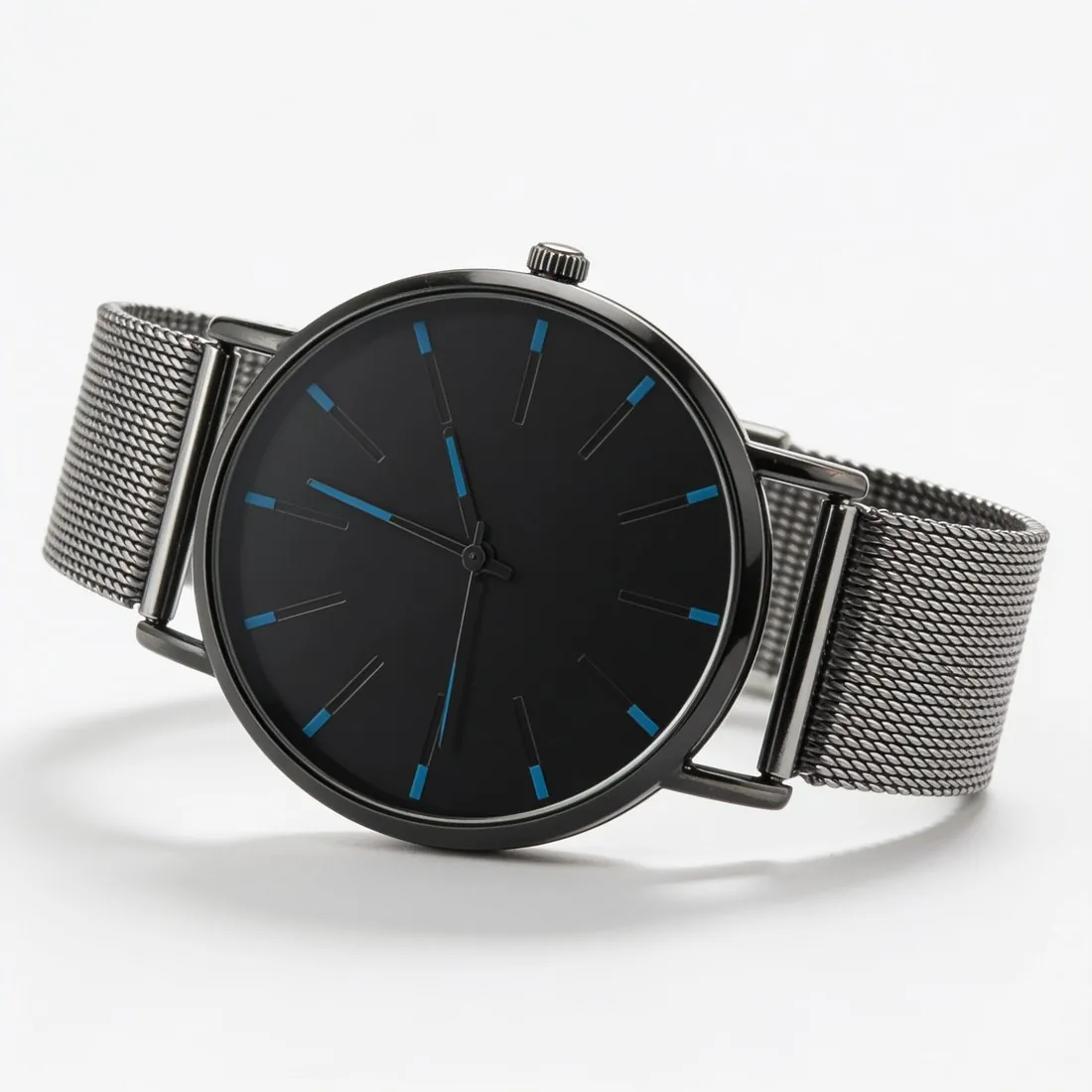
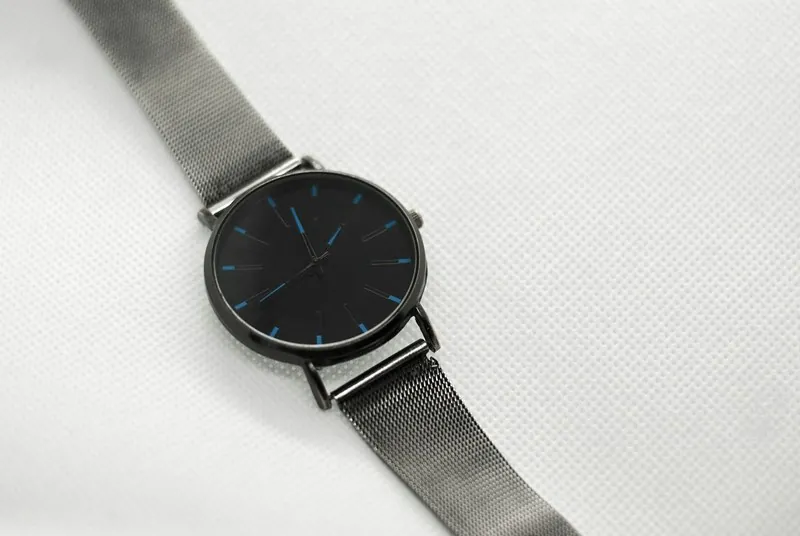
Packshots show the item itself, front, back or detail, evenly lit on white or a plain colour. They are the standard format for main images on most marketplaces.
The term comes from advertising, where the pack shot was the closing frame that showed the product and its packaging.
What makes a photo a packshot
A packshot has one subject: the product. It sits in the middle of the frame and fills most of it, on a background of one plain colour, with light that is even from edge to edge. There are no people, hands, mannequins or props, and nothing is printed over the picture.
Within those limits the view can change. A front view is the usual first picture; back, side, three-quarter, top-down and close-up views of the same product are packshots too, as long as the background and the light stay the same across the set.
Where packshots are used
The packshot is the working picture of a product catalogue. It is what marketplaces usually ask for as the first image of a listing, what shopping ads and product feeds show next to the price, and what wholesale line sheets and printed catalogues are built from.
The reason is comparison. When every product in a search result stands alone on the same background, a buyer can tell them apart at thumbnail size, and nothing in the picture has to be explained.
Packshot in advertising and video
In film and television advertising the word has an older meaning: the pack shot is the frame, usually the last one, that shows the product or its pack clearly, often with the logo and a slogan. Agencies and production crews still use it that way.
In online retail the word moved from the moving image to the still photo. When a marketplace, a retailer or a photographer asks for packshots today, they mean product-only photos on a plain background.
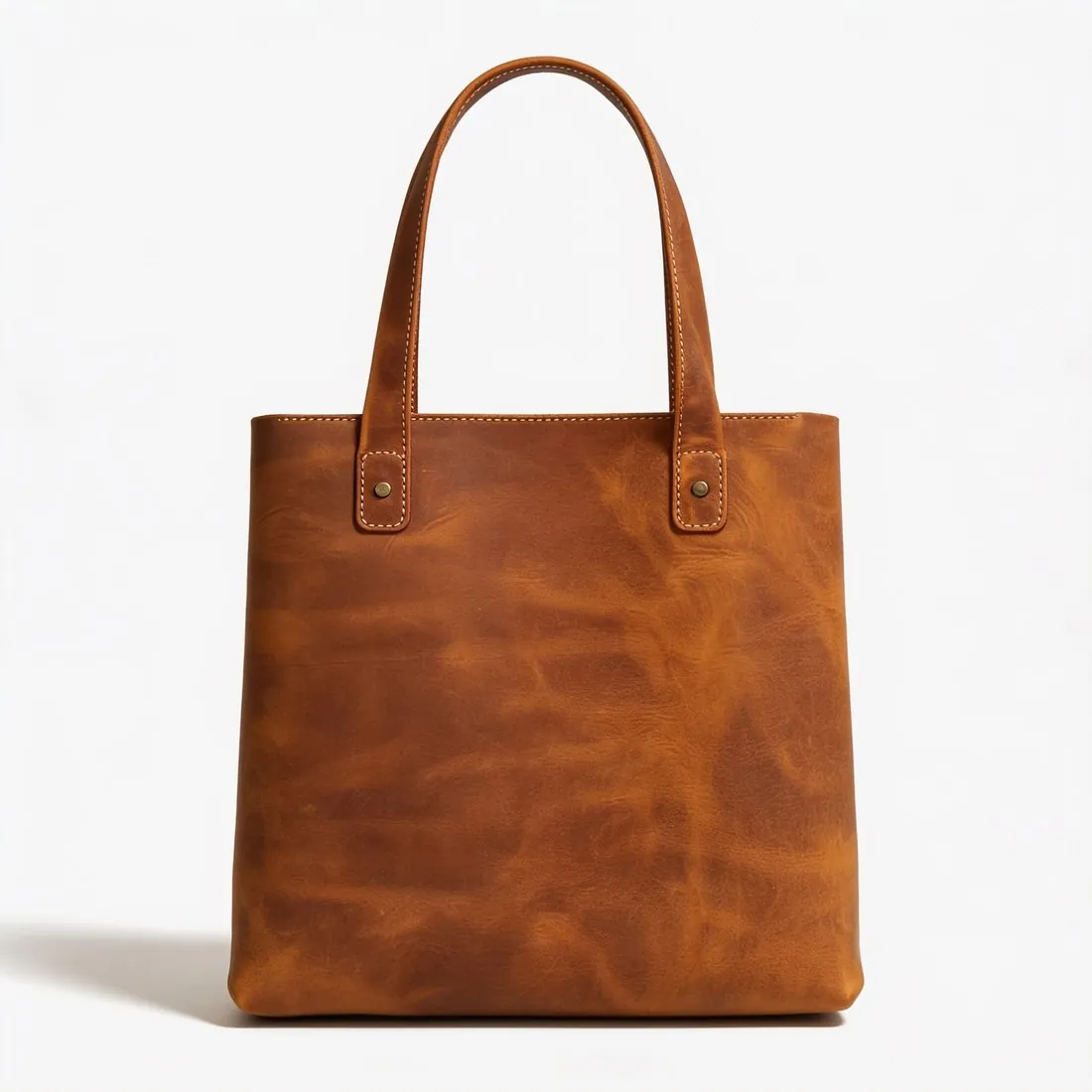
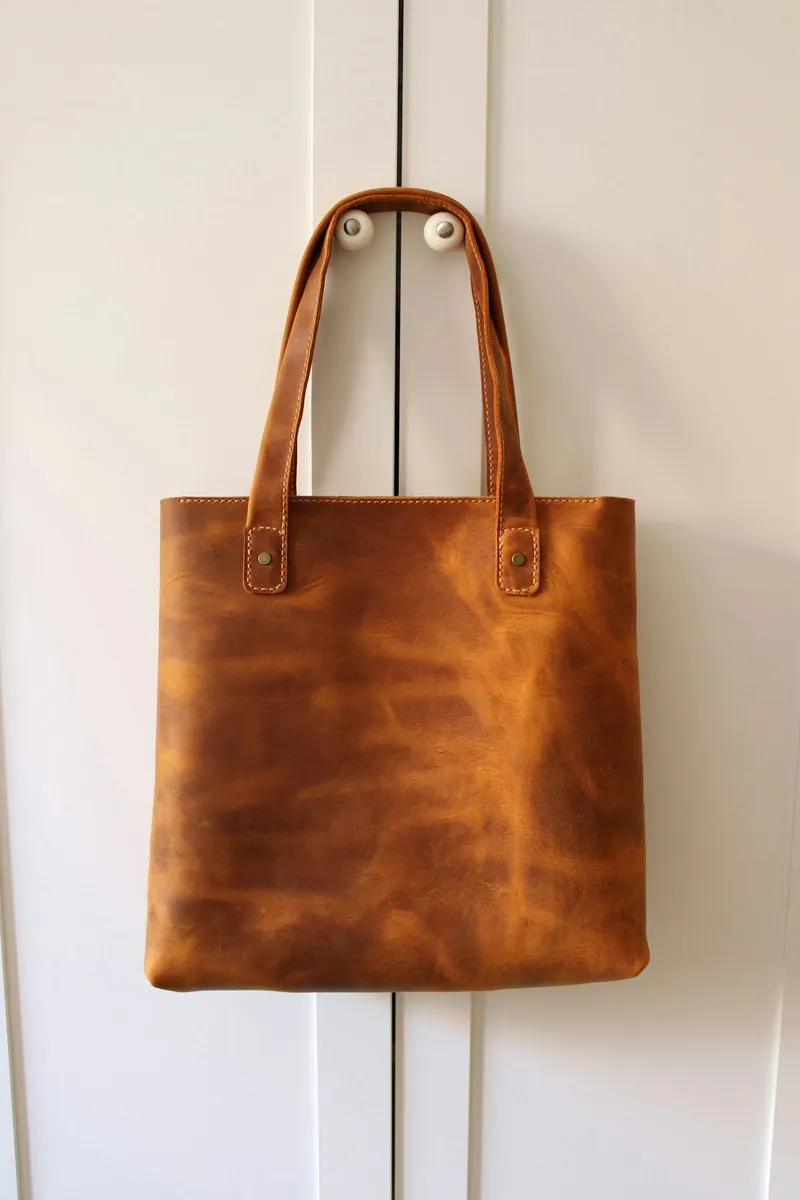
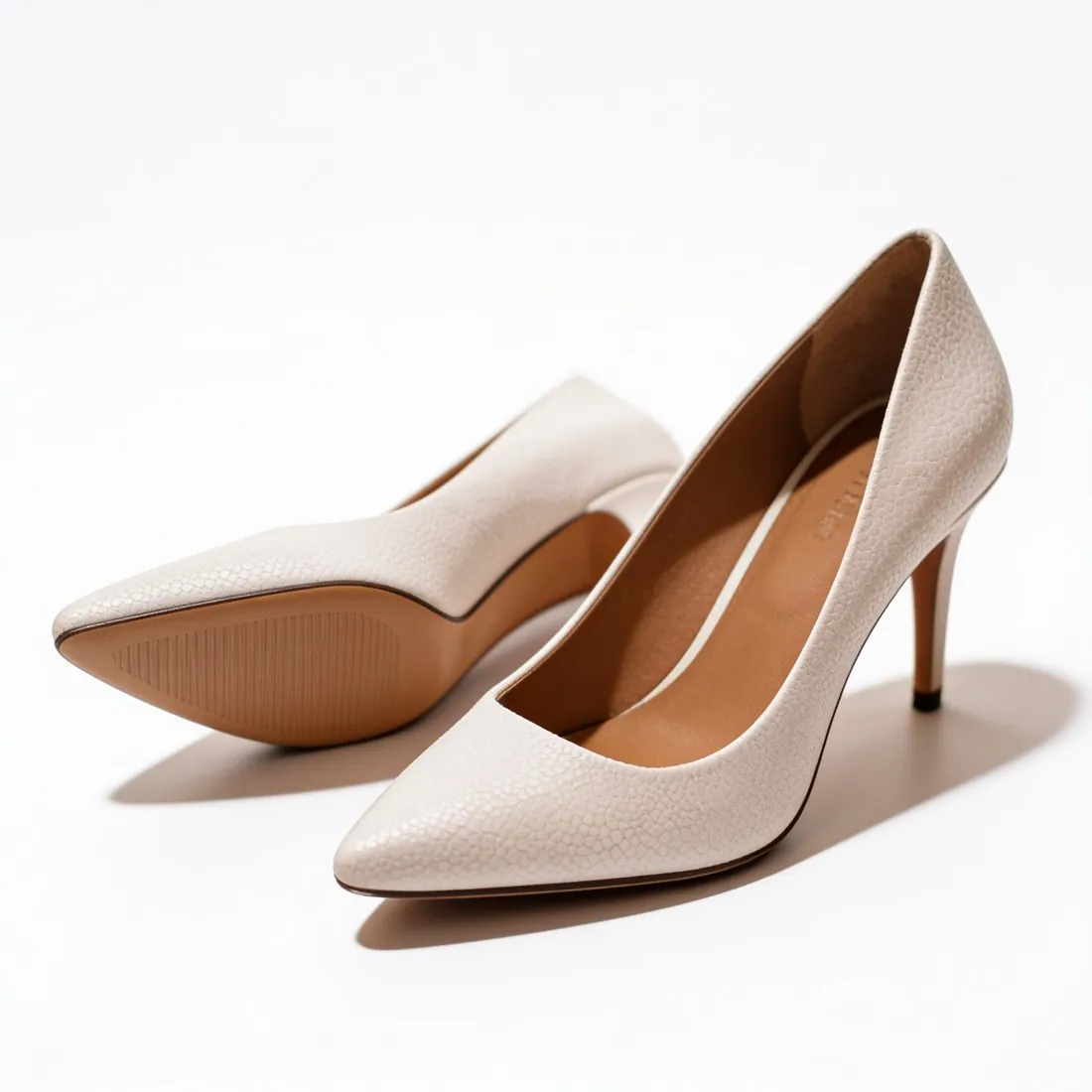
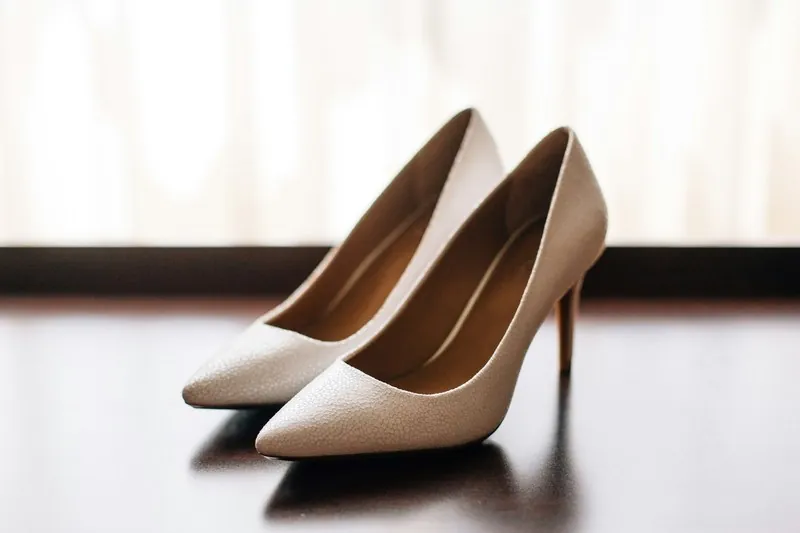
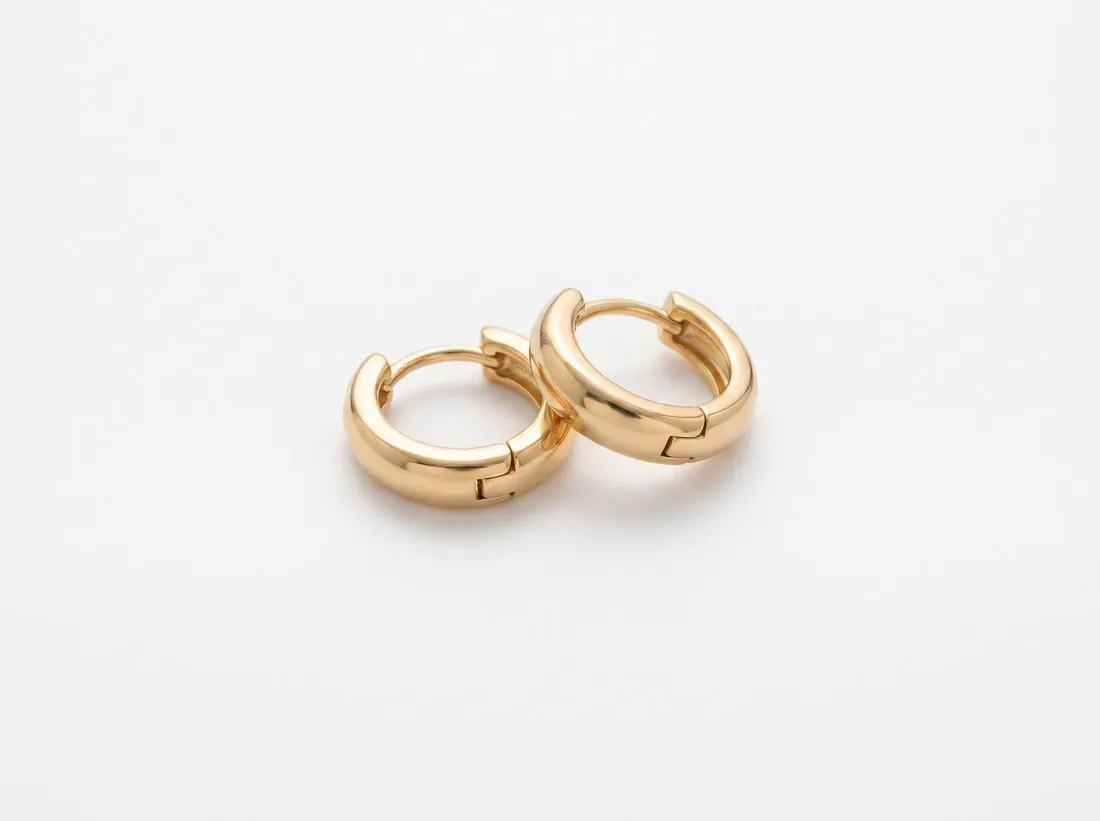
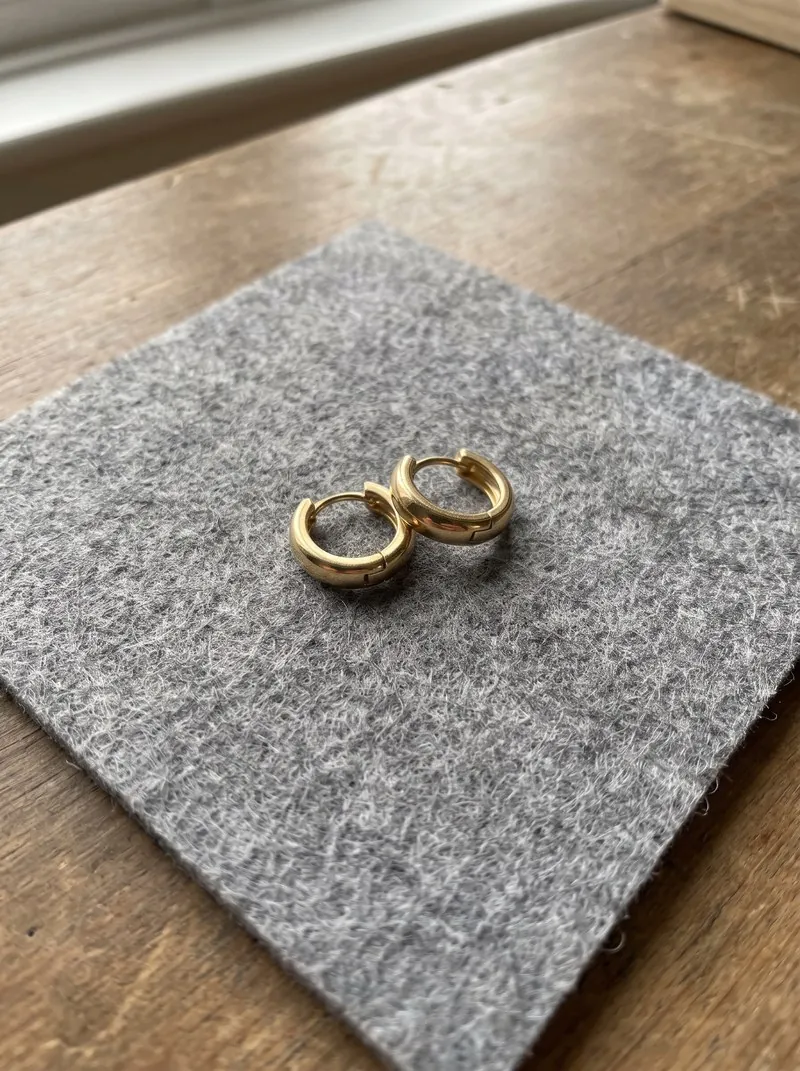
Three packshots, each made from one photo of the product: a bag, a pair of shoes and a pair of earrings. Made with Herofab · Packshot studio
Packshot and other kinds of product photo
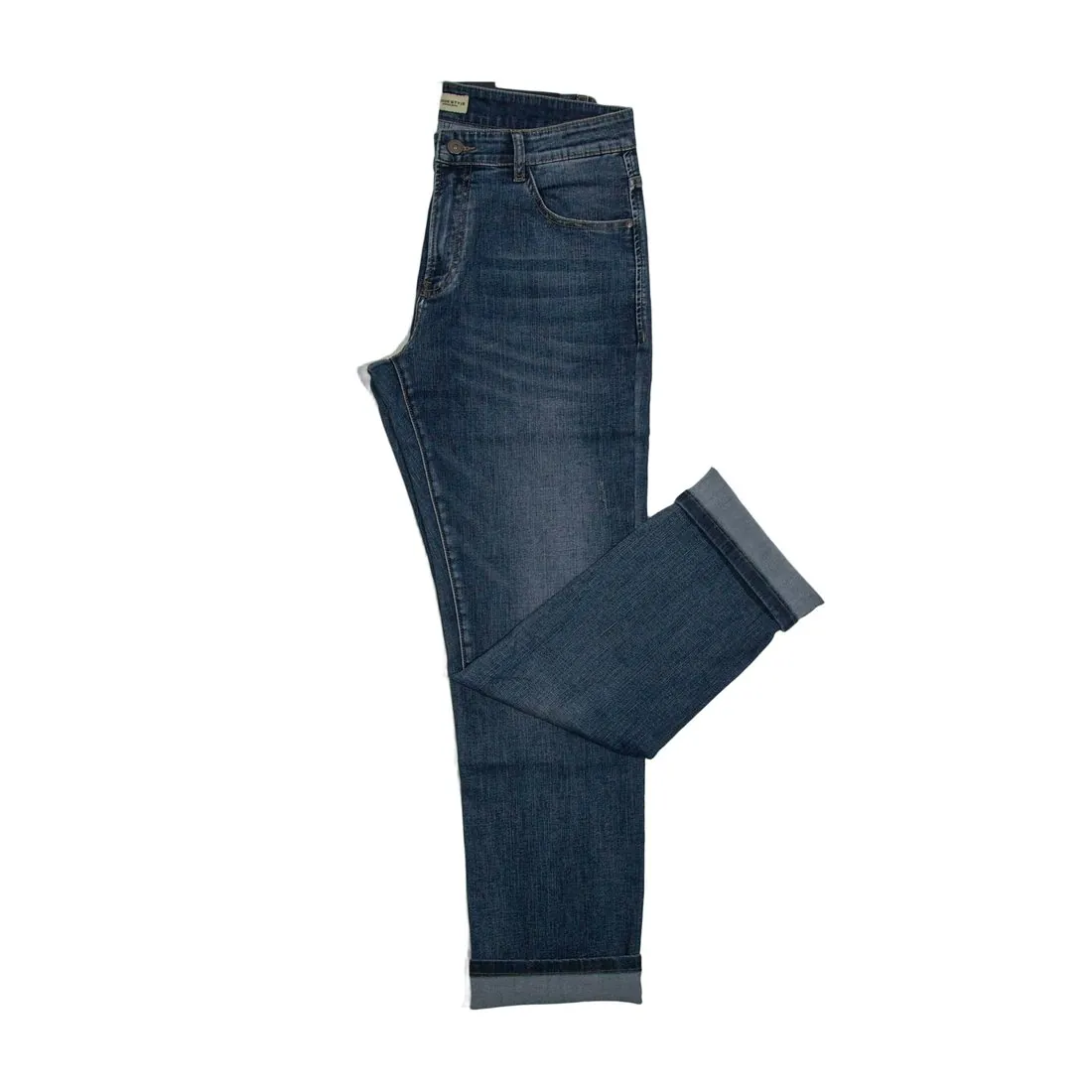 Flat lay
- A flat lay shows the product lying flat, photographed from directly above. It is the usual product-only photo for clothing; a top-down packshot of a small accessory is the same idea on a plain background.
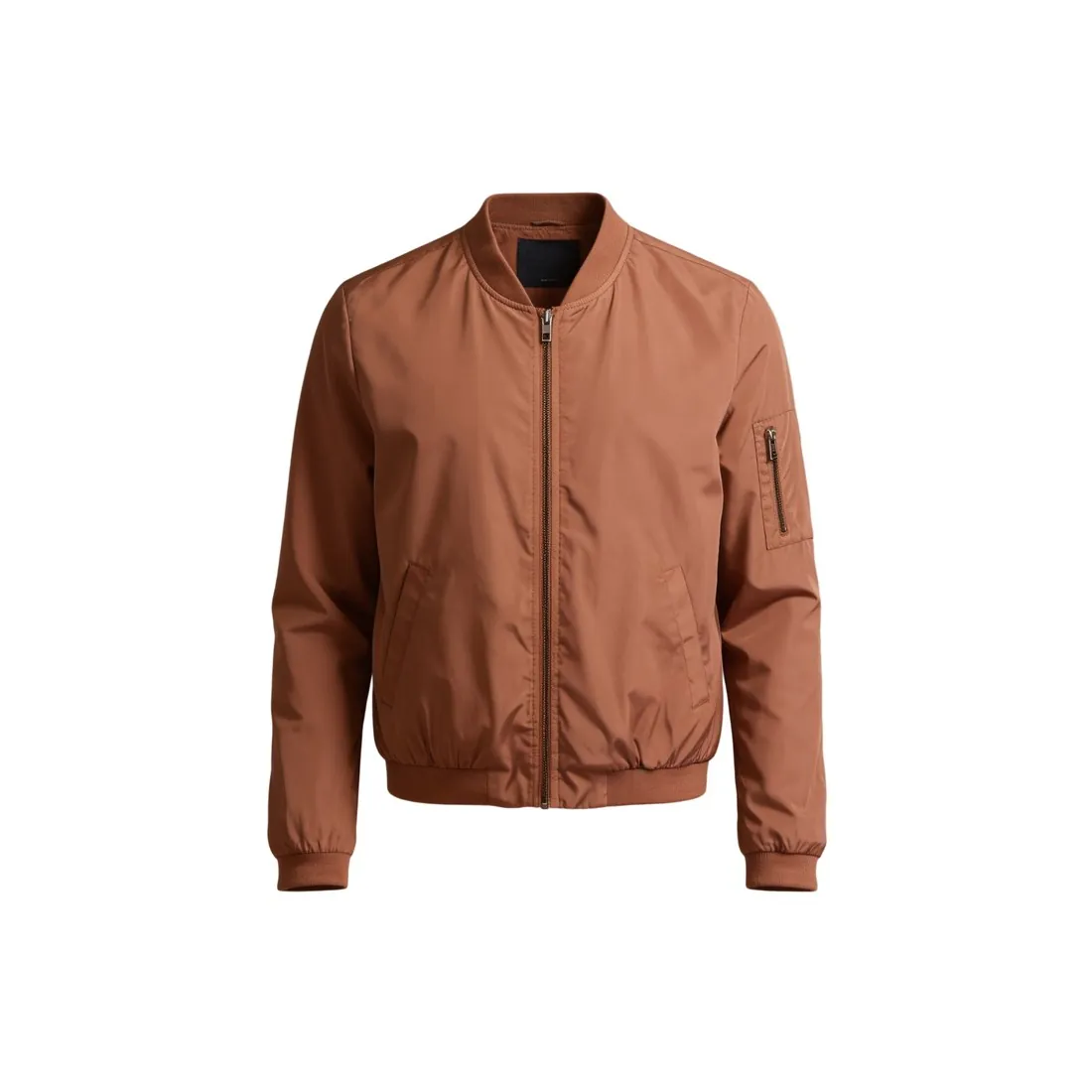 Ghost mannequin
- A ghost mannequin image shows a garment with the shape of a body and nobody inside. It is how clothing gets a product-only photo that still shows the fit.
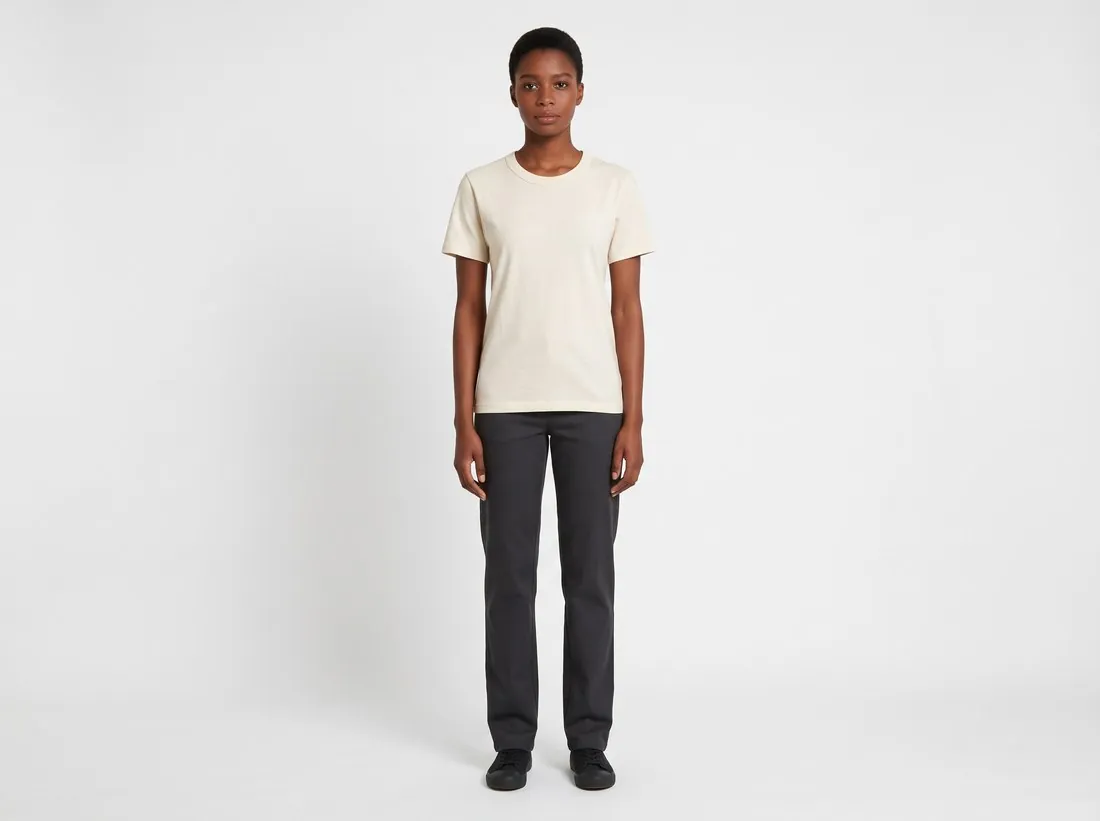 On-model image
- An on-model image shows the product worn by a person. It answers how the product fits and looks in use, while the packshot answers what exactly is being sold.
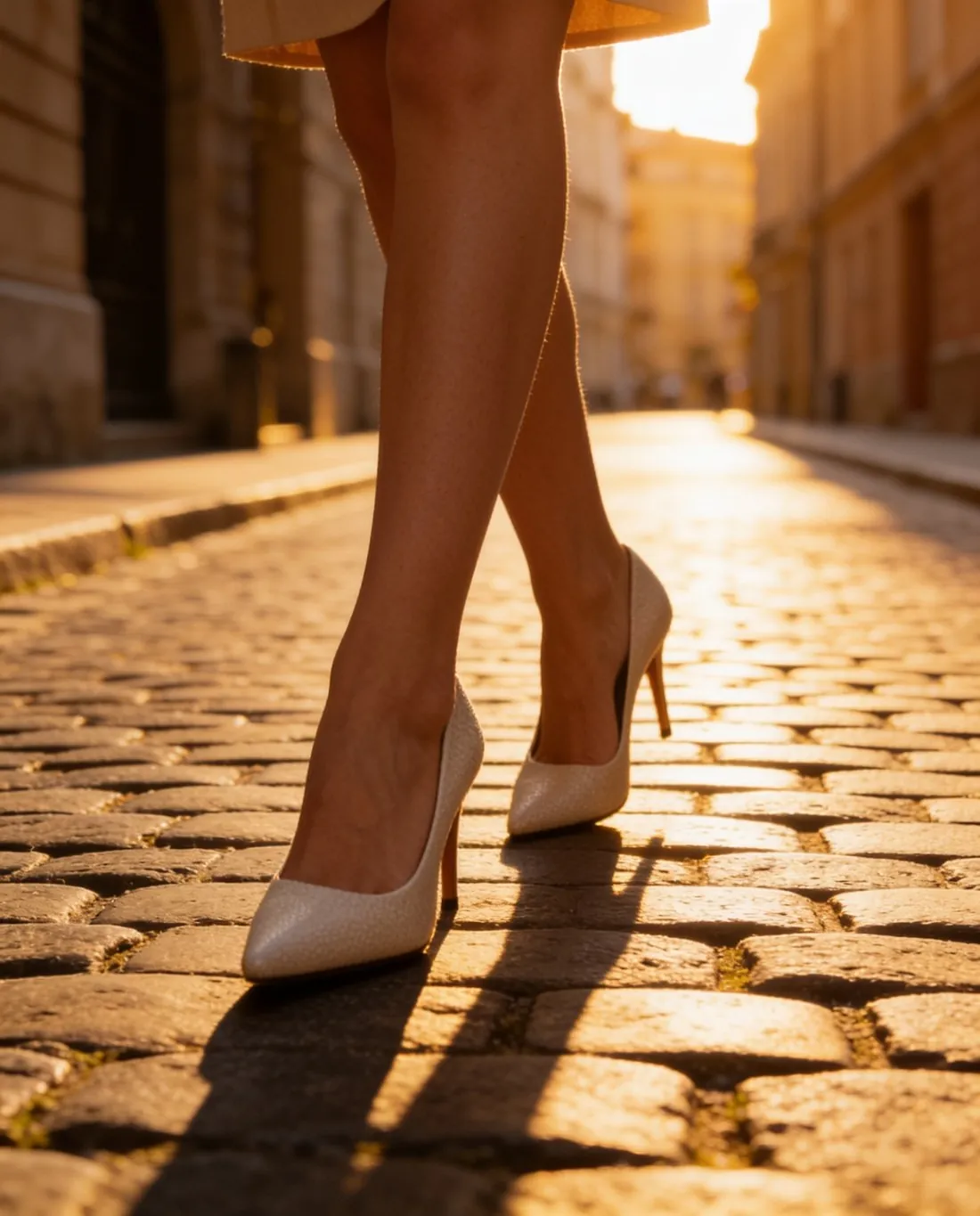 Lifestyle image
- A lifestyle image places the product in a setting, with surroundings, props or people. It usually sits among the additional images, after the packshot.
- Cut-out image
- A cut-out is a product separated from its background. Placed on plain white it becomes a packshot; on a transparent background it can go into any layout.
A checklist before a packshot goes live
- The whole product is in the frame and sharp from front to back, and nothing is cropped at the edges.
- The background is one plain colour without creases, a horizon line or a colour cast, and it is the same in every view of the product.
- The colour on screen matches the product in hand. White and black products are the first to drift.
- Dust, fingerprints, price stickers and loose threads are gone, and metal, glass and gloss surfaces do not reflect the camera or the room.
- Logos, labels and small lettering read as they do on the product, which matters most when the picture was edited or generated.
- Shape, size and file format follow what the sales channel asks for.