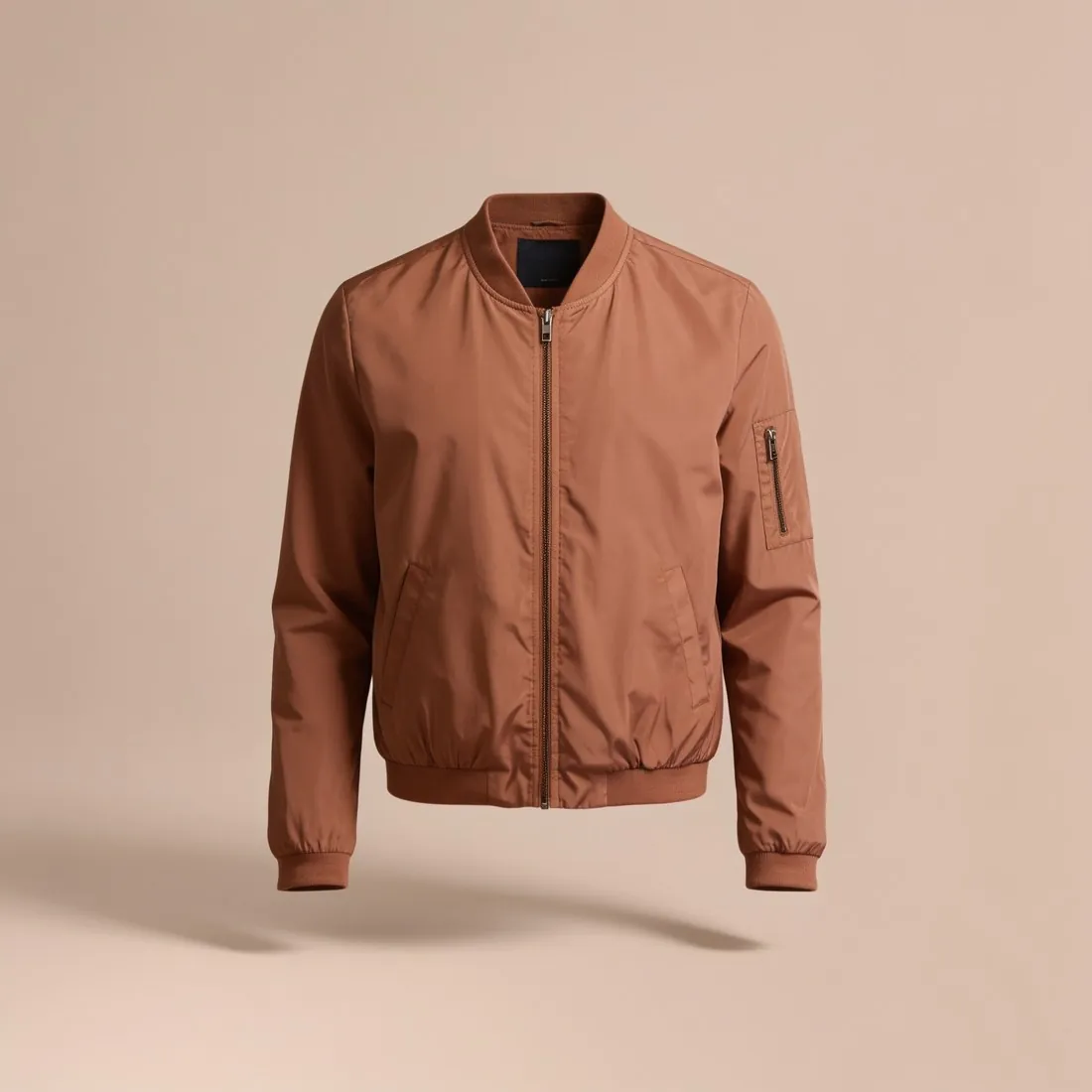
A background that looks white is often not pure white: studio photos and AI-generated images commonly land between RGB 250 and 254. The difference is invisible side by side, but a checker that reads pixel values reports it.
Amazon gives the reason for the rule: a consistent shopping experience across search and product detail pages.
Why the white has to be exact
Many shop and marketplace pages are themselves pure white. A picture whose background has the same value has no visible edge: the product seems to stand on the page, and a row of listings reads as one clean surface. A background that is only slightly darker shows as a faint grey rectangle, and in a grid each of those rectangles has a different tone.
Exactness also makes the rule testable. A value can be read by software, whereas an instruction such as light or clean would have to be judged by a person. Not every marketplace wants this white, though: some ask for a light neutral tone, and at least one applies a light grey ground of its own to packshots submitted on white. The rule rows further down quote what a few marketplaces publish.
Three routes to pure white and what each costs
In a studio the backdrop is lit separately and more strongly than the product, so that it overexposes to white while the product is exposed normally. The cost is spill: too much light from behind wraps round the product, pales its edges and lowers its contrast. In editing, a similar result is reached by moving the white point until the near-white ground becomes white.
Moving the white point works on the whole picture, so the brightest parts of the product are pushed to white together with the ground, and a glossy highlight or a pale print loses its detail. The third route avoids this: the product is cut out and only the ground is filled with white. It works on any backdrop, and its quality depends entirely on the edge of the cut-out.
Checking a white that the eye cannot judge
Near-white and pure white cannot be told apart by looking at one picture alone. Two checks make the difference visible. The first is to place the picture on a pure white page and look for the outline of a rectangle. The second is to read the values with the colour picker of an image editor in the corners, along the edges and close to the product, where leftovers of the old backdrop are most likely.
The check belongs at the very end of the work. Resizing and sharpening happen after the background was set and can alter pixels near the product. Padding added to change the shape of a picture is a further trap: if the padding is pure white and the original ground is not, a faint line shows where the two meet.
Pure white background and related terms
- Neutral background
- A neutral background is any plain ground in a quiet light tone, such as off-white, light grey or beige. Pure white is a single exact value, and a rule that asks for it is not met by a neutral tone, however light that tone is.
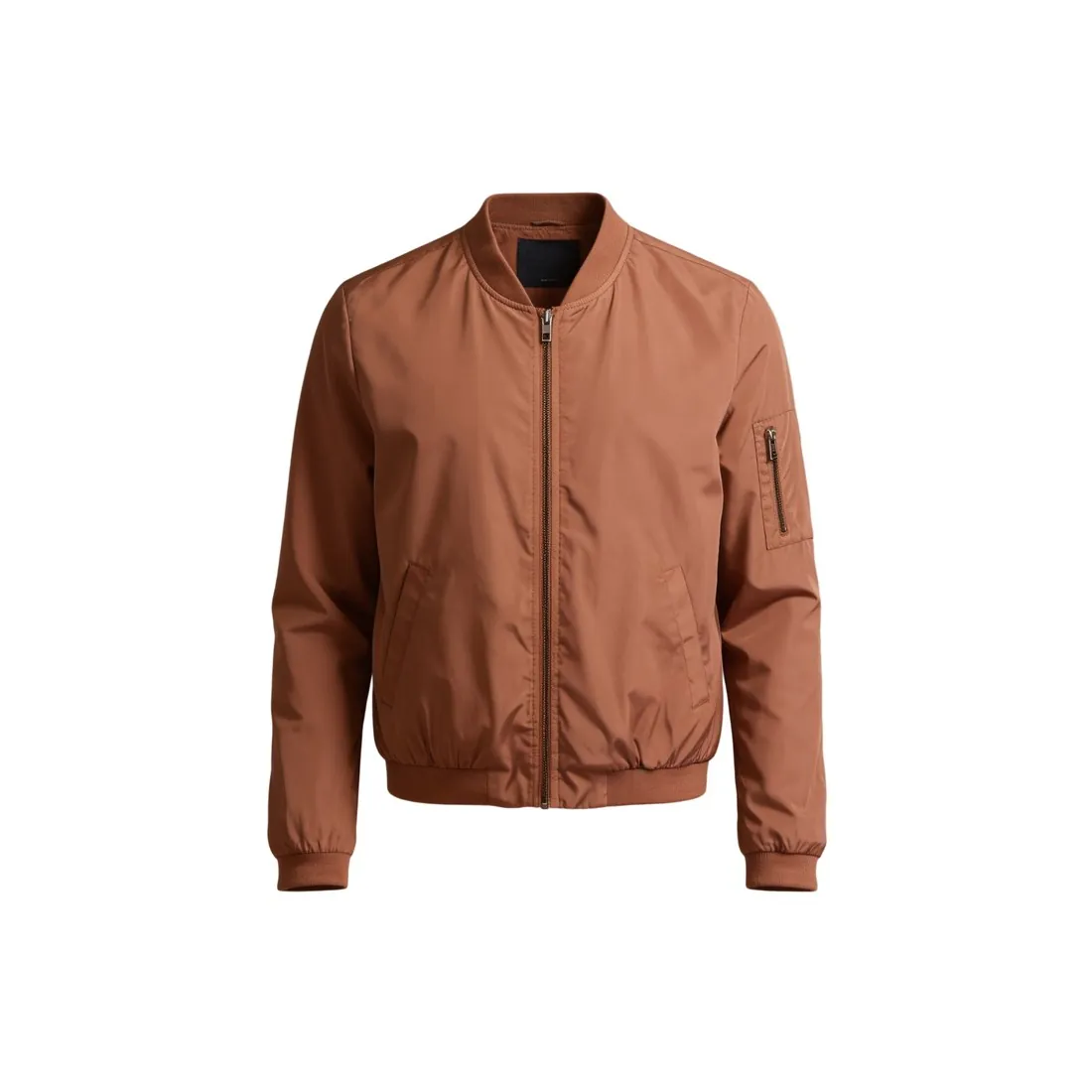 Cut-out image
- A cut-out image is the product separated from its old background. It is the usual starting point for pure white, because the fill behind a cut-out can be set to the exact value, which a photographed backdrop rarely reaches.
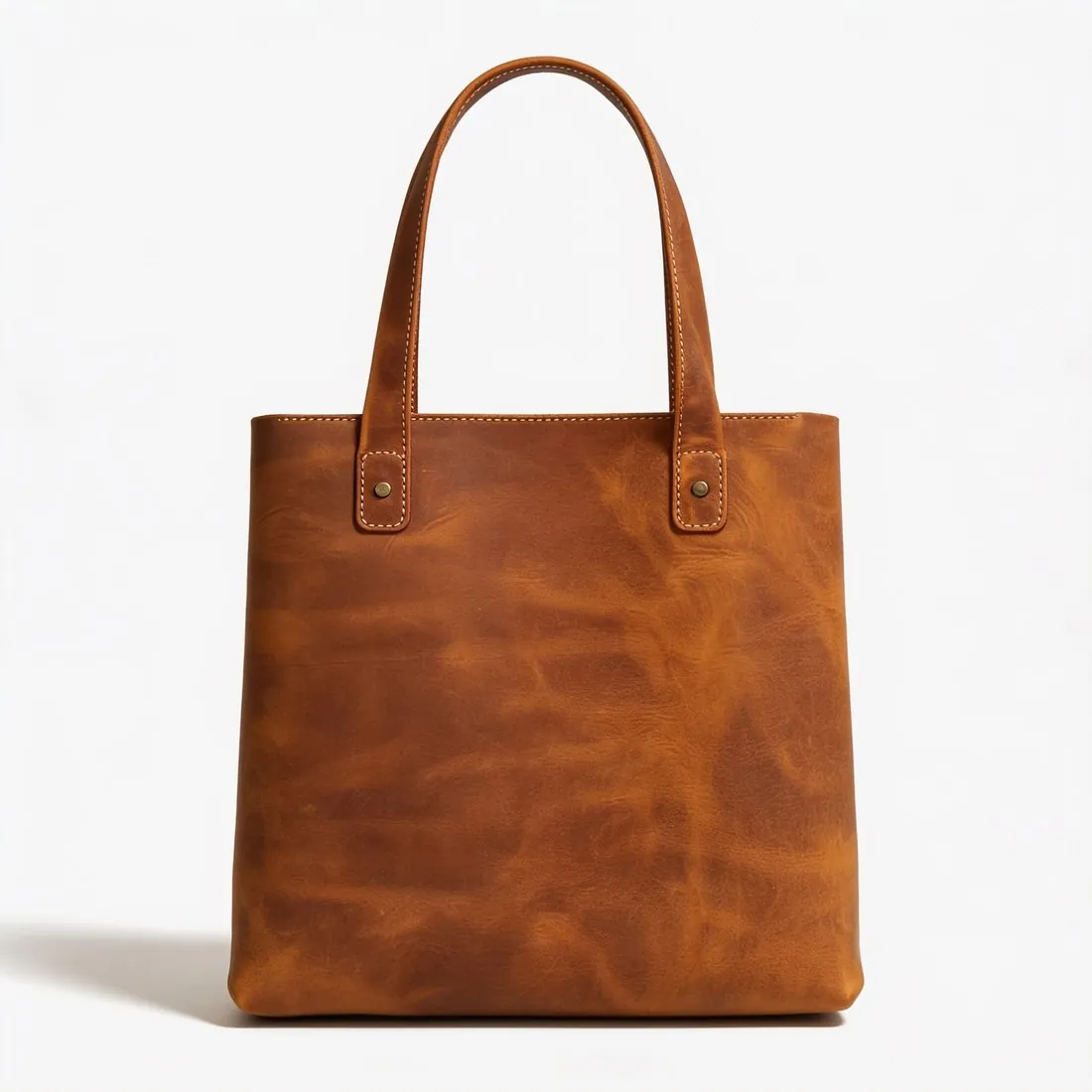 Main image
- The main image is the first picture of a listing. It is where a pure white rule normally applies; the further images of the same listing are often free to show a setting, a detail or a person.
- White balance
- White balance decides whether the neutral tones of a photo are free of a colour cast. A ground filled with pure white in editing is neutral by definition, so a product that still carries a cast stands out against it all the more.
- Drop shadow
- A drop shadow is a soft shadow placed under the product. Its pixels are darker than white, so the ground under it is no longer pure white; whether a marketplace accepts that differs from one to the next.
A checklist for a pure white background
- Pixels read in the four corners and along the edges show the highest value in the red, the green and the blue channel alike.
- Placed on a pure white page, the picture shows no rectangle; its edges cannot be told from the page.
- The product has kept its detail: white fabric, highlights and pale edges still show shading and were not turned into flat white.
- No grey veil, gradient or leftover of the old backdrop remains near the product or between its parts.
- The values were read again in the exported file, in the format and at the size that will be uploaded.