Language: EN
Start free

Photo retouching

Editing a photograph after it is taken to remove flaws such as dust, creases, loose threads or a colour cast. In a product photo it corrects the picture, not the product.

Also called image retouching · product retouching · photo touch-up

With Herofab Remove background

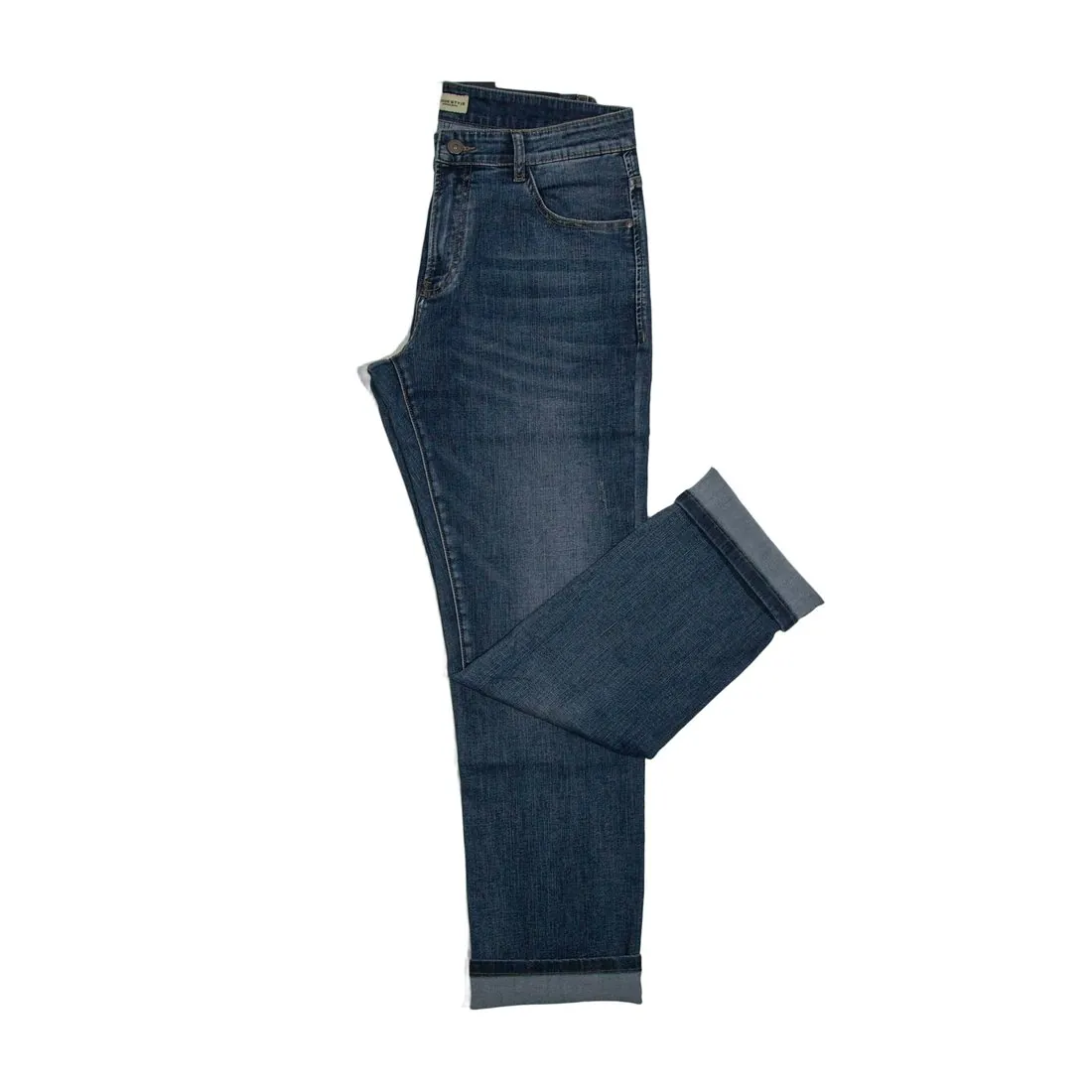
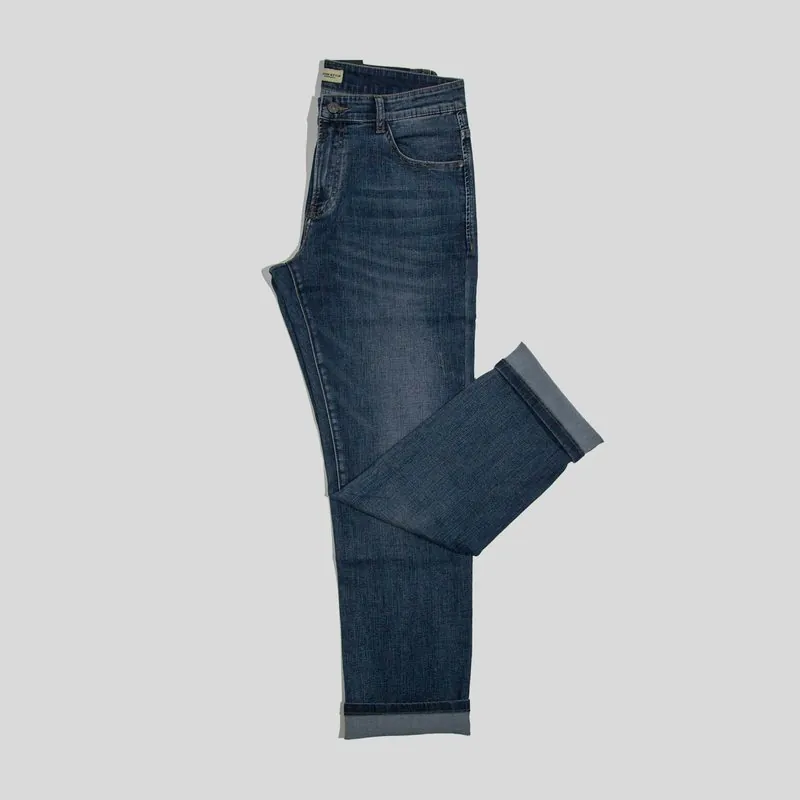
The folded indigo jeans with turned-up hems on a white background
Source photo. Made with Herofab · Remove background

Retouching covers the small faults a camera cannot avoid: dust on a dark garment, lint and pet hair, creases from folding, a loose thread, a reflection in a watch glass, a colour that came out too warm. Cutting the product from its background and matching colour across a set are usually part of the same job, so that every image of a collection looks as if it came from one shoot.

The line that matters to a buyer runs between correcting the picture and changing the product. Removing a crease from transport is cleaning; removing pilling, slimming a seam, brightening a faded print or hiding a scuff on a used item misrepresents what will arrive. Many marketplaces state that edits must not change how the item looks, and some do not accept edited photos of second-hand goods at all.

Heavy retouching shows. Over-smoothed fabric loses its texture and looks like plastic in zoom, a cut-out with a hard or haloed edge looks pasted on, and colour pushed for impact no longer matches the real dye. A sound routine is to retouch from the original file, compare the result side by side with the product in daylight, and check edges and fabric at full size before upload.

Questions

Photo retouching, answered.

How much retouching is allowed on product photos?

As much as it takes to correct the picture, and none that changes the product. Removing dust, lint, transport creases and a colour cast is generally accepted; hiding wear, reshaping a seam or brightening a faded print is not, and some marketplaces are stricter still for second-hand goods. The marketplace's own wording decides where its line runs.

Should I steam clothes or fix creases in editing?

Steam first, then retouch what is left. A steamed garment shows its true drape and texture and needs little editing, whereas smoothing deep creases by hand takes time and often flattens the weave. Herofab's Remove background cuts a product out without redrawing it, so a crease in the source photo stays in the result.

In marketplace rules

What marketplaces say about it.

Updated 25 September 2026

Zalando
Zalando may position packshots on its view grids, crop images to the required resolution and aspect ratio and modify backgrounds to its required colour range; it does not make edits that change how the article looks Official page
AliExpress
Any cut-out or Photoshop effects must appear natural Official page
GLAMI
Real photos of the product; GLAMI states that it does not accept photos edited online. The same photo requirements apply to the alternative images Official page
Vinted
Photos taken by you for use on Vinted, showing the item as it is; no image editing is allowed Official page
eMAG
Out-of-focus or unclear images and images with bad edit traces are not accepted Official page
Shopee
Images out of context, of products without packaging, with false promises, or manipulated in order to hide information about the product Official page
Related
Free tools
Get started

Your next collection, shot this week.

20 credits at sign-up, no card required. Images made with free credits carry a watermark.