
Language: EN
Start free

Alpha channel

The extra channel in an image file that records how visible each pixel is, from fully opaque to fully transparent. It is what a transparent background is made of.

Also called alpha transparency · transparency channel

With Herofab Remove background

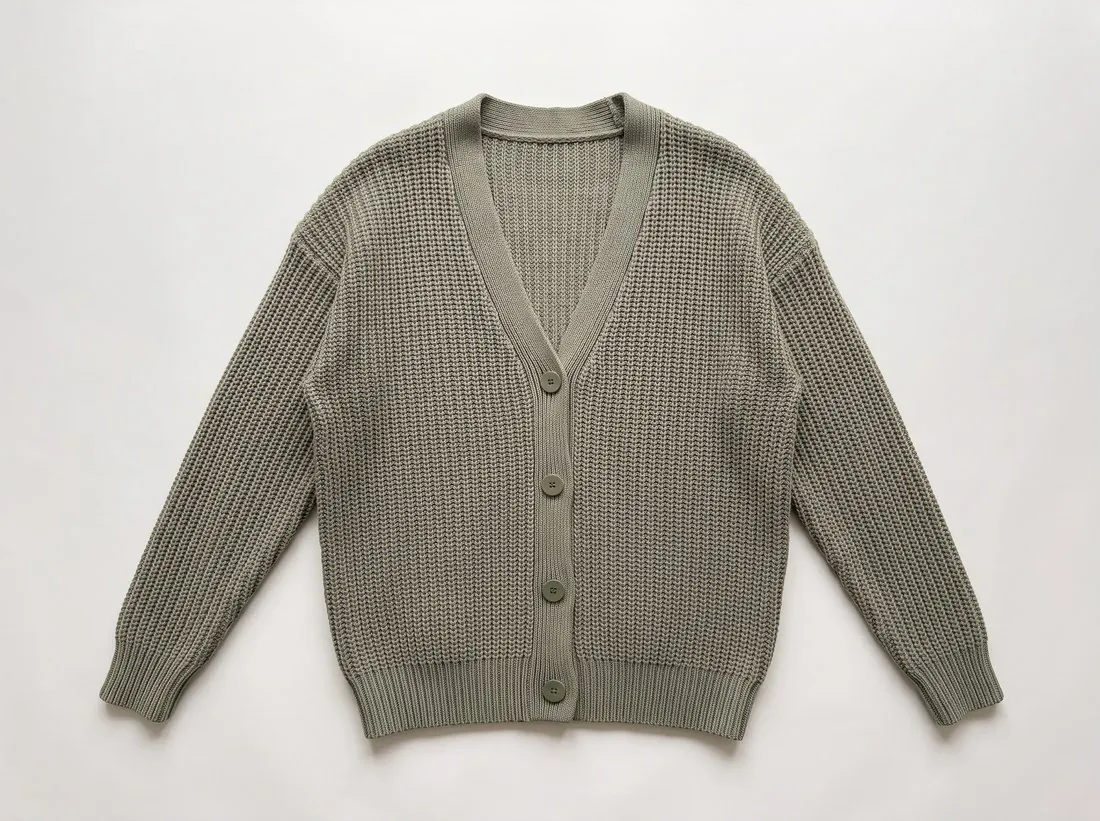
Sage rib-knit cardigan as a flat lay on white
Source photo. Made with Herofab · Ghost mannequin

The alpha channel is not only on or off. Partly transparent pixels carry the soft edges of a cut-out: hair, fur, sheer fabric, glass and a soft shadow. Formats and settings that know only fully visible and fully empty pixels, such as GIF or a palette PNG, turn those edges into a jagged fringe that looks pasted on when the product is placed on a new background.

Edge pixels also keep some colour of the background they were cut from. A product cut from a dark or coloured backdrop and placed on white often shows a thin dark or tinted rim. Viewing the cut-out on black, on white and on a strong colour shows the rim at once, and the colour cleanup or defringe option of an image editor removes it before export.

When a channel does not support transparency, or converts uploads to JPEG, the alpha channel is dropped and the empty area becomes a solid colour, black on some systems and white on others. A soft shadow built from partly transparent pixels can turn into a grey patch. Flattening the cut-out onto the background the channel asks for, at export, keeps the result predictable, while the transparent master stays for design work.

Questions

Alpha channel, answered.

Do I need an alpha channel for a product photo on white?

No, a product on white is a finished picture, and an alpha channel adds weight and the risk that an upload system fills the empty area with the wrong colour. Keep the transparent version as a master for banners and design work, and upload a copy flattened onto white. Herofab's Remove background returns a product transparent, on white or on grey, and transparent results are delivered as PNG.

How do I check whether a PNG really has a transparent background?

Open it in an image editor or a viewer that shows transparency as a chequered pattern, then place it on a dark colour. A real transparent area lets the new colour through; a chequered pattern that stays in place is painted into the pixels, which is common with images downloaded as transparent. The image information also lists an alpha channel, or a colour mode with alpha, when one exists.

In marketplace rules

What marketplaces say about it.

Updated 25 September 2026

Etsy
Animated GIF and transparent PNG files are not supported; transparent parts of an image appear black Official page
Ecwid
High-resolution PNG images with a transparent background may load slowly on category pages Official page
Heureka
Ideally white; the XML feed specification adds that an image should not have a transparent background Official page
CDON
White or transparent, on all product images Official page
Hood.de
A uniform white or transparent background Official page
Related
Free tools
Get started

Your next collection, shot this week.

20 credits at sign-up, no card required. Images made with free credits carry a watermark.