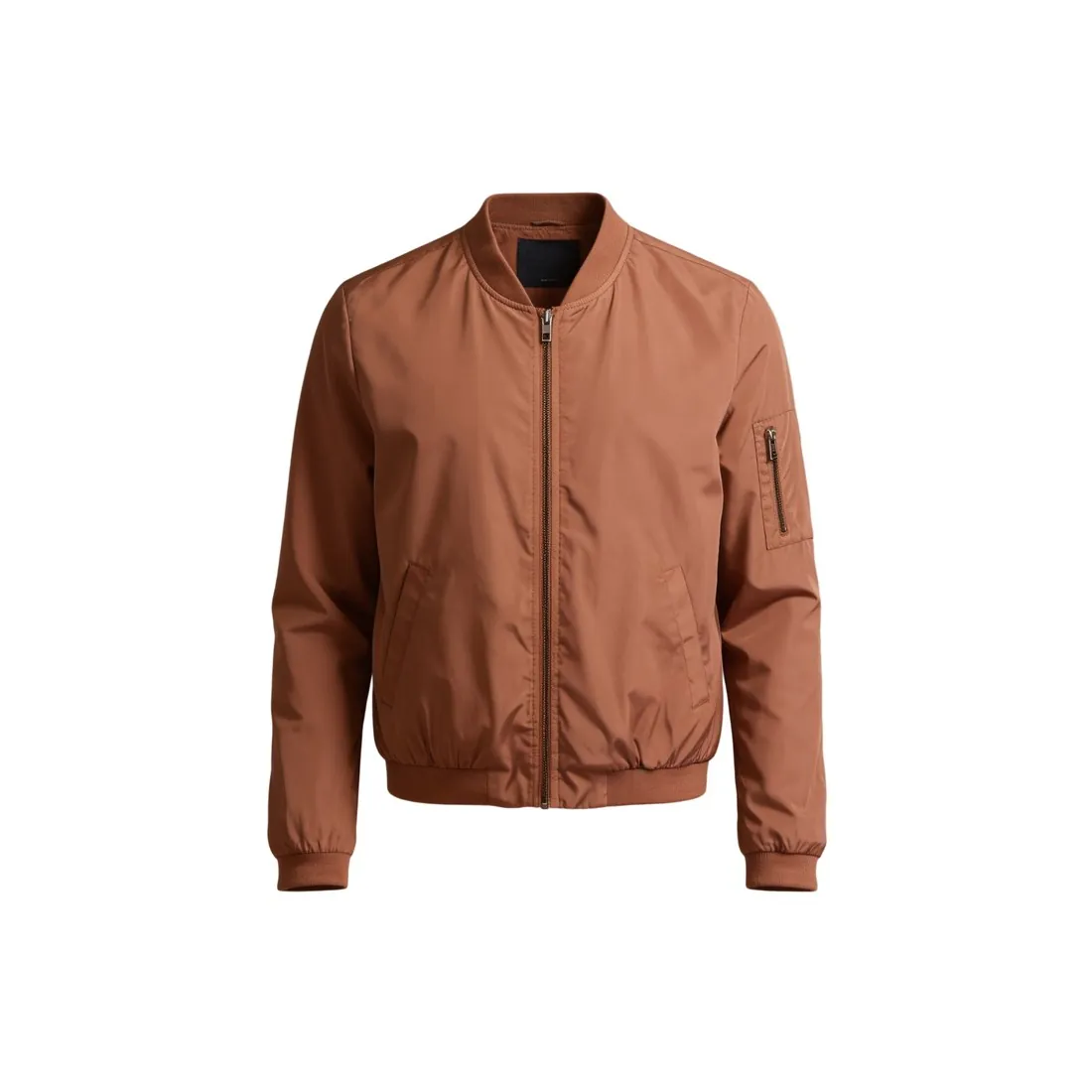
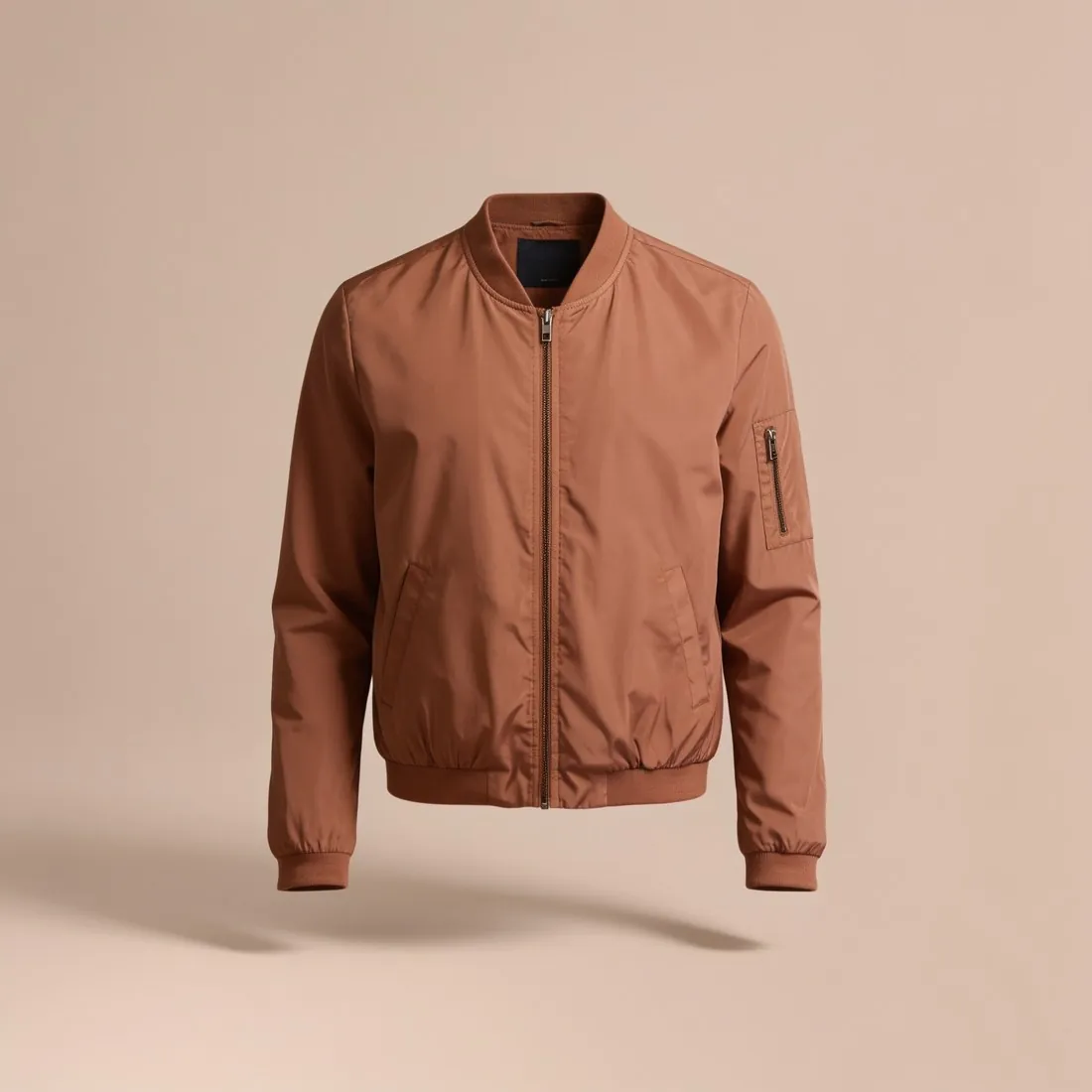
Three settings control it, and each has a side effect. A slower shutter lets in more light but blurs a moving model or a hand-held camera; a wider aperture lets in more light but thins the depth of field; a higher ISO brightens the image but adds grain that wipes out fine fabric texture. A phone sets all three by itself, and the control left to the user is tapping on the product and moving the brightness slider.
Automatic exposure aims for an average, middle-grey picture, which product photos rarely are. A white garment on white paper is brighter than average, so the camera darkens it and the white comes out grey; a black bag on a dark ground is lightened until the black turns charcoal. Exposure compensation corrects this: plus for light scenes, minus for dark ones. The histogram is the check: on a white background the background sits at the right edge and the product's highlights just below it.
Areas that are overexposed hold no detail at all: the weave of a white shirt or the shade of a pale pink is gone, and editing cannot bring back what the sensor never recorded. Shadows can usually be lifted, at some cost in grain, so a frame slightly too dark is safer than one slightly too bright. Brightening the whole image to make the background white also burns out the pale parts of the product; lighting the background separately or cutting the product out keeps its tones.