
Language: EN
Start free

Bit depth

The number of tonal steps each colour channel of an image can store. Web images use eight bits per channel; editing files often use sixteen.

Also called colour depth · color depth · bits per channel

With Herofab Upscale

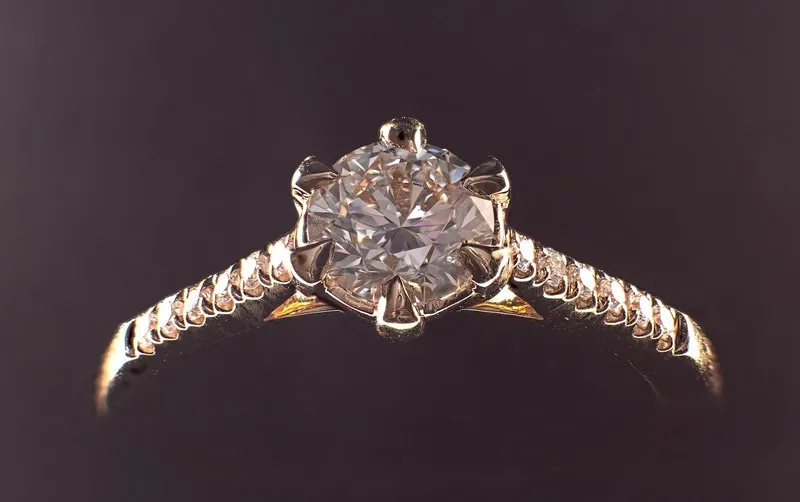
Fingertips on the collarbone, wearing the solitaire ring with a round clear stone on the ring finger
Source photo. Made with Herofab · Jewelry studio

At eight bits each channel has two hundred and fifty-six steps from dark to light, enough for the eye in a finished image. Sixteen bits give far more steps. The difference shows in smooth transitions: a background sweep, the falloff of a shadow, the sheen of satin. When too few steps cover a gradient, it breaks into visible bands, an effect called banding or posterisation.

Strong edits spend steps. Lifting the shadows of black fabric or making a large colour correction on an eight-bit JPEG stretches the remaining steps apart, and bands appear. Raw files and sixteen-bit working files keep room for such edits. The finished image goes back to eight bits: JPEG holds nothing else, and a sixteen-bit PNG is heavy and is converted or refused by some upload systems.

Specifications count bit depth in two ways: per channel, or for all channels of a pixel together. An ordinary RGB image is therefore described as both eight-bit and twenty-four-bit, and thirty-two-bit usually means the same with an alpha channel added. Bit depth says nothing about sharpness or size; it is not resolution. Where a gradient bands after export, a light noise or dither setting smooths it.

Questions

Bit depth, answered.

Is HDR the same as a higher bit depth?

No, though the two are related. Bit depth sets how many tonal steps a channel holds; HDR describes a wider range of brightness, which needs more bits so that its steps stay fine. Some phones save HDR photos, which can look flat or harsh where a screen or an upload system does not support them. For a listing, a standard eight-bit export in sRGB looks the same everywhere.

Does bit depth affect the file size of a product photo?

For lossless formats, yes: a sixteen-bit PNG or TIFF stores twice the data per pixel of an eight-bit one and is roughly twice as heavy. A JPEG is always eight bits, so bit depth is never the reason a JPEG is too large; pixel size and quality setting are. Converting a heavy working file to eight bits before export removes weight without any visible change.

In marketplace rules

What marketplaces say about it.

Updated 25 September 2026

Walmart
RGB colour format, 8 bits per pixel Official page
Miinto
Adobe RGB (1998) colour profile, 8-bit depth Official page
Pinterest
For ads, PNG or JPEG; uploaded images are converted to 8-bit RGB JPEGs, and Pinterest advises PNG in sRGB to avoid a loss of quality Official page
Jimdo
Photos should be saved as JPEG; logos, infographics and images with a lot of text as PNG, with 24 bit recommended over 8 bit Official page
Related
Free tools
Get started

Your next collection, shot this week.

20 credits at sign-up, no card required. Images made with free credits carry a watermark.