Language: EN
Start free

RAW photo

The unprocessed sensor data that a camera, or a phone in raw mode, can save instead of a JPEG. It has to be edited and exported before it can be used in a listing.

Also called raw file · camera raw

With Herofab Product studio

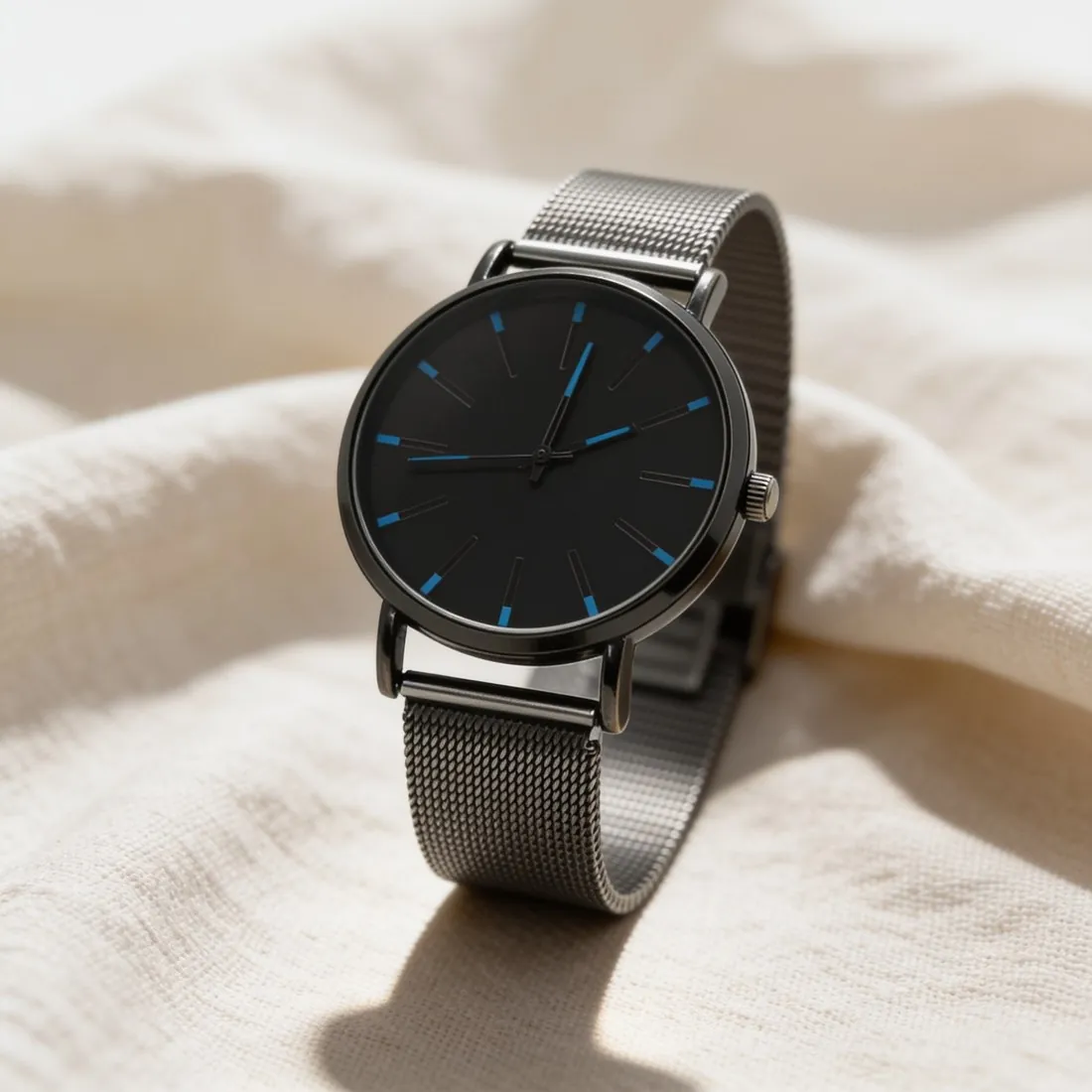
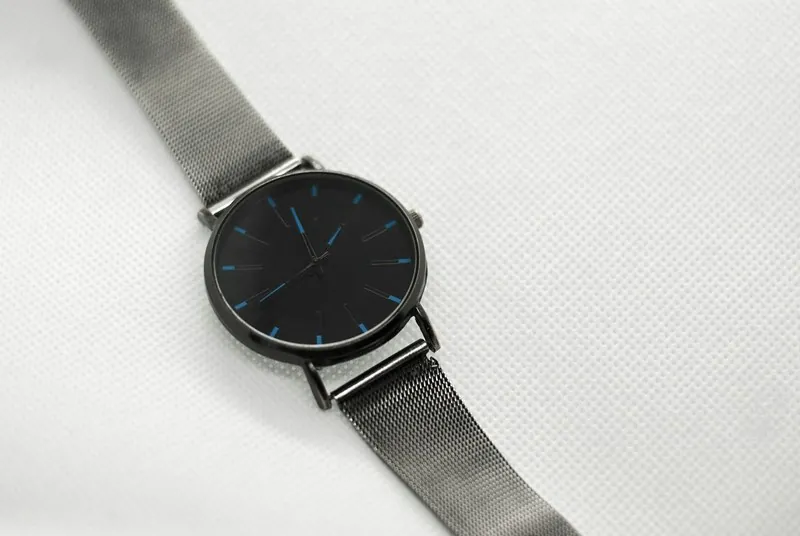
The mesh-strap watch with a black dial resting on soft white linen
Source photo: Plain product photo. Made with Herofab · Product studio

A raw file records what the sensor captured before the camera applies white balance, contrast, sharpening, noise reduction and compression. It keeps more range at both ends, so the texture in a white shirt that a JPEG would show as plain white, or the folds in black wool that a JPEG would bury in shadow, can still be brought back in editing. Each camera maker has its own raw format; many phones save the open DNG format.

A raw file is not an upload format. Browsers cannot display it, and the few channels that take one convert it with their own default settings, so the look is no longer in the seller's hands. Phones surprise people here: a raw photo skips the phone's usual processing and looks flatter and noisier than the normal photo until it is edited, which is expected and not a fault.

Raw pays off for products that are hard to expose or colour: white and black goods, gloss, metal, and fabrics whose exact shade matters. For everyday listing photos taken in good light, a well-exposed JPEG is usually enough. Where raw is used, the raw file stays as the archive, so that a later export in another size or colour space starts from the full data and not from a compressed copy.

Questions

RAW photo, answered.

Which settings should I use when exporting a RAW photo for a listing?

Export as JPEG in sRGB at eight bits per channel, at a high quality setting and at the pixel size the channel asks for or a larger master size. Set white balance and exposure before exporting, and add only light output sharpening, since a raw file has none. Copying the settings of one corrected photo to the rest of the series keeps the colours of a listing consistent.

Why does my RAW photo look different from the camera preview?

Because the preview on the camera is a small JPEG the camera made with its own processing, while an editor applies its own default look to the raw data. Contrast, colour and sharpness therefore change the moment the file opens. Neither version is the correct one; the editor's camera profile setting brings the look close to the camera's, and the rest is set by hand.

In marketplace rules

What marketplaces say about it.

Updated 25 September 2026

Wix
JPG, PNG, GIF, JPEG, JPE, JFIF, BMP, HEIC, HEIF, TIFF, TIF, WEBP, AVIF, JPEG 2000 and RAW; animated WEBP images are converted to a static image Official page
Related
Free tools
Get started

Your next collection, shot this week.

20 credits at sign-up, no card required. Images made with free credits carry a watermark.