A square on white for the Walmart item page.
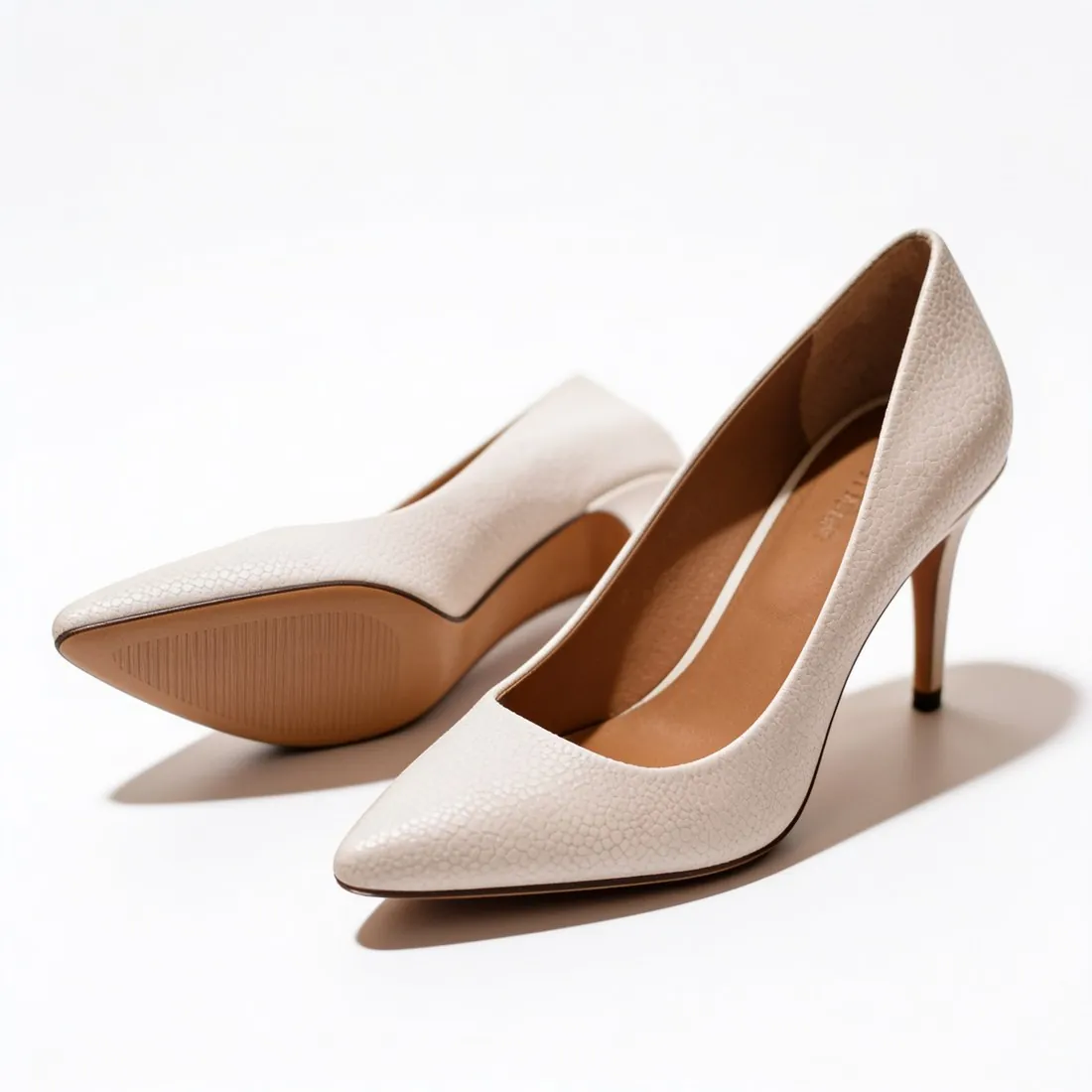
Walmart asks for a square main image: the item on an unbroken pure white background, in focus and professionally lit, with no watermark, seller name or logo on it. Herofab's packshot studio turns a phone photo into the product alone on a white studio background, evenly lit, in a square format.

Three checks before a Walmart upload.
- 1
Width equal to height
Walmart's product images are square, and zoom needs a minimum number of pixels on each side. Choose the square ratio when the packshot is made, so the product is composed for that shape. Square 2K and 4K output is above Walmart's zoom minimum, and the Walmart download gives the size Walmart recommends.
- 2
One unbroken white behind the item
The main image shows the item on pure white without a visible join, crease or surface line behind it. The packshot studio replaces the table or shelf with a clean, evenly lit white studio background. Open the file at full size and compare the corners and the area under the product with the pure white Walmart specifies.
- 3
No name, logo or watermark
Watermarks, the seller's name and the seller's logo are not allowed on a Walmart main image. Herofab places nothing on images made on a plan or with a credit pack. Images made on free credits carry a watermark, which makes them a way to judge the result and not a file for the listing.
What Walmart asks for.
Source: Walmart Marketplace Learn — Image guidelines & requirements. Checked 24 September 2026.
- Size
- 2,200 × 2,200 pixels, square (1:1)
- Zoom
- At least 1,500 × 1,500 pixels
- File
- JPEG, JPG, PNG or BMP (no GIF), 5 MB or less
- Main image
- The item on a seamless white background (RGB 255/255/255), in focus and professionally lit
- Not allowed
- Watermarks, your name or your logo on the main image
Photographing the item for a Walmart packshot.
- Walmart wants the item in focus, and focus comes from the source: tap the product on the phone screen, hold still, and retake any photo in which the label looks soft.
- Leave some room on every side of the product, because the final image is square and a tall or wide item needs space to sit centred in it.
- Use soft window light and no flash; the studio step lights the product evenly, but it cannot bring back a surface that glare has covered.
Product photos for Walmart, answered.
Does the packshot come in the size Walmart recommends?
Yes. After delivery, Walmart is selected as the marketplace and the file is produced from the delivered image in the square size Walmart recommends, with the product left uncropped. Walmart also caps the weight of a file and accepts a short list of formats that excludes GIF; the rule table on this page gives the details.
Which image opens a Walmart listing, and what follows it?
The main image: the item alone on white, which is what a packshot is. Walmart's white-background and no-logo requirements are written for that image. For the images after it, Herofab makes further angles, scenes and, with Virtual try-on, on-model views from the same source photo; the seller reads Walmart's current guideline for those before publishing.
Can clothing be prepared for Walmart with the packshot studio?
Garments go through Ghost mannequin instead, which shows a garment on white without a model and is the packshot format for clothing. A hanger or flat-lay photo is enough and no mannequin is needed for the shoot. Bags, shoes, watches, jewelry, eyewear and headwear are the packshot studio's own ground.
How much does it cost?
4 credits per image, plus one credit for 4K. The cost is shown before you generate, and if a job fails the credits are returned. The 20 free credits at sign-up cover 5 images with this tool.
Your next collection, shot this week.
20 credits at sign-up, no card required. Images made with free credits carry a watermark.