Temu apparel images, worn and three by four.
Temu sets a three-by-four shape for apparel carousel images, with a minimum size, and its image field requires at least three distinct images. Virtual try-on dresses a studio model in a garment from a hanger photo; three-by-four 2K output is above Temu's minimum, and several poses of the same model can be ordered together.
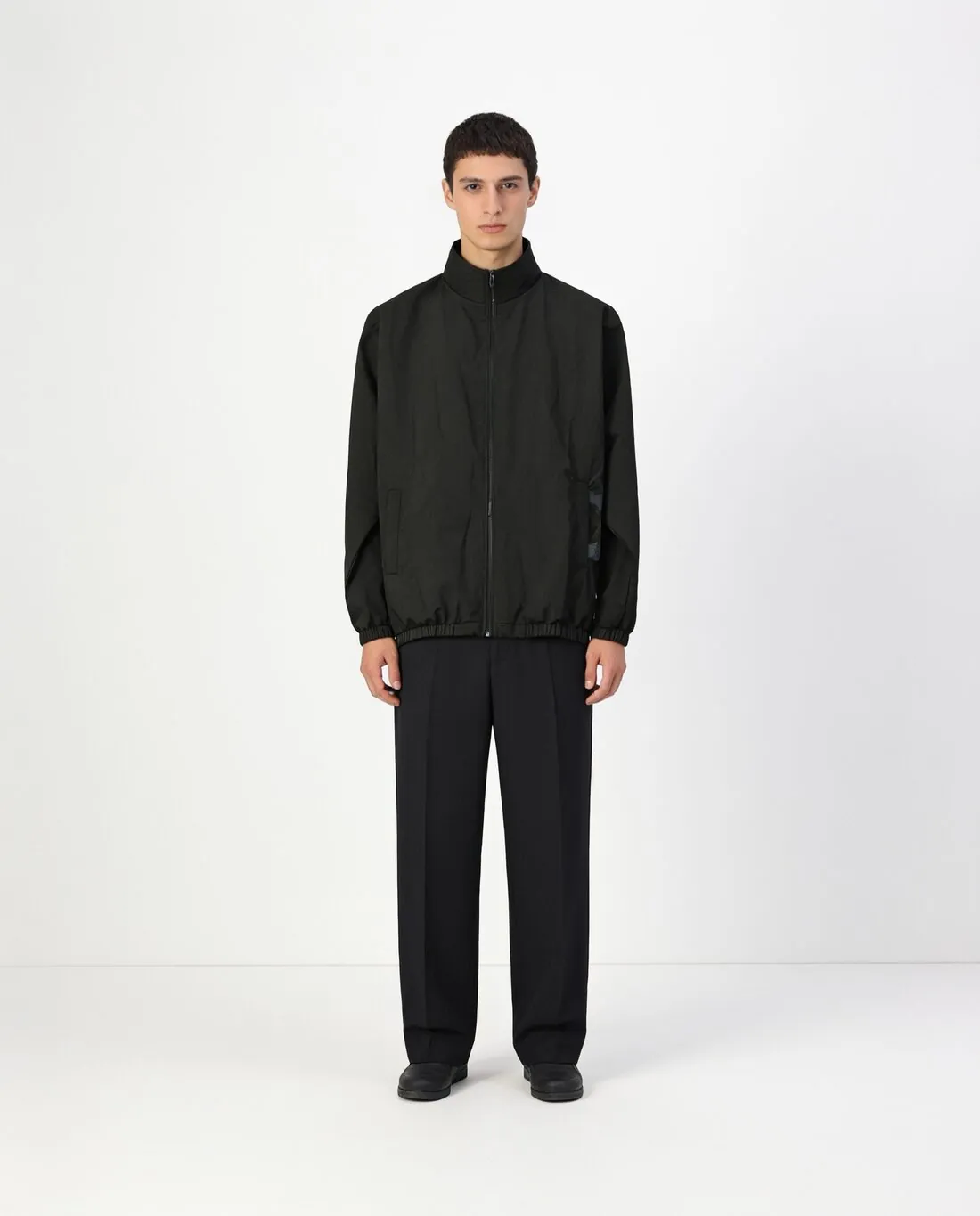
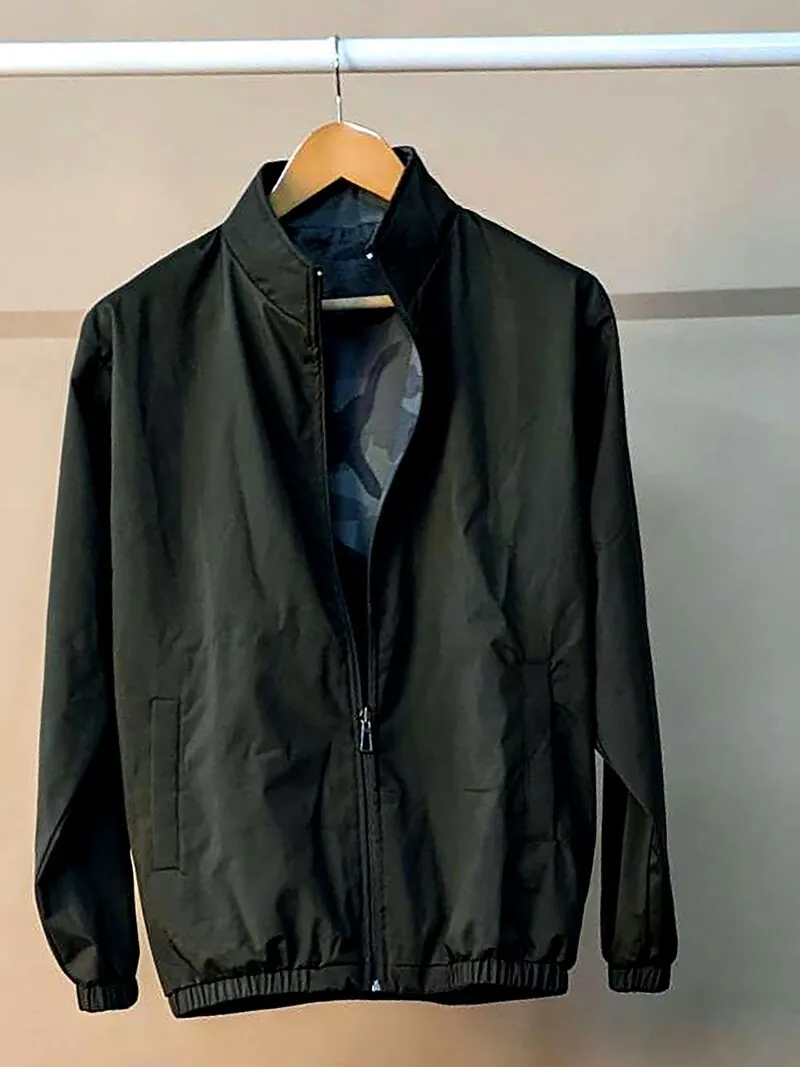
What Temu's backend validates in a carousel.
- 1
Apparel upright, other goods square
Apparel carousel images on Temu are three-by-four; carousel images of non-apparel goods are square, and each shape has its own minimum. Choose three-by-four when a garment's image is made, so the model is composed for that frame. Three-by-four 2K output is above the apparel minimum, and square 2K output is above the one for other goods.
- 2
At least three distinct images
A Temu carousel has a lower and an upper image count, and the image field asks for at least three that are distinct. Virtual try-on can deliver several poses of the same model in one order, standing, three-quarter and walking for instance, which helps reach that minimum. Each pose is a different picture of one garment on one person.
- 3
The first image is the preview
The first carousel image of each SKC, the unit Temu uses for apparel, is taken as its preview image, and the first image of the first SKU opens the product carousel. Put the standing front view first for every SKC, in one pose and on one background, so that the previews of a product agree. Compare each with the real garment.
What Temu asks for.
Source: TEMU Partner Platform documentation — Product Basic Introduction; Product Listing Instructions; Common Issues During Product Publishing. Checked 12 October 2026.
- Apparel images
- Apparel carousel images use a 3:4 aspect ratio, with a width of at least 1,340 pixels and a height of at least 1,785 pixels
- Non-apparel images
- Non-apparel carousel images use a 1:1 aspect ratio, with a width and height of at least 800 pixels
- Main image
- The first carousel image of each SKC (apparel) or SKU (non-apparel) is taken as its preview image, and the first image of the first SKU opens the product carousel
- Detail images
- Up to 50 product images in the description, each at least 480 pixels wide and 480 pixels high with an aspect ratio of at least 1:3
- Formats
- JPEG, JPG or PNG
- File size
- 3 MB or less per image
- Number
- 3 to 10 carousel images, and the image field requires at least 3 distinct images
- Size chart image
- JPEG, JPG or PNG, at least 800 pixels wide and 800 pixels high, aspect ratio (width to height) of at least 1:3, 3 MB or less
- Validation
- The backend validates the size, dimensions and ratio of images and videos, and image links must be accessible
The garment photo behind a Temu carousel.
- Photograph the garment at full length, shoulder to hem, on a hanger or laid flat; a three-by-four frame has room for the whole piece, and a hem missing from the photo cannot be added back faithfully.
- Add a photo of the back when it carries a print, a zip or a yoke: front and back are delivered as one set, which gives the carousel two of its distinct images.
- Photograph each SKC separately in the same position and the same light, because each one opens with a preview image of its own.
Product photos for Temu, answered.
How many Temu carousel images can one garment photo yield?
Temu's image field requires at least three distinct images and the carousel has an upper limit; both counts stand in the table on this page. From one upload, Virtual try-on can deliver several poses of the same model together, and front and back as one set where a back photo is added. A close-up pose shows the fabric and the trims as a further distinct image.
Which download is the safer file for Temu?
The JPG. Temu limits the weight of each image, and a PNG at 2K can exceed that limit, which makes the JPG the safer file to submit. Temu's backend validates the size, dimensions and ratio of images, and the image links must be accessible, so look at the weight and the shape of every file before the product is submitted.
Is the three-by-four image also the one for bags or shoes on Temu?
Temu gives the three-by-four shape for apparel and a square shape for non-apparel goods. Which of the two a bag, a pair of shoes or a hat falls under follows from its Temu category, so confirm it there before an image is ordered. Virtual try-on delivers both shapes, and square 2K output is above Temu's minimum for non-apparel images.
How much does it cost?
5 credits per image, plus one credit for 4K. The cost is shown before you generate, and if a job fails the credits are returned. The 20 free credits at sign-up cover 4 images with this tool.
Your next collection, shot this week.
20 credits at sign-up, no card required. Images made with free credits carry a watermark.