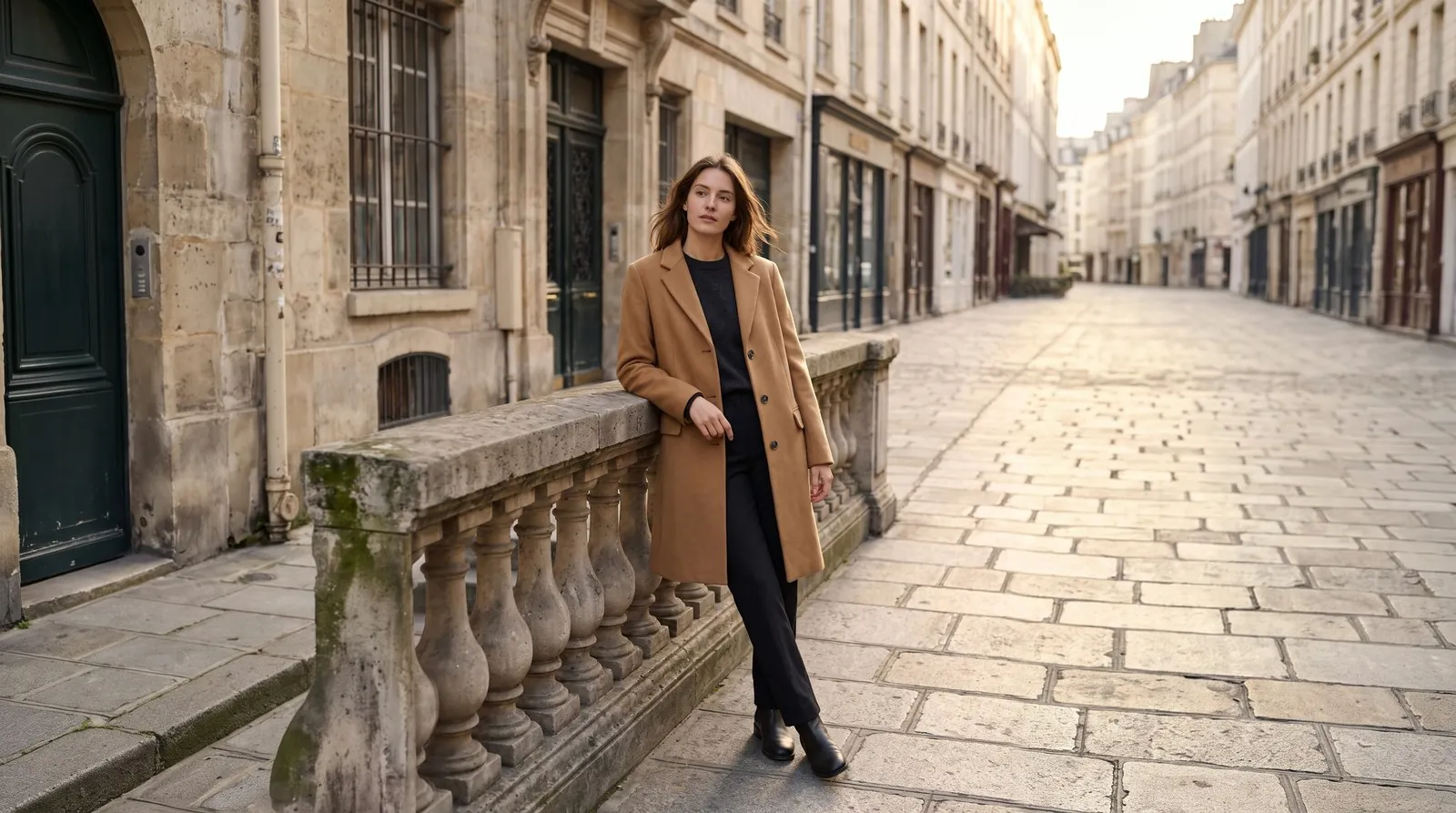
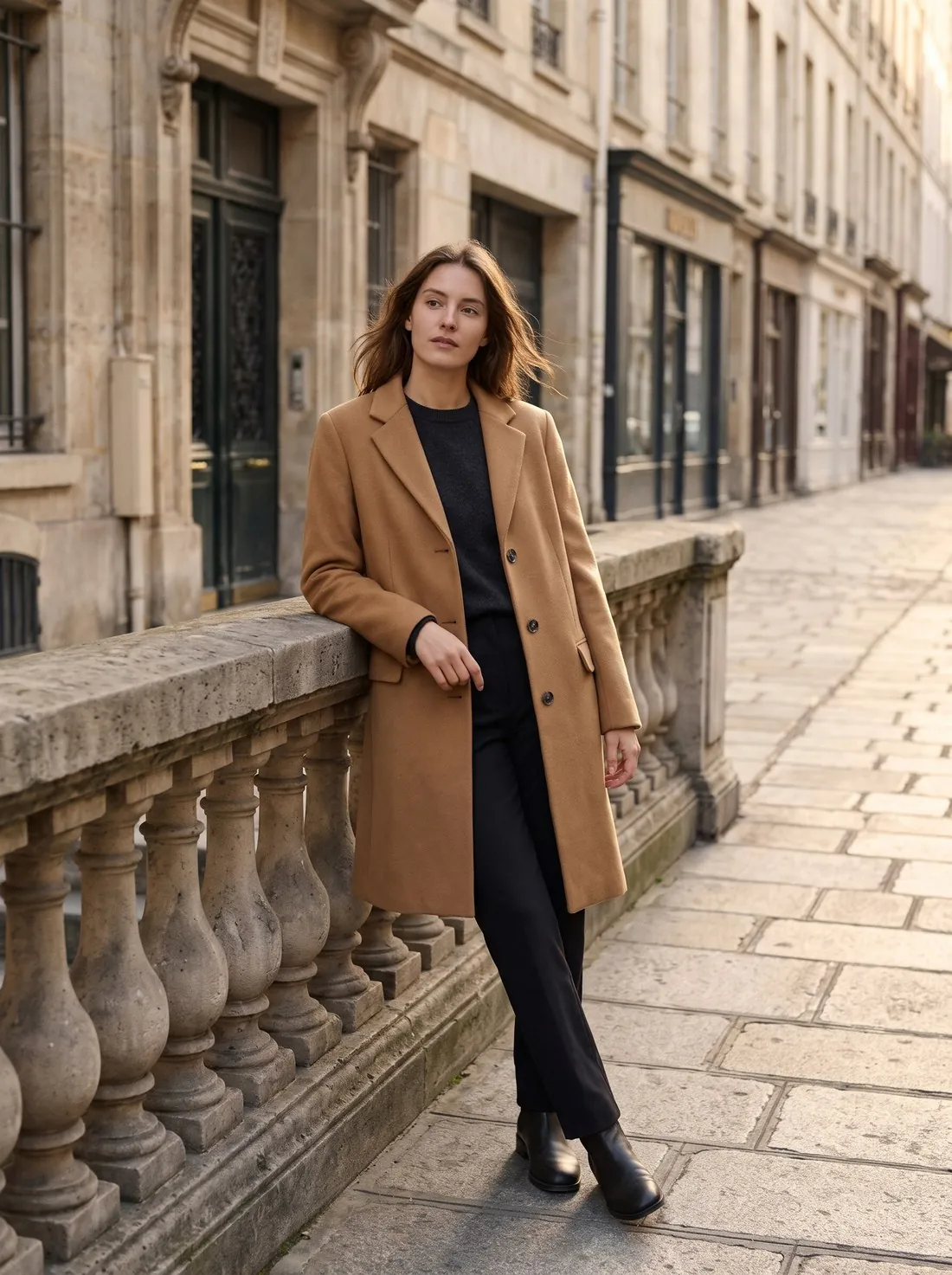
Square images suit general marketplaces; upright formats suit fashion, where a standing model fills a tall frame. An image in the wrong ratio is usually padded or cropped by the marketplace.
Changing the ratio after the shoot means either padding, which adds empty space, or extending the background, which adds new image area around the product.
To work out a ratio, divide the width and the height by their largest common factor: 1,200 × 1,800 pixels divided by 600 gives 2:3, and 2,200 × 2,200 pixels gives 1:1. A ratio such as 1:1.44 gives the height as a multiple of the width: an image 1,000 pixels wide must then be 1,440 pixels tall.
Why the aspect ratio matters in a listing
Search results and category pages are grids. Every tile has the same shape, and an image in another shape is either cropped to fit or shrunk and padded with empty bars. In the first case part of the product is lost; in the second the product looks smaller than its neighbours.
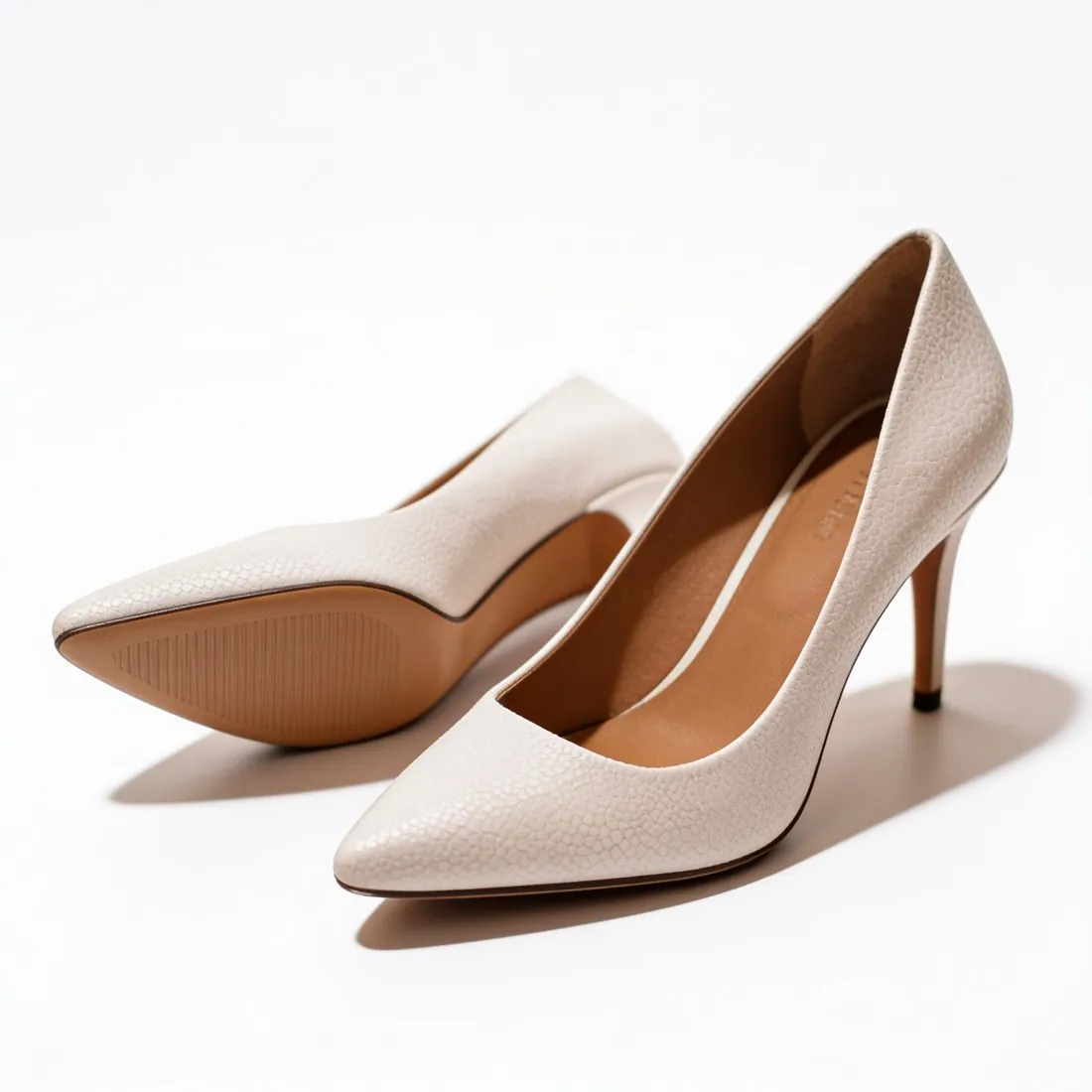
The ratio also decides how much room the product has. A tall frame suits a standing model or a long dress; a square frame suits a bag, a shoe or a boxed product. Choosing the ratio before the shoot avoids rebuilding the picture afterwards.
Common ratios and what they are used for
A few ratios cover most of online retail. 1:1 is the square of general marketplaces and product grids. 4:5 and 3:4 are the upright formats of fashion and of social feeds. 2:3 is the classic upright photo frame. 9:16 fills a phone screen in stories and short videos, and 16:9 is the wide frame of banners and video.
The ratio is written as width to height, so 4:5 is upright and 5:4 is wide. It says nothing about size: a small and a large image can share one ratio.
Changing the ratio after the shoot
There are three ways to change a ratio, and each costs something. Cropping removes part of the picture. Padding keeps everything and adds plain space, usually white, at two edges. Extending adds new background around the picture, which keeps the product at full size but creates image area that was never photographed.
Which one fits depends on the picture. A product on plain white pads without a trace. A model in a scene has to be extended or reshot, since a white bar beside a street looks like a mistake.
Aspect ratio and related terms
- Image dimensions
- Image dimensions are the width and the height in pixels. The aspect ratio is the relation between those two numbers; images of very different dimensions can have the same ratio.
 Product fill
- Product fill is the share of the frame that the product occupies. Padding an image to a new ratio lowers the fill, which can matter where a marketplace sets a minimum.
- Outpainting
- Outpainting extends an image beyond its edges by generating new background. It is the way to reach a new ratio without cropping the subject or adding bars.
- Thumbnail
- A thumbnail is the small version of an image shown in lists. It is usually cut to the ratio of the grid, so an image in another ratio loses its edges there first.
A checklist before changing the ratio
- The target ratio comes from the rule of the sales channel, not from the camera's default.
- After the change the whole product is still inside the frame, with some space on every side.
- Padding has the same colour as the background, so that no bar or edge is visible.
- Extended areas were looked at closely: floors, shadows and patterns continue without a seam.
- The image is still large enough in pixels after cropping, since cropping removes pixels as well as area.