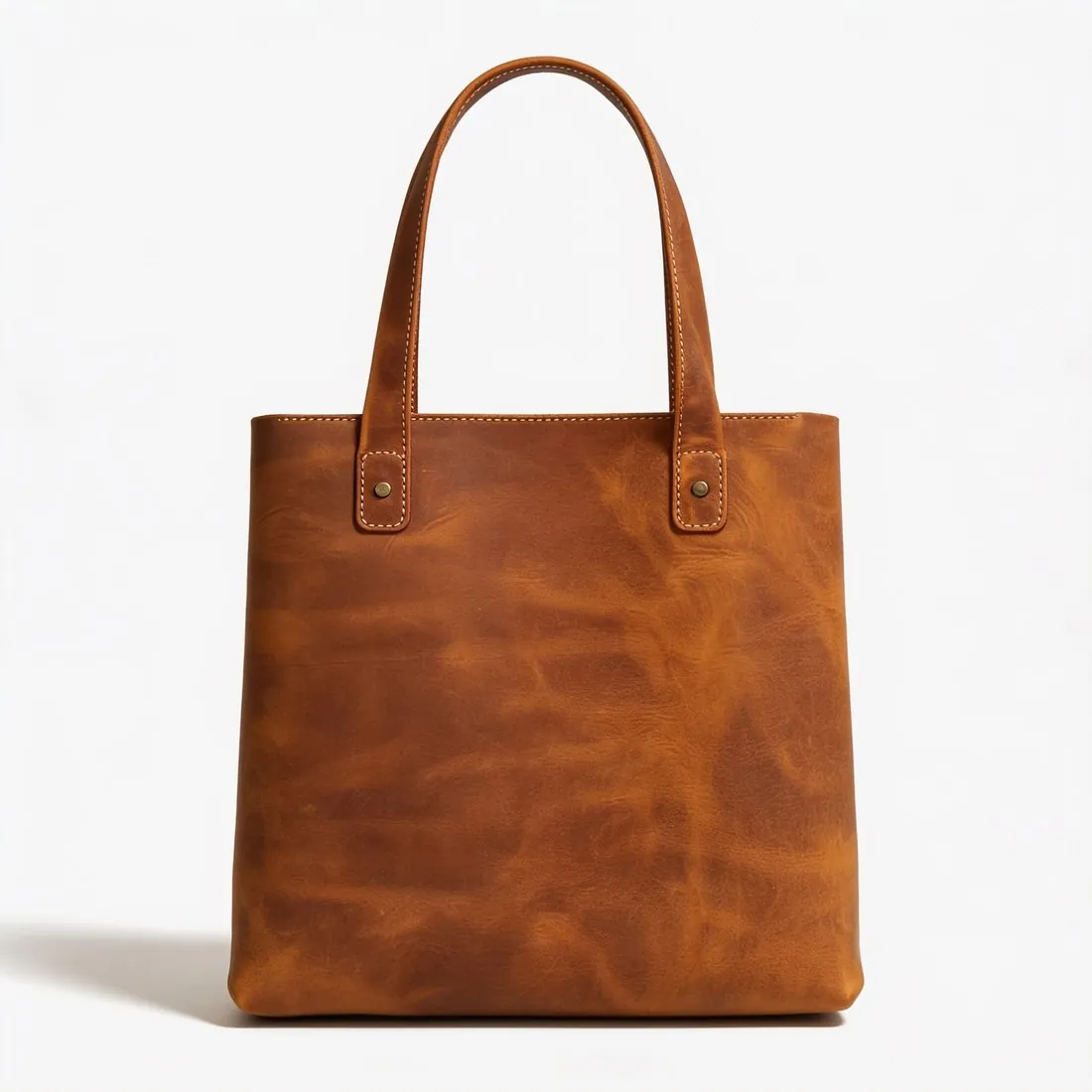
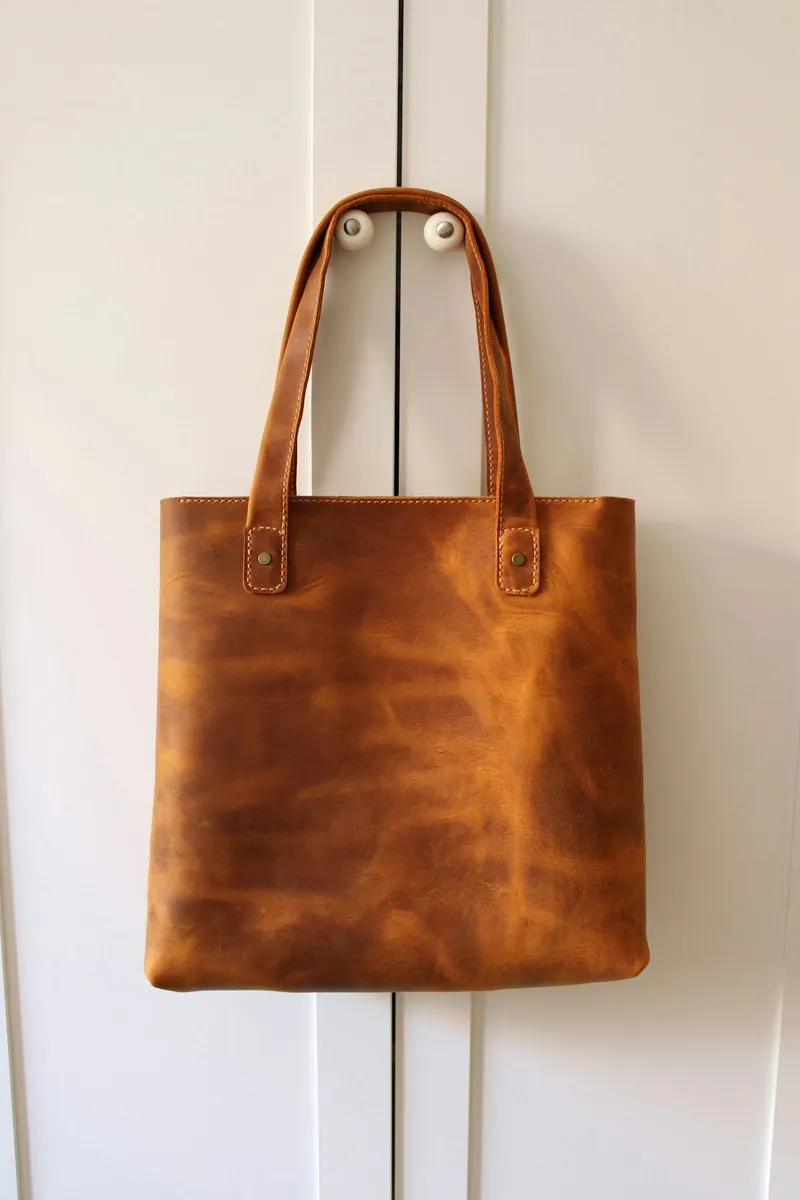
A crop removes clutter at the edges, straightens a tilted horizon, brings the product closer to the frame edges and changes the shape of the image for a channel. Each of these discards pixels, and a tight crop from a small photo leaves too few of them for zoom. A product photographed with a generous margin around it can be cropped to any shape later; one photographed edge to edge cannot, and its background then has to be extended instead.
Many of the crops an image goes through are made by someone else. Shops and marketplaces cut images automatically to the shape of their grid, search results and ads, usually around the centre. A product placed off-centre, or a model's feet close to the bottom edge, is then cut off where the seller never sees it. The check is to look at the narrowest version of each place the image appears, such as a centre square, and to make sure the product is complete in all of them.
Cutting through the product, such as the tip of a shoe, the handle of a bag or the end of a sleeve, reads as a mistake, and many marketplace rules do not allow a partly cropped product in the main image. A crop that leaves too much margin makes the product small in a thumbnail. Each crop of a JPEG saved again compresses it again, so crops are made from the original file, which is kept.