The product cut out, seen from the front.
Galaxus asks for a first image in good resolution that shows the product cut out and seen from the front, and it gives every cut-out image the same background colour. Remove background takes the seller's own photo and delivers the product transparent, on white or on grey; the product itself is not redrawn.
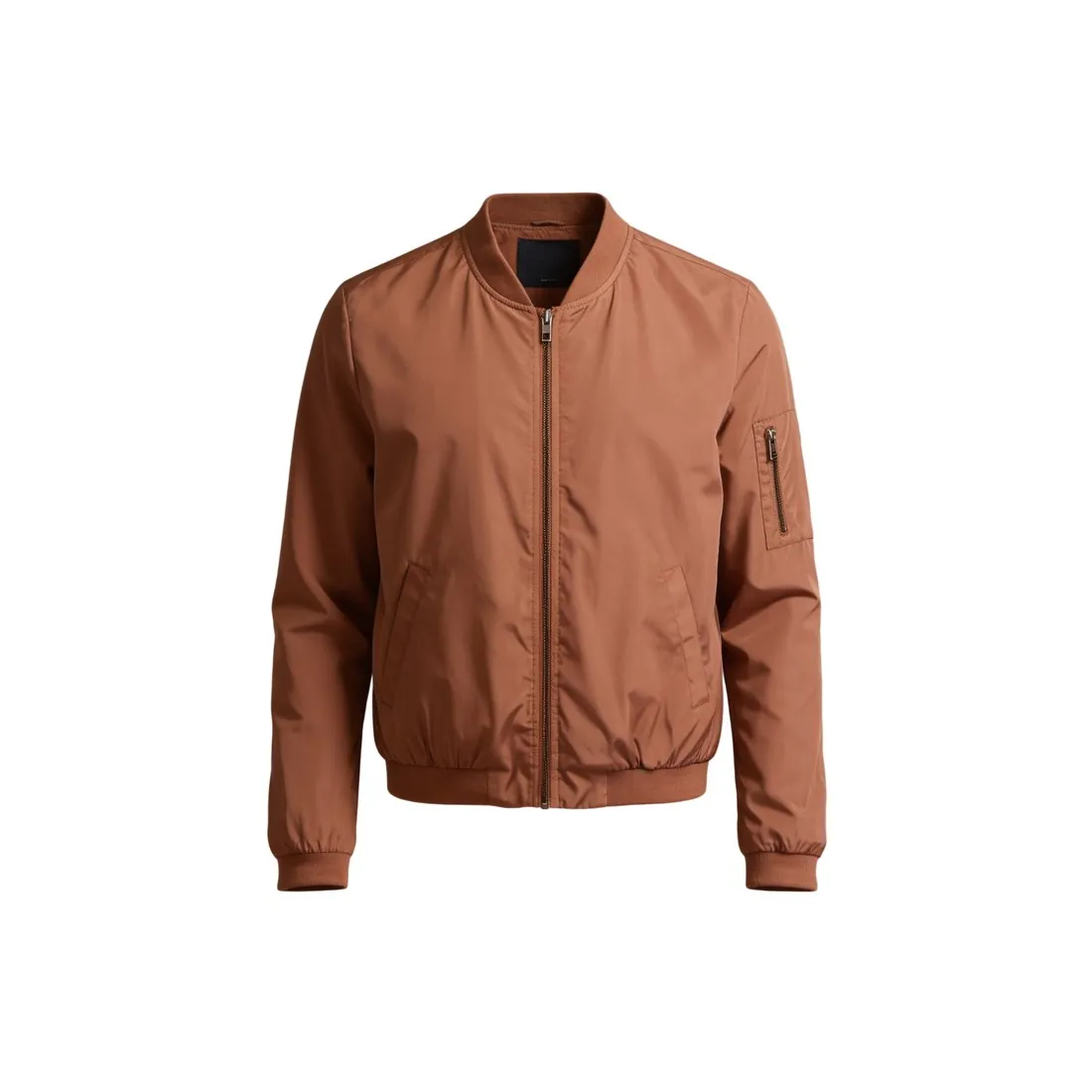
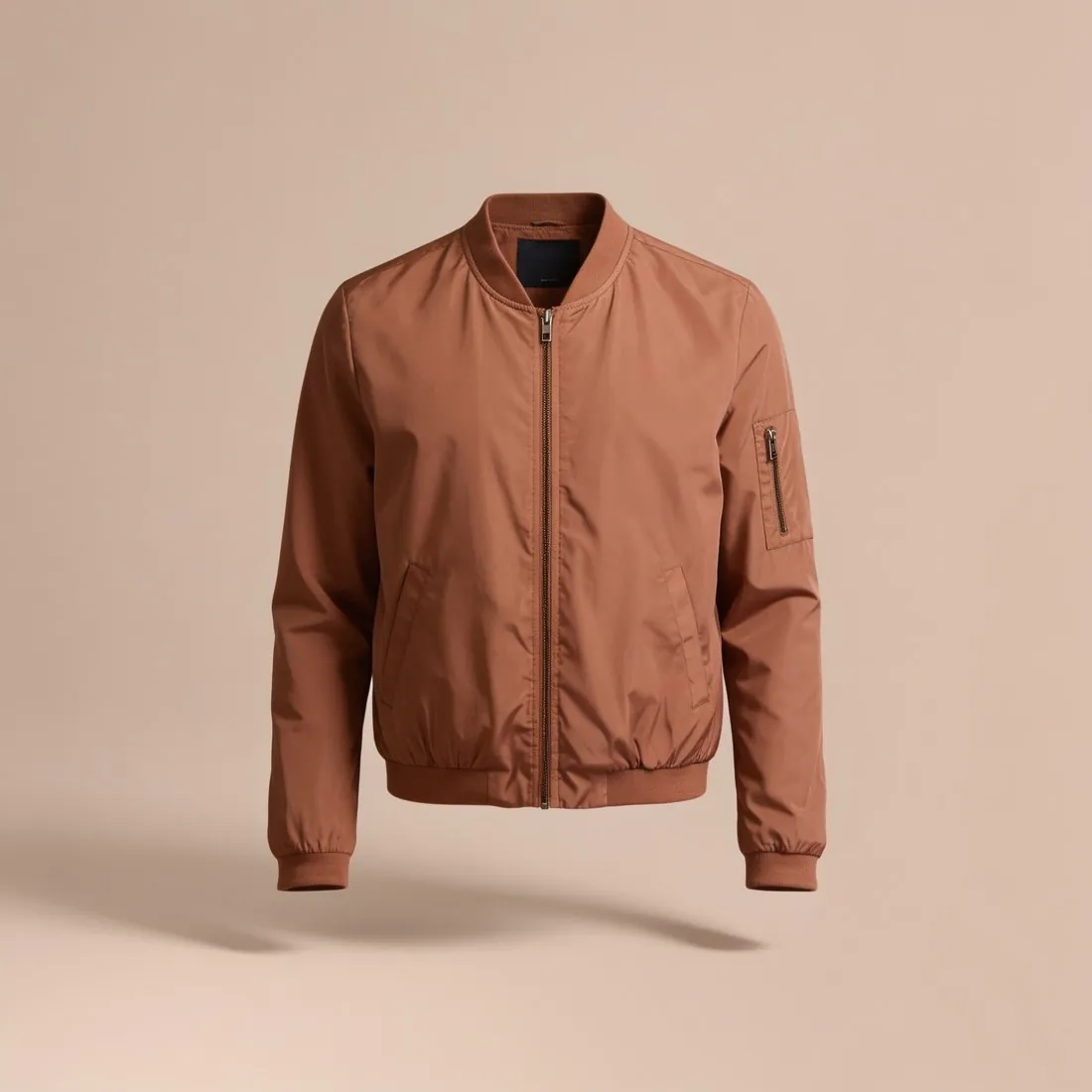
What Galaxus does with a cut-out.
- 1
One background colour for every cut-out
Galaxus explains why it wants the product cut out: it gives every cut-out image the same background colour, so that it blends into the shop page. The outline is then what stands against that colour. Place the transparent PNG on a dark and on a light ground and follow the edge, starting with fine hair, fringe, lace and see-through fabric.
- 2
The front view, in good resolution
The first image shows the product from the front, in good resolution. Remove background does not redraw the product, so the detail in the cut-out is the detail of the photo that was uploaded. Herofab delivers in 2K, or 4K as an option. Start from the sharpest front photo available, not from a thumbnail saved out of an old listing.
- 3
Selected and processed by AI
Galaxus states that it uses AI to select and process the images of a product. That sentence describes Galaxus's own handling of images on its shop pages. For the seller it is a reason to supply a first image that already fits the description, cut out, frontal and sharp, and to look at the listing once it is published.
What Galaxus asks for.
Source: Galaxus — Wer bestimmt eigentlich die Bilder bei einem Produkt? (14 November 2024). Checked 24 September 2026.
- First image
- Good resolution, the product cut out (freigestellt), seen from the front
- Why cut out
- Galaxus gives every cut-out image the same background colour so it blends into the shop page
- Selection
- Galaxus has used AI to select and process images since early 2023
Photographing the front for a Galaxus cut-out.
- Stand the product upright or lay it flat and photograph the front straight on, at the height of its centre; the front is the view Galaxus names for the first image.
- Pick a ground that differs clearly from the product, dark under a pale item and light under a dark one, so the full outline is recorded before the background is removed.
- Keep straps, cords and laces inside the picture with room around them; a part that leaves the photo cannot be completed, because the product is not redrawn.
Product photos for Galaxus, answered.
What size does Herofab download for Galaxus?
After delivery, Galaxus is chosen as the marketplace and a square file is made from the delivered image, without cropping and within the limits Galaxus publishes. The cut-out itself is delivered in 2K, or 4K as an option. Herofab's free Galaxus checker reads a file in the browser and tests it against the published rules; the image is not uploaded.
Transparent, white or grey: which result for Galaxus?
Galaxus describes the first image as the product cut out and seen from the front, and applies one background colour to cut-out images itself. Remove background offers three results: transparent, delivered as a PNG, white and grey. Which file type an upload to Galaxus takes is not part of the rules checked here; the seller reads it in Galaxus's current specifications.
Where do on-model images belong in a Galaxus listing?
After the cut-out. What Galaxus describes is the first image: the product alone, cut out, from the front. Worn looks made with Virtual try-on from the same product photo can follow as further images. The models are synthetic, not photographed people, and whether and where such images are used is for the seller to read in Galaxus's current rules.
How much does it cost?
1 credit per image. The cost is shown before you generate, and if a job fails the credits are returned. The 20 free credits at sign-up cover 20 images with this tool.
Your next collection, shot this week.
20 credits at sign-up, no card required. Images made with free credits carry a watermark.