The first Miinto picture, a front view on white.
Miinto makes a packshot on a white background mandatory as the first picture: for clothes a plain front view, with no model, no background scene and no back view. Ghost mannequin turns a hanger or flat-lay photo into the garment alone, as a 3D hollow-body shape or a clean flat lay, on a white backdrop.
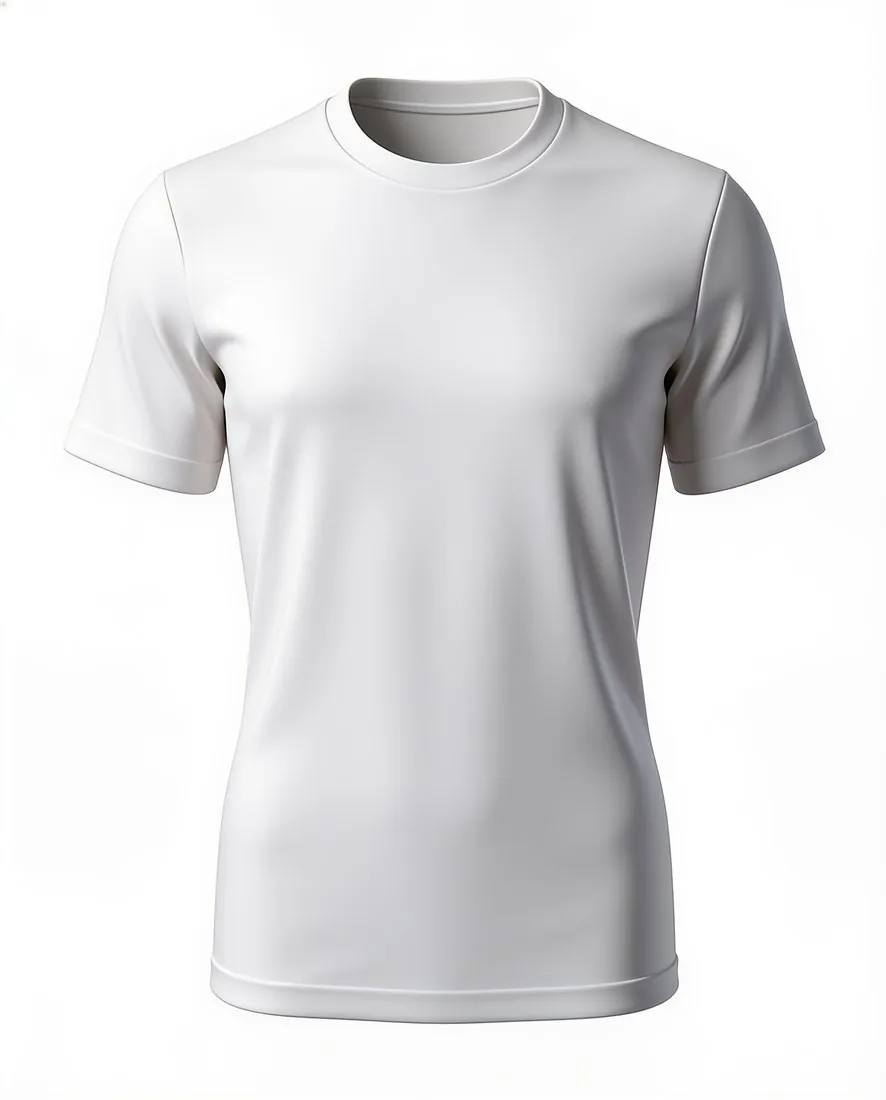
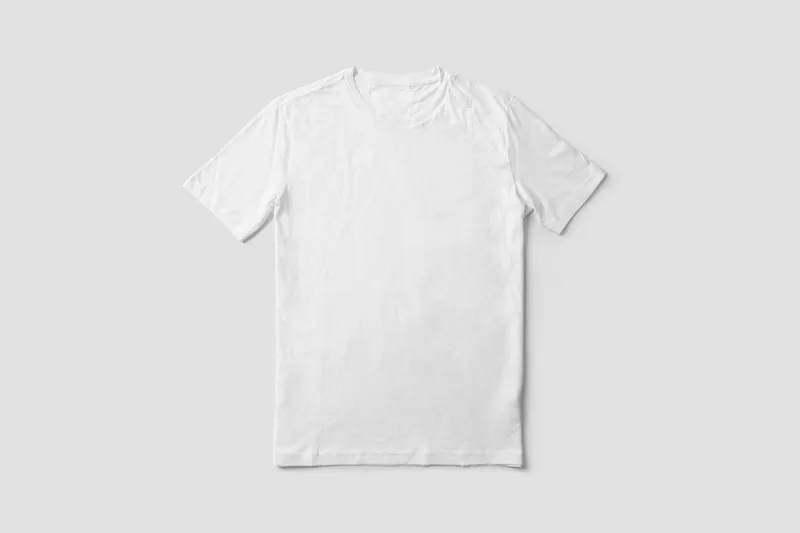
What Miinto requires of the first picture.
- 1
White, frontal and without a model
For clothes, Miinto's first picture is a plain front view on white. A model shot, a product shot with a background and a back view are kept out of that slot. Ghost mannequin offers front and back views and white, grey, black and beige backdrops; for Miinto's first picture the choice is the front view on white, hollow-body or flat lay.
- 2
As large as possible, never cropped
Miinto wants the product to take up as much of the image as possible and never to be cropped. On a long dress or a wide-sleeved coat, look at the hem, the cuffs and the collar in the result. A sleeve or hem that lay outside the source photo cannot be added back faithfully, so a full-length source photo comes first.
- 3
Square size, file weight and JPG
Miinto recommends a square size and caps the weight of a file. Square 2K output is above the recommended size; a 4K file can exceed the weight limit, so check it before upload. The image guidelines name JPEG; the feed specification takes JPG or WEBP for the main image and JPG alone for additional ones. Herofab images download as JPG.
What Miinto asks for.
Source: Miinto — Guidelines for products' images on Miinto (PDF, 2018); Miinto Integration help — Product Feed: Headers (24 September 2026). Checked 11 October 2026.
- Main image
- A packshot on a white background is mandatory as the first picture: for clothes a plain front view, for shoes a side view of the right shoe; no model shot, no product shot with a background and no back view
- Number
- At least 3 images for clothes, shoes and bags; at least 2 for women's underwear and swimsuits and for shawls and scarves; at least 1 for watches, jewellery, belts, men's underwear, swimsuits and socks
- Size
- Recommended size 1,000 × 1,000 pixels
- File size
- Maximum 3 MB
- Formats
- The image guidelines name JPEG; the current feed specification accepts JPG and WEBP for the main image and only JPG for additional images
- Product fill
- The product takes up as much of the image as possible and is never cropped
- Background
- White for all product shots; for model shots Miinto prefers white or light backgrounds such as light grey
- Model images
- Only model shots provided by the brand are allowed; taking your own model shots is forbidden
- Not allowed
- A logo or text over the image
- Enforcement
- Miinto reserves the right to reject a product whose pictures do not comply
Photographing the garment for a plain front view.
- Hang the garment or lay it flat with its front towards the camera and photograph it straight on; the front is the view Miinto names for the first picture of clothes.
- Spread the sleeves and straighten the hem until the whole outline lies inside the photo, since Miinto wants the product never cropped.
- Do up every button and zip and press out deep creases first; Ghost mannequin is briefed to keep the fabric, the fastenings and the print as the camera recorded them.
Product photos for Miinto, answered.
Can a Herofab on-model image be listed on Miinto?
Herofab does not recommend it. Miinto allows only model shots provided by the brand and forbids sellers from taking their own, so virtual try-on images are not suggested for Miinto unless the brand or Miinto confirms them. The first picture has no model in any case: it is a packshot on white, which is what Ghost mannequin delivers for a garment.
Which pictures follow the front view on Miinto?
Miinto sets a minimum number of images by product type, higher for clothes, shoes and bags than for the other types; the counts are in the table on this page. Product shots stay on white throughout. The back view is excluded from the first picture only, so the back of a garment, made by Ghost mannequin from a photo of the back, can take a later slot.
How is a picture tested against Miinto's requirements?
Herofab's free Miinto checker reads the photo in the browser and measures the background and whether the product is whole, along with file weight and format; nothing is uploaded. Miinto also allows no logo or text over an image, and images made on a plan or with a credit pack carry none. Miinto reserves the right to reject a product whose pictures do not comply.
How much does it cost?
4 credits per image, plus one credit for 4K. The cost is shown before you generate, and if a job fails the credits are returned. The 20 free credits at sign-up cover 5 images with this tool.
Your next collection, shot this week.
20 credits at sign-up, no card required. Images made with free credits carry a watermark.