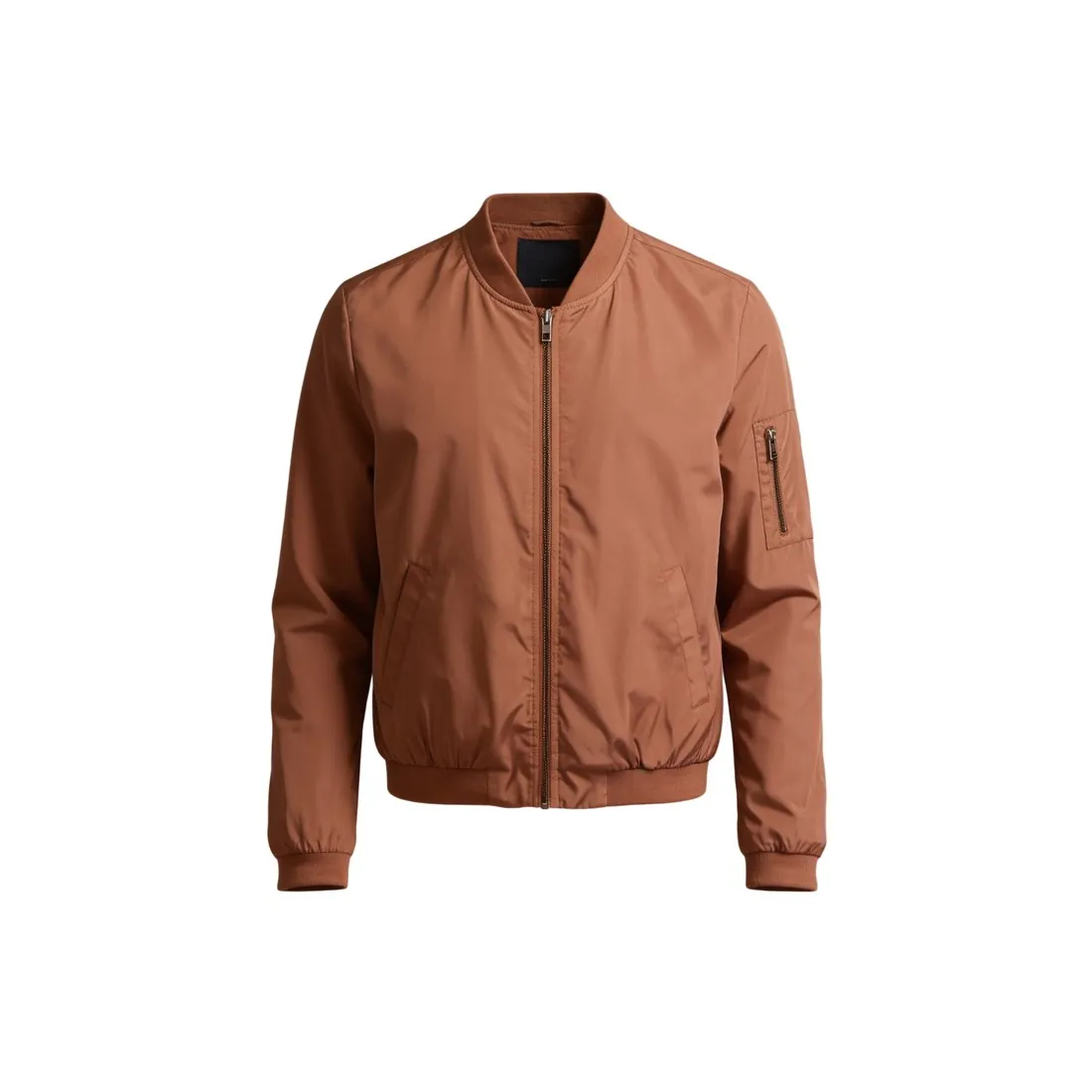
The real product, cut out against white.
Fyndiq wants every product image on a white or transparent background with the product cut out, and its main image shows the real product. That is the task of Remove background: the seller's own photo goes in, the cut-out comes back on white or as a transparent PNG, and no part of the product is redrawn.
How Fyndiq judges a product image.
- 1
Cut out, clear and in full
Fyndiq's wording is a white, or transparent, background with the product cut out, shown clearly and in full, and filling a set share of the whole picture. The white and the transparent result both answer the first part. For the second, look at the delivered image: nothing cropped at the border, no wide empty field around a small product.
- 2
Blurry, badly lit, photographed at home
Blurry, badly lit and home-photographed pictures are on Fyndiq's list of what is not allowed. Removing the background takes the room away, and a shadow cast on the old ground goes with it. Light and focus on the product remain those of the photo, because the product is not redrawn. Whether the result passes is Fyndiq's judgement.
- 3
No measurements, tables or added graphics
Fyndiq excludes watermarks, logos, markings, borders, frames, tables, measurements and any text or other added graphics. A size table or a line of measurements therefore has no place on the image. Remove background adds nothing to the picture; what is already written on a source image stays, so start from a photo without overlays.
What Fyndiq asks for.
Source: Fyndiq — Produktbild. Checked 27 September 2026.
- Size
- At least 600 pixels; Fyndiq's English version of the page gives 600 × 600 pixels and says smaller pictures are stopped automatically
- Background
- Every product image on a white (transparent) background, with the product cut out (frilagd)
- Product fill
- 75–90 percent of the whole picture, with the product shown clearly and in full
- Formats
- PNG and JPEG
- Number
- Fyndiq's product page guidelines ask for at least five high-quality images, the first front facing against white; the Merchant Center CSV import takes one main image and up to 11 other images
- AI images
- Allowed as long as they give no misleading picture of the product sold, with a fair and correct view of its appearance, colour, material, function and contents. The main product image shows the real product; AI may improve backgrounds or create inspiring environments, not change the product or add features, accessories or details the buyer will not get
- Not allowed
- Watermarks, logos, markings, borders, tables, measurements, any text or other added graphics, frames; blurry, badly lit or home-photographed pictures; a product that differs in colour, pattern or material
The source photo behind a Fyndiq cut-out.
- Use even daylight from a window and switch off the flash; Fyndiq does not accept badly lit pictures, and the light on the product is not corrected by the cut-out.
- Hold the phone steady or rest it on a support and focus on the product, then zoom into the photo to confirm that seams and label text are sharp.
- Photograph the item that is being listed, in its own colour, pattern and material; Fyndiq does not allow an image of a product that differs in any of the three.
Product photos for Fyndiq, answered.
Does Fyndiq accept AI-edited product images?
AI images are allowed as long as they give no misleading picture of the product sold: a fair and correct view of its appearance, colour, material, function and contents. The main product image shows the real product. AI may improve backgrounds or create inspiring environments, but may not change the product or add features, accessories or details the buyer will not get.
How many images does a Fyndiq listing take?
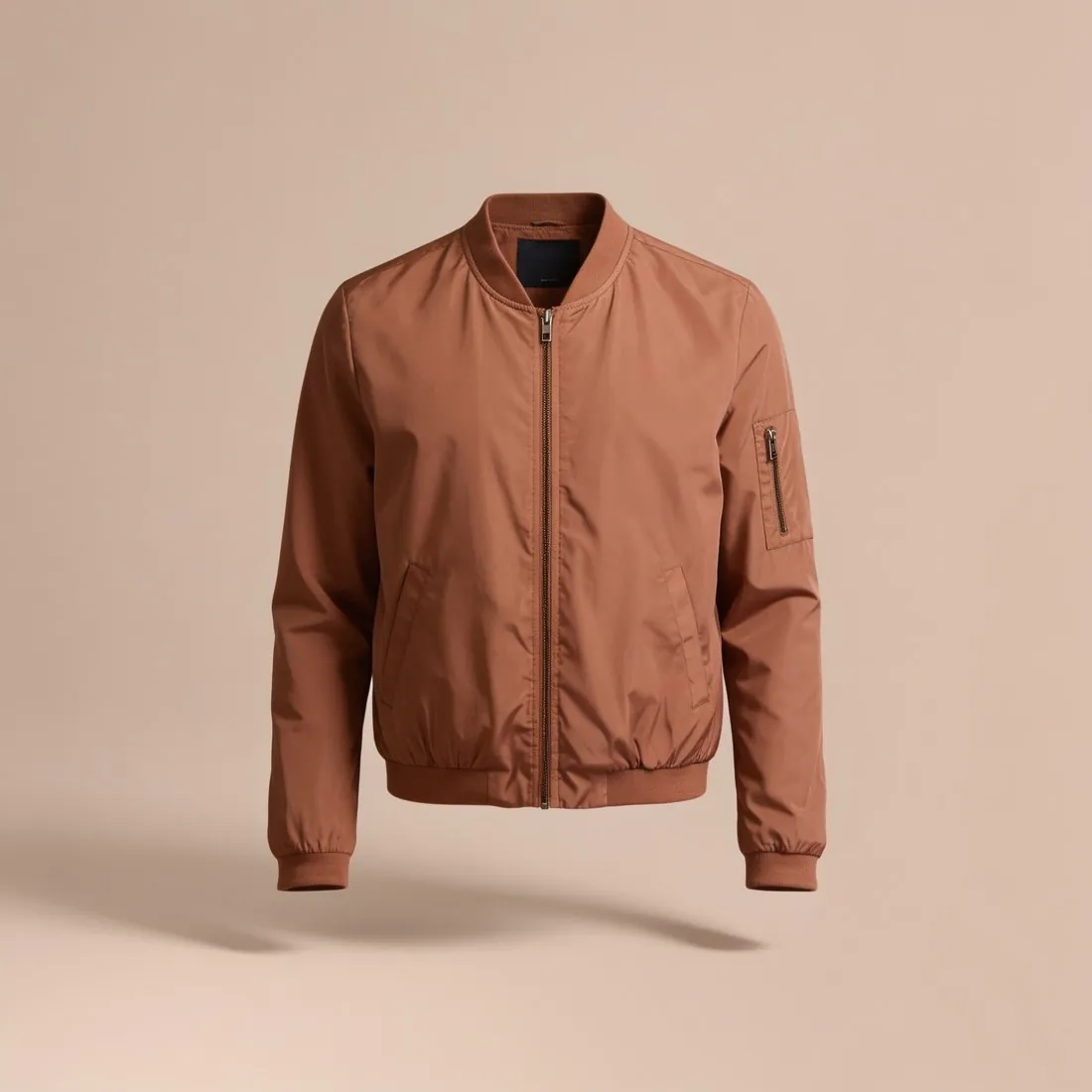
Fyndiq's product page guidelines ask for at least five high-quality images, the first front facing against white, and the Merchant Center CSV import takes one main image and a limited number of other images. Ghost mannequin views and on-model images on a studio white background can fill the remaining slots, not the main one; the seller reads Fyndiq's current rule first.
What happens to a picture below Fyndiq's minimum size?
The English version of Fyndiq's page says smaller pictures are stopped automatically. Herofab's 2K and 4K output clears the minimum, and Fyndiq takes PNG and JPEG, the transparent result being a PNG. The free Fyndiq checker tests a file against those rules in the browser, without uploading it.
How much does it cost?
1 credit per image. The cost is shown before you generate, and if a job fails the credits are returned. The 20 free credits at sign-up cover 20 images with this tool.
Your next collection, shot this week.
20 credits at sign-up, no card required. Images made with free credits carry a watermark.