Packshots for Zalando, upright and on white.
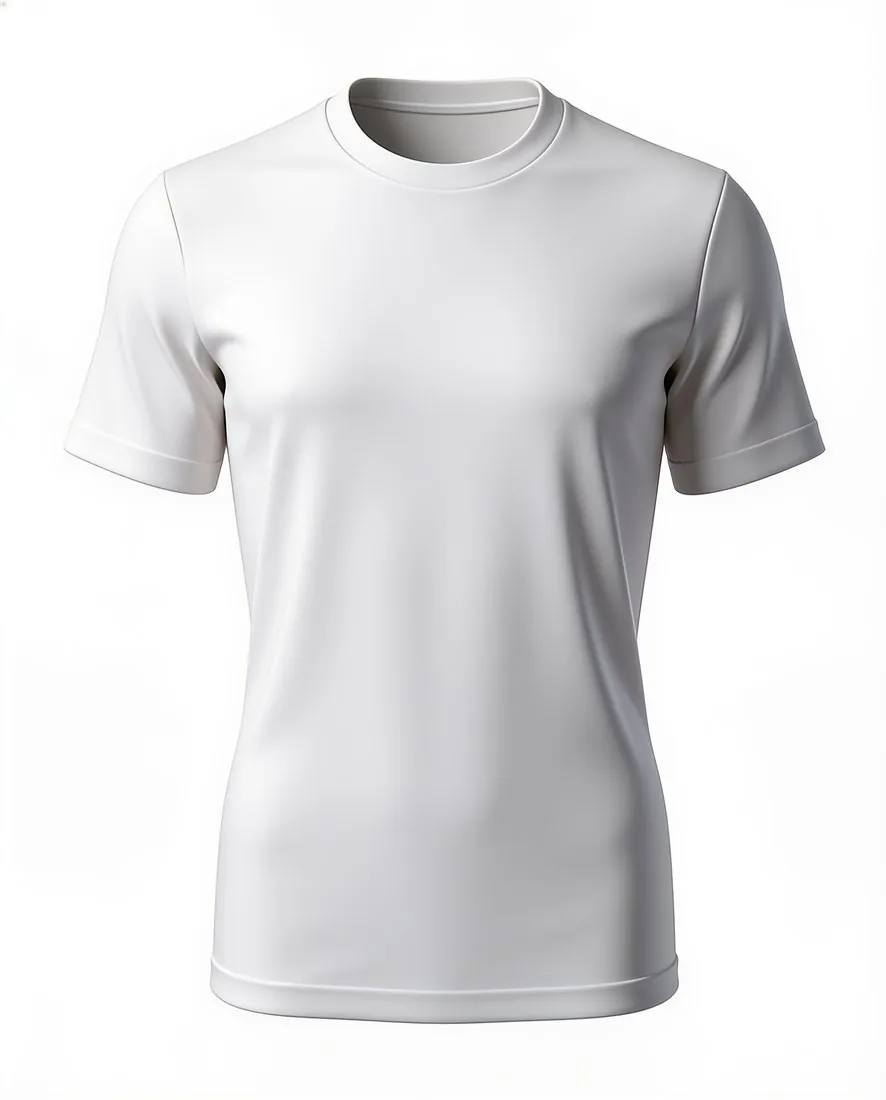
Zalando uses one upright format, takes JPG only and makes white mandatory behind packshots. Ghost mannequin turns a hanger or flat-lay photo into the garment alone on a white backdrop, and the result downloads in the size Zalando recommends. Model views follow a rule of their own, set out below.
What Zalando checks in a garment image.
- 1
White behind every packshot
Zalando names one white for packshots and makes it mandatory; grey is only recommended, and only behind model views. Ghost mannequin offers a white backdrop for the hollow-body shape and for the flat lay. Test the delivered file with the free Zalando checker before upload: a white that looks clean on a screen can still miss that value.
- 2
Model views need a photographed person
Zalando states that a compliant model view must have been photographed with a real person, and that AI-generated content which breaks its quality criteria can be rejected. Herofab's models are synthetic, so a Virtual try-on image does not stand in for that view. For Zalando, Herofab's part is the image without a model.
- 3
No visible AI label, an invisible marker
Zalando allows no visible label on an image, strongly recommends invisible marking of AI-generated content and is making that marking a requirement. Herofab embeds the invisible marker for AI-generated media in every image. Images made on a plan or with a credit pack carry no visible label; images made with free credits carry a watermark.
What Zalando asks for.
Source: Zalando Partner University — Image guidelines. Checked 24 September 2026.
- Aspect ratio
- 1:1.44 (width × height), upright format
- Size
- Best practice 1,801 × 2,600 pixels; minimum 762 × 1,100 (designer brands 1,800 × 2,600)
- Format
- JPG/JPEG only, up to 20 MB, sRGB colour mode
- Backgrounds
- Model views: grey #F1F1F1 recommended; packshots: white #FFFFFF mandatory
- Model views
- A compliant model view must have been photographed with a real person; AI-generated content that breaks Zalando's quality criteria can be rejected
- AI images
- Visible on-image labels are not allowed; invisible marking of AI-generated content is strongly recommended and required by December 2026
The garment photo behind an upright packshot.
- Photograph the garment at full length on a hanger or laid flat, with hem, sleeves and collar inside the photo; an upright image shows the piece from top to bottom, and a cropped hem cannot be added back faithfully.
- Shoot the front straight on in even daylight, and take a second photo of the back when it carries a print, a yoke or a zip, since Ghost mannequin delivers a front or a back view.
- Smooth out creases and close buttons and zips before the shot; the fabric, the buttons and the print are briefed to be kept the way the photo shows them.
Product photos for Zalando, answered.
Can a Herofab try-on image serve as a Zalando model view?
Not as the compliant model view Zalando describes: that view must have been photographed with a real person, and the models in Herofab are synthetic. Whether and where an AI on-model image may appear is Zalando's decision, so the current guideline should be read before anything is uploaded.
Does the hollow-body image count as a packshot?
Zalando's rule for packshots is about the background: white is mandatory. Ghost mannequin delivers the garment without a model, as a hollow-body shape or a clean flat lay, on a white backdrop. Which of the two a category expects is set by Zalando; compare the result with the image types listed for the article before upload.
Does the Zalando download have the right size and file type?
Choosing Zalando from the marketplace sizes produces a file in the upright size Zalando recommends, saved as JPG, the only format Zalando takes, without cropping the garment. Zalando also asks for the sRGB colour mode and caps the weight of a file; the free checker tests a file against these rules in the browser.
How much does it cost?
4 credits per image, plus one credit for 4K. The cost is shown before you generate, and if a job fails the credits are returned. The 20 free credits at sign-up cover 5 images with this tool.
Your next collection, shot this week.
20 credits at sign-up, no card required. Images made with free credits carry a watermark.