eMAG clothing, from the front, on a model.
eMAG requires a white background behind the main image and does not accept fashion products on a mannequin; clothing is shown from the front even when it is worn. Virtual try-on dresses a studio model in a garment from a hanger or flat-lay photo, on studio white, in a standing front pose by default.
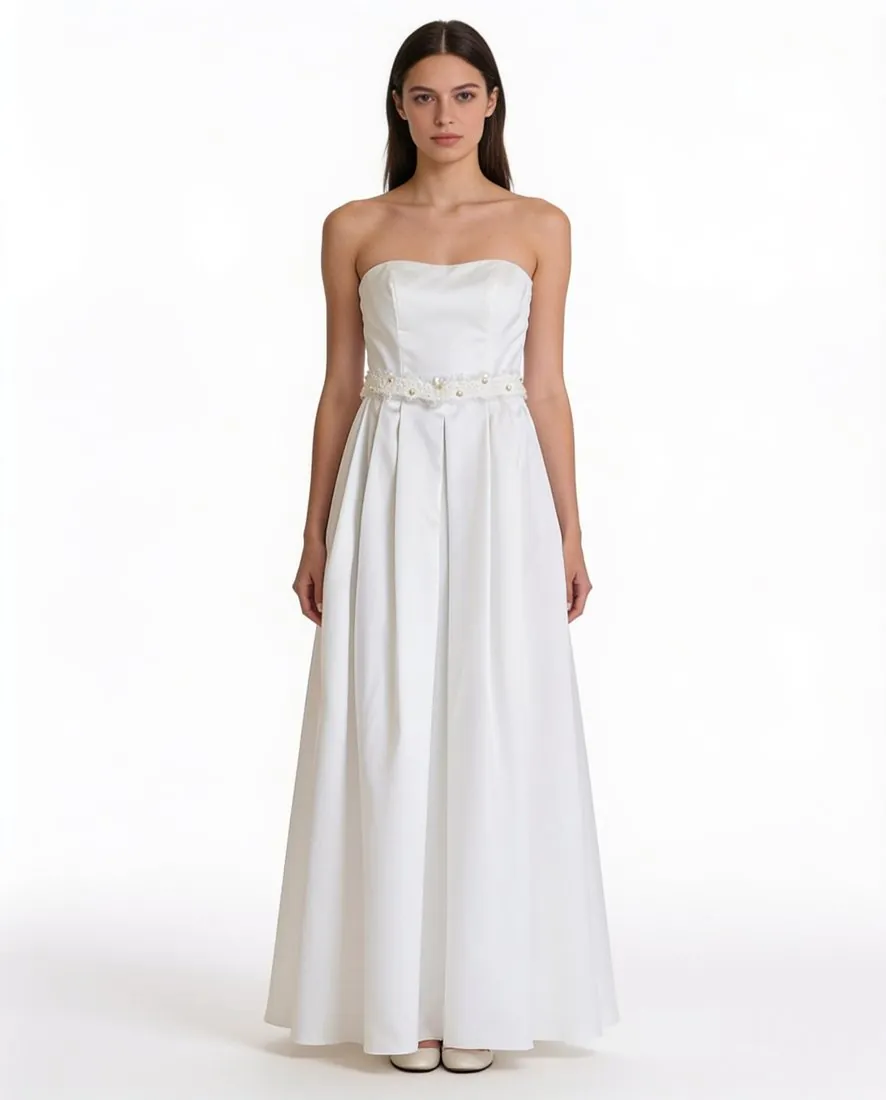
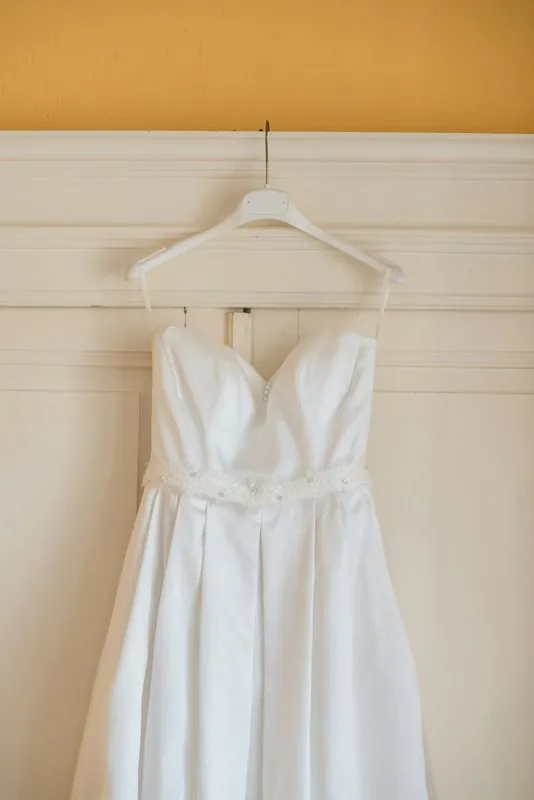
Three eMAG rules behind the main image.
- 1
No mannequin, no shadow
eMAG lists fashion products on a mannequin among the images it does not accept, together with reflections and shadows. That rules out ghost-mannequin images for clothing on eMAG and points to Virtual try-on on studio white; for shoes and bags shown alone, Product studio offers no shadow as a setting.
- 2
The product fills the frame
The main image shows the product from the front, centred and entire, filling more than four fifths of the image. The standing front pose with the whole garment in view is the starting point; check that the arms do not cross the garment and that hem and shoes sit inside the frame.
- 3
Two by three for clothing
eMAG's clothing images are two by three, a ratio Herofab does not offer. Three-by-four output is cropped at the sides to two by three, which keeps the full height of the model; frame the model with room on both sides so that sleeves are not cut by the crop.
What eMAG asks for.
Source: eMAG Marketplace Infocenter (eMAG Academy) — Standards for the main image of the product; Standards for secondary images of the products; Errors – Invalid images. Checked 12 October 2026.
- Main image
- Product captured from the front, centred, shown entirely, without accessories or packaging and without other support elements
- Background
- White background is mandatory for the main image, with exceptions for some home and deco products such as bed linen; for secondary images white is recommended but not mandatory
- Size
- Minimum 640 × 640 pixels and maximum 6,000 × 6,000 pixels; images outside this range invalidate the product
- Clothing
- Minimum 640 × 960 pixels with a 2:3 aspect ratio; fashion products must be captured from the front, even when on a model
- Formats
- JPG, PNG and GIF (the secondary image standard lists JPG and PNG only)
- File size
- Maximum 6 MB per file according to the image standards; the invalid images error page states a maximum of 8 MB
- Number
- At least one image is required; at least four secondary images next to the main image are recommended
- Not allowed
- Images of other products, logos or zooms, any type of text, watermarks, collages, reflections or shadows; fashion products on a mannequin
- Product fill
- The product should be in the foreground and occupy over 80% of the image
- Image quality
- Out-of-focus or unclear images and images with bad edit traces are not accepted
- Extra images
- Secondary images that contain another product, or another version of the product, than the one in the main image are a rejection reason
- Consistency
- The image must correspond to the information in the product's other sections, such as features, description and name
The garment photo for an eMAG listing.
- Photograph the garment straight on and whole, collar to hem, so the front view eMAG asks for can show all of it on the model.
- Keep each colour as a product photo of its own: eMAG rejects secondary images that show another version of the product than the main image.
- Add a close-up of the fabric or the trims for the secondary images; eMAG recommends at least four of them next to the main image.
Product photos for eMAG, answered.
Can the same model image serve eMAG and other shops?
The image can, the file often cannot. eMAG's two-by-three clothing shape differs from the three-by-four and square shapes other shops use, so one delivered image is cropped separately for each shape. Plan the framing for the narrowest of them.
Which download suits eMAG's file limit?
The JPG. eMAG's image standard sets a maximum file size, and a 2K PNG can weigh more than that limit. eMAG accepts JPG, PNG and GIF, so the JPG download is the safer of the two Herofab formats.
Do eMAG's rules differ for shoes and bags?
The white background, the front view and the ban on shadows, reflections and text apply to every main image. The two-by-three shape and the mannequin rule are written for fashion; shoes and bags shown alone suit Product studio on studio white with no shadow.
How much does it cost?
5 credits per image, plus one credit for 4K. In US dollars that is $0.20 to $0.60 per image before tax, from the largest plan to the smallest credit pack. The cost is shown before you generate, and if a job fails the credits are returned. The 20 free credits at sign-up cover 4 images with this tool.
Your next collection, shot this week.
20 credits at sign-up, no card required. Images made with free credits carry a watermark.