A Newegg primary image, the product and no person.
Newegg's primary image must not show a real person, body parts or a model and must not be a collage; the background has to be appropriate, and Newegg adds that white usually looks better than any other. Herofab's packshot studio turns a phone photo into the product alone on a white studio background, with no people or hands.
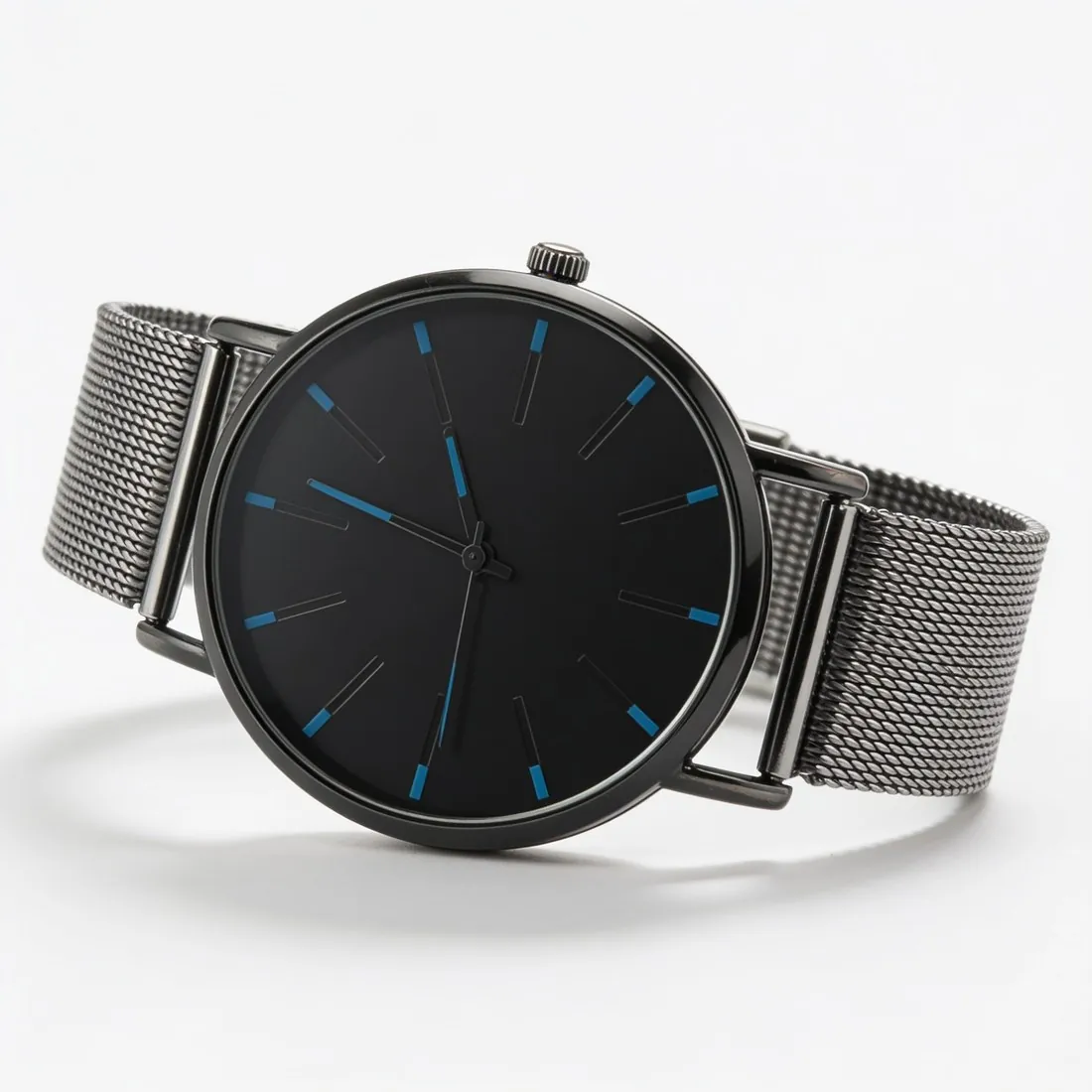
What Newegg keeps out of an item's images.
- 1
No person, body part or model
The primary image of a Newegg item shows the product without a real person, body parts or a model. A source photo may well include the hand that holds the product: packshot studio is briefed to use only the product, and a packshot is composed with no people, hands or mannequins. Look over the result before it is set as the primary image.
- 2
One product, not a collage
Newegg rules out a collage of images unless it shows important variances such as colour or size and dimensions, and likewise identical images, blank images and fillers that announce a picture to come. It limits the images a seller may give an item; front, three-quarter, side and top-down views from one photo fill those slots differently.
- 3
Nothing added, nothing contradicted
Borders, watermarks, logos, extra text and seller-specific information are not allowed. Every image must be the actual image of the product and must not contradict its specifications or description. A packshot is generated from the seller's photo of that very product; whether it counts as the actual image is Newegg's decision.
What Newegg asks for.
Source: Newegg Marketplace Seller Academy — Product Image and Video Policies and Guidelines; Updating Items 3.0; View Items 3.0; Newegg Developer Portal — Item Basic Information Feed. Checked 12 October 2026.
- Minimum
- Seller Portal uploads must be no less than 640 × 480 pixels (width × height); the image policy asks every image to meet two of three criteria: 640 pixels wide, 480 pixels high, no more than 5 MB
- Formats
- JPG, JPEG, GIF and PNG in Seller Portal; the data feed lists JPG, JPEG and GIF for image URLs
- File size
- No more than 5 MB per image in Seller Portal; the data feed accepts up to 10 MB per image
- Number
- Up to 7 images per seller for each item
- Main image
- Must not show a real person, body parts or a model, and must not be a collage of images
- Background
- Images must have an appropriate background; Newegg says a white background usually looks best
- Not allowed
- Borders, watermarks, logos, extra text, copyright or seller-specific information, identical images, blank images and fillers such as "Image Coming Soon"
- Collages
- An image must not contain a collage of images, unless it shows important variances such as colour or size and dimensions
- Accuracy
- Every image must be the actual image of the product and must not contradict the product specifications, short title or description
The source photo for a Newegg primary image.
- Photograph the very item the listing describes, in the colour and version named in its short title; Newegg wants no image that contradicts the specifications.
- A hand or a stand may hold the product upright as long as it hides no part of it; the tool is briefed to leave the hand out, but a part it covers cannot be added back faithfully.
- Shoot a separate source photo for each colour or size on sale; Newegg allows a collage only where it shows such variances, and single images keep every slot to one product.
Product photos for Newegg, answered.
How large does a Newegg product image have to be?
Seller Portal uploads have a minimum width and height, and Newegg's image policy asks every image to satisfy two of three criteria: a width, a height and a ceiling on file weight. Square 2K output from packshot studio is wider and taller than that minimum. The three criteria are set out in the table on this page.
Why is the JPG the file to give Newegg?
Seller Portal caps the weight of an image, and a PNG at 2K can go over that cap, which makes the JPG the safer of Herofab's two downloads. The format lists differ too: Seller Portal takes JPG, JPEG, GIF and PNG, while the data feed lists JPG, JPEG and GIF for image URLs and accepts a heavier file. A JPG is on both lists.
Does Newegg require a white background?
Newegg requires an appropriate background and says that a white one usually looks better than the alternatives; the rule rows on this page give no colour value for it. Packshot studio delivers a clean, evenly lit studio white. Grey and beige studio grounds exist as settings, and the choice between them and white rests on the seller's reading of what is appropriate for the product.
How much does it cost?
4 credits per image, plus one credit for 4K. The cost is shown before you generate, and if a job fails the credits are returned. The 20 free credits at sign-up cover 5 images with this tool.
Your next collection, shot this week.
20 credits at sign-up, no card required. Images made with free credits carry a watermark.