A packshot for OnBuy, resized before upload.
OnBuy recommends one square size, sets a maximum above it and asks for a white background where possible. Herofab's packshot studio delivers the product alone on a white studio background. Its square 2K output is larger than OnBuy's maximum, so the image has to be resized to that maximum or smaller before upload.
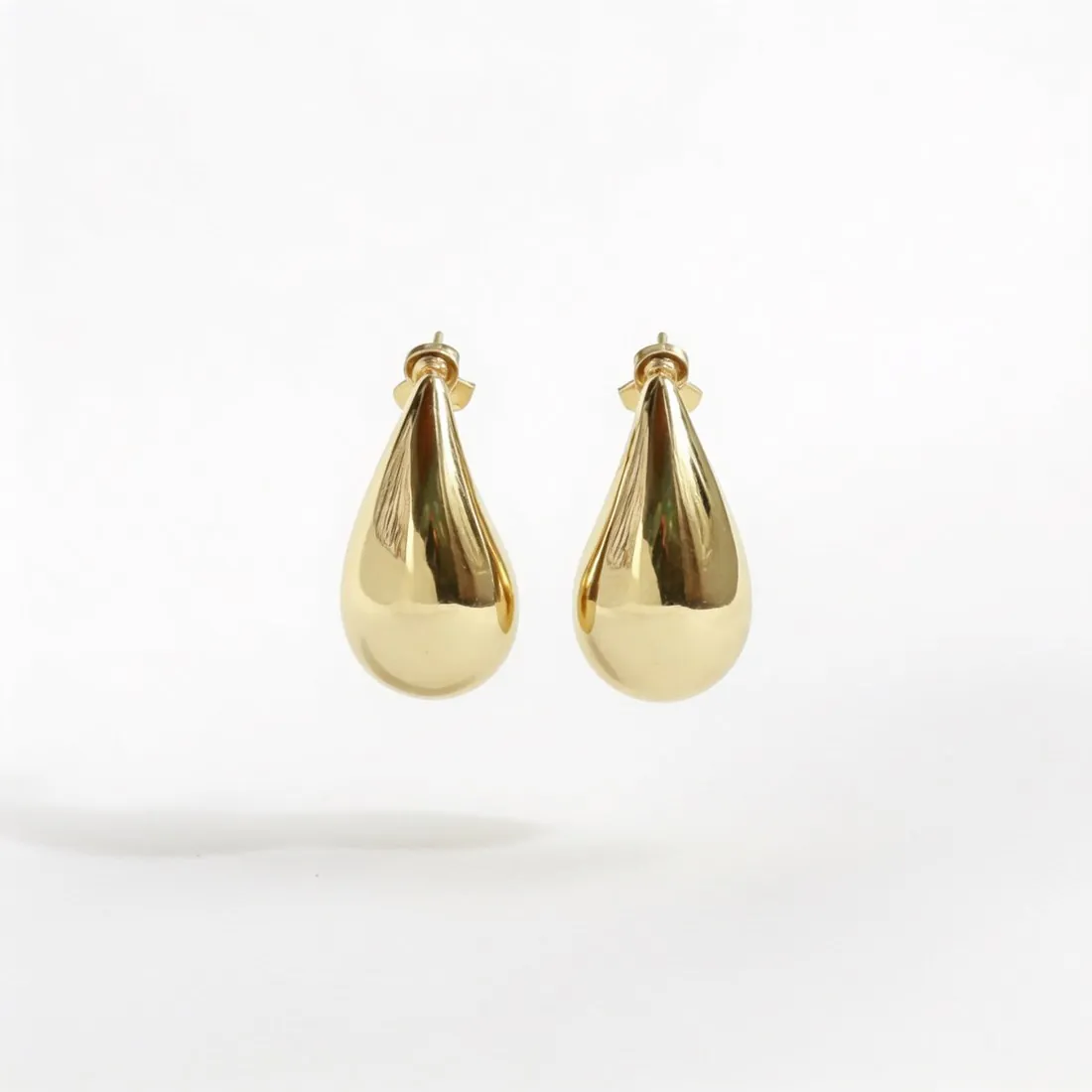
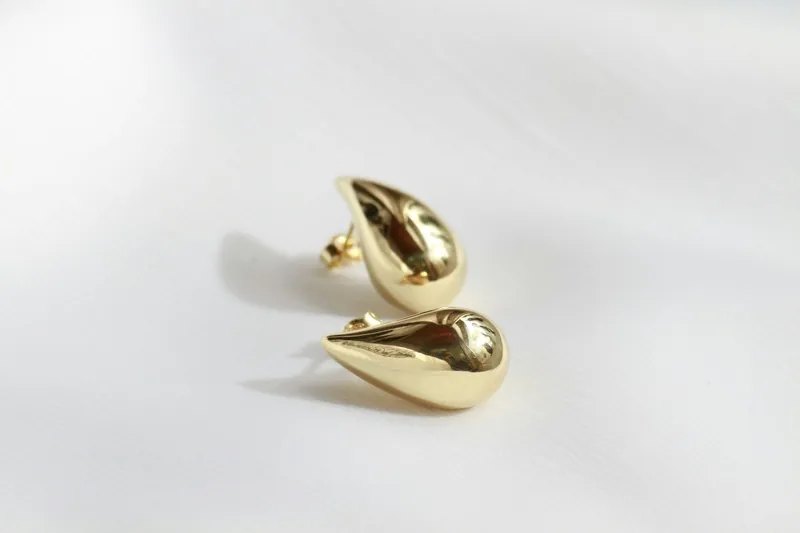
Where OnBuy's limits touch a Herofab image.
- 1
Output above OnBuy's maximum
OnBuy sets a maximum size for product images, and Herofab's square 2K output is larger than it on each side. The delivered packshot is therefore a master file: it is scaled down to OnBuy's maximum or smaller before it is hosted. 2K is the setting to order for this channel, since a 4K file would only have to be reduced further.
- 2
White where possible
OnBuy asks for a white background colour where possible and requires high photographic quality. Whatever stood behind the product in the phone photo gives way to an evenly lit studio white, with the product shown once and centred. Sharpness is the part of quality that comes from the source, so a soft phone picture is retaken first.
- 3
A public address, read at creation
OnBuy takes image URLs that are fully accessible over the public internet, without authentication, IP allowlisting, expiring signatures or token-based access; Imgur links are rejected. Only the URL is checked when a product is submitted, and the image is downloaded and processed when the product is actually created.
What OnBuy asks for.
Source: OnBuy — OnCommerce API Documentation v2 (Image Download Requirements; Content Scope); Seller Terms v3.0.0. Checked 12 October 2026.
- Formats
- JPG, JPEG, PNG and GIF only
- Recommended
- 500 × 500 pixels for best results
- Maximum
- 1,000 × 1,000 pixels
- File size
- Maximum 10 MB
- Background
- White background colour where possible; the photographic quality must be high
- Image hosting
- Image URLs must be fully accessible over the public internet, without authentication, IP allowlisting, expiring signatures or token-based access; Imgur links are rejected
- Not allowed
- Product pages must not contain nude images or obscene or discriminatory content
- Shared across sites
- Default and additional image URLs are global content, shared across all OnCommerce sites such as OnBuy UK and OnBuy FR
- Processing
- Only the image URL is checked when a product is submitted; images are downloaded and processed when the product is actually created
A phone photo for a small square packshot.
- Fill the phone's screen with the product while every edge stays inside it; once the image is scaled down to OnBuy's maximum, a product that sat small in the frame is smaller still.
- Lay fine parts such as a chain, a clasp or an ear wire apart from one another, so that each remains readable after the picture has been reduced.
- Hold the phone steady and tap to focus on the product's surface before the shot; OnBuy requires high photographic quality, and focus cannot be supplied afterwards.
Product photos for OnBuy, answered.
Can a Herofab image go to OnBuy exactly as delivered?
Not as delivered. OnBuy sets a maximum size for product images and Herofab's square 2K output is above it, so the file is resized to that maximum or smaller first. PNG and JPG, the two download formats, are both among the formats OnBuy accepts, and OnBuy caps the weight of a file as well. Maximum, recommendation and weight limit appear in the table on this page.
Should the image be resized to OnBuy's recommended size or its maximum?
OnBuy names one square size as its recommendation and a larger square as the maximum. A Herofab packshot ordered square can be scaled to either, because both are smaller than the 2K output, and reducing a square to a smaller square crops nothing from the product. Which of the two a shop uses is its own choice within OnBuy's limits.
Do OnBuy UK and OnBuy FR need separate images?
OnBuy treats the default and the additional image URLs as global content, shared across all OnCommerce sites such as OnBuy UK and OnBuy FR. One set of addresses therefore serves every site a product is listed on. A packshot shows the product alone on white, with no wording in any one language laid over it.
How much does it cost?
4 credits per image, plus one credit for 4K. The cost is shown before you generate, and if a job fails the credits are returned. The 20 free credits at sign-up cover 5 images with this tool.
Your next collection, shot this week.
20 credits at sign-up, no card required. Images made with free credits carry a watermark.