Wix product images, above the minimum in 4K.
Wix gives a minimum resolution for product images, names the aspect ratios for them and recommends square for mobile. Herofab's product studio sets a product in a studio or styled scene from one photo. Ordered in 4K, a square image clears that minimum on both sides; 2K output stays below it.
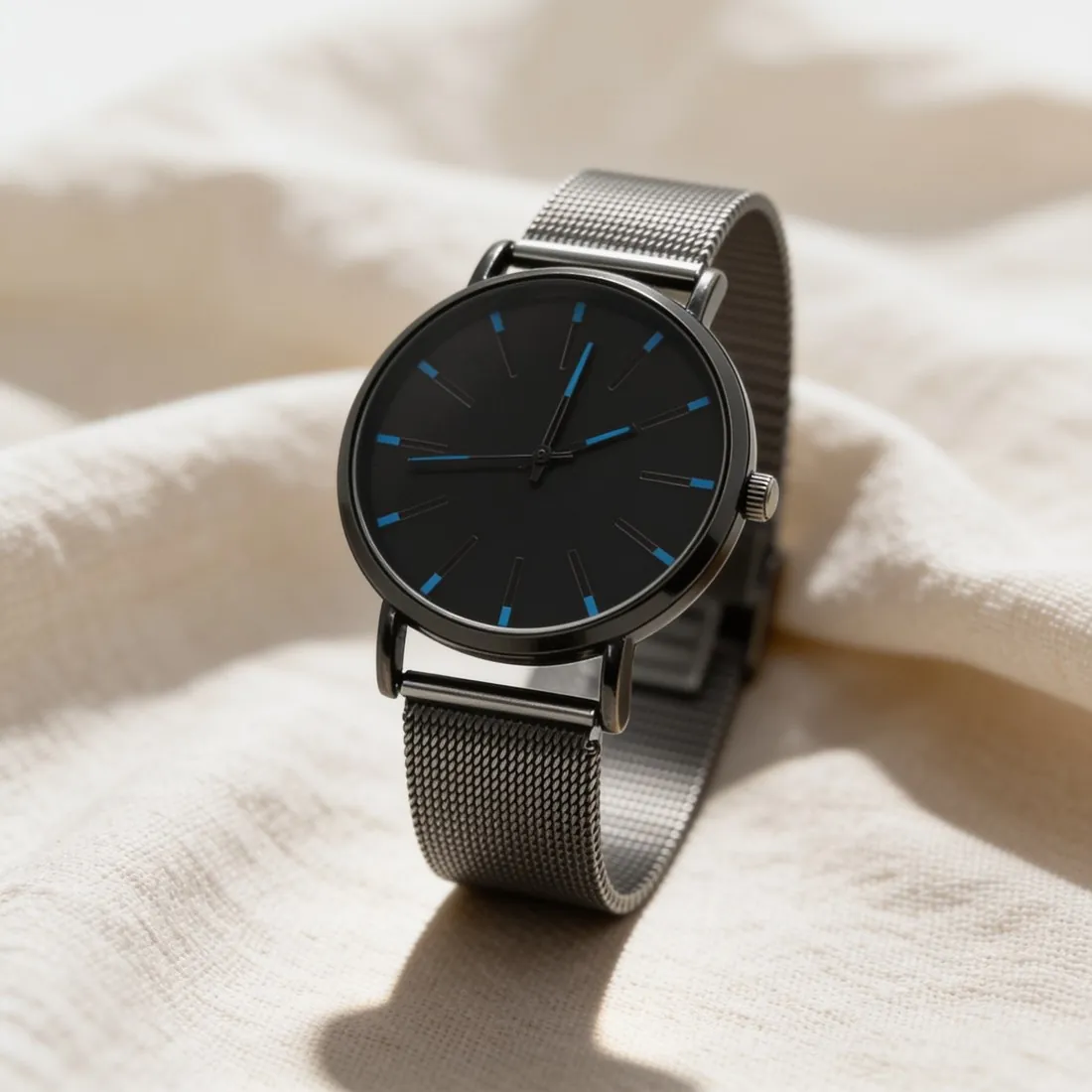
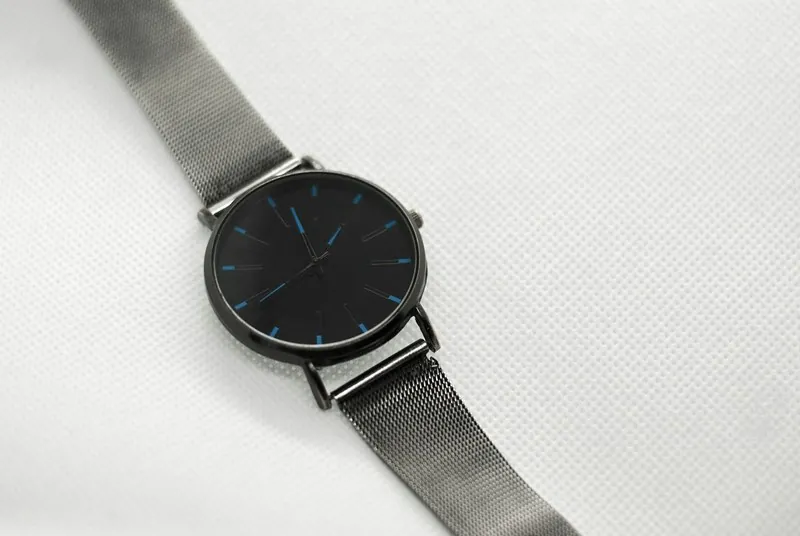
What Wix asks of a product gallery.
- 1
A minimum that calls for 4K
The minimum resolution Wix gives for product images is higher than Herofab's 2K output. Square 4K output is above it on each side, and so is the three-by-four portrait in 4K. For a Wix store the resolution is therefore decided when the image is ordered: the free image size checker reports a 2K file as too small for Wix.
- 2
One ratio for each product
Wix recommends one aspect ratio for all images of a product. With the gallery's crop setting, images of different ratios are cut to one size and part of an image may be lost. Square, the ratio Wix recommends for mobile, is on Wix's list and among Herofab's formats, as are an upright and a wide one. Pick one per product and keep it.
- 3
Images belong to options, not variants
An image can be linked to each product option on Wix, but not to each variant. Where colour is one of the options, every colour needs its own image. Herofab's Colour variants tool makes those from a single product photo; hold the scene, the angle and the ratio constant across them, and check each colour against the real item.
What Wix asks for.
Source: Wix Help Center — Wix Stores: Adding images, GIFs and videos to products; Wix Media: Supported media file types and file sizes. Checked 11 October 2026.
- Minimum
- Wix gives 3,000 × 3,000 pixels as the minimum resolution for product images
- Aspect ratio
- 16:9, 3:2, 4:3, 1:1, 3:4, 2:3 or 9:16; 1:1 is the recommended ratio for mobile
- Consistency
- Wix recommends uploading a product's images in the same aspect ratio; with the crop setting, images of different ratios are cut to one size and part of an image may be lost
- Formats
- JPG, PNG, GIF, JPEG, JPE, JFIF, BMP, HEIC, HEIF, TIFF, TIF, WEBP, AVIF, JPEG 2000 and RAW; animated WEBP images are converted to a static image
- File size
- Up to 50 MB for an image and 15 MB for a GIF
- Resizing
- Uploaded images are converted to the sRGB colour space, and Wix serves them compressed as AVIF on the live site
- Variations
- An image can be linked to each product option, but not to each variant
- Alt text
- Alt text can be added to each product image
Photographing a product for a Wix gallery.
- Move close enough that the product fills the phone's screen while every edge stays inside it; a 4K image shows fine detail, and that detail has to be present in the source photo.
- Shoot each colour option from the same spot on the same surface, so that the images linked to the options agree in angle and scale.
- Hold the phone level with the middle of the product and square to it; one viewpoint across a product's photos supports the single aspect ratio Wix recommends for its gallery.
Product photos for Wix, answered.
Why is 2K output not enough for a Wix store?
Wix gives a minimum resolution for product images, and a 2K image is below it. Square 4K output is above the minimum on each side, so 4K is the setting to choose for Wix. The exact figures stand in the table on this page. A file that already exists can be tested with the free image size checker, which reads it in the browser without uploading it.
Which file types and weights does Wix take?
Wix accepts a long list of image formats, JPG, PNG and WEBP among them, and sets one ceiling for the weight of an image and a lower one for a GIF. Uploads are converted to the sRGB colour space and served compressed as AVIF on the live site, so the uploaded file is the source and not the file a visitor receives. Herofab images download as PNG or JPG, and both are on the list.
Does a scene image belong next to a plain one in a Wix gallery?
Wix's recommendation concerns shape, not content: a product's images should share one aspect ratio, or the crop setting may cut part of a picture away. Within that ratio the product studio offers studio white, grey or beige, marble, wood, linen, a podium, outdoor and home settings, or the store's own background image. A plain view and a scene can follow one another in the same gallery.
How much does it cost?
4 credits per image, plus one credit for 4K. The cost is shown before you generate, and if a job fails the credits are returned. The 20 free credits at sign-up cover 5 images with this tool.
Your next collection, shot this week.
20 credits at sign-up, no card required. Images made with free credits carry a watermark.