Each view on white, for a Beslist.nl feed.
Beslist.nl requires one clear main image before a product is displayed, and the extra images in its feed must have a white background. Remove background puts the seller's own product photos on white, one view after another; the product in them is not redrawn.
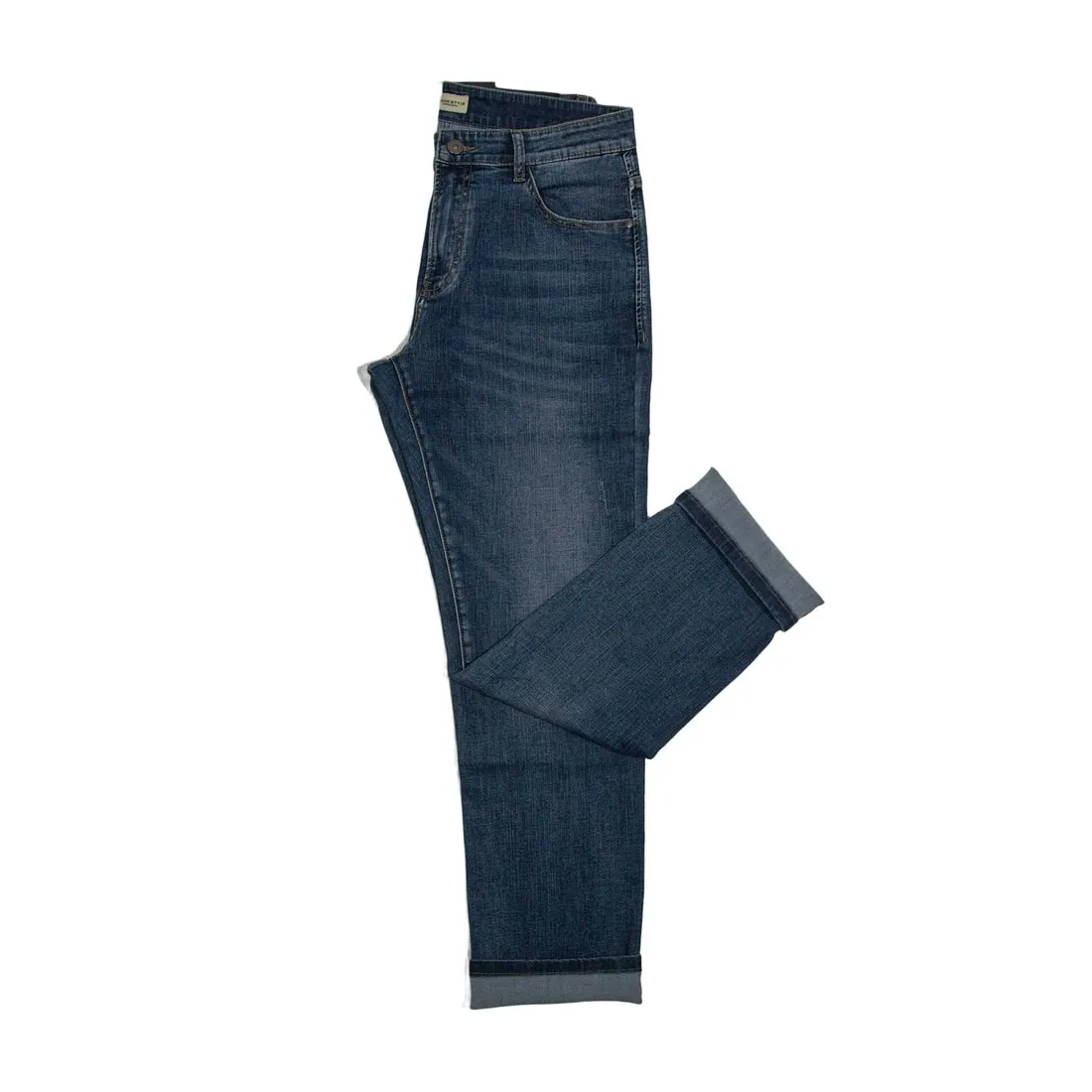
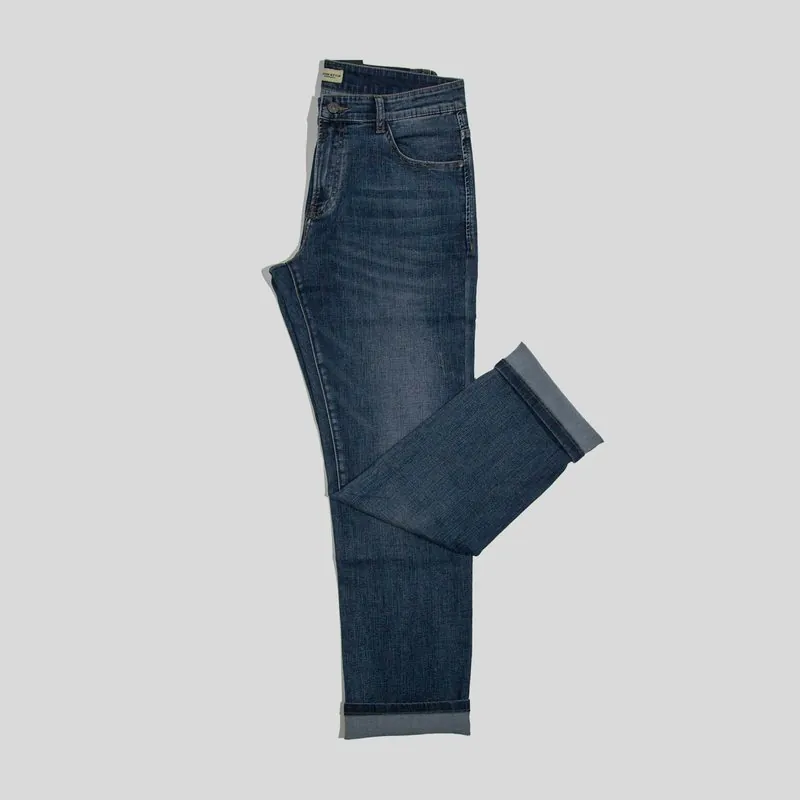
What a Beslist.nl feed expects of an image.
- 1
One clear main image, or no display
Beslist.nl requires one clear main image for a product to be displayed at all. Where the webshop has no image of the product, the image field is left empty: Beslist.nl does not want a placeholder. A stand-in picture is therefore no substitute, and the product waits until its photo exists.
- 2
White behind every extra image
The feed has a limited number of columns for extra images, and Beslist.nl asks for high resolution and a white background in each. Of the three results Remove background offers, the white one matches that wording. Side and back views photographed on a table or a hanger come back on the same white, so the set reads as one product.
- 3
Resolution for zoom, nothing added
Beslist.nl asks for the highest possible resolution to support zoom, with a minimum that applies to the main image and to alternative images such as side views. Output in 2K or 4K clears it. Watermarks, logos and promotional text are excluded on main and extra images; images made on a plan or with a credit pack carry no watermark.
What Beslist.nl asks for.
Source: Beslist.nl — Product and Image URLs for Merchant Product Feeds. Checked 27 September 2026.
- Size
- Main image at least 800 × 800 pixels; alternative images, such as side views, also at least 800 × 800 pixels
- Resolution
- The highest possible resolution, to support zoom
- Main image
- One clear main image is required for the product to be displayed
- Extra images
- Up to 13, in the columns Extra_Image_1 to Extra_Image_13, in high resolution; the background must be white
- Not allowed
- Watermarks, logos or promotional text, on the main image and on the extra images
- No image
- If the product has no image in the webshop, leave the image field empty; no placeholder
Photographing the views a feed can carry.
- Photograph the front first, then the side and the back from one distance and in one light, so that the views match once each stands on white.
- Come close enough for the product to fill the photo and keep the lens clean: Beslist.nl asks for resolution that supports zoom, and the cut-out adds no detail the camera did not record.
- Leave shop logos, sale stickers and printed cards out of the frame; promotional text and logos are not allowed on Beslist.nl images, and only the background is removed.
Product photos for Beslist.nl, answered.
What goes in the feed when a product has no photo yet?
Nothing. Beslist.nl's instruction is to leave the image field empty when the product has no image in the webshop, and not to send a placeholder. As one clear main image is required for the product to be displayed, the practical step is to photograph the item, a phone photo being enough as a source, and to cut it out before the feed is updated.
Can on-model images serve as extra images on Beslist.nl?
The requirement for extra images is a white background and high resolution. Virtual try-on on a studio white background and Ghost mannequin views on white meet the background part, and every generation is briefed to keep the product's shape, colour, material, logos and details. The seller compares them with the item, and Beslist.nl decides what it shows.
How can image sizes be tested before the feed is sent?
Herofab's free image size checker reads each file in the browser and tests it against the published rules, and no image is uploaded for the test. Beslist.nl applies its minimum to the main image and to alternative images as well, so every file named in the feed is worth testing, not the first alone.
How much does it cost?
1 credit per image. The cost is shown before you generate, and if a job fails the credits are returned. The 20 free credits at sign-up cover 20 images with this tool.
Your next collection, shot this week.
20 credits at sign-up, no card required. Images made with free credits carry a watermark.