Garments for OTTO, hollow-body on a light ground.
OTTO asks for a main image that is cut out or stands on a light, neutral background such as white, off-white, light grey or light beige. From a hanger or flat-lay photo, Herofab's Ghost mannequin delivers the garment as a 3D hollow-body shape or a clean flat lay on a white, grey or beige backdrop, with no mannequin needed.
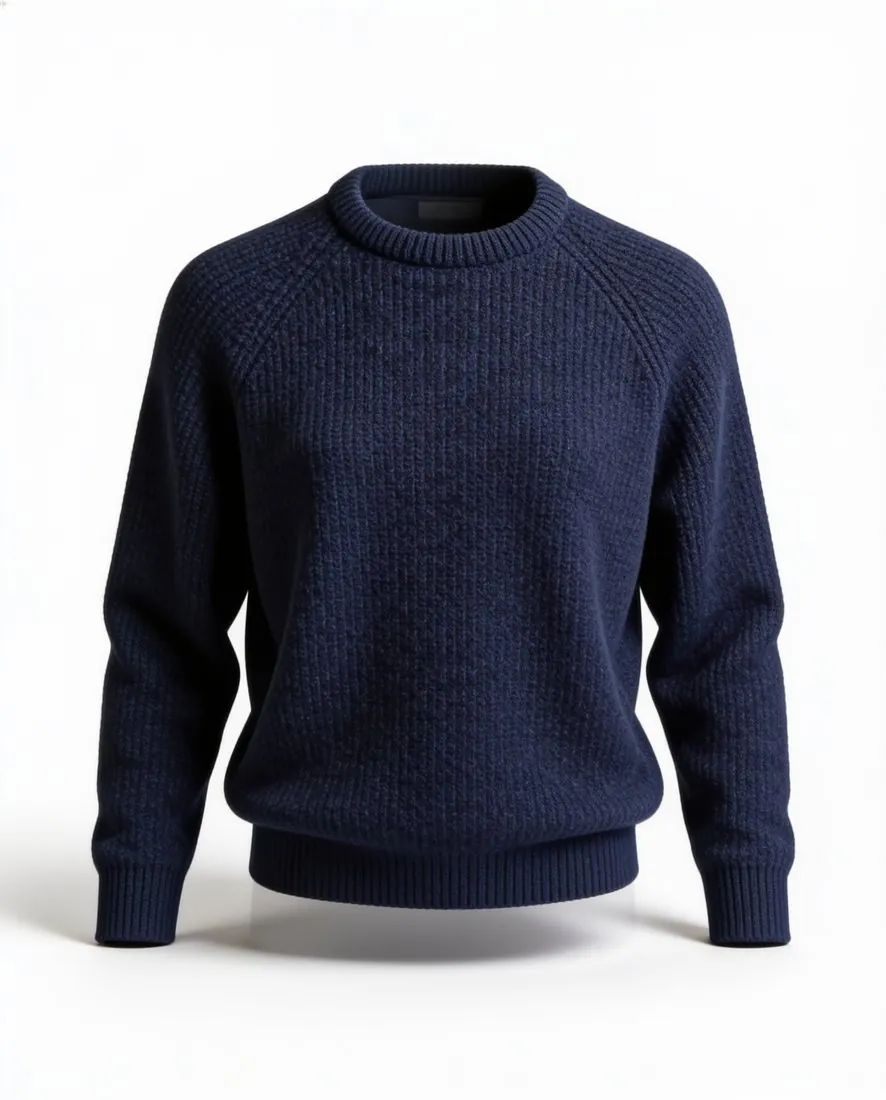
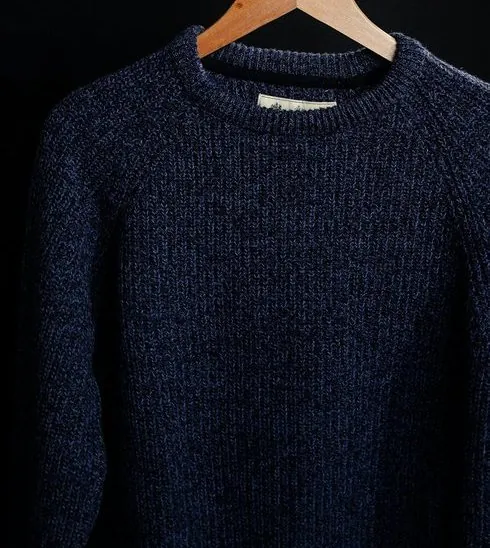
What OTTO's onboarding guide asks of images.
- 1
A light, neutral main image
The main image on OTTO is either cut out or set on a light, neutral ground: light grey, white, off-white or light beige. Ghost mannequin offers white, grey, black and beige backdrops; for OTTO the choice narrows to white, grey or beige, and black is left aside. Check that a grey backdrop still reads as light beside the garment.
- 2
An image for every variant
OTTO expects at least one image per variant and sets an upper limit on the number. A garment sold in several colours needs an image of each. Photograph every colour the same way and order the same style, view and backdrop, so that the variants differ in colour alone. A back view, made from a photo of the back, can take a further slot.
- 3
JPG or PNG, in RGB
OTTO accepts JPG or PNG in the RGB colour space and does not accept CMYK. It sets a minimum size and a maximum length for any side of the image. Herofab images can be downloaded as PNG or JPG, and 2K and 4K output stays inside OTTO's maximum side length. The free OTTO checker reads a file in the browser and tests it against these limits.
What OTTO asks for.
Source: OTTO Market — Onboarding guide (18 January 2024). Checked 24 September 2026.
- Format
- JPG or PNG, RGB colour space (CMYK is not accepted)
- Size
- At least 480 × 960 pixels; at most 4,500 pixels on any side
- Number
- At least one image per variant, no more than 10
- Main image
- Cut out, or on a light, neutral background such as light grey, white, off-white or light beige
Photographing a garment for a hollow-body main image.
- Hang the garment on a hanger or lay it flat and unfolded, with the collar, both sleeves and the hem inside the frame; a part hidden in a fold cannot be added back faithfully.
- Photograph the front first, then turn the garment over and take the back as well, since the back view is made from a photo of the back.
- Repeat one set-up for each colour variant, the same hanger, distance and light, so that the per-variant images OTTO expects agree with one another.
Product photos for OTTO, answered.
Which backdrop should an OTTO main image have?
White, grey or beige. OTTO describes the main image as cut out or on a light, neutral background, and gives light grey, white, off-white and light beige as examples. Ghost mannequin also offers a black backdrop, which does not answer that description. A white garment often separates more clearly from grey or beige than from white.
Is a mannequin needed for the hollow-body look?
No. A hanger or a flat surface is enough, and the 3D invisible-mannequin shape is produced from the photo. The tool is for garments only, so bags, hats, shoes and jewelry in an OTTO range go through the packshot studio instead. The front photo is required; a back photo and a detail close-up can be added for a more faithful result.
Can the image be downloaded in a size OTTO takes?
OTTO is among the marketplace sizes available after delivery. The file is made from the delivered image without cropping the garment, in a size within the limits OTTO publishes. Whether a listing is accepted remains OTTO's decision; the free checker tests the format and the dimensions of a file beforehand, in the browser, and the image is not uploaded.
How much does it cost?
4 credits per image, plus one credit for 4K. The cost is shown before you generate, and if a job fails the credits are returned. The 20 free credits at sign-up cover 5 images with this tool.
Your next collection, shot this week.
20 credits at sign-up, no card required. Images made with free credits carry a watermark.