A Shopee cover image that shows the product clearly.
Shopee asks for the product to be easily visible, preferably on a white or neutral background, and gives each listing a limited number of image slots. Herofab's packshot studio turns one phone photo into a cover on studio white, grey or beige, then into further angles and scenes for the slots behind the cover.
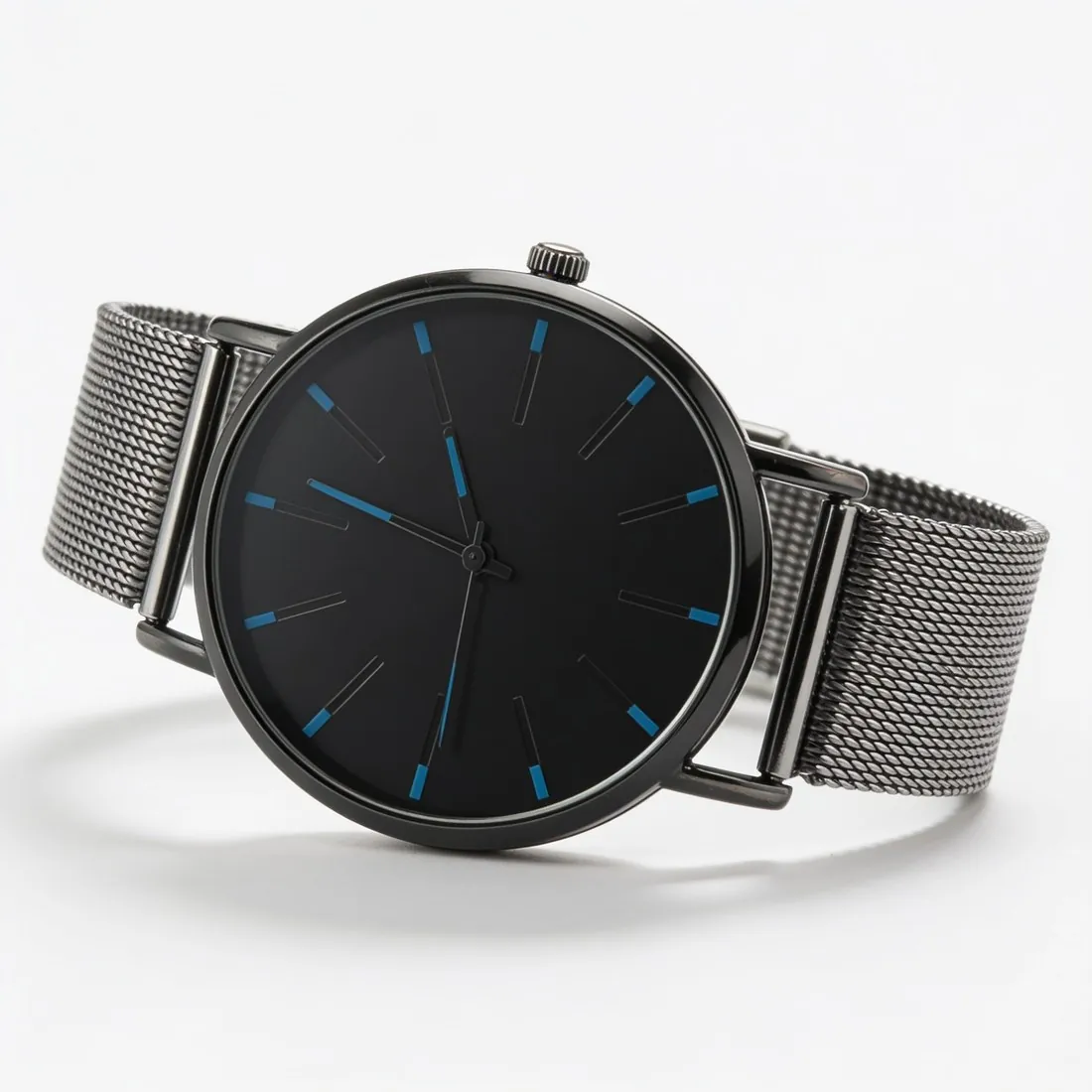
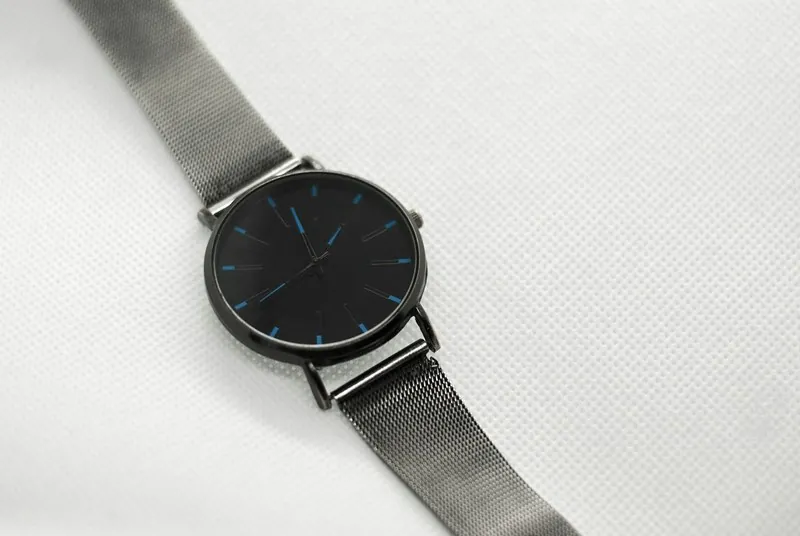
Before the cover goes into a Shopee listing.
- 1
A cover that reads at a glance
Shopee's guidance is that the product is easily visible, preferably against white or a neutral tone. The packshot studio places the product alone on studio white, grey or beige under even light, centred in the frame. Before uploading, shrink the cover to the size of a search result and see whether the outline and the colour still read.
- 2
Slots and file weight
A Shopee listing holds a limited number of images, the cover included, plus images for variations, and each file has a weight ceiling. Plan the slots in order: the cover, other angles, then a scene. The delivered image downloads in a size within the limits Shopee publishes, and the free Shopee checker tests the file before upload.
- 3
The real product, in each colour
Shopee asks for real images of the product sold, preferably the seller's own, and for a photo of each main variation such as each colour. A Herofab packshot starts from the seller's own photo and is briefed to keep the shape, colours, materials and every logo. Compare the result with the item, and give every colour on sale its own image.
What Shopee asks for.
Source: Shopee Centro de Educação do Vendedor — Boas práticas de fotos para anúncios (17 November 2025). Checked 24 September 2026.
- Number
- Up to nine images per listing, including the cover, plus images for variations
- File size
- Up to 2 MB per image
- Background
- The product easily visible, preferably on a white or neutral background
- Content
- Real images of the product sold, preferably your own
- Variations
- A photo for each main variation, such as each colour
One phone photo per colour on sale.
- Photograph each colour of the product separately, from the same angle and the same distance, so that the variation images line up beside one another in the listing.
- Set the product on a plain surface in daylight; the background is replaced afterwards, but the colour the phone records is the colour the cover will carry.
- Take the product out of its wrapping and keep all of it in the frame, since a product still in its packaging is flagged before a credit is spent.
Product photos for Shopee, answered.
Which image belongs in the cover slot on Shopee?
The product alone and straight on, against white or a neutral background, since Shopee wants the product easily visible. In the packshot studio that is the front view on studio white, grey or beige, with profile as the usual choice for shoes. A three-quarter or top-down view and a scene on wood, linen or marble can take the slots after the cover.
Does each colour need a photo of its own?
Shopee asks for a photo of each main variation, such as each colour. The surest source is a phone photo of every colour, run through the packshot studio with one view and one background so the variations match. Herofab's Colour variants tool can also turn one product photo into each colour sold; compare every such image with the real item in daylight before it is listed.
Will the download fit Shopee's image limits?
Shopee is one of the marketplace sizes offered once an image is delivered. Choosing it produces a square file within the limits Shopee publishes, taken from the delivered image with the product left uncropped. As Shopee also caps the weight of each file, pass the download through the free checker, which reads it in the browser and sends it nowhere.
How much does it cost?
4 credits per image, plus one credit for 4K. The cost is shown before you generate, and if a job fails the credits are returned. The 20 free credits at sign-up cover 5 images with this tool.
Your next collection, shot this week.
20 credits at sign-up, no card required. Images made with free credits carry a watermark.