Fruugo's primary image, centred on white.
Fruugo makes the first image field mandatory and displays it as the product's primary image: on a white background, or as an appropriate lifestyle image for products such as clothing or furniture. Herofab's packshot studio delivers the product alone, centred on a white studio background, from a phone photo taken on any surface.
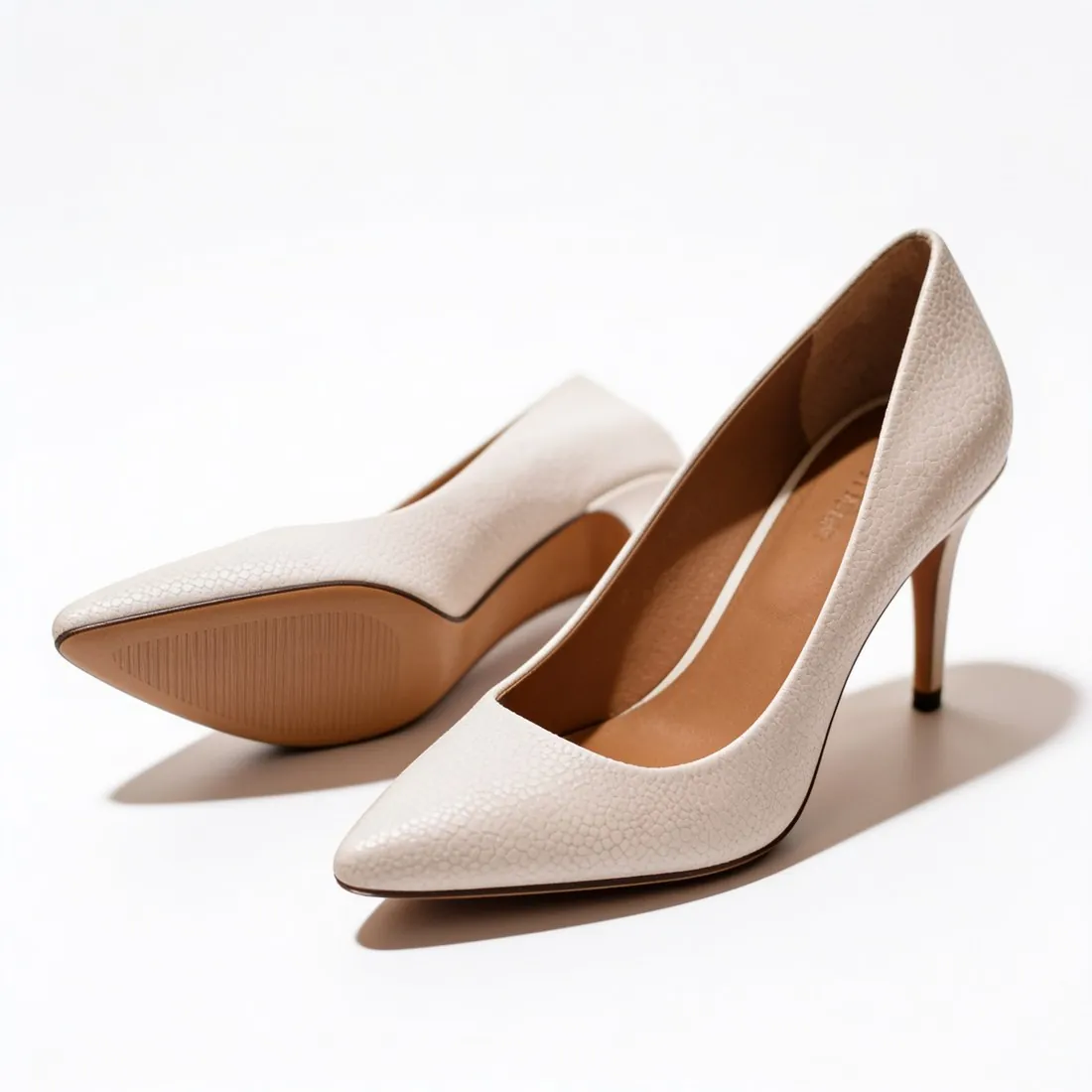
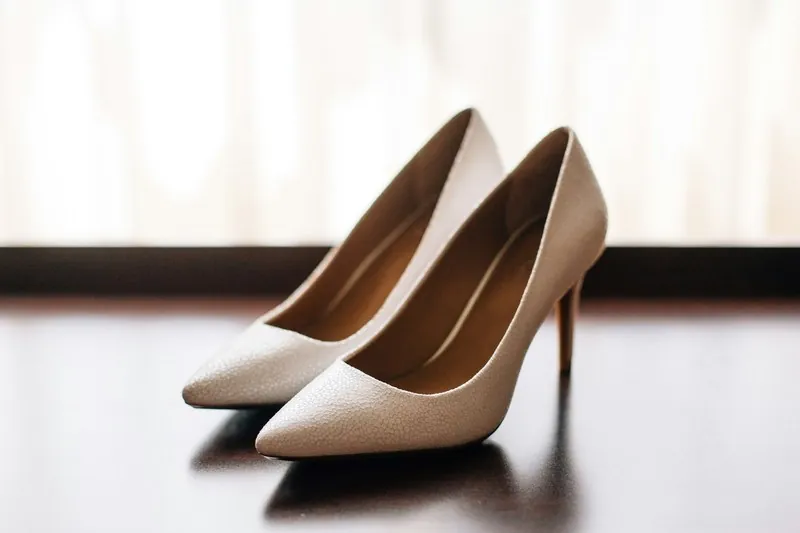
What a Fruugo feed expects of its image fields.
- 1
One field mandatory, the rest recommended
Only the first image URL is mandatory; the further fields are recommended, and Fruugo advises multiple images for each product to show different angles and features. Packshot studio offers front, three-quarter, side and top-down views of one product, so the recommended fields can hold views that differ from the primary image.
- 2
The highest resolution available
Fruugo sets a minimum size and asks retailers to provide the highest resolution available. Square 2K output is above that minimum, and 4K is an option where a larger file is wanted. Fruugo takes JPG, PNG or GIF, and both Herofab downloads, PNG and JPG, are on that list. Fruugo's minimum stands in the table on this page.
- 3
A replaced image needs a new file name
Fruugo updates an image only if its file name is changed; it does not check whether the file is newer than the last import. A corrected packshot therefore goes up under a new name. Each URL must point to the exact image location, file name and extension included, on unrestricted hosting, and the field limits the length of the address.
What Fruugo asks for.
Source: Fruugo Retailer Support & Documentation — Images; Field Specification; Validation Errors; Issue Reasons. Checked 12 October 2026.
- Main image
- Imageurl1 is mandatory and is the primary image displayed for the product; it must be on a white background, or an appropriate lifestyle image for products such as clothing or furniture
- Background
- All images should be centred on a white background
- Minimum
- 400 × 400 pixels; provide the highest resolution available
- Formats
- JPG, PNG or GIF
- Number
- Up to 5 images per product: Image URL 1 is mandatory, Image URL 2-5 are recommended
- Not allowed
- Watermarks, text, overlays (logos, icons, tags) and placeholder images
- Image URL
- Each image URL field is limited to 150 characters; the URL must point to the exact image location, including file name and extension, on unrestricted hosting
- Updating images
- Images are only updated if the file name is changed; Fruugo does not check whether the file is newer than the last import
- Multiple angles
- Use multiple images for each product to show different angles and features
Photographing a product for a centred packshot.
- Place the product so that its whole outline shows with a little room on every side; Fruugo asks for images centred on white, and a part the photo cuts off cannot be added back faithfully.
- Photograph the side that identifies the product first, then decide which further angles the recommended image fields should show.
- Use daylight without flash so that leather, metal or glass is recorded in its real colour; the white ground and the even light come later, the colour of the product comes from this photo.
Product photos for Fruugo, answered.
Does the primary image on Fruugo have to be on white?
Fruugo asks for the primary image on a white background and for all images to be centred on white. The exception it names is an appropriate lifestyle image for products such as clothing or furniture. For clothing, Herofab's Virtual try-on shows the garment on a studio model; whether a given image counts as appropriate is Fruugo's decision, not Herofab's.
Why does a new picture not show on Fruugo after an import?
Fruugo takes an image again only when the file name in its URL has changed, and it does not compare the age of the files. A new packshot saved under the old name is therefore not picked up. Give the replacement a new file name, keep the address within the character limit of the field, and confirm that the link opens on hosting without restrictions.
What may not appear on a Fruugo product image?
Watermarks, text, overlays such as logos, icons and tags, and placeholder images. Herofab puts neither a watermark nor text on an image made on a plan or with a credit pack. An image made on free credits does carry a watermark; it shows how the product turns out and is not a file for the feed.
How much does it cost?
4 credits per image, plus one credit for 4K. The cost is shown before you generate, and if a job fails the credits are returned. The 20 free credits at sign-up cover 5 images with this tool.
Your next collection, shot this week.
20 credits at sign-up, no card required. Images made with free credits carry a watermark.