A Faire catalogue, square image by square image.
Faire asks for square product images above a minimum size, in PNG or JPEG, and recommends a portrait format for apparel. Herofab's product studio places bags, jewelry, footwear, cosmetics or homeware in a studio or styled scene from one photo each, so that a wholesale catalogue can share one ground and one light.
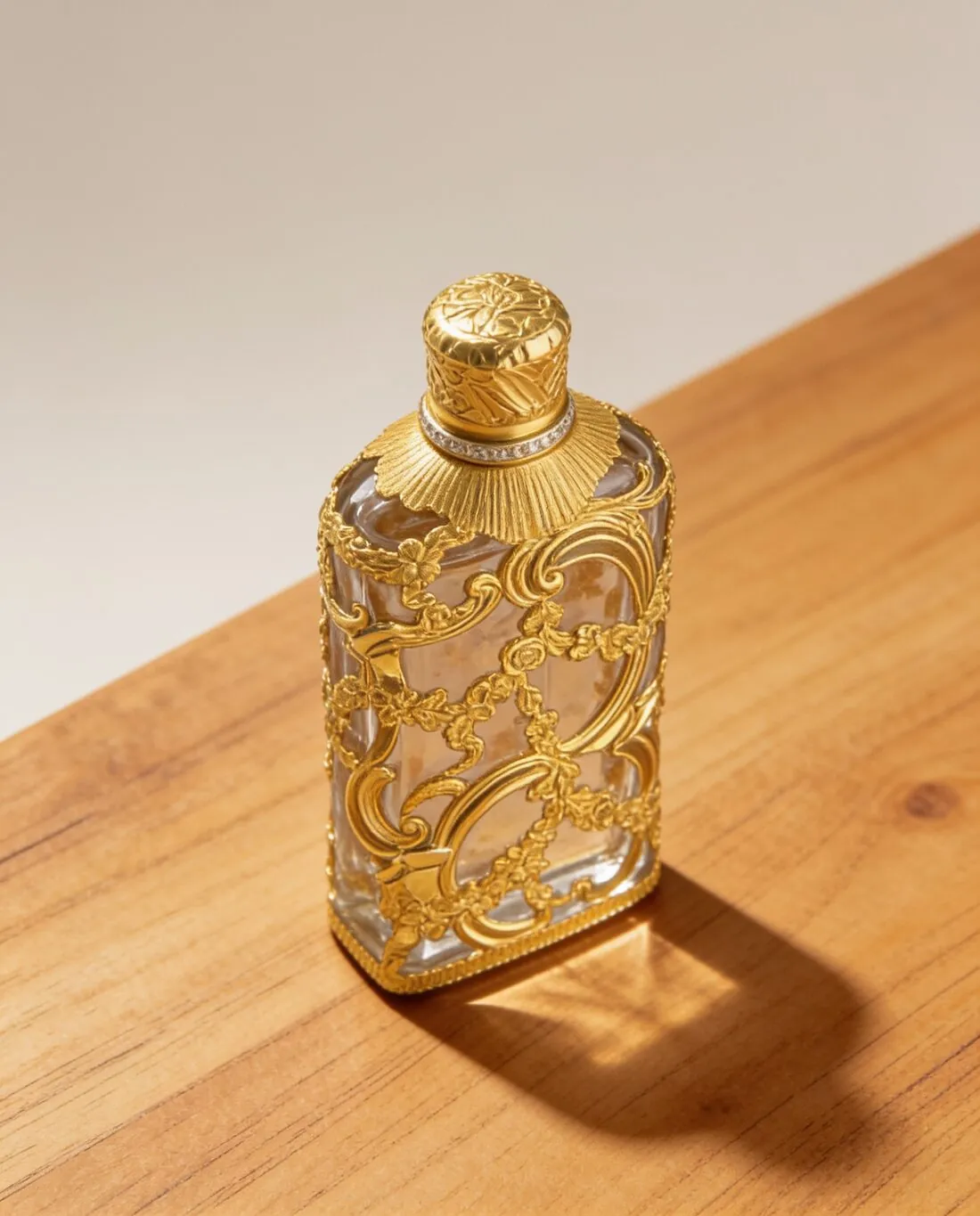
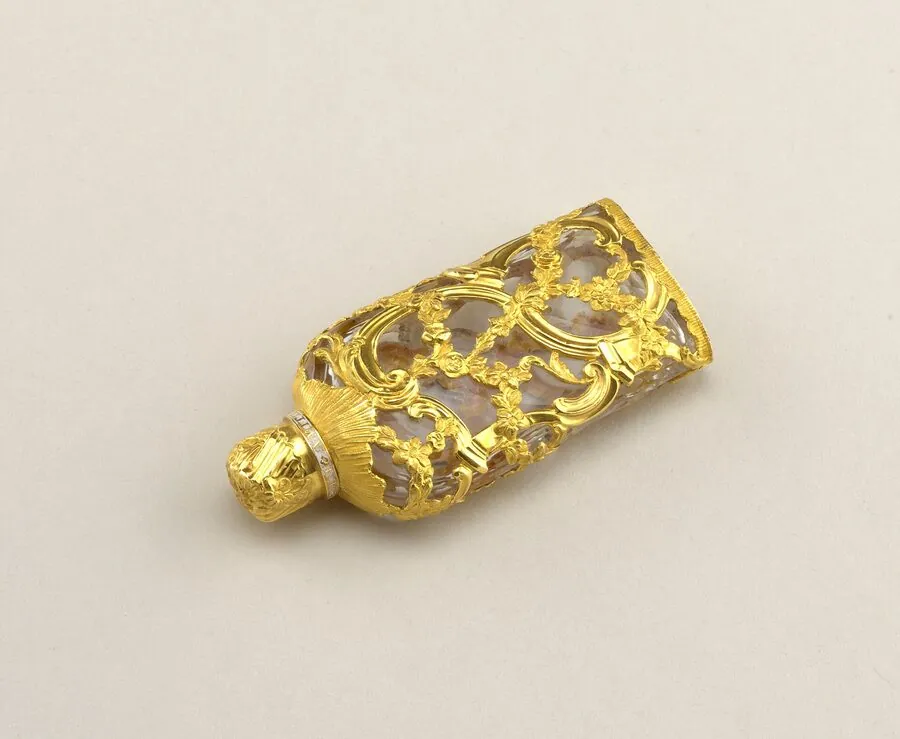
Two shapes and one catalogue look.
- 1
Square for products
Product images on Faire are square and have a minimum width and height. Square is one of the ratios the product studio delivers, and the Faire download for products is a square file within the limits Faire publishes. A product much taller than wide, a bottle or a long necklace, sits small in a square, so pick the angle that fills it.
- 2
Portrait for apparel
For apparel Faire recommends a portrait image and names an optimal size for it. Clothing therefore follows a different frame from the rest of the catalogue: Virtual try-on shows a garment on a studio model in portrait, and the Faire download for clothing is made in that recommended size. Decide per product which shape applies.
- 3
PNG or JPEG, one look
Faire accepts PNG or JPEG, and Herofab images can be downloaded in either. Beyond the file rules, a wholesale catalogue is read as a line: the same ground, the same angle and the same shadow from one product to the next. Scene, angle and shadow are settings in the product studio, so the second product can be made like the first.
What Faire asks for.
Source: Faire Help Center — Image size requirements. Checked 24 September 2026.
- Product images
- Square, at least 500 × 500 pixels
- Apparel
- 3:4 portrait recommended; optimal size 1,800 × 2,400 pixels
- Format
- PNG or JPEG
Photographing a product line for square images.
- Photograph each product of the line on the same surface and from the same distance, so that the square images of the catalogue agree in scale.
- Stand tall items upright and lay flat ones down for a top-down view; choose the position that fills a square before the photo is taken.
- Turn the brand label or stamp towards the camera and zoom in to see that it is readable, as small text on labels is the detail to compare first on the result.
Product photos for Faire, answered.
Which Faire images are square and which are portrait?
Product images are square; for apparel Faire recommends portrait. The Herofab download offers Faire in both forms: a square file for products, and for clothing a portrait file in the size Faire recommends. Each is made from the delivered image without cropping, so the shape is decided by what the product is, not by a second shoot.
Can a whole wholesale line be shown in one scene?
Yes. The scene, the angle and the shadow are chosen settings: studio white, grey or beige, marble, wood, linen, a podium, outdoors, a home setting or the brand's own background image, with a soft shadow, none or a reflection. Repeating the settings for each product gives the catalogue one ground and one light. Every result is still compared with its own product before it is listed.
How is a file checked against Faire's requirements?
The free Faire checker reads the file in the browser and tests it against the published requirements, the square shape and the minimum size among them; the file stays on the device. It tests the file, not the content. Whether the colour, the label text and the hardware match the product is for the brand to compare with the item in hand.
How much does it cost?
4 credits per image, plus one credit for 4K. The cost is shown before you generate, and if a job fails the credits are returned. The 20 free credits at sign-up cover 5 images with this tool.
Your next collection, shot this week.
20 credits at sign-up, no card required. Images made with free credits carry a watermark.