Square Online item images, square and made in 2K.
Square recommends item images in a one-to-one ratio at or above a stated size. Herofab's product studio sets an item in a studio or styled scene from one photo; square 2K output is just above that recommendation, and square 4K is above the maximum the UK edition of Square's article states. So 2K is the size to upload.
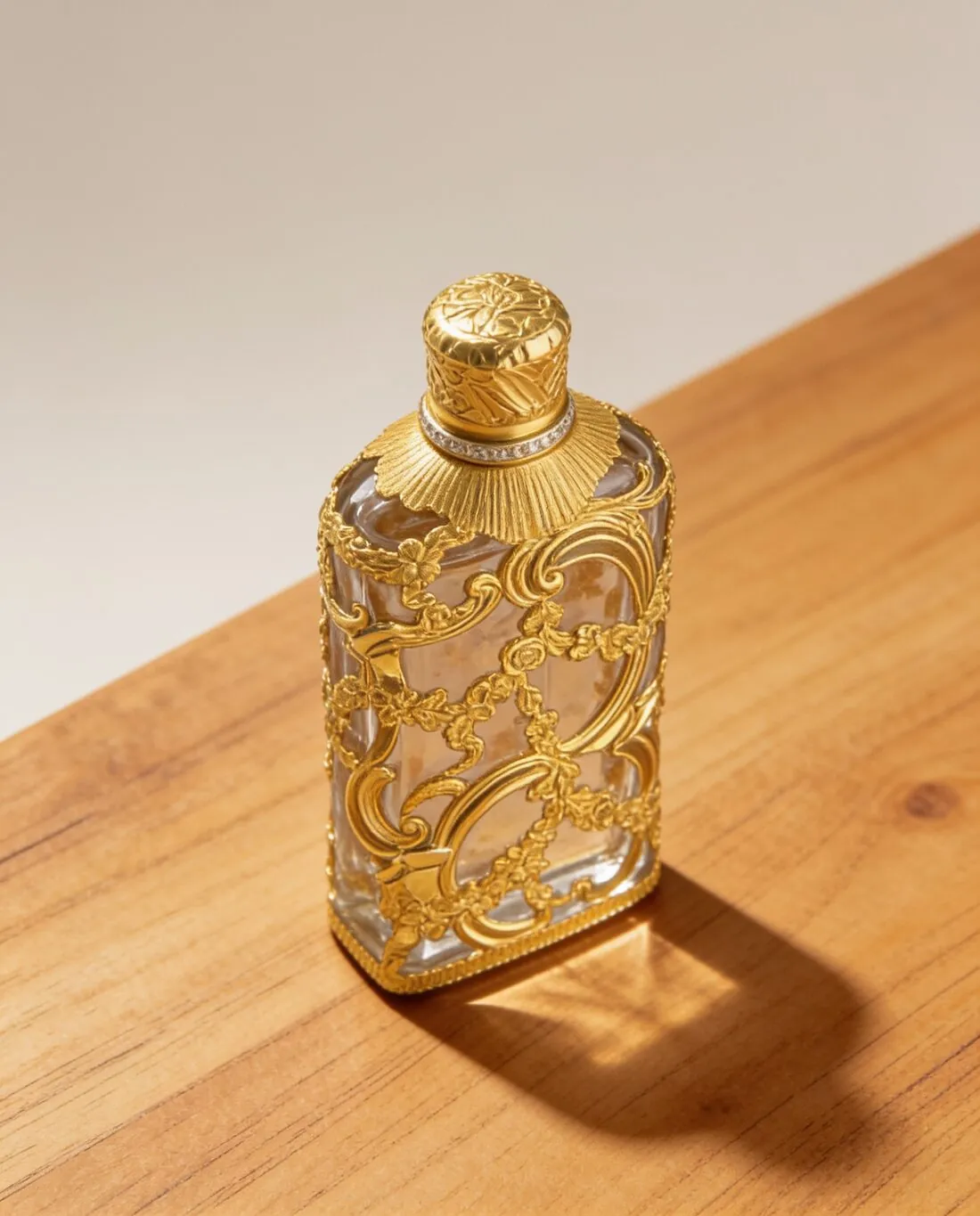
What Square says about an item image.
- 1
Just above the recommendation
Square recommends at least a certain square size for item images, and square 2K output is just above it. Order the image square and upload it as delivered. Trimming it in an editor afterwards can take it below the recommendation, so the framing is settled in Herofab, with the angle and the scene, not by a later cut.
- 2
A maximum in the UK edition
The UK edition of Square's article states a maximum pixel size for images, and square 4K output is above it. 2K lies between the recommended size and that maximum, which makes it the resolution to choose for Square Online. The 4K option remains useful for other channels; the same source photo can be ordered again for those.
- 3
Two editions, two file ceilings
Square's US Support Center and its Catalog API give one ceiling for the weight of an image; the UK edition of the same article gives a higher one and recommends a far lighter file for faster page loading. Herofab images download as PNG or JPG, both accepted by Square, and the JPG is the lighter. The lower ceiling is the one to plan for.
What Square Online asks for.
Source: Square Support Center — Upload and manage item images; Add images and backgrounds to your online store; Square Developer — Work with Images. Checked 12 October 2026.
- Recommended
- At least 2,000 × 2,000 pixels with a 1:1 aspect ratio
- Formats
- JPG, JPEG, PNG and GIF
- File size
- Up to 15 MB per image in the US Support Center and the Catalog API; the UK edition of the same article says up to 20 MB and recommends 500 KB or less for faster page loading
- Maximum
- The UK edition of the article states that images can be up to 2,560 × 2,560 pixels
- Number
- The Catalog API allows no more than 250 images attached to one catalog object; bulk upload cannot associate multiple images with a single item or its variations
- Variation images
- Images can be added to specific item variations
- Alt text
- Alt text can be added to non-background images in the site editor
Photographing an item for a one-to-one frame.
- Compose as if the phone's screen were already square, with similar room on all four sides of the item; Square recommends a one-to-one ratio, and an item pushed against one side leaves a square scene lopsided.
- Photograph each variation of an item, every size of candle or colour of mug, as a picture of its own; Square lets images be added to specific item variations.
- Lay small items such as earrings, soaps or pins singly on a plain surface and move the phone close; an item that is tiny in the source photo arrives with little detail to enlarge.
Product photos for Square Online, answered.
Why is 2K, not 4K, the setting for Square Online?
Square recommends item images of at least a certain square size, and square 2K output is just above it. The UK edition of Square's article also states a maximum, and square 4K output is above that maximum. 2K therefore sits between the two figures, both of which are given in the table on this page, and it is the size Herofab suggests uploading.
Can a bulk upload attach several images to one item?
No. Square's bulk upload cannot associate multiple images with a single item or its variations, so further views reach an item outside the bulk upload. The Catalog API sets an upper limit on the images attached to one catalog object, and that count is listed on this page. From one source photo the product studio supplies front, three-quarter, side and top-down views for such a set.
Where does alt text go on a Square Online image?
In the site editor, where Square allows alt text on non-background images. The text is the seller's to write: the item's name, its material and its colour. One point to settle before an image reaches a live item page is the watermark, which images made on free credits carry and images made on a plan or with a credit pack do not.
How much does it cost?
4 credits per image, plus one credit for 4K. The cost is shown before you generate, and if a job fails the credits are returned. The 20 free credits at sign-up cover 5 images with this tool.
Your next collection, shot this week.
20 credits at sign-up, no card required. Images made with free credits carry a watermark.