Lightspeed product images, high resolution, lighter as JPG.
Lightspeed eCom (C-Series) stores large images unscaled and recommends high resolution for zoom, yet advises light files for page speed. Herofab's product studio makes a studio or styled image of a product from one photo, in 2K or 4K; both are within the size stored unscaled, and the JPG download is the lighter file.
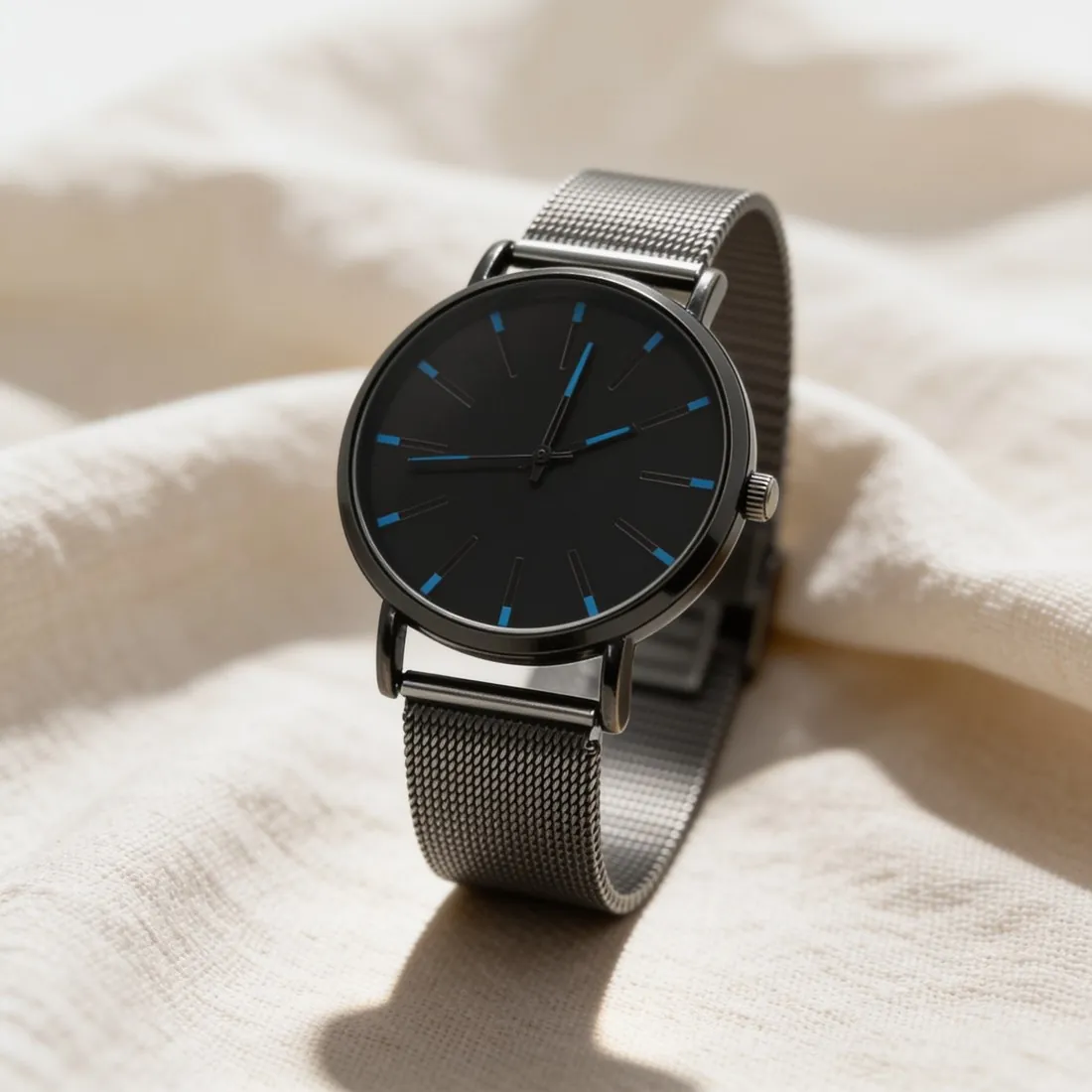
Two Lightspeed recommendations that pull apart.
- 1
Resolution for zoom
Lightspeed recommends square or rectangular high-resolution images because they give better results when customers zoom in. eCom (C-Series) stores an image unscaled up to a generous size and scales anything larger down along its longest edge. Herofab's 2K and 4K output is below that size, so neither is scaled down when stored.
- 2
Weight for page speed
The ceiling for a file on eCom (C-Series) is high, but Lightspeed recommends keeping images far lighter for page speed. A 2K PNG is heavier than the recommended weight, and the JPG download is the lighter file. Lightspeed's themes are designed so that an image is always optimised on the page, whatever the size of the original upload.
- 3
A fixed gallery, one image per variant
eCom (C-Series) allows a fixed number of images per product, higher on Omnichannel than on a standalone shop, and a unique image can be added to each variant. Files are .jpg, .jpeg, .png or .webp; a .gif is supported only in the content section or the long description. Spend the slots on distinct views: angles, a scene, a close detail.
What Lightspeed eCom asks for.
- Size
- eCom (C-Series) stores images up to 5,128 × 5,128 pixels unscaled; larger images are scaled down to 5,128 pixels on the longest edge
- File size
- 25 MB maximum per image on eCom (C-Series); keeping images under 1 MB is recommended for page speed
- Formats
- .jpg, .jpeg, .png and .webp on eCom (C-Series); .gif is only supported in the content section or long description
- Number
- 10 images per product on eCom (C-Series) standalone and 12 on Omnichannel
- Zoom
- Square or rectangular high-resolution images are recommended, as they give better results when customers zoom in
- Colour space
- Any RGB colour space is recommended; images in a CMYK colour space noticeably lose colour when uploaded
- Automatic resizing
- Themes are designed so that an image is always optimised on the page regardless of the size of the original upload
- Variant images
- A unique image can be added to each variant of a product
- Alt text
- On Lightspeed eCom (E-Series) the product name is the default alt text for all gallery images; custom alt text can be no longer than 125 symbols
A source photo that holds up under zoom.
- Wipe the product before the photo: fingerprints on metal, dust on glass and lint on fabric are recorded as part of the surface, and a high-resolution image shows them once a customer zooms in.
- Rest the phone on a shelf or a stack of books so that it cannot move; a steady exposure keeps the edges of lettering and stitching crisp, which is what zoom enlarges.
- Let the shape follow the product, upright for a bottle and level for a tray: Lightspeed's zoom recommendation covers square and rectangular images alike.
Product photos for Lightspeed eCom, answered.
How heavy may a Lightspeed product image be?
eCom (C-Series) sets a high ceiling per image, and Lightspeed recommends a much lighter file for page speed; both figures are in the table on this page. A 2K PNG from Herofab is heavier than the recommended weight, so the JPG download is the lighter file to use. The recommendation concerns loading time, while the ceiling is the stated limit for an upload.
Does colour change when an image is uploaded to Lightspeed?
Lightspeed recommends any RGB colour space and says images in a CMYK colour space noticeably lose colour when uploaded. The colour space of a file is therefore worth reading before it is uploaded. Compare the delivered image with the product in daylight: the product studio is briefed to keep its colours, and the seller confirms them.
What alt text does a Lightspeed gallery image get?
On Lightspeed eCom (E-Series) the product name is the default alt text for all gallery images, and custom alt text has a length limit, given in the table on this page. That rule is stated for E-Series, whereas the size and weight figures here are those of C-Series. In an E-Series shop a product name that says what the item is serves twice, and custom text can describe the view shown.
How much does it cost?
4 credits per image, plus one credit for 4K. The cost is shown before you generate, and if a job fails the credits are returned. The 20 free credits at sign-up cover 5 images with this tool.
Your next collection, shot this week.
20 credits at sign-up, no card required. Images made with free credits carry a watermark.