Squarespace product images, wide enough to stay sharp.
Squarespace names an ideal width for most images and a lower width under which a picture may appear blurry, and its store page crops every image to the ratio set in the layout. Herofab's product studio builds a studio or styled scene around a product from one photo and delivers it square, portrait or landscape, in 2K or 4K.
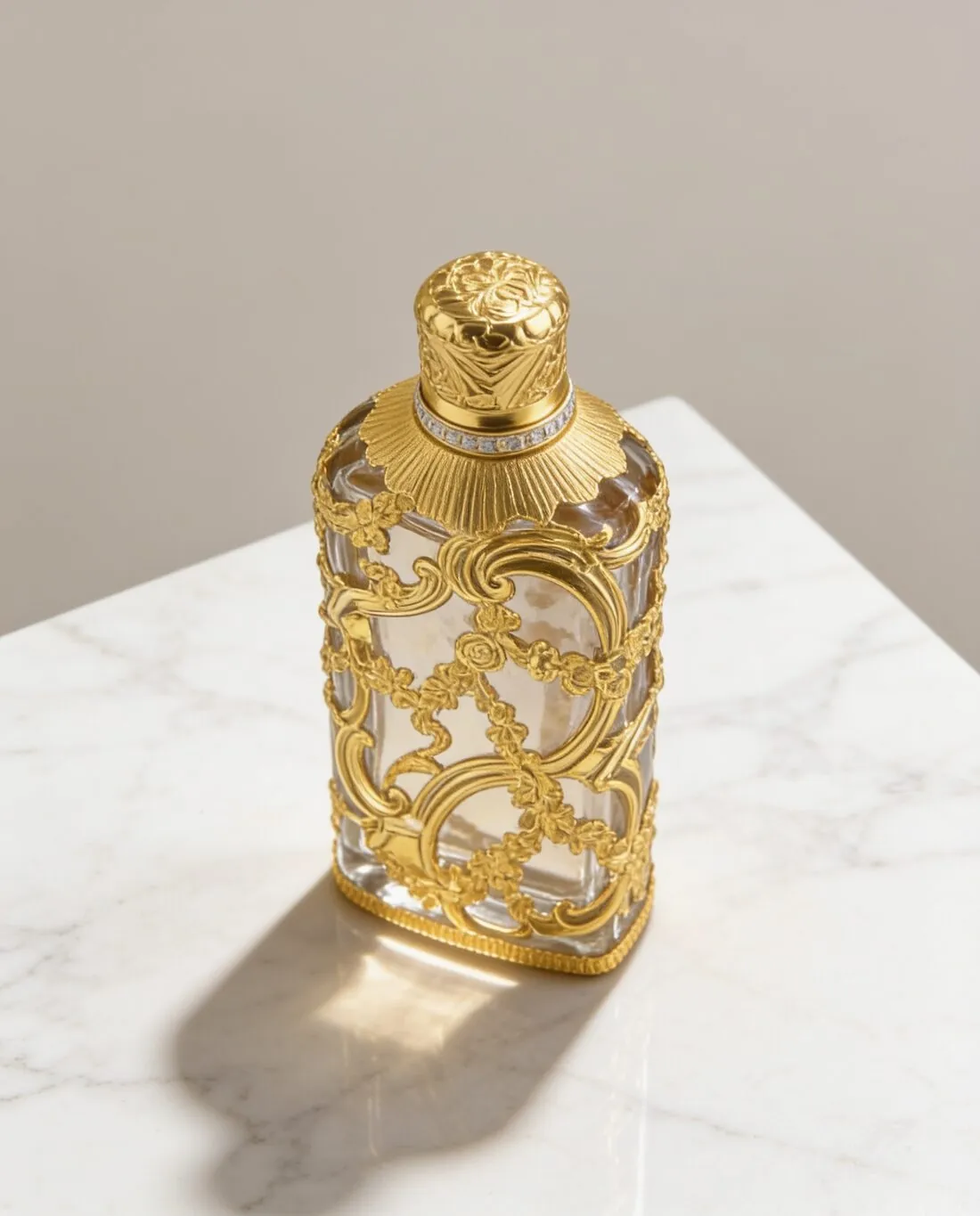
What Squarespace does with an uploaded image.
- 1
Width decides sharpness
Squarespace calls one width ideal for most images and warns that anything narrower than a lower figure may appear blurry. Square 2K output from the product studio is wider than that lower figure, and square 4K output is wider than the ideal. 4K suits products a visitor studies closely, such as a watch dial or a printed label.
- 2
The store page crops to the layout
On the store page Squarespace crops images automatically to the aspect ratio chosen in the layout settings, and it recommends editing each image to the desired ratio before uploading. Settle that ratio first, then order every product image in it. An image already made in the layout's ratio gives the automatic crop nothing to remove.
- 3
A heavy limit and a light recommendation
Squarespace caps the weight of a file and its megapixels, yet recommends a far lighter file so the site loads quickly. It makes several narrower versions of each upload and converts images to WebP by default. Uploads are .jpg, .gif, .png or .webp in sRGB; the free image size checker tests a file against these limits in the browser.
What Squarespace asks for.
Source: Squarespace Help Center — Formatting images for display on the web; Add and style product images. Checked 11 October 2026.
- Recommended
- A width of 2,500 pixels is ideal for most images; images less than 1,500 pixels wide may appear blurry
- Formats
- Only .jpg, .gif, .png or .webp; animated .webp files are not supported
- File size
- A limit of 20 MB per image; Squarespace recommends 500 KB or less so the site loads quickly
- Maximum
- 120 megapixels
- Number
- Up to 100 images per product; Squarespace recommends keeping pages under 5 MB
- Colour
- RGB colour mode with the sRGB colour profile
- Shape
- Squarespace recommends editing images to the desired ratio before uploading; on the store page, images are cropped automatically to the aspect ratio chosen in the layout settings
- Resizing
- Squarespace creates up to seven versions of each image, from 100 to 2,500 pixels wide, and converts uploaded images to WebP by default
- Alt text
- Up to 200 characters for each product image
The source photo behind a Squarespace product page.
- Stand the product where nothing overlaps it and keep its full outline in the picture; the scene is built around what the photo shows, and a missing part cannot be added back faithfully.
- Work in daylight from a window with the flash off, so that glass, metal and glaze are recorded in their real colour before a scene and its light are chosen.
- Take a second, close photo of a small part such as an embossed lid, a woven tag or a buckle; lettering of that size is what to compare first once the image is delivered.
Product photos for Squarespace, answered.
Is 2K enough for a Squarespace store, or should it be 4K?
Square 2K output is above the width under which Squarespace says an image may appear blurry, so it can be used. Square 4K output is above the width Squarespace calls ideal for most images. Squarespace then creates narrower versions of every upload itself, so the larger file acts as the source for all of them. Both widths are given in the table on this page.
In which aspect ratio should the images be ordered?
In the ratio set in the store's layout. Squarespace crops store-page images to that ratio automatically and recommends that images are edited to the desired ratio before they are uploaded. The product studio delivers square, portrait and landscape images, so the shape is chosen when the image is made and not by the crop afterwards.
How many views of one product belong on a Squarespace page?
Squarespace allows a large number of images per product and recommends keeping the weight of a page low. From one source photo the product studio offers front, three-quarter, side and top-down angles on studio grounds, marble, wood, linen, a podium, outdoors or at home. A few distinct views keep the page light, and images made on a plan or with a credit pack carry no watermark.
How much does it cost?
4 credits per image, plus one credit for 4K. The cost is shown before you generate, and if a job fails the credits are returned. The 20 free credits at sign-up cover 5 images with this tool.
Your next collection, shot this week.
20 credits at sign-up, no card required. Images made with free credits carry a watermark.