The actual product, on white or transparent.
CDON requires a white or transparent background on all product images, and its primary image must show the actual product. Remove background works on the seller's own photo: the product is cut out and delivered on white, or transparent as a PNG, and it is not redrawn.
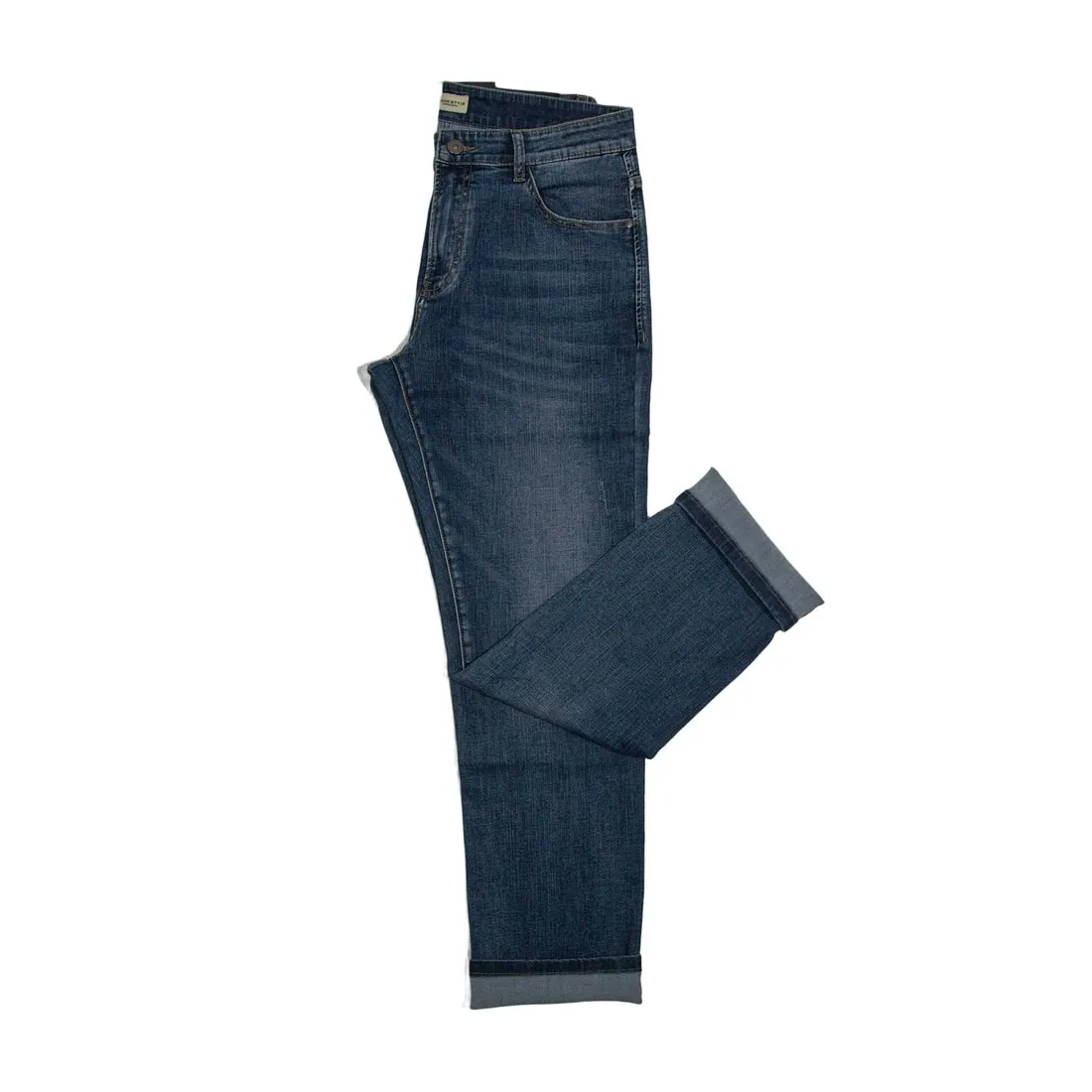
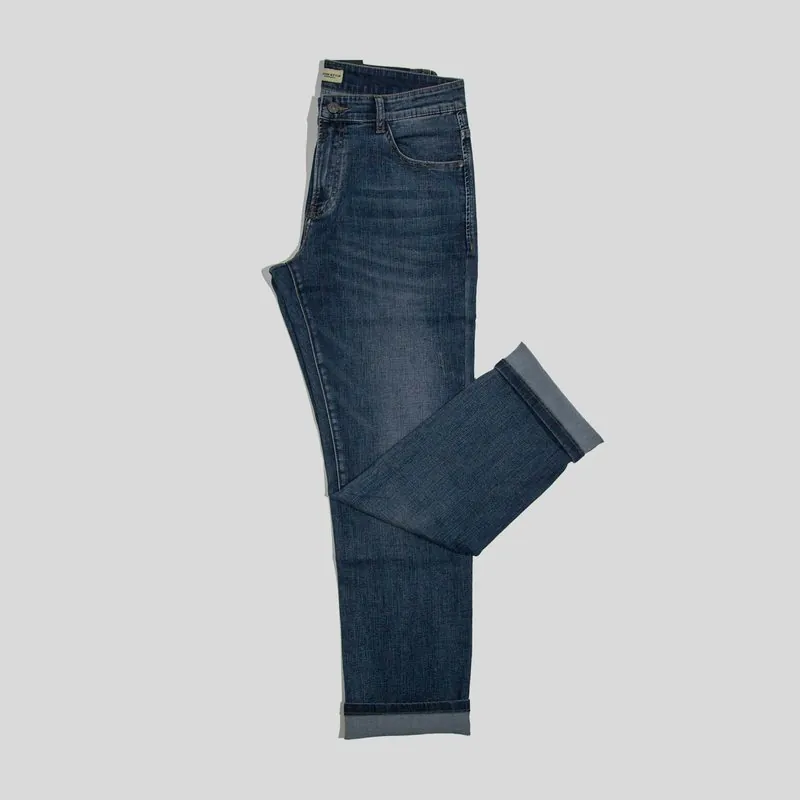
Three checks before a CDON upload.
- 1
Too small is rejected automatically
CDON sets a minimum resolution and rejects images below it automatically, and it takes PNG and JPEG files only. Herofab delivers in 2K, or 4K as an option, and a transparent result is a PNG. Size is not sharpness, though: the cut-out leaves the product as photographed, so a soft source photo gives a soft main image.
- 2
No text or watermark on the main image
CDON's product page guidelines ask for a main image without text or watermarks, and its list of what is not allowed names watermarks, logos, URLs, borders and any kind of text. Remove background takes away the background, not a caption or a badge laid over a supplier image. Begin with a photo that carries none of them.
- 3
AI for the background, not the product
AI images may be used on CDON, but must not misrepresent the product being sold. The primary image must show the actual product; AI may enhance backgrounds or create inspirational settings, not alter the product or add features, accessories or details the customer will not receive. Remove background changes the background only.
What CDON asks for.
Source: CDON — Product Image Guidelines. Checked 27 September 2026.
- Minimum
- 600 × 600 pixels; images below this resolution are rejected automatically
- File
- PNG and JPEG only
- Background
- White or transparent, on all product images
- Framing
- The product clearly displayed and fully visible, occupying 75–90% of the image frame
- First image
- CDON's product page guidelines ask for at least five high-quality images per product, the first showing the product clearly, front facing, on a white background, and no text or watermarks on the main image
- AI images
- May be used, but must not misrepresent the product being sold. The primary product image must show the actual product; AI may enhance backgrounds or create inspirational settings, but must not alter the product or add features, accessories or details the customer will not receive
- Not allowed
- Watermarks, logos, URLs, borders or any kind of text; variations in colour, pattern or material; generic images, graphics or illustrations outside the Hardware and Vehicles and Parts categories
Photographing the product CDON shows first.
- Turn the front of the product to the camera and shoot straight on; CDON's guidelines describe the first image as the product shown clearly, front facing, on white.
- Frame the whole product with a modest margin on each side: CDON wants it fully visible and occupying most of the image, so neither a tight crop nor a small item in a wide field fits.
- Take off price stickers, shop cards and loose packaging before the shot, since the cut-out removes the background while anything attached to the product stays in the picture.
Product photos for CDON, answered.
What can fill the other images of a CDON listing?
CDON's product page guidelines ask for at least five high-quality images per product, the first front facing on white. Further views from the seller's own photos can be cut out the same way. Virtual try-on on a studio white background and Ghost mannequin views can serve as additional images, never as the primary one; the seller reads CDON's current AI rule first.
Can an image made on free credits go into a CDON listing?
Images made on Herofab's free credits carry a watermark, and CDON does not allow watermarks on product images. Those images serve to judge the cut-out: the edge, the white, the framing. Images made on a plan or with a credit pack carry nothing added on top, and they are the files for the listing.
How is a CDON image tested before it is uploaded?
Herofab's free CDON checker opens each file in the browser and compares it with the published rules, including the minimum below which CDON rejects an image; the file is not uploaded anywhere. Whether the image shows the product as the customer will receive it, in colour, pattern and material, is the seller's comparison, and CDON decides what it accepts.
How much does it cost?
1 credit per image. The cost is shown before you generate, and if a job fails the credits are returned. The 20 free credits at sign-up cover 20 images with this tool.
Your next collection, shot this week.
20 credits at sign-up, no card required. Images made with free credits carry a watermark.