One packshot, three WooCommerce image sizes.
WooCommerce generates its display sizes from one upload: the single product image, the catalogue image and the thumbnail, each at the dimensions the theme sets. Herofab's packshot studio delivers the product alone on a white studio background from a phone photo, in 2K or 4K, above the upload size WooCommerce recommends.
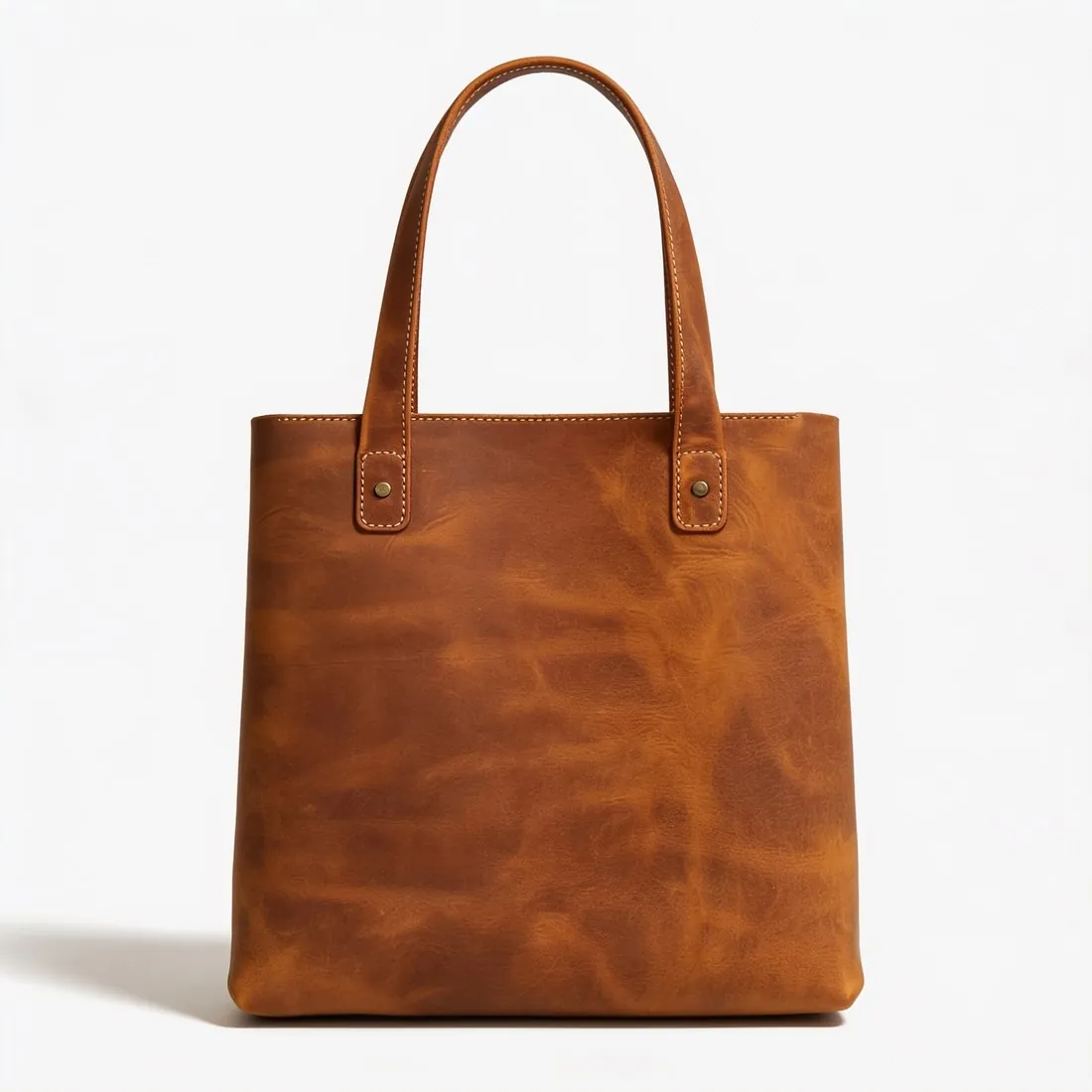

What a theme does with a product image.
- 1
Three sizes from one upload
WooCommerce works with three image types: the single product image, catalogue images in product loops such as the shop page, and product thumbnails. All are generated from the upload. It recommends a minimum upload size and prefers larger images for fine detail. Herofab's 2K and 4K output is above that size in every aspect ratio.
- 2
A square for the catalogue crop
Catalogue thumbnails can be cropped square, cropped to a custom ratio or left uncropped, and uncropped images can appear in uneven sizes. A square packshot fits the square setting with no cut into the product. Each packshot shows the product once, centred and filling most of the frame, so the items of a shop page appear at one scale.
- 3
Zoom, retina and regenerated thumbnails
In the Storefront theme the largest single product image has the size its zoom effect requires, and for retina displays WooCommerce advises thumbnails set to double the size the theme renders. A large upload leaves room for both. Once a new theme is activated or the image dimensions change, existing thumbnails need to be regenerated.
What WooCommerce asks for.
Source: WooCommerce Documentation — Adding product images and galleries; Fixing blurry product images. Checked 11 October 2026.
- Recommended
- Upload images that are at least 800 × 800 pixels; larger images are better for products with fine detail
- Image types
- Three types: the single product image, catalogue images in product loops such as the shop page, and product thumbnails
- Resizing
- WooCommerce generates the display sizes from the upload; in classic themes the single product image defaults to 600 pixels wide, catalogue thumbnails to 300 pixels wide and gallery thumbnails to 100 × 100 pixels
- Crop
- Catalogue thumbnails can be set to 1:1, to a custom ratio or left uncropped; uncropped images can appear in uneven sizes
- Storefront theme
- In the Storefront theme the largest single product image is 800 × 800 pixels, the size its zoom effect requires
- Retina
- For sharp images on retina displays, set thumbnails to double the size the theme renders
- Changes
- After activating a new theme or changing image dimension settings, previously created thumbnails need to be regenerated
A phone photo for a WooCommerce packshot.
- Set the product down in a compact pose, handles upright and cords or straps gathered close, so that it fills a square without wide empty corners.
- A table, a hand, a box or a price tag may stay in the photo, since the tool is briefed to use only the product; what counts is that none of them covers part of it.
- Tap to focus on the label or the finest seam before pressing the shutter; a theme's zoom enlarges the single product image, and softness in the source shows there first.
Product photos for WooCommerce, answered.
Does a WooCommerce shop need a separate file for each image size?
No. WooCommerce generates the single product image, the catalogue image and the gallery thumbnail from one upload, at the dimensions the theme sets. What the upload has to bring is enough pixels: WooCommerce recommends a minimum and prefers larger images for fine detail. Packshots are delivered in 2K, or 4K as an option, and both are above that recommendation.
Why do catalogue images come out in uneven sizes?
WooCommerce lets catalogue thumbnails stay uncropped, and uncropped images of different shapes can then appear in uneven sizes. Two things settle it: a crop setting, square or a custom ratio, and uploads that already share one shape. Packshots ordered square for every product suit the square setting as they are. If the setting is changed later, the thumbnails need to be regenerated.
Can the packshot have a shadow or a ground other than white?
Both are settings. The packshot studio offers a soft contact shadow, no shadow or a reflection, and besides studio white it can set the product on grey or beige, on marble, wood or linen, on a podium, outdoors, at home or on the shop's own image. The WooCommerce rules listed on this page concern size and cropping and do not prescribe a background, so the choice lies with the shop.
How much does it cost?
4 credits per image, plus one credit for 4K. The cost is shown before you generate, and if a job fails the credits are returned. The 20 free credits at sign-up cover 5 images with this tool.
Your next collection, shot this week.
20 credits at sign-up, no card required. Images made with free credits carry a watermark.