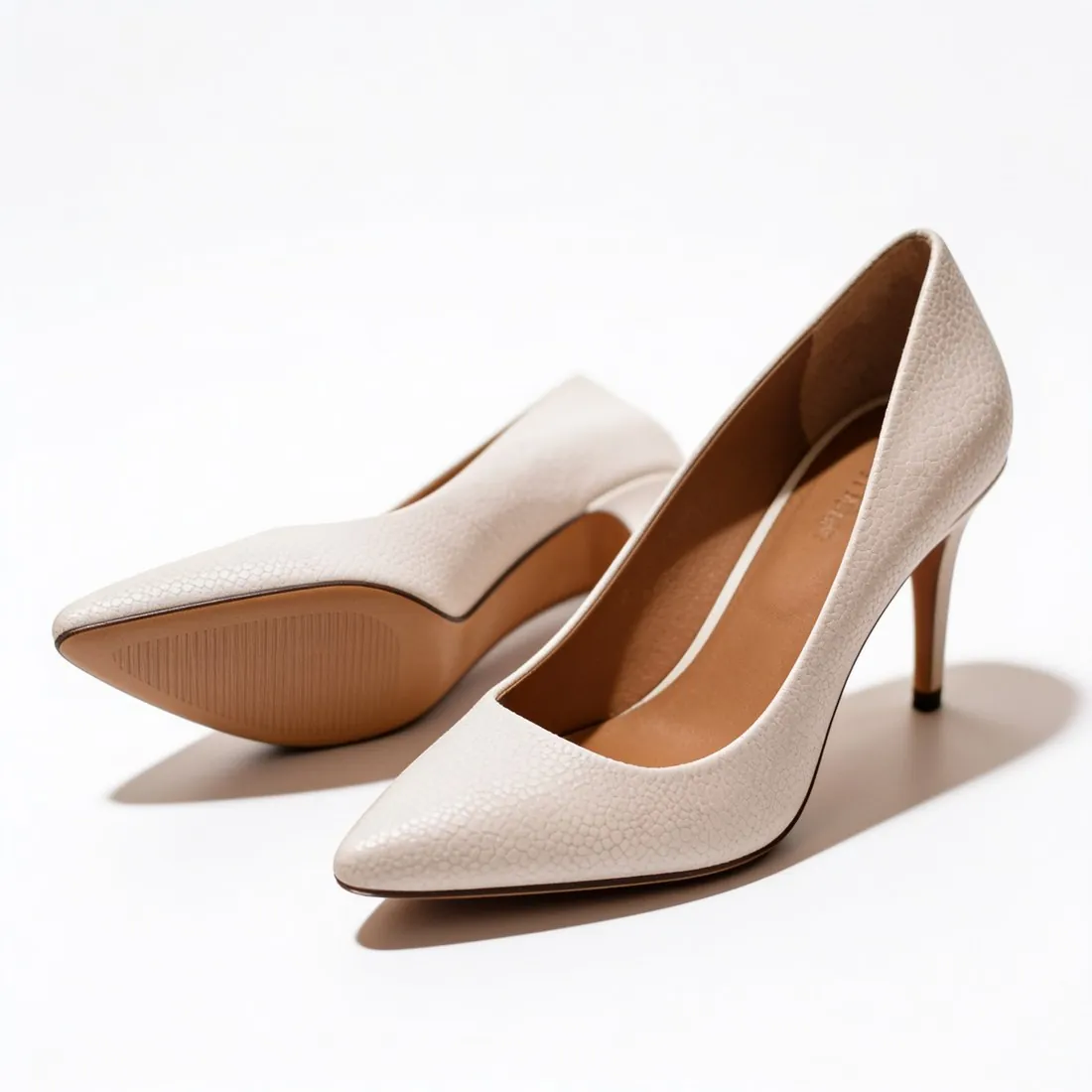
An Ecwid main image, the product alone on white.
Ecwid sets no strict rules on image size, but it treats the first uploaded image as the main one: the thumbnail on category pages and the opening picture of the product page. Herofab's packshot studio makes that image from a phone photo, with the product alone on a white studio background and evenly lit.
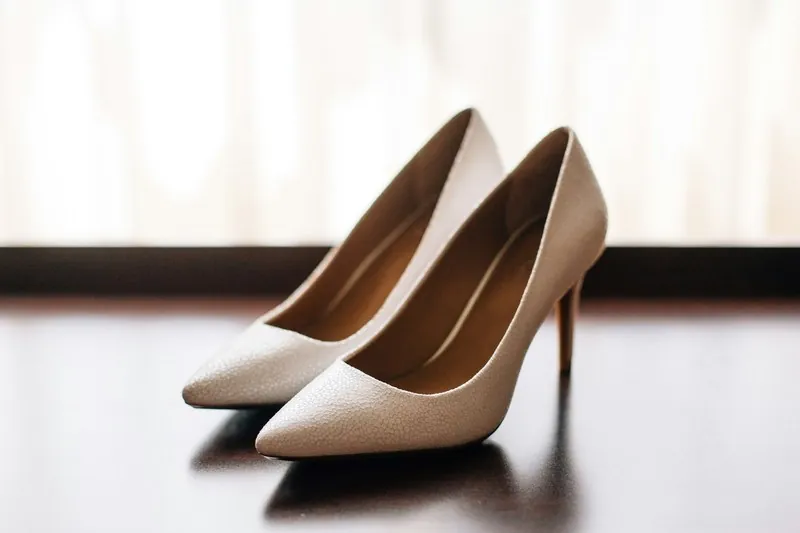
Where Ecwid's guidance becomes specific.
- 1
The first upload is the main image
The image uploaded first becomes the thumbnail on category pages and the first picture on the product page. It is seen small before large, so the product has to be whole, centred and readable at thumbnail size. A packshot fills most of the frame with the product and shows no people, hands or mannequins, which a small view needs.
- 2
One proportion across the gallery
Ecwid names a handful of proportions as the most appealing, square and upright three-by-four among them, and asks for a single aspect ratio and orientation across a product's gallery. Those two are also among Herofab's aspect ratios. Decide between square and upright once per product, then order the further angles in that same shape.
- 3
Watermarks and transparent PNGs
Ecwid warns that a copyright watermark can block a product from uploading to a third-party marketplace or advertising service, and that high-resolution transparent PNG images may load slowly on category pages. Herofab images made on a plan or with a credit pack carry no watermark, and a packshot stands on solid white, not on transparency.
What Ecwid asks for.
Source: Ecwid Help Center — Product images. Checked 11 October 2026.
- Recommended
- At least 1,000 pixels; Ecwid sets no strict rules on image size or resolution, and says larger images give better quality on desktop and mobile
- Formats
- JPG, PNG and GIF in RGB colour mode; the WebP format can also be uploaded
- File size
- Up to 20 MB per image; heavy images are compressed automatically
- Number
- An unlimited number of images per product; only one image for each product variation
- Aspect ratio
- Ecwid names 1:1, 3:4, 4:3, 2:3 and 3:2 as the most appealing proportions, and asks for one aspect ratio and orientation across a product's gallery
- First image
- The first uploaded image is the main one: the thumbnail on category pages and the first image on the product page
- Transparency
- High-resolution PNG images with a transparent background may load slowly on category pages
- Watermarks
- A copyright watermark on an image can block a product from uploading to a third-party marketplace or advertising service such as Google Shopping
Photographing for a thumbnail that reads small.
- Choose the side that identifies the product at a glance, the face of a watch, the profile of a shoe, the front of a bag, because the first image doubles as the category thumbnail.
- Rest the product on a surface darker or lighter than itself; a distinct edge in the source photo is what gives a white or pale product its outline on a white ground.
- Photograph every variation separately and in the same position, since Ecwid shows only one image for each product variation and that image has to explain it alone.
Product photos for Ecwid, answered.
What size should an Ecwid product image be?
Ecwid sets no strict rule on size or resolution. It suggests a minimum and adds that larger images give better quality on desktop and mobile; the figure is in the table on this page. Square 2K output from the packshot studio is above that suggestion, with 4K as an option. Ecwid also caps the weight of a file and compresses heavy images automatically.
How many images can one Ecwid product hold?
For the product itself Ecwid sets no limit on the number, and each product variation takes one image. After the main packshot, further images can show other angles from the same upload, three-quarter, side or top-down, or the product on marble, wood or linen. Ecwid asks for one aspect ratio and orientation across the gallery, so later images follow the shape of the first.
Which file formats does Ecwid accept for product images?
JPG, PNG and GIF in RGB colour mode, and WebP can be uploaded as well. Herofab images download as PNG or JPG. A packshot on white has no transparent area, the case Ecwid flags as slow to load on category pages. The free image size checker tests format and file weight against Ecwid's published limits in the browser, and the file is not uploaded.
How much does it cost?
4 credits per image, plus one credit for 4K. The cost is shown before you generate, and if a job fails the credits are returned. The 20 free credits at sign-up cover 5 images with this tool.
Your next collection, shot this week.
20 credits at sign-up, no card required. Images made with free credits carry a watermark.