OnBuy product image requirements
OnBuy product images: 500 × 500 pixels recommended, 1,000 × 1,000 maximum, up to 10 MB, JPG, JPEG, PNG or GIF, white background where possible.
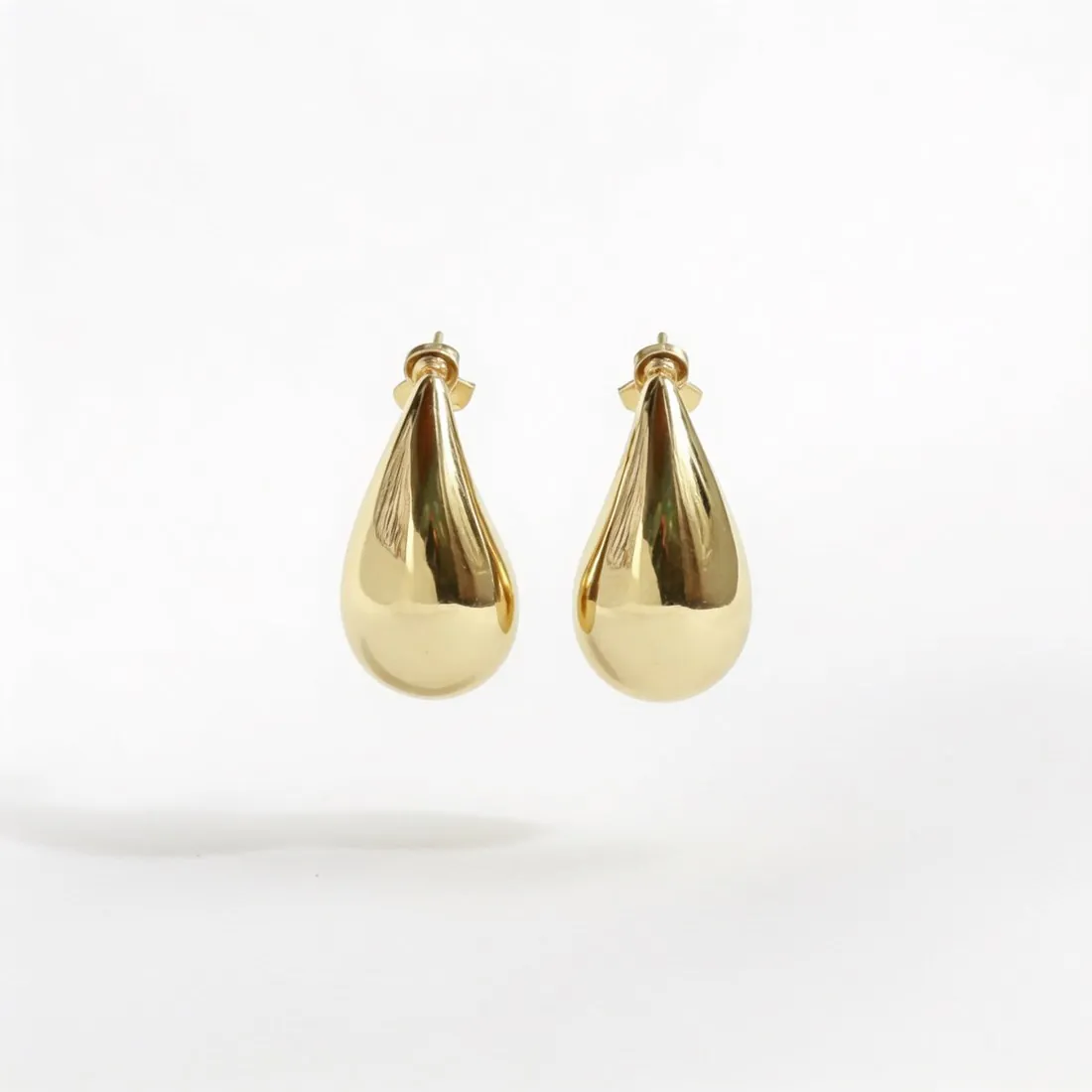
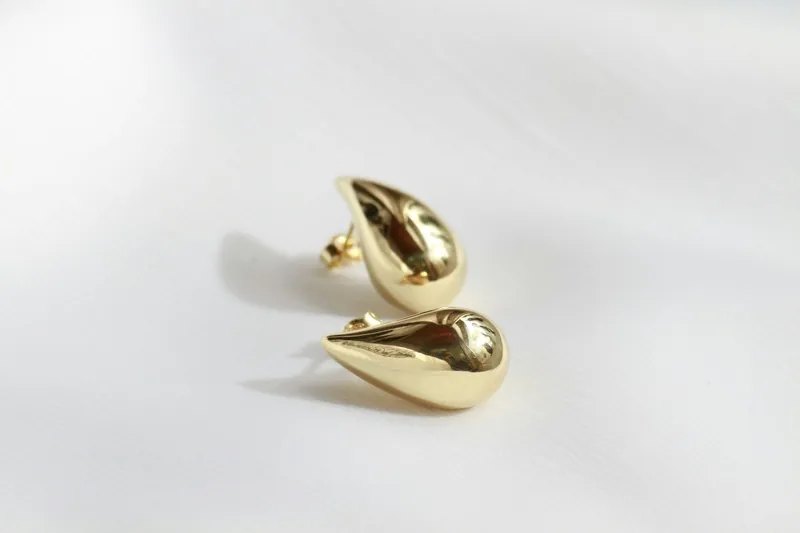
All OnBuy image requirements
Source: OnBuy — OnCommerce API Documentation v2 (Image Download Requirements; Content Scope); Seller Terms v3.0.0. Checked 12 October 2026.
- Formats
- JPG, JPEG, PNG and GIF only
- Recommended
- 500 × 500 pixels for best results
- Maximum
- 1,000 × 1,000 pixels
- File size
- Maximum 10 MB
- Background
- White background colour where possible; the photographic quality must be high
- Image hosting
- Image URLs must be fully accessible over the public internet, without authentication, IP allowlisting, expiring signatures or token-based access; Imgur links are rejected
- Not allowed
- Product pages must not contain nude images or obscene or discriminatory content
- Shared across sites
- Default and additional image URLs are global content, shared across all OnCommerce sites such as OnBuy UK and OnBuy FR
- Processing
- Only the image URL is checked when a product is submitted; images are downloaded and processed when the product is actually created
What OnBuy asks for, covered.
OnBuy recommends 500 × 500 pixels and sets a maximum of 1,000 × 1,000. Herofab's square 2K output is 2,048 pixels per side, above that maximum, so it has to be resized to 1,000 × 1,000 or smaller before upload. OnBuy asks for a white background where possible; Herofab's packshot studio delivers the product alone on a white studio background. Herofab images can be downloaded as PNG or JPG, two of the formats OnBuy accepts.
Resize to 1,000 × 1,000
Square 2K output is 2,048 pixels per side, above OnBuy's 1,000 × 1,000 maximum.
White where possible
Packshot studio delivers the product alone on a white studio background.
PNG or JPG
Herofab images can be downloaded as PNG or JPG, two of the formats OnBuy accepts.
OnBuy, answered.
What size should OnBuy product images be?
OnBuy product images: 500 × 500 pixels recommended, 1,000 × 1,000 maximum, up to 10 MB, JPG, JPEG, PNG or GIF, white background where possible.
Which file formats does OnBuy accept for product images?
JPG, JPEG, PNG and GIF only. Source: OnBuy — OnCommerce API Documentation v2 (Image Download Requirements; Content Scope); Seller Terms v3.0.0, checked 12 October 2026.
How large can a product image file be on OnBuy?
Maximum 10 MB. Source: OnBuy — OnCommerce API Documentation v2 (Image Download Requirements; Content Scope); Seller Terms v3.0.0, checked 12 October 2026.
What background should product images have on OnBuy?
White background colour where possible; the photographic quality must be high. Source: OnBuy — OnCommerce API Documentation v2 (Image Download Requirements; Content Scope); Seller Terms v3.0.0, checked 12 October 2026.
What is not allowed in product images on OnBuy?
Product pages must not contain nude images or obscene or discriminatory content. Source: OnBuy — OnCommerce API Documentation v2 (Image Download Requirements; Content Scope); Seller Terms v3.0.0, checked 12 October 2026.
Can I check my images before uploading?
Yes. The free image size checker reads each file in your browser and tests it against these rules; the image is not uploaded.
Where do these figures come from?
From OnBuy — OnCommerce API Documentation v2 (Image Download Requirements; Content Scope); Seller Terms v3.0.0, read on 12 October 2026. Marketplaces update their rules; the official page is the final reference.
Your next collection, shot this week.
20 credits at sign-up, no card required. Images made with free credits carry a watermark.