Newegg product image requirements
Newegg product images: at least 640 × 480 pixels, JPG, JPEG, GIF or PNG up to 5 MB, 7 images per seller, and no people in the primary image.
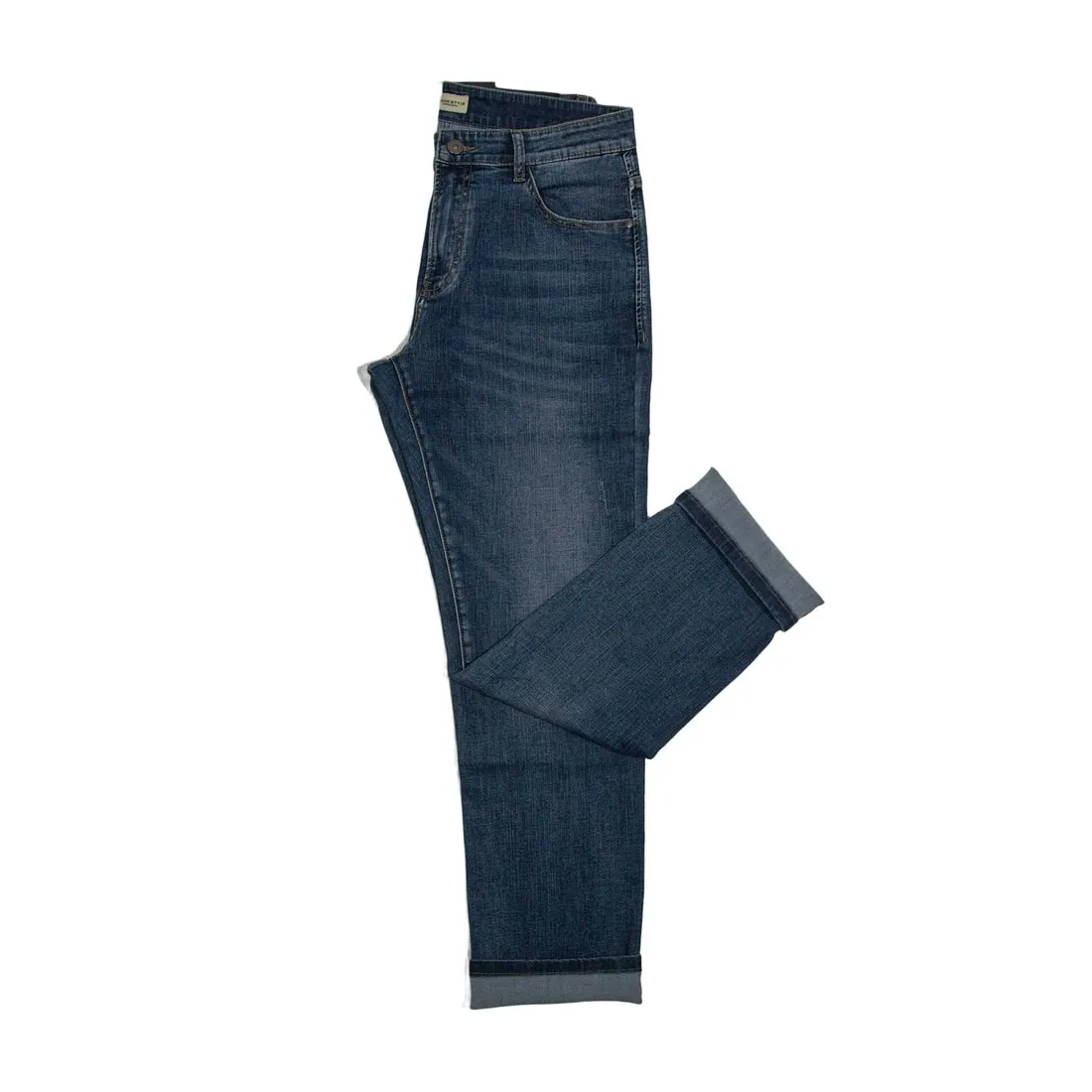
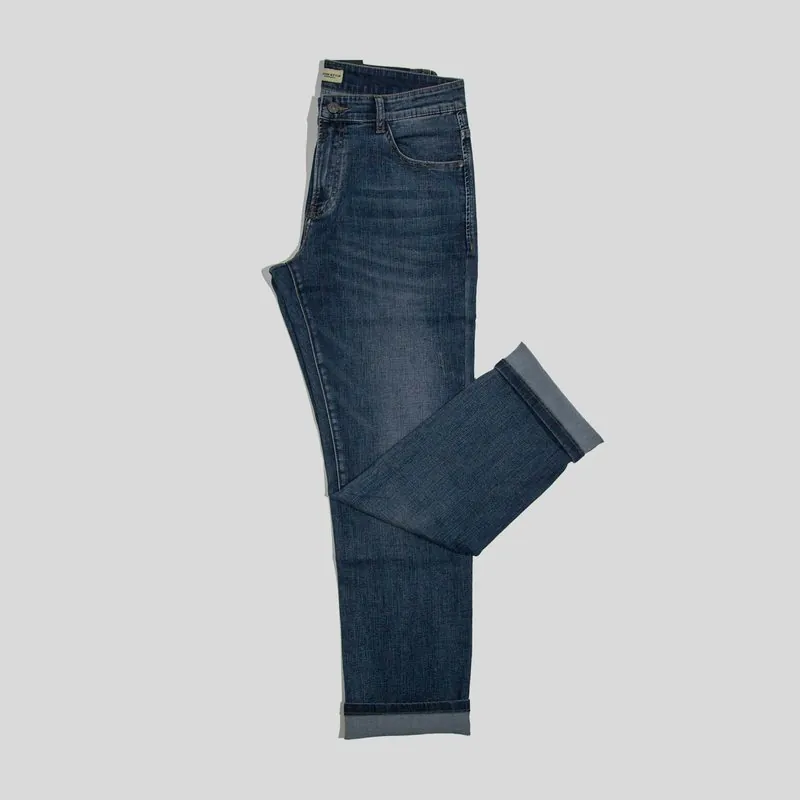
All Newegg image requirements
Source: Newegg Marketplace Seller Academy — Product Image and Video Policies and Guidelines; Updating Items 3.0; View Items 3.0; Newegg Developer Portal — Item Basic Information Feed. Checked 12 October 2026. Read again · 12 October 2026
- Minimum
- Seller Portal uploads must be no less than 640 × 480 pixels (width × height); the image policy asks every image to meet two of three criteria: 640 pixels wide, 480 pixels high, no more than 5 MB
- Formats
- JPG, JPEG, GIF and PNG in Seller Portal; the data feed lists JPG, JPEG and GIF for image URLs
- File size
- No more than 5 MB per image in Seller Portal; the data feed accepts up to 10 MB per image
- Number
- Up to 7 images per seller for each item
- Main image
- Must not show a real person, body parts or a model, and must not be a collage of images
- Background
- Images must have an appropriate background; Newegg says a white background usually looks best
- Not allowed
- Borders, watermarks, logos, extra text, copyright or seller-specific information, identical images, blank images and fillers such as "Image Coming Soon"
- Collages
- An image must not contain a collage of images, unless it shows important variances such as colour or size and dimensions
- Accuracy
- Every image must be the actual image of the product and must not contradict the product specifications, short title or description
What Newegg asks for, covered.
Newegg's primary image shows the product without a person or a model, and Newegg says a white background usually looks best. Herofab's packshot studio delivers the product alone on a white studio background; square 2K output is 2,048 pixels wide, above the 640 × 480 minimum. A 2K PNG can weigh more than the 5 MB limit in Seller Portal, so the JPG download is the safer file. Images made on a plan or with a credit pack carry no watermark or added text.
Product alone on white
Packshot studio delivers the product alone on a white studio background, without a person or a model.
Above 640 × 480
Square 2K output is 2,048 pixels wide, above Newegg's minimum.
JPG under 5 MB
Herofab images can be downloaded as PNG or JPG; a 2K PNG can exceed the 5 MB limit in Seller Portal.
Newegg, answered.
What size should Newegg product images be?
Newegg product images: at least 640 × 480 pixels, JPG, JPEG, GIF or PNG up to 5 MB, 7 images per seller, and no people in the primary image.
Which file formats does Newegg accept for product images?
JPG, JPEG, GIF and PNG in Seller Portal; the data feed lists JPG, JPEG and GIF for image URLs. Source: Newegg Marketplace Seller Academy — Product Image and Video Policies and Guidelines; Updating Items 3.0; View Items 3.0; Newegg Developer Portal — Item Basic Information Feed, checked 12 October 2026.
How large can a product image file be on Newegg?
No more than 5 MB per image in Seller Portal; the data feed accepts up to 10 MB per image. Source: Newegg Marketplace Seller Academy — Product Image and Video Policies and Guidelines; Updating Items 3.0; View Items 3.0; Newegg Developer Portal — Item Basic Information Feed, checked 12 October 2026.
How many images per product on Newegg?
Up to 7 images per seller for each item. Source: Newegg Marketplace Seller Academy — Product Image and Video Policies and Guidelines; Updating Items 3.0; View Items 3.0; Newegg Developer Portal — Item Basic Information Feed, checked 12 October 2026.
What should the main image look like on Newegg?
Must not show a real person, body parts or a model, and must not be a collage of images. Source: Newegg Marketplace Seller Academy — Product Image and Video Policies and Guidelines; Updating Items 3.0; View Items 3.0; Newegg Developer Portal — Item Basic Information Feed, checked 12 October 2026.
What background should product images have on Newegg?
Images must have an appropriate background; Newegg says a white background usually looks best. Source: Newegg Marketplace Seller Academy — Product Image and Video Policies and Guidelines; Updating Items 3.0; View Items 3.0; Newegg Developer Portal — Item Basic Information Feed, checked 12 October 2026.
What is not allowed in product images on Newegg?
Borders, watermarks, logos, extra text, copyright or seller-specific information, identical images, blank images and fillers such as "Image Coming Soon". Source: Newegg Marketplace Seller Academy — Product Image and Video Policies and Guidelines; Updating Items 3.0; View Items 3.0; Newegg Developer Portal — Item Basic Information Feed, checked 12 October 2026.
Can I check my images before uploading?
Yes. The free image size checker reads each file in your browser and tests it against these rules; the image is not uploaded.
Where do these figures come from?
From Newegg Marketplace Seller Academy — Product Image and Video Policies and Guidelines; Updating Items 3.0; View Items 3.0; Newegg Developer Portal — Item Basic Information Feed, read on 12 October 2026. Marketplaces update their rules; the official page is the final reference.
Your next collection, shot this week.
20 credits at sign-up, no card required. Images made with free credits carry a watermark.