The Allegro thumbnail, the product alone on white.
On Allegro the first image of the gallery is the thumbnail, and it stands on white with nothing added to it. Herofab's packshot studio takes a phone photo of shoes, a bag, a watch or sunglasses and delivers the product alone on a white studio background, evenly lit, with other grounds for the gallery images that come after it.
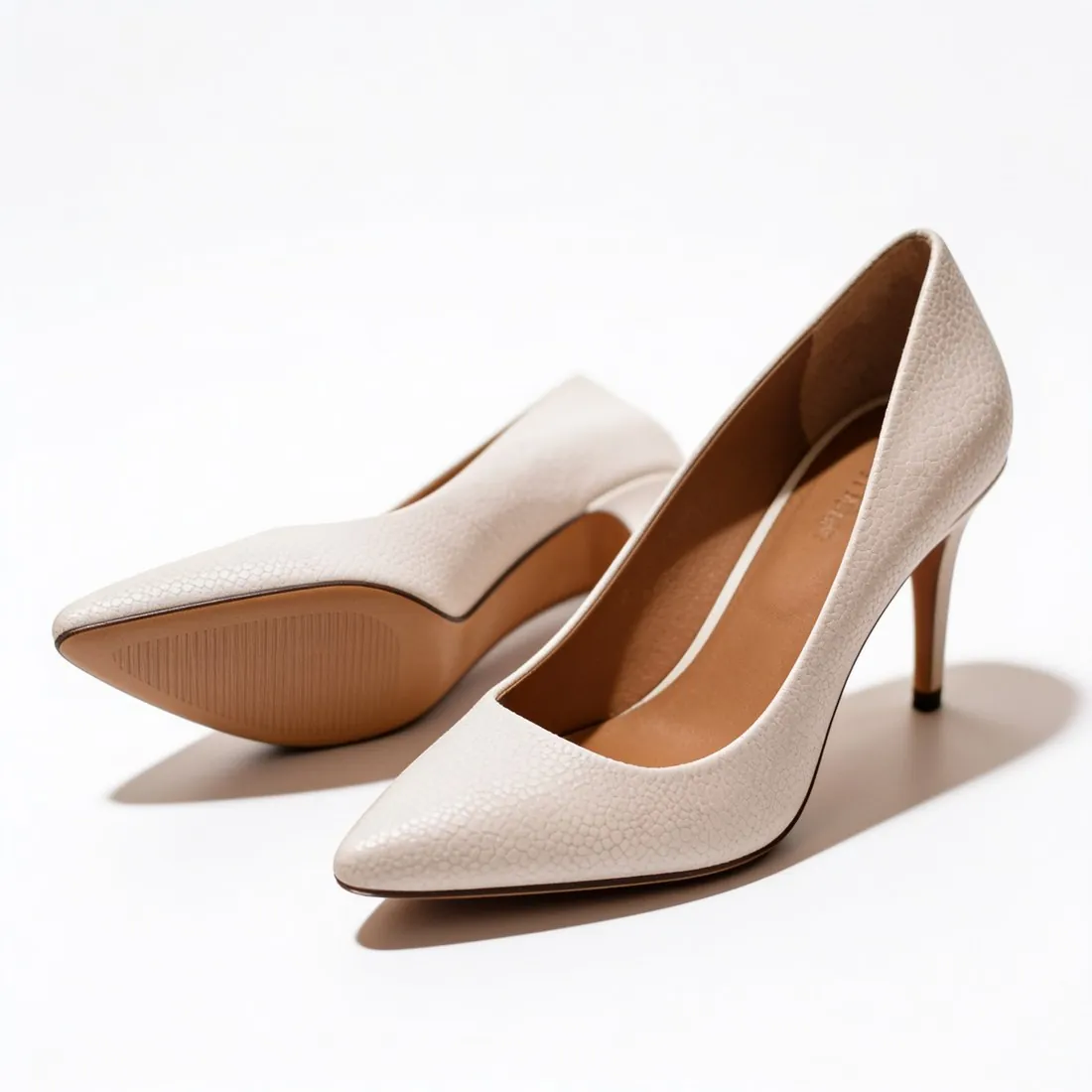
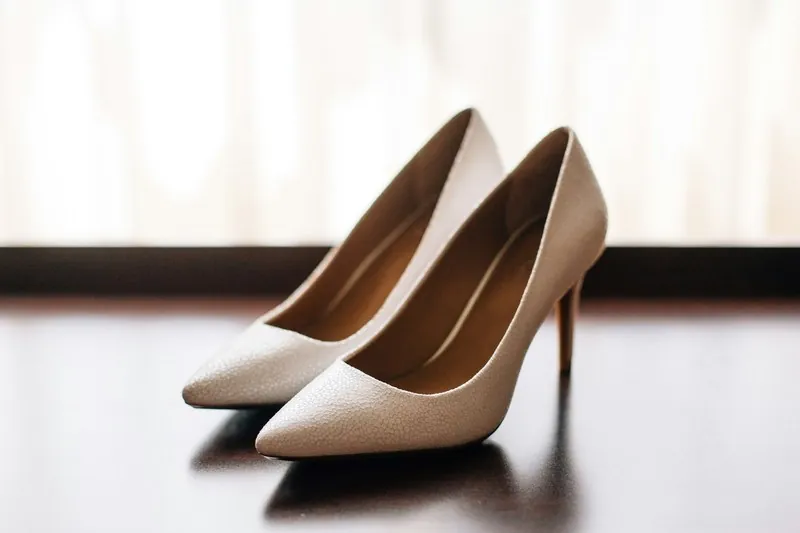
Three rules behind an Allegro gallery.
- 1
White thumbnail, light grey in Fashion
Allegro's thumbnail stands on a pure white background; in the Fashion categories a uniform white or a uniform light grey is accepted. The other gallery images may use any background. The packshot studio's white is a clean, evenly lit studio white, so test the delivered thumbnail's background in the free Allegro checker before upload.
- 2
Nothing added to the picture
Watermarks, logos, text, icons, frames and other decorations are not allowed on the thumbnail, and gallery images may not carry added text or the seller's logo. A packshot shows the product once, with no people, hands or mannequins. Images made on free credits carry a watermark, so the thumbnail has to come from an image made without one.
- 3
With a model or without
Allegro's Fashion guidance shows clothing on a model, from the front and uncropped, while shoes, jewelry, watches, purses, backpacks and sunglasses are shown without a model. The second group is packshot work. Virtual try-on dresses a studio model in a garment; Allegro hides images in which it recognises a face from its Product Catalog.
What Allegro asks for.
Source: Allegro — Rules for images in the gallery and in descriptions. Checked 27 September 2026.
- Size
- At least 500 pixels on the longer side; uploads up to 26 megapixels; images are shown at up to 2,560 × 2,560 pixels, and larger ones are scaled down proportionally
- File
- JPG, JPEG or PNG (WEBP also through the API or a file); any proportions, such as 1:1, 4:3 or 16:9; only the sRGB profile for full colour fidelity
- Background
- The thumbnail — the first image — on white, RGB 255.255.255; in the Fashion categories and kids' clothing and footwear, a uniform white or uniform light grey (HSV value V of at least 0.8); other gallery images may use any background
- Fashion thumbnails
- Allegro's Fashion guidance: clothing on a model, from the front, uncropped, taking up around 80% of the photo height and/or width; shoes, jewellery, watches, purses, backpacks and sunglasses without a model
- Models
- Models may appear with the product in any category; images in which Allegro recognises a face are hidden from the Allegro Product Catalog and the product change request form
- Not allowed
- On the thumbnail: watermarks, logos, text, icons, frames or other decorations; in gallery images: added text or your logo
- AI images
- Under the EU AI Act, AI-generated or AI-modified photos that might appear authentic must be labelled; Allegro names an AI-generated background and virtual models as examples, and its label option adds an AI label to the photo as a watermark
Shooting the product for a thumbnail on white.
- Keep the product whole inside the photo with nothing cut off at the edge; the thumbnail is built from this view, and a missing heel, strap or temple arm cannot be added back faithfully.
- Leave promotional cards, stickers and props out of the shot: the Allegro thumbnail allows no text, icon or decoration, and the product alone is what the photo should record.
- Use daylight from a window and switch off the flash, so that a white sole or pale leather keeps a clear edge against the white of the thumbnail.
Product photos for Allegro, answered.
Does an AI-made image need a label on Allegro?
Allegro states that, under the EU AI Act, AI-generated or AI-modified photos that might appear authentic must be labelled, and names an AI-generated background and virtual models as examples. Its label option adds an AI label to the photo as a watermark and is set by the seller when the photo is added. Every Herofab image also carries a machine-readable AI marker in the file.
Which view should the thumbnail show for shoes or a bag?
The product without a model, on white: that is how Allegro's Fashion guidance describes shoes, jewelry, watches, purses, backpacks and sunglasses. The packshot studio offers front, three-quarter, side and top-down views; profile is the usual view for shoes and the front for a bag. Scenes on wood, linen or marble belong further down the gallery, where any background may be used.
Which proportions and file types does Allegro take?
Allegro accepts any proportions, square, landscape or portrait, takes JPG or PNG uploads, and asks for the sRGB profile for full colour fidelity. Herofab delivers square, portrait and landscape ratios in 2K, or 4K as an option. The size and proportions of a finished file can be tested against Allegro's published figures in the free checker, which works in the browser and uploads nothing.
How much does it cost?
4 credits per image, plus one credit for 4K. The cost is shown before you generate, and if a job fails the credits are returned. The 20 free credits at sign-up cover 5 images with this tool.
Your next collection, shot this week.
20 credits at sign-up, no card required. Images made with free credits carry a watermark.