Product photos ready for Allegro.
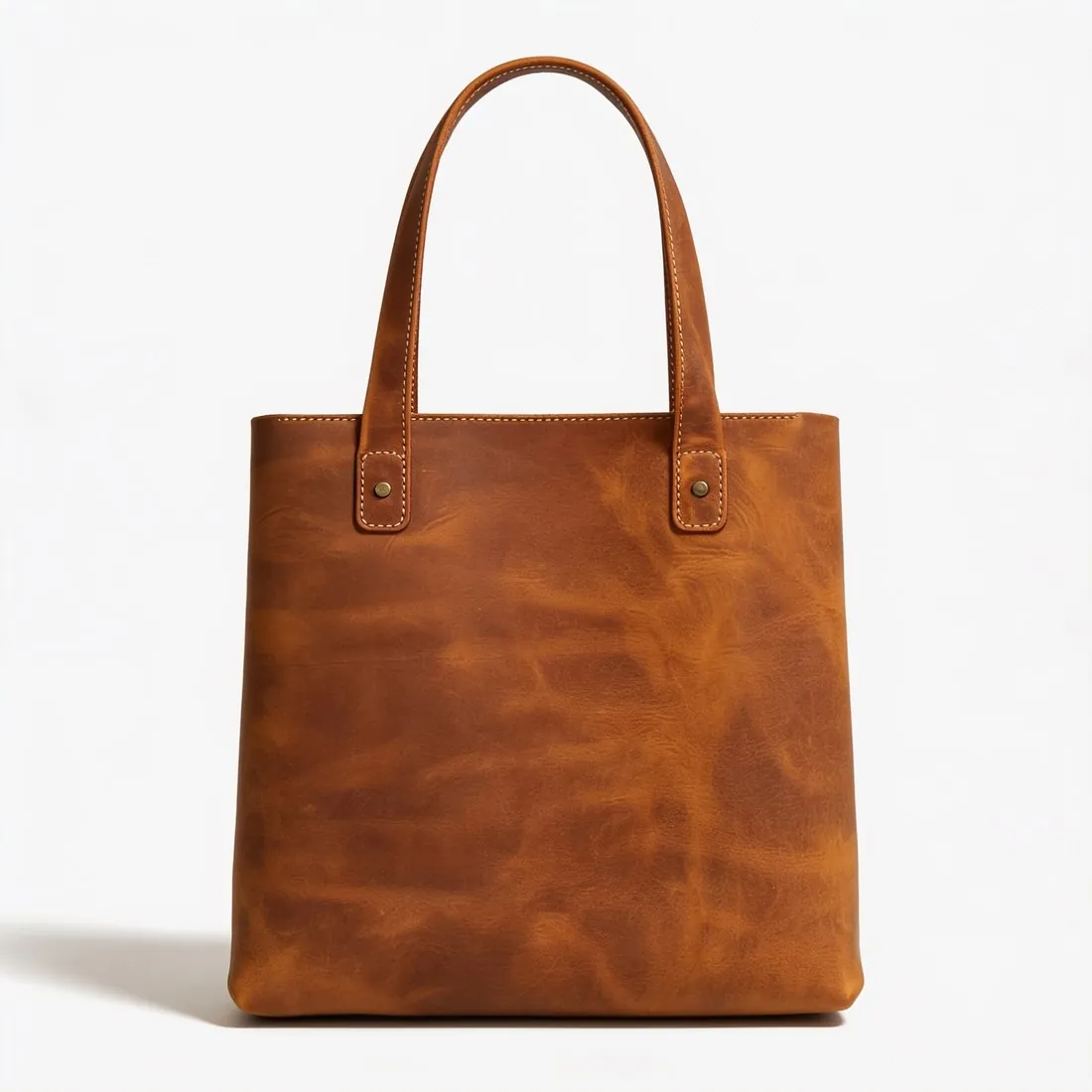
Virtual try-on shows clothing on a model, as Allegro's Fashion guidance describes for clothing thumbnails, and background removal or the product studio shows shoes, jewellery, bags and eyewear alone on white. Every image carries IPTC AI-generated metadata.

What Allegro asks for, covered.
Clothing on a model
Virtual try-on shows the garment on a model, as Allegro's Fashion guidance describes for clothing thumbnails.
Accessories without a model
Background removal and the product studio show shoes, jewellery, bags and eyewear alone on white.
IPTC AI marker
Every image carries IPTC AI-generated metadata; Allegro's own AI label is chosen when the photo is added.
Main image
- Background colour
- Light, neutral background
Source: help.allegro.com, Allegro — Rules for images in the gallery and in descriptions · checked 27 September 2026
All Allegro image requirements
Source: Allegro — Rules for images in the gallery and in descriptions. Checked 27 September 2026.
- Size
- At least 500 pixels on the longer side; uploads up to 26 megapixels; images are shown at up to 2,560 × 2,560 pixels, and larger ones are scaled down proportionally
- File
- JPG, JPEG or PNG (WEBP also through the API or a file); any proportions, such as 1:1, 4:3 or 16:9; only the sRGB profile for full colour fidelity
- Background
- The thumbnail — the first image — on white, RGB 255.255.255; in the Fashion categories and kids' clothing and footwear, a uniform white or uniform light grey (HSV value V of at least 0.8); other gallery images may use any background
- Fashion thumbnails
- Allegro's Fashion guidance: clothing on a model, from the front, uncropped, taking up around 80% of the photo height and/or width; shoes, jewellery, watches, purses, backpacks and sunglasses without a model
- Models
- Models may appear with the product in any category; images in which Allegro recognises a face are hidden from the Allegro Product Catalog and the product change request form
- Not allowed
- On the thumbnail: watermarks, logos, text, icons, frames or other decorations; in gallery images: added text or your logo
- AI images
- Under the EU AI Act, AI-generated or AI-modified photos that might appear authentic must be labelled; Allegro names an AI-generated background and virtual models as examples, and its label option adds an AI label to the photo as a watermark
Allegro, answered.
What size should Allegro product images be?
At least 500 px on the longer side, up to 26 MP, shown at up to 2,560 × 2,560; JPG or PNG. Fashion thumbnails: plain white or light grey.
Can I check my images before uploading?
Yes. The free image size checker reads each file in your browser and tests it against these rules; the image is not uploaded.
Where do these figures come from?
From Allegro — Rules for images in the gallery and in descriptions, read on 27 September 2026. Marketplaces update their rules; the official page is the final reference.
Your next collection, shot this week.
20 free credits when early access opens. No card required.