Temu product image requirements
Temu product images: 3:4 at 1,340 × 1,785 pixels or more for apparel, 1:1 at 800 × 800 or more for other goods, JPEG or PNG up to 3 MB.
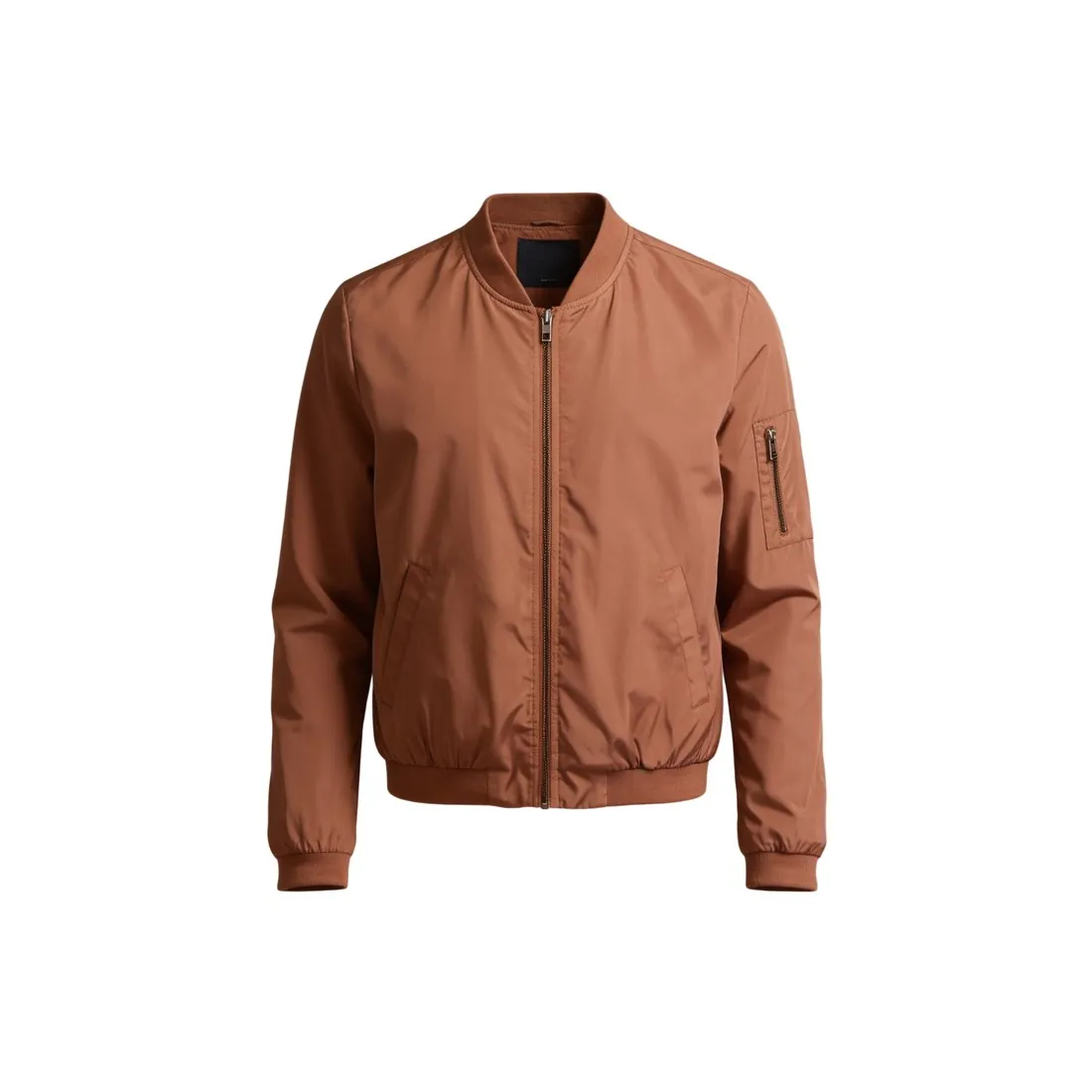
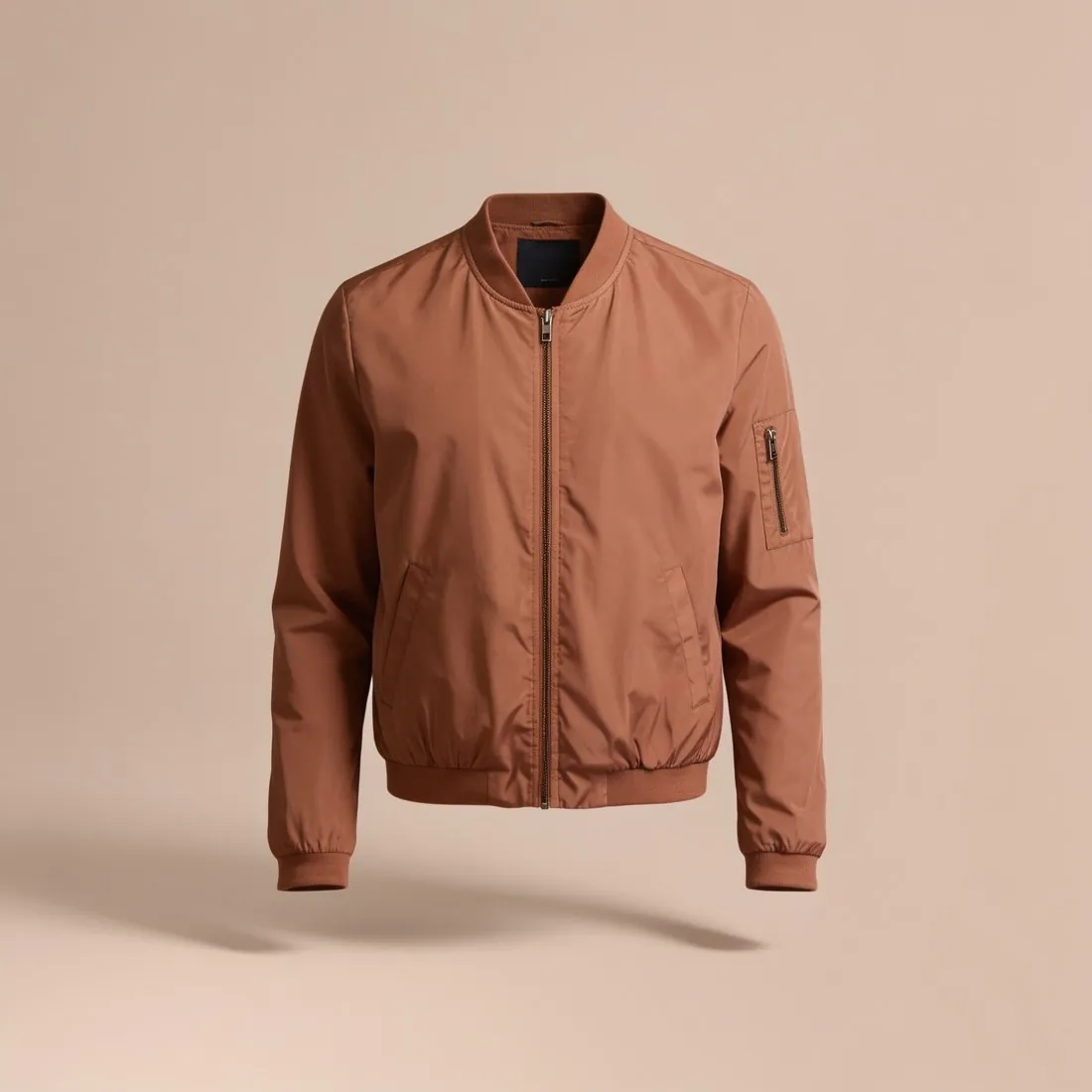
All Temu image requirements
Source: TEMU Partner Platform documentation — Product Basic Introduction; Product Listing Instructions; Common Issues During Product Publishing. Checked 12 October 2026.
- Apparel images
- Apparel carousel images use a 3:4 aspect ratio, with a width of at least 1,340 pixels and a height of at least 1,785 pixels
- Non-apparel images
- Non-apparel carousel images use a 1:1 aspect ratio, with a width and height of at least 800 pixels
- Main image
- The first carousel image of each SKC (apparel) or SKU (non-apparel) is taken as its preview image, and the first image of the first SKU opens the product carousel
- Detail images
- Up to 50 product images in the description, each at least 480 pixels wide and 480 pixels high with an aspect ratio of at least 1:3
- Formats
- JPEG, JPG or PNG
- File size
- 3 MB or less per image
- Number
- 3 to 10 carousel images, and the image field requires at least 3 distinct images
- Size chart image
- JPEG, JPG or PNG, at least 800 pixels wide and 800 pixels high, aspect ratio (width to height) of at least 1:3, 3 MB or less
- Validation
- The backend validates the size, dimensions and ratio of images and videos, and image links must be accessible
What Temu asks for, covered.
Apparel on Temu needs 3:4 images of at least 1,340 × 1,785 pixels; Herofab's 3:4 output is 1,728 × 2,304 pixels in 2K. Other goods need square images of at least 800 × 800 pixels; square 2K output is 2,048 pixels wide. A 2K PNG can weigh more than Temu's 3 MB limit, so the JPG download is the safer file. Several poses of the same model can be ordered together, which helps reach the minimum of three distinct images.
Apparel in 3:4
3:4 output is 1,728 × 2,304 pixels in 2K, above the 1,340 × 1,785 minimum for apparel.
Square for other goods
Square 2K output is 2,048 pixels wide, above the 800 × 800 minimum.
JPG under 3 MB
Herofab images can be downloaded as PNG or JPG; a 2K PNG can exceed Temu's 3 MB limit.
Temu, answered.
What size should Temu product images be?
Temu product images: 3:4 at 1,340 × 1,785 pixels or more for apparel, 1:1 at 800 × 800 or more for other goods, JPEG or PNG up to 3 MB.
What should the main image look like on Temu?
The first carousel image of each SKC (apparel) or SKU (non-apparel) is taken as its preview image, and the first image of the first SKU opens the product carousel. Source: TEMU Partner Platform documentation — Product Basic Introduction; Product Listing Instructions; Common Issues During Product Publishing, checked 12 October 2026.
Which file formats does Temu accept for product images?
JPEG, JPG or PNG. Source: TEMU Partner Platform documentation — Product Basic Introduction; Product Listing Instructions; Common Issues During Product Publishing, checked 12 October 2026.
How large can a product image file be on Temu?
3 MB or less per image. Source: TEMU Partner Platform documentation — Product Basic Introduction; Product Listing Instructions; Common Issues During Product Publishing, checked 12 October 2026.
How many images per product on Temu?
3 to 10 carousel images, and the image field requires at least 3 distinct images. Source: TEMU Partner Platform documentation — Product Basic Introduction; Product Listing Instructions; Common Issues During Product Publishing, checked 12 October 2026.
Can I check my images before uploading?
Yes. The free image size checker reads each file in your browser and tests it against these rules; the image is not uploaded.
Where do these figures come from?
From TEMU Partner Platform documentation — Product Basic Introduction; Product Listing Instructions; Common Issues During Product Publishing, read on 12 October 2026. Marketplaces update their rules; the official page is the final reference.
Your next collection, shot this week.
20 credits at sign-up, no card required. Images made with free credits carry a watermark.