Square photos for Mercado Livre, the product filling the frame.
Mercado Livre asks for a square image in which the product takes up almost the whole frame, large enough for buyers to zoom. From one phone photo, Herofab's packshot studio delivers the product alone on a white studio background or on a light ground, and the result can be downloaded in the size Mercado Livre recommends.

What Mercado Livre looks at in a photo.
- 1
A square frame, nearly full
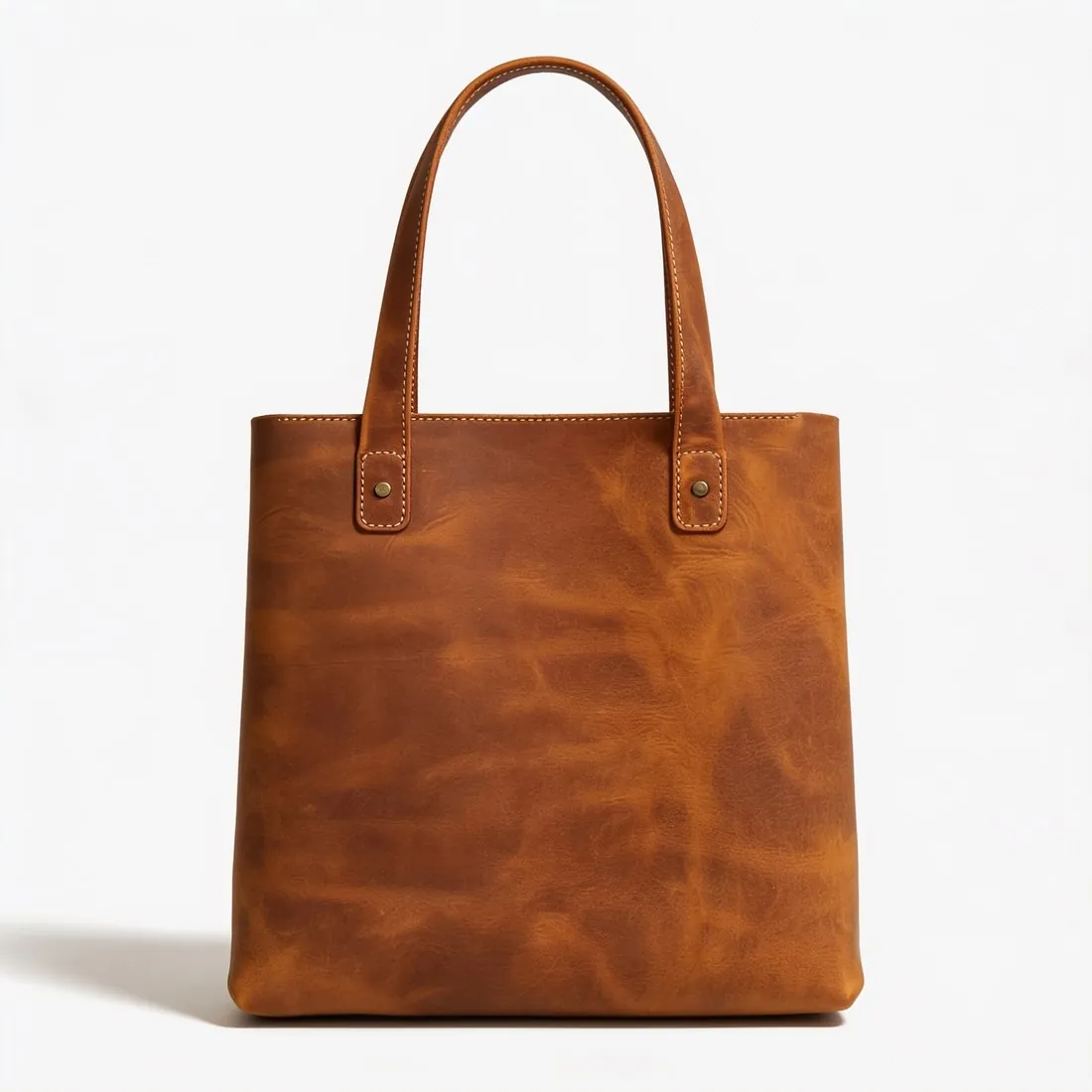
Mercado Livre wants width and height equal, or close to it, with the product filling almost the entire image. A packshot shows the product once, centred and filling most of the frame, yet a long strap or an upright handle makes the product itself smaller inside the square. Before uploading, look at how much empty ground is left around it.
- 2
White in some categories, light in the rest
A white background is still required in technology, beauty, health and supermarket. Elsewhere Mercado Livre recommends light, contextual backgrounds. The packshot studio covers both from one source photo: studio white, or a light ground such as beige, linen or a home setting. Check first which group the listing's category is in.
- 3
One product, no watermark
Watermarks are not allowed on Mercado Livre, and neither are several products in one photo. A packshot carries a single product, with no people, hands or mannequins beside it. Images made on free credits carry a watermark, so they serve as a preview and not as the listing image. The source photo should show one item only as well.
What Mercado Livre asks for.
Source: Mercado Livre Central de Vendedores — Fotos de qualidade. Checked 24 September 2026.
- Size
- At least 500 pixels on the longest side; 1,200 × 1,200 recommended so buyers can zoom
- Shape
- Width and height equal — square or close to it; the product fills about 95% of the image
- Background
- White is still required for technology, beauty, health and supermarket; elsewhere light, contextual backgrounds are recommended
- Not allowed
- Watermarks, and several products in one photo
The source photo for a square, zoomable image.
- Photograph the whole product straight on with an even margin on every side, so that it sits in the centre once the image becomes a square.
- Lay a long strap, a chain or laces in a curve close to the product, still whole in the photo; a compact outline fills more of the square than a sprawling one.
- Move close enough that stitching and label text stay sharp when the photo is enlarged, because Mercado Livre recommends a size that lets buyers zoom.
Product photos for Mercado Livre, answered.
Does every Mercado Livre listing need a white background?
No. White is still required in technology, beauty, health and supermarket; in the remaining categories Mercado Livre recommends light, contextual backgrounds. The packshot studio makes the product on studio white, and also on grey or beige, marble, wood, linen, a podium, outdoors or in a home setting, so either kind of image starts from one upload.
Is the result large enough for Mercado Livre's zoom?
Images are delivered in 2K, or 4K as an option, and square output at either resolution is above the size Mercado Livre recommends for zoom. At download, Mercado Livre is one of the marketplace sizes: the square file in that recommended size is made from the delivered image, and the product is not cropped to fit.
How can a photo be tested before it goes into the listing?
Herofab's free Mercado Livre checker reads the file in the browser and tests it against the published rules, among them the square shape and how much of the image the product fills; the file is not uploaded. The checker does not stand in for the marketplace's own review. Mercado Livre decides what it accepts, and its official page is the final reference.
How much does it cost?
4 credits per image, plus one credit for 4K. The cost is shown before you generate, and if a job fails the credits are returned. The 20 free credits at sign-up cover 5 images with this tool.
Your next collection, shot this week.
20 credits at sign-up, no card required. Images made with free credits carry a watermark.