One printed sample, every garment colour of the listing.
A print-on-demand seller owns a design and often holds no stock. Herofab starts from a photo of a real product, not from an artwork file, so the honest route is one printed sample, photographed once. From that image the other garment colours of the listing are made with colour variants.
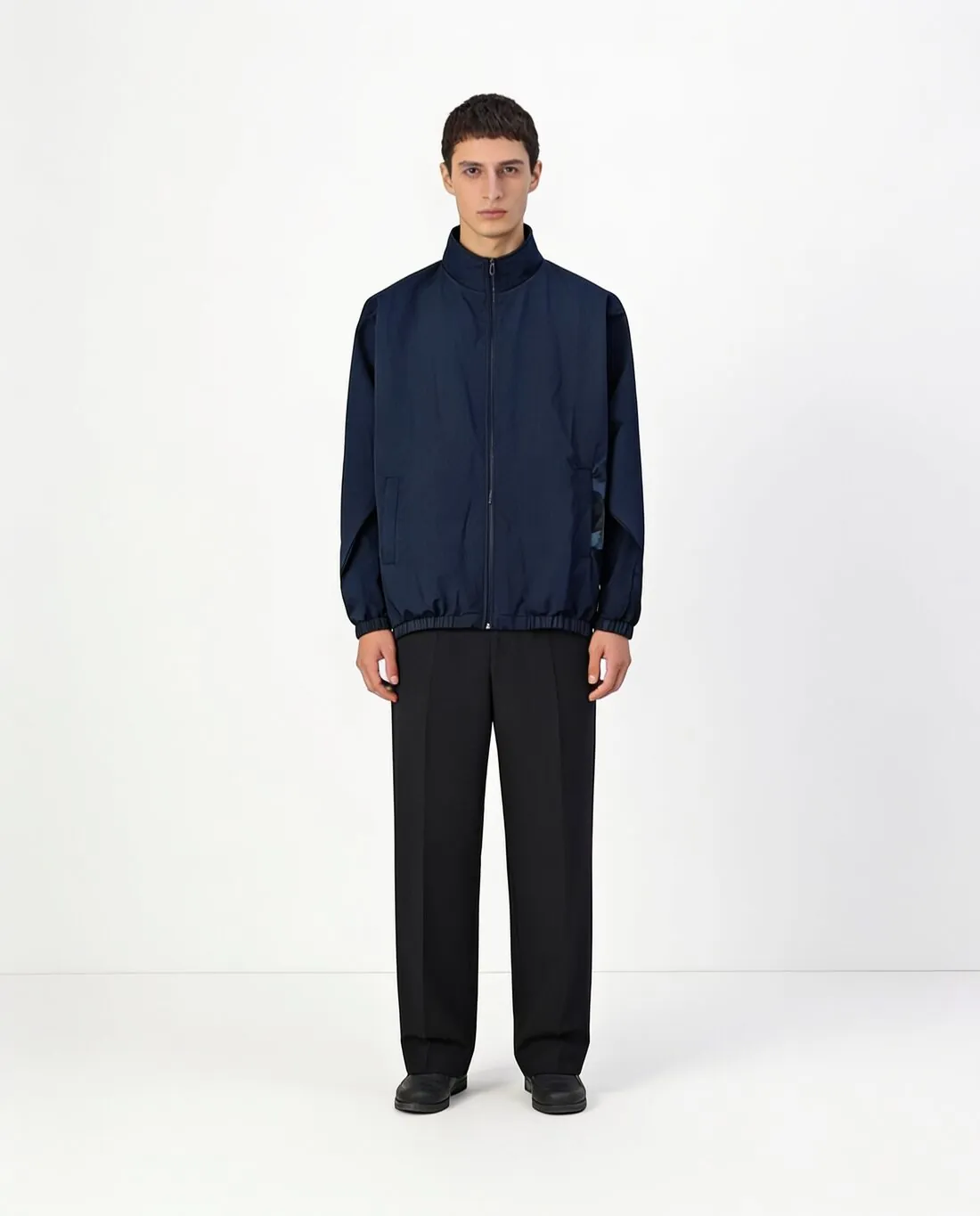
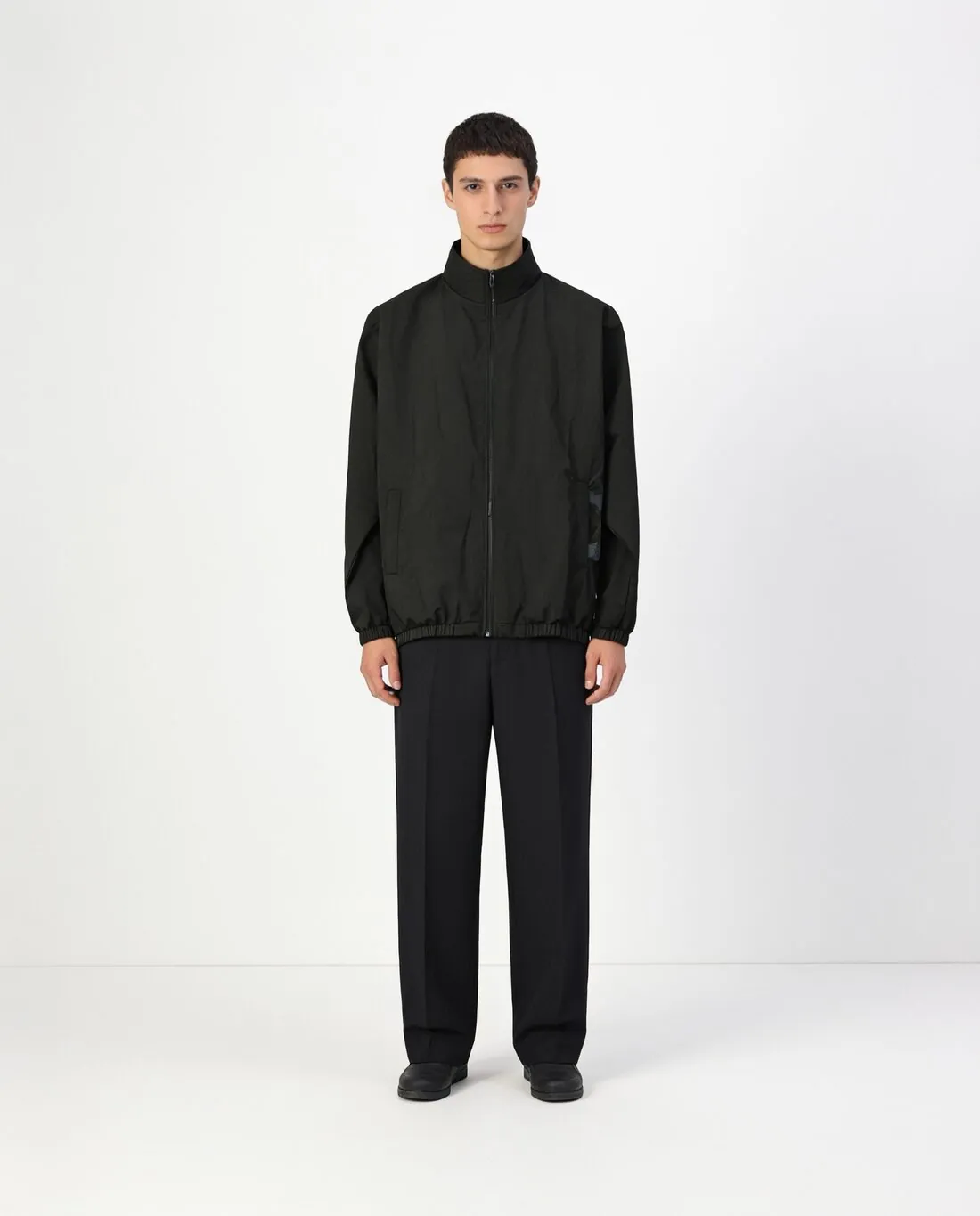
What a print-on-demand listing has to settle first.
- 1
A photo of the print, not the file
Herofab works from a photograph of a product. One sample ordered from the printer and photographed shows the design as it is produced: its size on the chest, its distance from the collar and the way the ink sits on the cloth. Every colour variant inherits these from the single source image, so the sample sets the look of the listing.
- 2
Ink that changes with the garment
Unless the seller chooses otherwise, the design keeps the colours it was printed in while the garment changes, which fits artwork printed in the same inks throughout. Where the printer switches the ink, light on dark cloth and dark on light, the print is recoloured on request. Decide colour by colour, by what will be shipped.
- 3
Lettering and shade before publishing
The print is briefed to stay as photographed, and its small lettering is the part to read first: a slogan, a fine outline, a signature line under the artwork. Then compare each garment colour with the printer's colour card or with a real unprinted garment, because the shade is chosen on a screen and the cloth is dyed in a factory.
Photographing the printed sample once, for all colours.
- Order the sample in a mid-tone garment colour where the range allows, and photograph it on a hanger or laid flat, whole and straight on.
- Smooth the cloth under the design until no crease crosses it, and shoot in even daylight without flash, which leaves a glare on glossy ink.
- For a garment colour outside the palette, photograph the printer's colour card or an unprinted garment of that colour and upload it as the colour reference.
AI product photos for print-on-demand, answered.
Can Herofab place a design file on a garment without a photo?
No. Herofab starts from a photo of a real product, and the colour variants are made from that photo. The route for a print-on-demand shop is one printed sample, photographed once on a hanger or laid flat. The remaining garment colours of the listing follow from that single image, with the design as the printer produced it.
Does every garment colour need its own printed sample?
Not for the image. One sample is the source, and each further colour is picked from the palette or matched to a photo of that colour. A variant still shows a garment that has not been photographed, so compare it with the printer's colour card and, for the main colours of the listing, with a real print.
How does a print-on-demand design get onto a model?
With virtual try-on, from the same sample photo. The seller picks a ready-made model or one created and saved to the library, then a size, a pose and a background, and Herofab dresses the model in the printed garment. Where the design can be matched, the photographed one is carried into the image; where it cannot, it is drawn again, so read it closely on the result.
How much does it cost?
3 credits per image, plus one credit for 4K. The cost is shown before you generate, and if a job fails the credits are returned. The 20 free credits at sign-up cover 6 images with this tool.
Your next collection, shot this week.
20 credits at sign-up, no card required. Images made with free credits carry a watermark.